Catherine Hu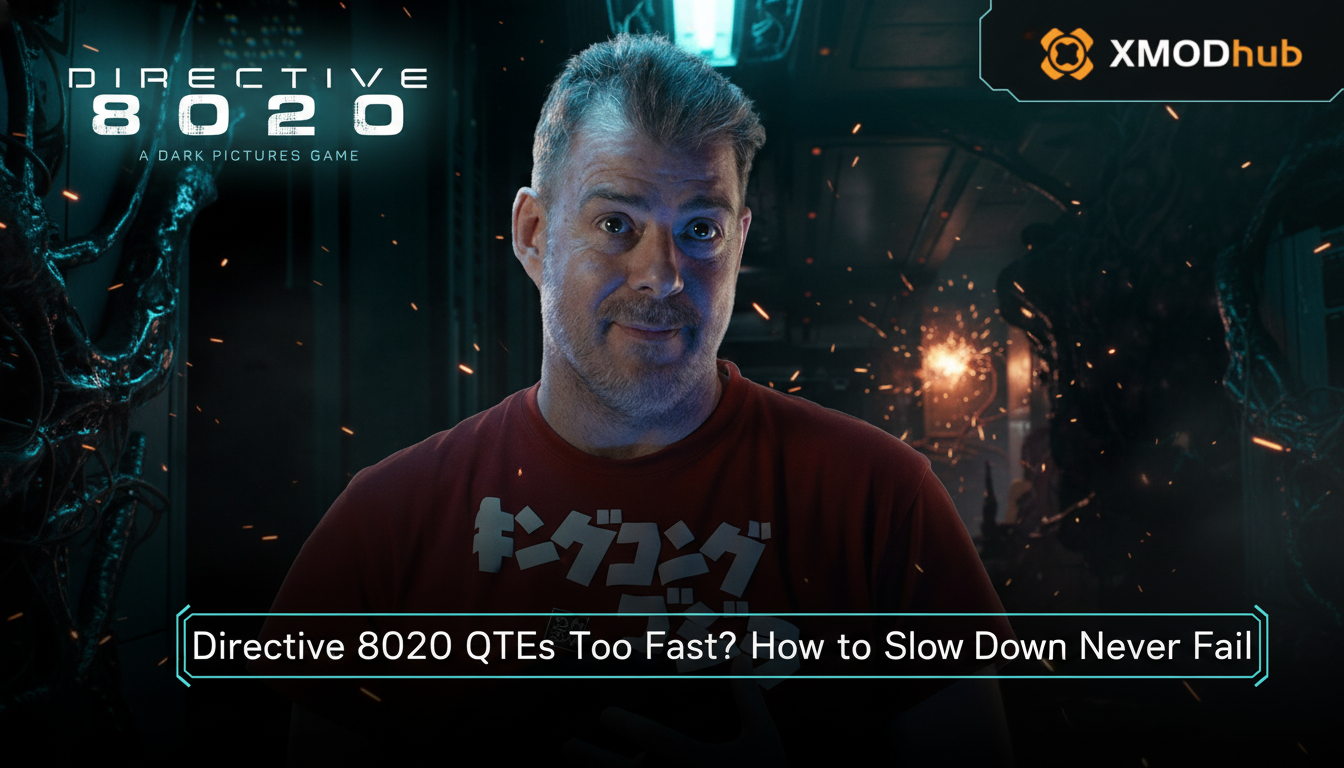
You are twenty hours deep into the atmospheric, heart-pounding terror of Directive 8020. You’ve navigated the claustrophobic corridors, managed your dwindling resources, and successfully pieced together the narrative breadcrumbs. Then, it happens. A sudden, chaotic Quick Time Event (QTE) flashes on the screen. Your hands twitch, you mash the button, but the screen fades to black. You failed. The character you’ve spent the entire campaign protecting is dead, and you are forced to reload a save from ten minutes ago. If this scenario sounds painfully familiar, you are not alone. The QTE system in Directive 8020 is designed to be punishing, but it is not impossible to master.
🛰️ Editor’s Note
As a veteran with over 100 hours logged in high-stakes survival horror titles, I have spent significant time stress-testing the input windows of Directive 8020. The “speed” of these QTEs is often a perception issue caused by input latency and visual processing overload. In this guide, I will break down how to optimize your environment and your mindset to conquer these segments once and for all.
⚡ TL;DR: The Short Answer
If you are looking for the quickest way to overcome the fast QTEs in Directive 8020, follow this summary table. These adjustments will drastically increase your success rate.
| Méthode | Action | Effectiveness |
|---|---|---|
| Input Latency Check | Enable “Game Mode” on your monitor/TV. | Haut |
| Visual Processing | Focus on the center of the screen, not the edges. | Medium |
| Accessibility Settings | Toggle “Extended QTE Timer” in the Options menu. | Very High |
| The Ultimate Fix | Use XMODhub for QoL modifications. | Guaranteed |
⚙️ The Mechanics Behind Directive 8020 QTEs
To defeat the QTEs in Directive 8020, you must first understand how they function under the hood. Unlike traditional action games where QTEs are rhythm-based, Directive 8020 utilizes a dynamic input system. This means the game tracks your reaction speed and adjusts the “failure window” based on the character’s current stamina, stress level, and environmental conditions.
The game engine is designed to create anxiety. The visual cues—the red flashes, the screen shake, and the audio cues—are specifically tuned to distract you from the actual button prompt. Many players fall into the trap of reacting to the visual chaos rather than the specific icon that appears on the screen. Understanding that the game is intentionally trying to overwhelm your senses is the first step toward beating it.
⚠️ Common Mistakes Players Make
Even seasoned gamers often fall victim to bad habits in survival horror titles. Here is why you are failing your QTEs in Directive 8020:
🛠️ Alternative Methods to Improve Performance
If you are struggling to hit the prompts, you don’t necessarily need to be a professional esports player. There are several ways to mitigate these challenges without sacrificing the integrity of your playthrough.
1. The “Peripheral Vision” Technique
Instead of staring directly at the action, try to soften your gaze. By focusing on the center of the screen where prompts appear, you allow your peripheral vision to track the character’s movement. This reduces the cognitive load on your brain, allowing you to process the QTE icon faster.
2. Hardware Calibration
Ensure your PC is running at a consistent frame rate. If your frame rate is fluctuating (stuttering), the game’s input registration will become inconsistent. Lower your graphical settings to High or Medium to ensure a locked 60 FPS (or higher). A stable frame rate makes the QTE timing windows predictable and consistent.
3. Adjusting Accessibility Options
Directive 8020 includes several accessibility features that many players overlook. Navigate to the Settings menu and look for “Accessibility.” Here, you can often find options to extend the duration of QTE windows or change the input method to a single-button press. These are not “cheats”; they are tools designed to make the game accessible to all players.
As you work through these encounters, remember that every mistake is a learning opportunity. However, if you are looking to master the game’s narrative and avoid the frustration of constant reloads, you should also focus on your overall strategy. For those interested in seeing how these high-stakes decisions affect the long-term narrative, I highly recommend checking out our comprehensive Directive 8020 Endings Guide: Every Possible Outcome Explained to understand the weight of your survival.
🚀 Advanced Tips for Hardcore Survival
For those who want to play Directive 8020 on the hardest difficulty settings, “standard” advice isn’t enough. You need to develop muscle memory and predictive awareness.
🔍 Decoding Directive 8020 QTE Types
Not all Quick Time Events in Directive 8020 are created equal. Identifying the type of prompt immediately upon its appearance is crucial for success. Use this breakdown to categorize the threat and respond accordingly.
| QTE Type | Visual Indicator | Success Strategy |
|---|---|---|
| Timed Precision | Shrinking circle/reticle | Wait for the “sweet spot” rather than rushing. |
| Rapid Mash | Pulsing button icon | Maintain a steady, rhythmic pace; do not panic. |
| Directional Flick | Arrow prompt | Move stick firmly in the direction; avoid diagonals. |
🖥️ Technical Optimization Checklist
Sometimes the failure isn’t your reaction time—it’s your hardware. Before you blame your thumbs, run through this technical checklist to ensure your PC is optimized for the tightest input response possible.
🚀 The XMODhub Solution: Taking Control
Sometimes, despite your best efforts, the QTEs in Directive 8020 can simply feel unfair or tedious, especially on repeat playthroughs. If you are playing to experience the story rather than to prove your reflexes, there is no shame in using external tools to enhance your quality of life. This is where XMODhub becomes an essential part of your gaming toolkit.
XMODhub provides a robust suite of tools that allow you to tailor the game to your preferred difficulty level. Whether you want to slow down the game speed during intense sequences, enable “God Mode” to prevent instant-fail deaths, or simply adjust resources to ensure you aren’t constantly fighting the mechanics, XMODhub has you covered.
Getting started with XMODhub is incredibly straightforward:

💬 Frequently Asked Questions
A: Yes. Lowering the global difficulty setting in Directive 8020 typically extends the input window for QTEs, making them more forgiving for players who struggle with reaction times.
A: Most players find that a controller offers a more intuitive experience for QTEs. The button layout is generally more ergonomic for rapid inputs compared to a keyboard.
A: Directive 8020 is primarily a single-player experience. Using QoL tools or mods via XMODhub is generally safe and will not result in any penalties, as it does not affect other players.
A: In the standard game settings, no. QTEs are an integral part of the Directive 8020 gameplay loop. However, using mods via platforms like XMODhub can effectively allow you to bypass the difficulty of these segments.
🌟 Final Verdict: Mastering the Chaos
Directive 8020 is a masterpiece of tension, but that tension shouldn’t come at the cost of your enjoyment. By understanding the mechanics, optimizing your hardware, and utilizing accessibility features, you can overcome even the most brutal QTE sequences. Remember, the goal is to immerse yourself in the narrative and survive the horrors of the station—don’t let a fast button prompt stop you from seeing the end of the story.
If you find yourself hitting a wall, remember that you have options. XMODhub is designed to support thousands of titles, from massive open-world RPGs to intense horror experiences like Directive 8020. Whether you are playing the latest survival hit or revisiting classics like Resident Evil 4 ou Dead Space, XMODhub provides the control you need to play on your own terms. Take a deep breath, adjust your settings, and get back into the game.

Je suis un joueur passionné et j'écris sur XMODhub, qui se consacre à vous apporter les dernières nouvelles, astuces et idées en matière de jeux.
Connectez-vous avec moi :
Profil LinkedIn

 Nancy Miller