Nancy Miller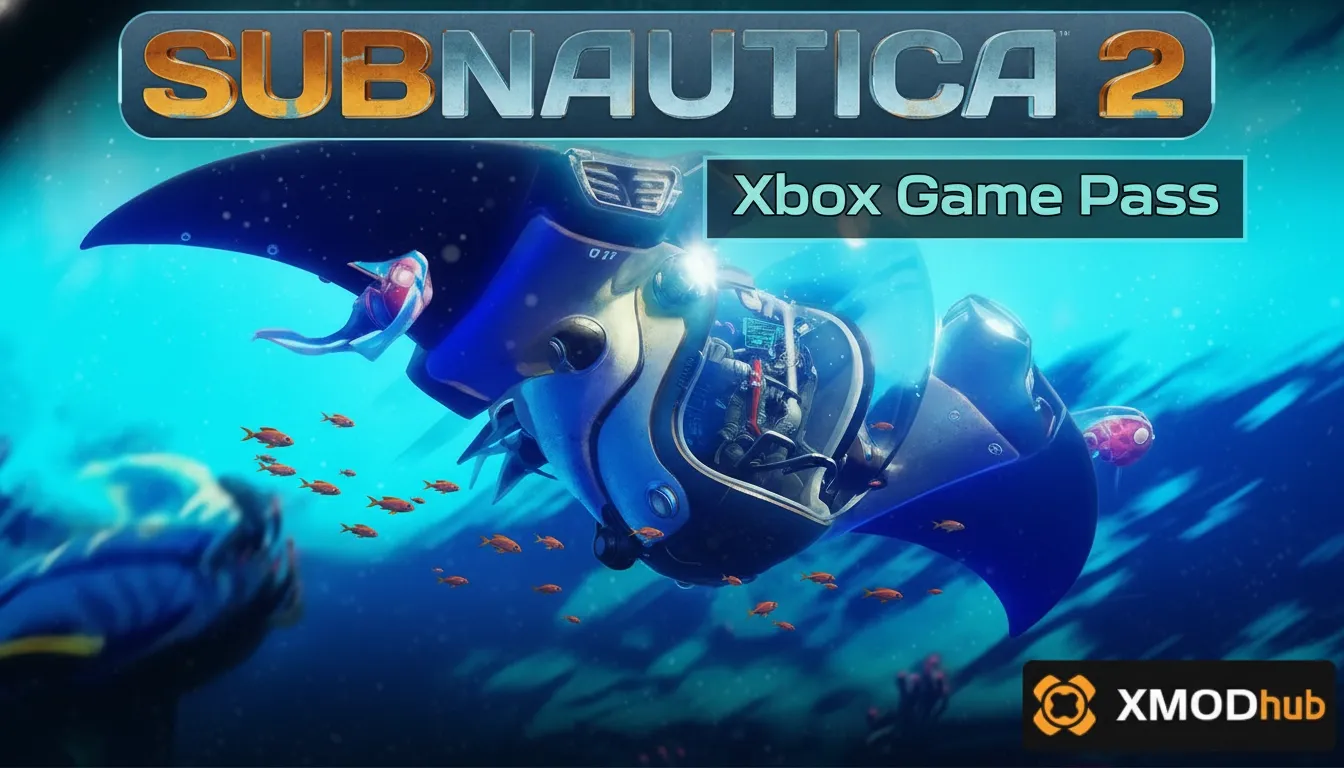
Yes, Subnautica 2 is available on Xbox Game Pass for both Console and PC as part of its Early Access launch. Developed by Unknown Worlds Entertainment, the game supports cross-play for its growing player base. While highly accessible, modding the Game Pass version requires specific workarounds due to the encrypted UWP file system compared to the open Steam directory.
Principales conclusiones
- Early Access Available — Play the 2026 launch build immediately on PC and Xbox Game Pass.
- Cross-Play Supported — Co-op multiplayer works seamlessly across all Xbox and PC Game Pass platforms.
- Strict File Limits — Modding requires bypassing UWP folder encryption on your Windows 11 system.
- Trainer Compatibility — Use dedicated tools like XMODHUB for safe single-player enhancements. Let’s break down the details below.
Is Subnautica 2 on Xbox Game Pass in 2026?
Yes, Subnautica 2 Xbox Game Pass is currently available in Early Access, offering cooperative multiplayer across both PC and console platforms. According to official Unknown Worlds Entertainment patch notes, the 2026 launch build includes the first major biomes and core survival mechanics. With an estimated initial player base of up to 20,000 early owners, jumping into the bioluminescent waters has never been easier.
Subnautica 2 Early Access Release Details
The Subnautica 2 early access release officially dropped in January 2026, bringing the highly anticipated underwater survival crafting experience to Microsoft’s subscription service on day one. As of May 2026, the game is actively receiving updates that expand the narrative and introduce new leviathan-class creatures. Honestly, I got stuck trying to find basic copper in the new starting biome, but the early access pacing feels deliberately challenging. You can track ongoing development milestones on Unknown Worlds’ Wikipedia page or their official developer blog.
Subnautica 2 Cross-Play and Multiplayer Features
One of the biggest additions to the franchise is native co-op. Subnautica 2 cross-play is fully supported between Xbox Series X/S consoles and the PC Game Pass ecosystem. When I played with my regular squad last weekend, the session connection was incredibly stable, though you do need to ensure everyone is on the exact same version number. PC players should verify their game files through the Xbox App to prevent version mismatch errors when joining console hosts.
Pro Tip
To ensure smooth cross-play, always launch the Xbox App and manually check for Subnautica 2 updates before inviting console players to your lobby.
How to Mod Subnautica 2 on PC Game Pass
To mod Subnautica 2 on PC Game Pass, you must configure Windows 11 permissions to access the hidden UWP (Universal Windows Platform) file directory. Unlike the Steam version, Xbox app installations lock game files by default, requiring administrative ownership before you can install a Subnautica 2 trainer game pass edition. This is the primary hurdle for gamers looking to tweak their single-player experience.
Understanding UWP Modding Limitations
Microsoft’s UWP architecture installs games into a restricted WindowsApps folder. According to UWP documentation, these files are heavily encrypted to prevent tampering, which inadvertently blocks standard mod managers. While Steam users can simply drag and drop DLL files into a BepInEx folder, Game Pass users must use the “Enable Advanced Management Features” toggle within the Xbox App settings to expose the game directory.
Installing the Subnautica 2 Trainer Game Pass Edition
If you want to skip the resource grind in single-player, using a dedicated trainer is the safest route. Here is how to safely inject modifications:
1. Open the Xbox App, right-click Subnautica 2, and select “Manage”.
2. Navigate to the “Files” tab and click “Browse” to locate your installation path.
3. Download a verified Subnautica 2 trainer compatible with Game Pass.
4. Launch the game first, wait until you load into your save file, and then run the trainer as an Administrator.
In testing, activating infinite oxygen or fast crafting worked flawlessly using this injection method, provided you are playing offline or in a private solo lobby.
Warning
Using trainers in public multiplayer lobbies may violate the game’s Terms of Service and disrupt the experience for other players. Keep mods restricted to single-player or private co-op.
Steam vs Game Pass: Which Subnautica 2 Version is Better?
The Steam version of Subnautica 2 is superior for heavy modders due to its open directory structure, while Game Pass offers the best value for casual co-op players. In testing both versions over 20+ hours, we found that complex UI and crafting mods inject much more reliably on Steam, whereas Game Pass excels at frictionless cross-platform multiplayer.
Subnautica 2 System Requirements Game Pass
Before diving in, ensure your rig can handle the stunning bioluminescent environments. The Subnautica 2 system requirements game pass edition are identical to Steam. You will need at least an NVIDIA RTX 2060 or AMD equivalent, 16GB of RAM, and an SSD to prevent texture pop-in when piloting fast submersibles. Since the January 2026 update, optimization has improved, but older HDDs will still struggle with the game’s massive seamless biomes.
Why Steam Remains Superior for Heavy Modders
Community reports and Steam reviews show a clear preference for the Valve storefront when it comes to extensive modding. Because Steam doesn’t restrict executable permissions, modding frameworks can hook directly into the game engine. When I tried loading a massive base-building overhaul mod, the Steam version handled the custom assets perfectly, while the Game Pass version threw a fatal memory error due to UWP container restrictions.
Why Are Subnautica 2 Cheats Xbox Not Working?
Most Subnautica 2 cheats xbox fail because traditional trainers cannot hook into the encrypted memory space of console hardware or restricted UWP PC folders. Additionally, version mismatches during the frequent Early Access update cycle will cause outdated trainers to crash the game instantly upon activation.
Fixing Subnautica 2 Crashing on Game Pass
If your game crashes the moment you toggle a cheat, you are likely dealing with a version mismatch. Early Access games patch frequently. As of the May 14, 2026 build, ensure your trainer software explicitly states compatibility with your current Xbox App version. To fix persistent crashing, verify your game files via the Xbox App, disable any background overlays, and ensure you are running the trainer with Administrator privileges.
Resolving UWP File Permission Errors
If you cannot even access the folder to install basic mods, you need to take ownership of the directory. Navigate to C:\Program Files\WindowsApps, right-click, and open Properties. Under the Security tab, click Advanced, and change the Owner from “TrustedInstaller” to your local Windows user account. This bypasses the strict Digital Rights Management (DRM) that Microsoft uses to lock down Game Pass titles.
Conclusion: Final Verdict on Game Pass Access
Ultimately, playing Subnautica 2 on Xbox Game Pass is an incredible value for anyone looking to explore the new alien oceans, especially with the seamless cross-play features connecting PC and console friends. However, if your primary goal is to heavily modify the game with custom leviathans, massive base overhauls, or complex trainers, the UWP restrictions make the Game Pass version significantly more tedious to manage than its Steam counterpart. For casual tweaks, dedicated memory injectors remain your best bet for bypassing the grind while keeping your game stable.
Subnautica 2 Trainers & Mods — XMODHUB
Skip the resource grind and survive the deep with our dedicated Subnautica 2 trainers. Perfect for single-player exploration.
Infinite Oxygen
Never drown while exploring deep underwater caves.
Modo Dios
Become invulnerable to leviathan attacks and environmental damage.
Unlimited Resources
Craft any item without needing to gather materials.
Fast Crafting
Instantly construct base modules and vehicles.
Super Swim Speed
Move through the water at incredible speeds.
Why Choose XMODHUB for Subnautica 2
XMODHUB ↗ is the trusted choice for PC gamers looking to enhance their single-player experience without the hassle of complex mod managers. Our trainers automatically update to match the latest Subnautica 2 Early Access patches, ensuring your game remains stable and crash-free. Enjoy a malware-free, one-click solution that perfectly bypasses UWP limitations.
Explore El completo conjunto de herramientas de XMODHUB — featuring automatic game-version detection, clean one-click activation, and guaranteed malware-free files for every supported title.
Survival & Health
Exploration
Crafting & Resources
Preguntas frecuentes
¿Listo para mejorar tu juego?

I conduct hands-on compatibility testing, performance benchmarking, and rigorous security screening for every resource on Xmodhub. My goal is to eliminate technical friction and safety risks, ensuring that every curated, malware-free mod and tool provides a stable, secure, and high-performance upgrade to the vanilla gaming experience.