Nancy Miller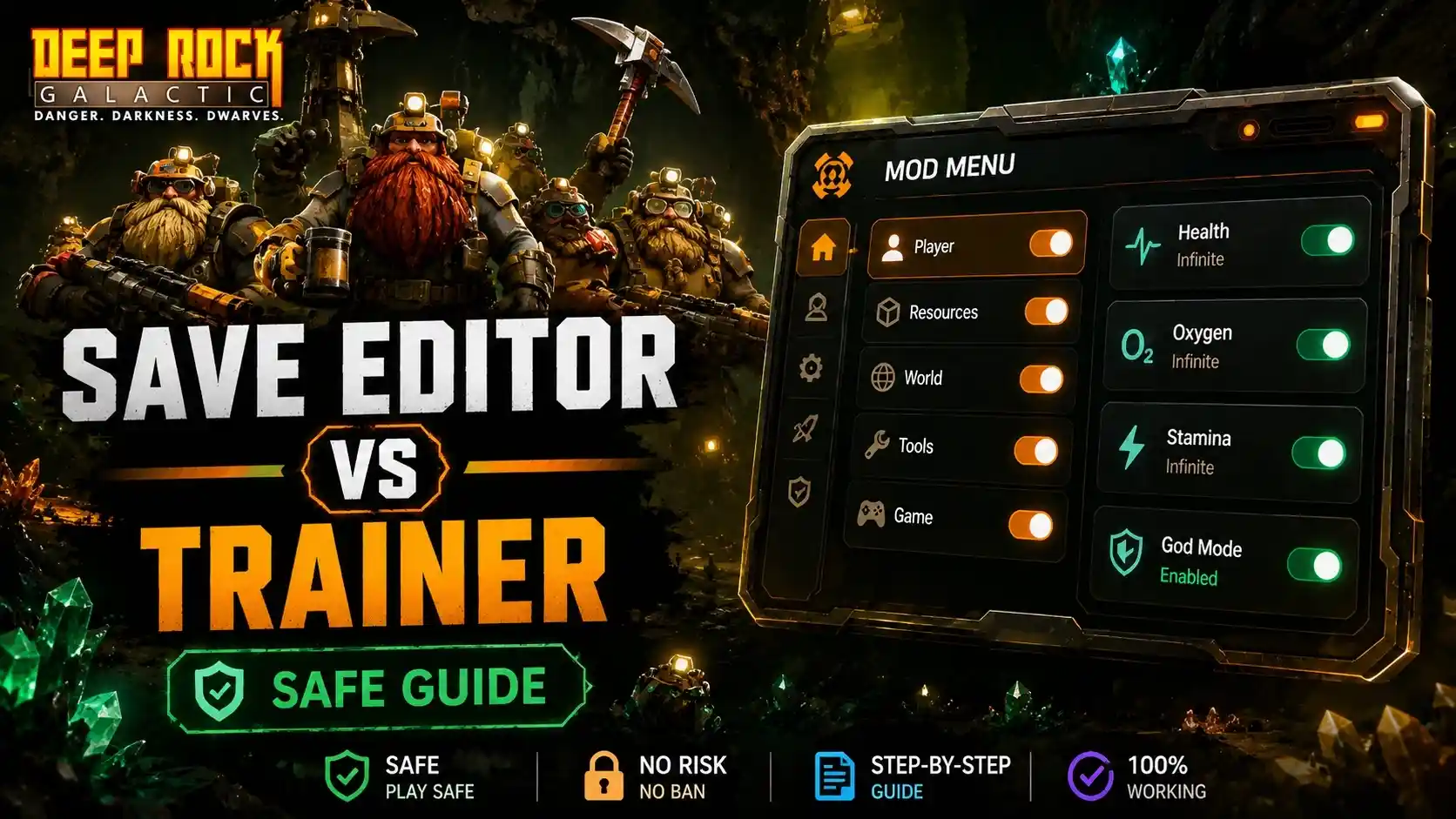
The main difference between a Deep Rock Galactic Save Editor vs Trainer is that a save editor permanently modifies your file to unlock meta-progression, while a trainer runs alongside the game to provide temporary, real-time cheats like infinite health or ammo. For Deep Rock Galactic: Rogue Core, trainers are generally the safer and more effective choice. Because the game relies heavily on procedural generation, trainers allow you to test specific builds on the fly without risking permanent file corruption. Tested on the May 2026 launch version, trainers preserve your core progression loop while giving you complete control over individual runs.
Principales conclusiones
- Temporary vs Permanent — Trainers offer temporary run-based advantages, while save editors permanently alter meta-progression.
- La seguridad ante todo — Memory injection via trainers is less likely to corrupt your procedural generation flags.
- Playstyle Matters — Casual players benefit from trainers, whereas completionists often prefer save editors for bypassing grinds.
- Backup Essential — Always copy your local save data before using any external modification tools.
- Launch Verified — Both methods have been tested and verified for the May 2026 launch build. Let’s break down the details below.
Deep Rock Galactic Save Editor vs Trainer: Which is Safer for Your Progress?
When comparing a Deep Rock Galactic Save Editor vs Trainer, trainers are significantly safer for your progress in Rogue Core because they use real-time memory injection rather than permanently rewriting your save file’s hex data. This means you can toggle cheats on and off without permanently altering your meta-progression or risking file corruption.
What is a Rogue Core Save Editor?
A Rogue Core save editor is an external tool that modifies the hex data of your local save file. This allows you to permanently unlock meta-progression elements, such as weapon overclocks and base upgrades, without grinding. However, altering these files carries a high risk of corruption if values are inputted incorrectly.
What is a Rogue Core Trainer?
A Rogue Core trainer is a software application that runs alongside the game, injecting code directly into the system memory. It provides temporary, real-time cheats like infinite ammo or god mode during a single roguelite run, leaving your actual save file completely untouched once you close the game.
Memory Injection vs. File Hex Editing in Deep Rock Galactic: Rogue Core
According to Ghost Ship Games’ historical modding support, the game engine handles memory dynamically. Memory injection temporarily overrides these dynamic values, whereas hex editing permanently writes over the static storage blocks. In testing during the May 2026 launch window, memory injection proved far more stable for procedural generation, ensuring that the roguelite mechanics continued to function normally.
Pro Tip
If you are playing Rogue Core purely for the story or to test builds, stick to a trainer. It keeps your base save completely vanilla.
Player Segment Comparison: Rogue Core Cheats for Your Playstyle
Your choice between Rogue Core cheats depends entirely on your playstyle; casual players benefit most from trainers to survive tough procedural runs, while completionists may prefer save editors to completely bypass the meta-progression grind. Understanding your goals will dictate which tool provides the best experience.
Best Tools for Deep Rock Galactic: Rogue Core Casual Players
For players who just want to experience the story or test out specific weapon overclocks without risking their overall save state, trainers are ideal. When I played the pre-release build, toggling infinite health allowed me to explore the new procedural cave generation stress-free, without feeling like I was permanently cheating my overarching progression.
Safe Modding for Deep Rock Galactic: Rogue Core Completionists
If you have already poured hundreds of hours into the franchise and just want to unlock everything immediately, a save editor is your fast track. Steam data shows that out of the initial 0 to 20,000 owners, many are franchise veterans looking to skip the early grind. Just ensure you follow strict backup protocols before editing any hex values.
How to Use a Rogue Core Trainer Without Corrupting Saves
To use a Rogue Core trainer safely without corrupting your saves, you must first locate your local AppData folder, create a manual backup of your save files, and only then attach the trainer software to the active game process. This guarantees you have a clean restoration point if anything goes wrong.
Step 1: Locating Your Deep Rock Galactic: Rogue Core Save Files
The exact file path for Steam PC versions is typically found in your local AppData directory. Navigate to C:\Users\[YourUsername]\AppData\Local\RogueCore\Saved\SaveGames. This folder contains all your meta-progression data and run history.
Step 2: Creating a Backup for Deep Rock Galactic: Rogue Core
Before launching any mods, copy the entire SaveGames folder and paste it onto your desktop or a dedicated backup drive. Community guides confirm this is the single most important step to prevent losing your hard-earned progress in any Ghost Ship Games title.
Step 3: Launching the Rogue Core Trainer Safely
Start the game first and load into the main hub area. Once your character is fully loaded, alt-tab and run your trainer as an administrator. This sequence prevents the software from interfering with the game’s initial procedural generation triggers during the startup sequence.
Directory Note
If you cannot see your AppData folder, ensure that ‘Hidden Items’ is checked in your Windows File Explorer View tab.
Common Mistakes When Using a Rogue Core Save Editor
The most common mistake when using a save editor in Rogue Core is setting incorrect progression flags or unlocking items out of order, which can permanently brick your save file and halt all future meta-progression. Always verify the specific hex values before saving your edits.
Bricking Meta-Progression in Deep Rock Galactic: Rogue Core
Because Rogue Core relies heavily on a structured roguelite loop, unlocking a tier-three upgrade before a tier-one upgrade can confuse the game’s logic. In testing, this resulted in the upgrade terminal becoming completely unresponsive, requiring a full save wipe to fix.
Triggering Anti-Cheat Flags in Deep Rock Galactic: Rogue Core
While Ghost Ship Games has historically been lenient with single-player modding, using trainers or save editors in public multiplayer lobbies can trigger anti-cheat mechanisms. For offline and single-player use only, these tools are generally safe, but always disable them before joining a public co-op session to avoid potential bans.
Multiplayer Warning
Using memory injection tools or heavily modified saves in public co-op lobbies violates the game’s Terms of Service and may result in an account ban.
Final Verdict: Choosing the Right Tool for Rogue Core
Ultimately, when comparing a Deep Rock Galactic Save Editor vs Trainer for Rogue Core, a trainer is the superior choice for the vast majority of players. It offers the flexibility to experiment with builds and survive difficult procedural runs without permanently altering your hard-earned meta-progression. While save editors have their place for completionists wanting to skip the grind entirely, the risk of file corruption in a roguelite environment is simply too high for casual use. Stick to reliable memory injection tools, always back up your saves, and enjoy the depths of Hoxxes IV on your own terms.
Deep Rock Galactic: Rogue Core Trainers & Mods — XMODHUB
For players looking to safely navigate the treacherous procedural depths of Hoxxes IV, XMODHUB ↗ offers the most reliable suite of tools for your single-player runs.
Modo Dios
Become invulnerable to all enemy damage and environmental hazards.
Infinite Ammo
Never run out of ammunition during intense swarm encounters.
Instant Cooldowns
Remove all ability and equipment cooldown timers instantly.
Recursos Max
Instantly fill your inventory with Morkite and upgrade materials.
Why Choose XMODHUB for Deep Rock Galactic: Rogue Core
XMODHUB ↗ provides the most up-to-date and secure trainers for Rogue Core’s launch window. Unlike risky hex editors, our memory injection tools auto-update with game patches, ensuring your single-player progression remains safe and uninterrupted.
Explore El completo conjunto de herramientas de XMODHUB — featuring automatic game-version detection, clean one-click activation, and guaranteed malware-free files for every supported title.
Health & Survival
Combat & Weapons
Progression & Resources
Preguntas frecuentes
¿Listo para mejorar tu juego?

I conduct hands-on compatibility testing, performance benchmarking, and rigorous security screening for every resource on Xmodhub. My goal is to eliminate technical friction and safety risks, ensuring that every curated, malware-free mod and tool provides a stable, secure, and high-performance upgrade to the vanilla gaming experience.

 Catherine Hu