
 Catherine Hu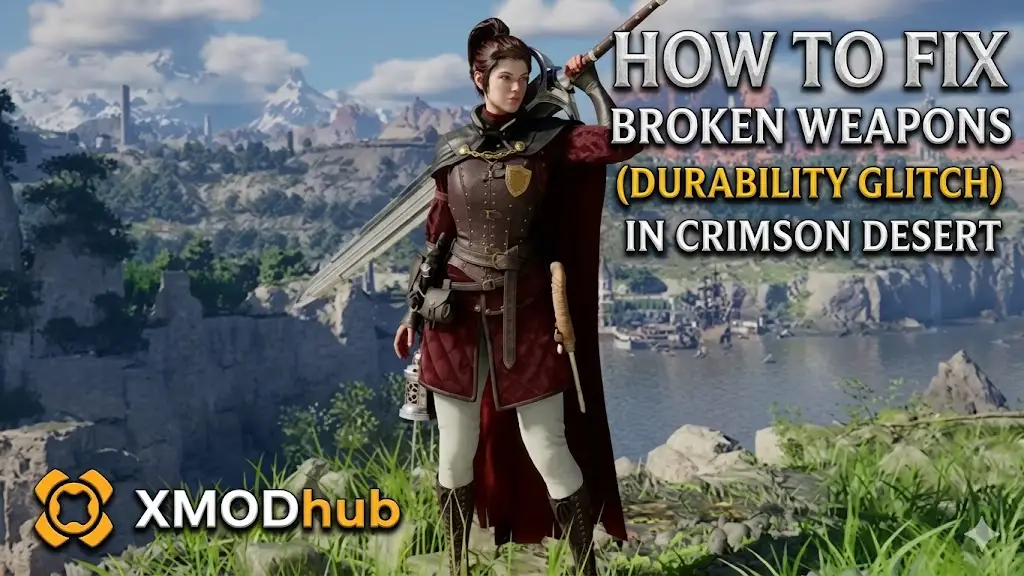
There is nothing more frustrating than being mid-combo against a massive boss in Pywel only to see the “Weapon Broken” icon flash on your screen. In Crimson Desert, your weapons aren’t just tools; they are your lifeline, but the harsh reality of the BlackSpace Engine means that every swing and parry chips away at your gear’s integrity.
If you’ve encountered the “Durability Glitch” where items break faster than intended or refuse to repair at a standard anvil, you are in the right place. We’ve analyzed the engine’s maintenance mechanics to provide you with a definitive guide on how to stay combat-ready.
Below, you will find “Answer First” solutions for standard repairs, the truth about why native cheats don’t work, and how to use XMODhub to ensure your legendary greatsword never dulls again.
También te puede gustar: Crimson Desert Cheat Engine Table vs. XMODhub: Best Free Trainer
Answer First: Quick Fixes for Broken Weapons
To get your gear back to 100% durability immediately, follow these verified steps:
- Find a Blacksmith NPC: Standard repair kits are rare in the early game. Your most reliable fix is to visit a Blacksmith in major hubs like Hernand. Interact with them and select “Repair All” to restore current durability using Silver.
- Restore Max Durability: If you failed an enhancement using Blackstones, your “Max Durability” might be capped. To fix this, you must sacrifice a duplicate of the same weapon or use a Memory Fragment at a Blacksmith’s forge.
- The “Broken State” Refresh: If a weapon is glitched and won’t repair, unequip it, move it to your horse’s inventory, and then move it back. This force-refreshes the item’s data within the engine’s cache and usually clears “ghost” status effects.
Editor’s Note: The Weapon Maintenance Trap
“There is a unique kind of heartbreak that happens when you find a rare legendary rapier, only to realize that every time you use its special ability, the durability tanks by 10%. Because Crimson Desert runs on the proprietary BlackSpace Engine, there is no native developer console to type a ‘RepairAll’ command. The system is designed to force you back into the resource grind.”
“We know you’d rather be exploring the Abyss than farming Silver just to sharpen your blade. That is exactly why our team integrated the Infinite Durability toggle into XMODhub. If the game wants to penalize you for being a skilled fighter, you should have the tools to fight back.”
Crimson Desert Durability Mechanics Explained
Unlike simpler RPGs, durability in Crimson Desert is a dual-layered system. You have Current Durability (which drops through combat) and Max Durability (which can be permanently lowered if an enhancement fails).
- •Dulling Effect: When a weapon drops below 20% durability, its base damage decreases by 10%.
- •Broken State: At 0% durability, the weapon is “broken,” and you lose access to all its unique skills and elemental buffs until it is repaired at an NPC blacksmith.
The BlackSpace Engine: Why Console Commands Don’t Work
When a weapon breaks mid-dungeon, your first instinct might be to look for a console command like player.repair. However, Crimson Desert does not use Unreal Engine 5. It is built on the BlackSpace Engine.
This engine uses a “Live Memory Check” for all equipped items. There is no native console key (~) and standard hex-editors will often cause the game to crash because the weapon’s durability value is tied directly to its unique item ID in the game’s database. Without a dedicated memory trainer, you are stuck with the manual repair grind.
The Ultimate Fix: Infinite Durability with XMODhub
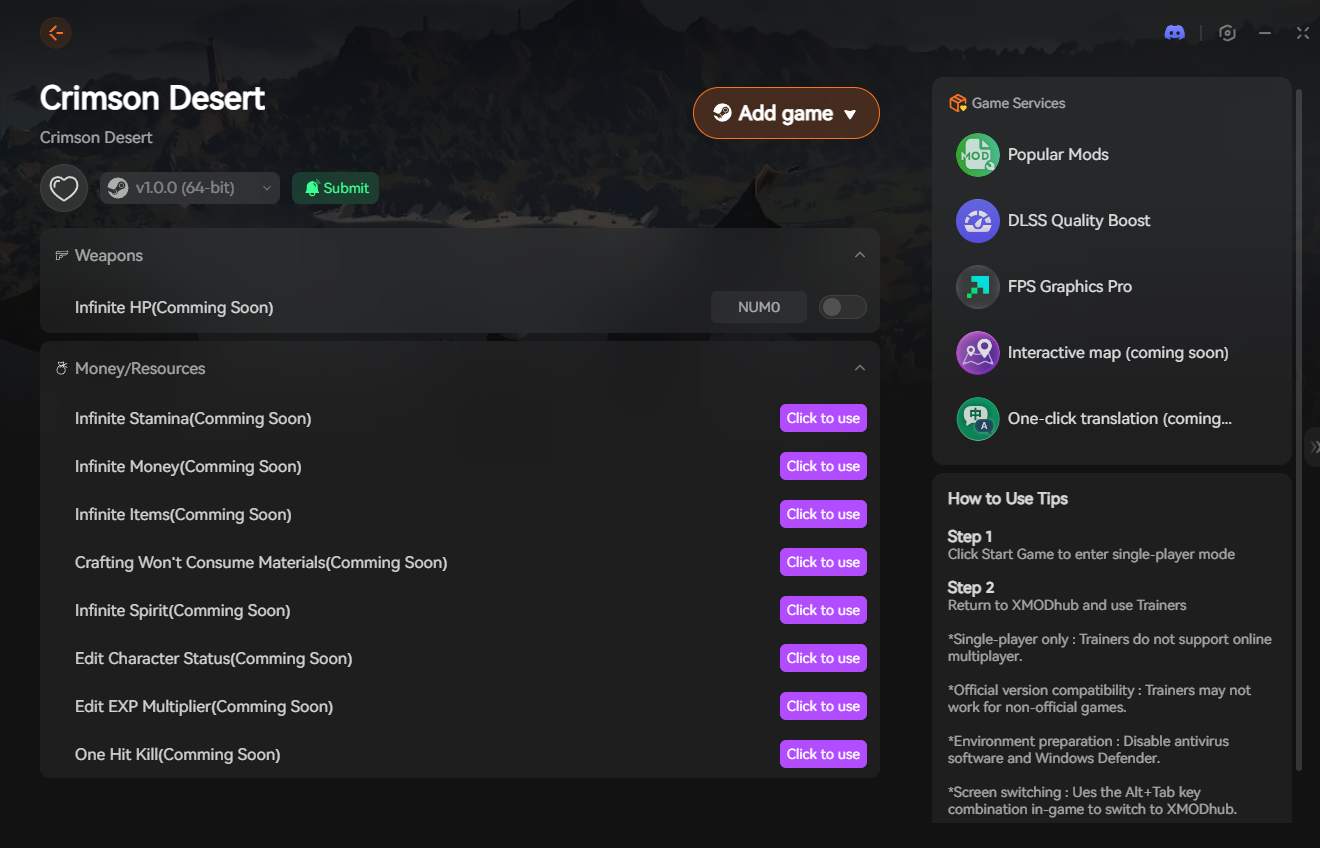
If you are tired of your weapons breaking every 15 minutes, the XMODhub PC Trainer is your best solution. Since the engine blocks text-based cheats, our trainer hooks directly into the local memory to lock your durability values.
Infinite Durability
Toggle this on to freeze your weapon’s durability at 100%. No matter how many bosses you hit or special abilities you use, your weapon will never dull or break.
100% Enhancement Success
Repairing “Max Durability” is expensive because it requires duplicate weapons. By using XMODhub to ensure 100% enhancement success, you prevent your max durability from ever dropping in the first place, saving you thousands of Silver and rare materials.
Step-by-Step: Equipping Your Maintenance Bypass
Securing your weapons against the durability grind takes less than a minute:

- Download the Client: Get the verified XMODhub desktop software from our official website.
- Launch Sequence: Start Crimson Desert and load your save file.
- Inject and Activate: Open XMODhub, find the Crimson Desert module, and click “Initialize.”
- Lock Durability: Toggle the “Infinite Durability” switch. You’ll see the durability bar on your HUD turn gold, indicating it is now locked.
PC Save File Location for Manual Backups
If you encounter a severe glitch where a weapon disappears after breaking, you must roll back to a manual backup.
- •Local Game Saves:
%USERPROFILE%\Documents\Crimson Desert\SaveGames\ - •User Config:
%USERPROFILE%\Documents\Crimson Desert\UserCache\
Frequently Asked Questions (FAQ)
Q: Can I repair weapons myself at a campfire?
A: Not initially. You must first unlock the “Field Repair” skill in the Survival tree, and even then, it only restores 50% durability and requires a consumable “Whetstone” item.
Q: Do shields have durability in Crimson Desert?
A: Yes. Blocking heavy attacks will drain your shield’s durability rapidly. If your shield breaks, Kliff will stagger significantly more when trying to block.
Q: Why can’t I repair my weapon even if I have enough Silver?
A: If your “Max Durability” has reached zero due to failed enhancements, the standard repair button will be grayed out. You must first “Restore Max Durability” using a duplicate weapon at a Blacksmith.
Conclusion: Never Lose Your Edge
Managing weapon durability in the brutal world of Pywel is a constant burden. While visiting a Blacksmith is the “intended” way to play, the arbitrary loss of max durability during enhancements can ruin hours of progress.
You shouldn’t be penalized for your favorite gear wearing out. By utilizing the XMODhub PC Trainer, you can bypass the BlackSpace Engine’s restrictions, lock your durability, and focus on mastering the game’s combat rather than managing a spreadsheet of repair costs.

Soy un jugador apasionado y escritor en XMODhub, dedicado a traerte las últimas noticias de juegos, consejos y puntos de vista.
Conecta conmigo:
Perfil en LinkedIn

 Nancy Miller
