Catherine Hu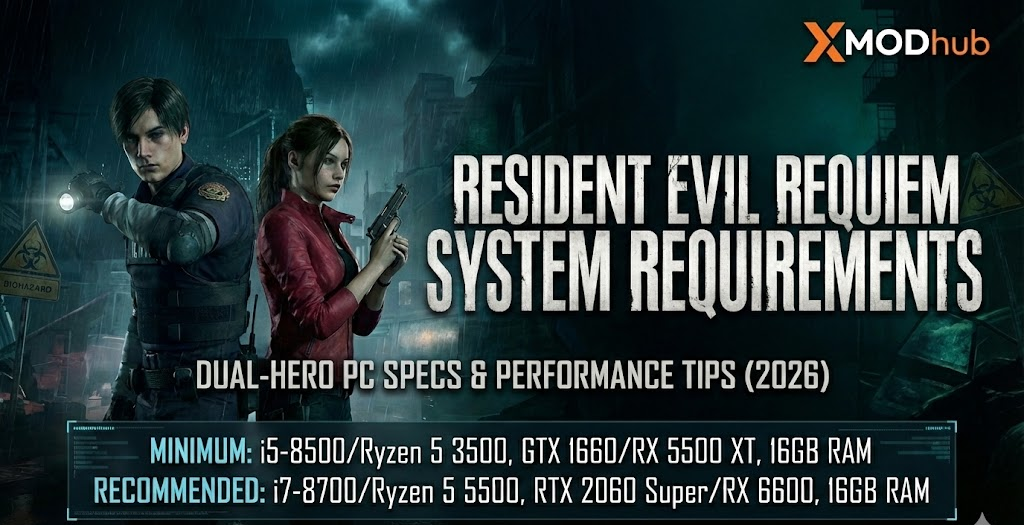
Editor’s View: “The Heat and Cold of Survival Horror”
“Playing Requiem feels like jumping between a hot sauna and a cold bath. Leon’s sections are pulse-pounding action, while Grace’s segments are pure, resource-starved terror. On my mid-range setup, the ‘Adaptive Stalker AI’ was a real CPU killer—it learns your habits in real-time. I noticed significant frame drops when switching between Leon’s third-person combat and Grace’s first-person investigation. To truly enjoy the path-traced reflections in the rain-slicked ruins, you can’t just meet the minimums. You need stability, which is exactly where XMODhub comes in to smooth out those technical spikes.”
— Catherine Hu | Action RPG Specialist and Game Writer at XMODhub
Resident Evil Requiem represents the most ambitious technical leap in the series, built on an “unchained” version of the RE Engine. Returning to the ruins of Raccoon City three decades later, players must navigate a dual-protagonist story featuring veteran agent Leon S. Kennedy and FBI analyst Grace Ashcroft. But does this next-gen nightmare require a powerhouse PC? Check the Resident Evil Requiem system requirements to prepare your rig for the ultimate survival horror experience.
Featuring a Dynamic Perspective System that allows toggling between first and third-person views, the game demands high-end bandwidth for its path-traced lighting and adaptive stalker AI. Whether you’re engaging in Leon’s martial arts-heavy combat or Grace’s high-tension stealth, consistent performance is your best weapon.
If you are experiencing stutters during character swaps—or wondering why your GPU is struggling with the new volumetric fog—this guide covers official specs and real-world optimization strategies.
Das könnte Ihnen auch gefallen:
Resident Evil Requiem Cheat Engine Table vs. XMODhub Trainer: Best Free Alternative (2026)
Kurze Zusammenfassung (TL;DR)
| Minimum GPU | GTX 1660 6GB / RX 5500 XT 8GB |
| Recommended GPU | RTX 2060 Super / RX 6600 (8GB VRAM) |
| Lagerung | 73GB required, NVMe SSD mandatory for seamless world streaming |
| Performance Fix | For low-end builds, XMODhub tools optimize AI pathing and lighting overhead |
Offizielle Systemanforderungen
Based on official Capcom data for the February 27, 2026 launch, here is the breakdown:
| Komponente | Minimum Specs (1080p 30 FPS, Performance Preset) |
Recommended Specs (1080p 60 FPS, Ray Tracing Enabled) |
|---|---|---|
| OS | Windows 11 (64-bit required) | Windows 11 (64-bit required) |
| Prozessor | Intel Core i5-8500 / AMD Ryzen 5 3500 | Intel Core i7-8700 / AMD Ryzen 5 5500 |
| Speicher | 16 GB RAM | 16 GB RAM |
| Grafiken | NVIDIA GTX 1660 6GB / AMD RX 5500 XT 8GB | NVIDIA RTX 2060 Super 8GB / AMD RX 6600 8GB |
| DirectX | Version 12 | Version 12 |
| Lagerung | 73 GB (SSD required) | 73 GB (NVMe SSD strongly recommended) |
Leistung in der realen Welt: Was Sie tatsächlich erwarten können
Why does Resident Evil Requiem need modern hardware?
- Dual-Protagonist Streaming:
The game keeps both Leon and Grace’s data active to allow for world-impacting choices (items Grace leaves behind can be found by Leon). - Path Tracing & DLSS 4:
The PC version features exclusive path-traced effects and supports DLSS 4 with Multi Frame Generation for GeForce RTX users. - Adaptive AI Logic:
The stalker enemies calculate your hiding patterns across larger, seamless “Open Field” zones without loading screens.
Optimierungs-Checkliste: Stottern und Lag beheben
- • Enable DLSS/FSR: Requiem is built for upscaling. Use DLSS Ray Reconstruction to maintain lighting quality on RTX cards.
- • Lower Volumetric Fog: Raccoon City’s ruins are foggy. Reducing this to ‘Medium’ can reclaim 10-15% of your FPS.
- • Check VRAM Usage: If you have 6GB of VRAM, avoid “Ultra” textures to prevent the massive stuttering that occurs in the city streets.
- • Use XMODhub Tools: XMODhub provides specialized performance scripts that reduce the processing cost of the background AI logic.
How XMODhub Enhances Your Raccoon City Journey
Survival in Resident Evil Requiem is meant to be brutal, but your hardware shouldn’t be the enemy. XMODhub offers trainers and performance buffers designed for the RE Engine.
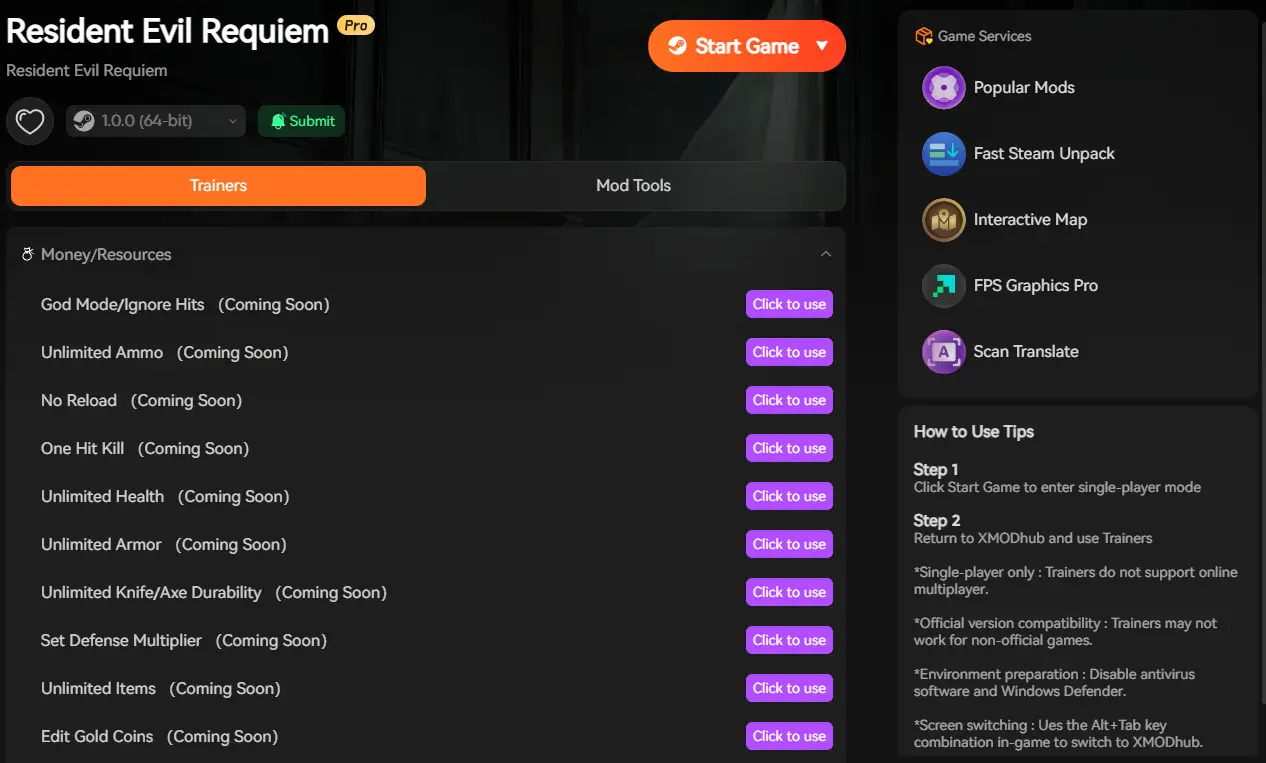
AI Thread Optimization
Reduces the CPU load of the “Adaptive Stalker” system for smoother frame pacing.
Resource Stabilization
Adjust ammo and herb drop rates to focus on the dual-hero story.
Visual Clarity Tweak
Disable chromatic aberration and film grain through XMODhub for a sharper look.
Camera Flexibility
Unlock wider FOV settings for both first and third-person perspectives.
Fehlersuche & FAQ
Q: Does the game support Windows 10?
A: No, official specs mandate Windows 11 for the latest DirectX 12 and storage optimizations.
Q: Is the 73GB size accurate?
A: Yes, it is the largest Resident Evil to date due to the high-resolution assets of the Raccoon City ruins.
Conclusion: Survival Needs Solid Hardware
Resident Evil Requiem is a masterpiece of technical horror. While the minimum specs offer a way in, the game’s dual-hero mechanics and path-traced visuals truly shine on a well-optimized rig.
Follow our optimization tips, ensure your SSD is ready, and if the technical struggle gets in the way of the horror—XMODhub provides the tools to ensure your focus remains on surviving the nightmare.

Ich bin ein leidenschaftlicher Gamer und Autor bei XMODhub, der sich der Aufgabe verschrieben hat, euch die neuesten Gaming-News, Tipps und Einblicke zu geben.
Verbinden Sie sich mit mir:
LinkedIn-Profil

 Nancy Miller