Nancy Miller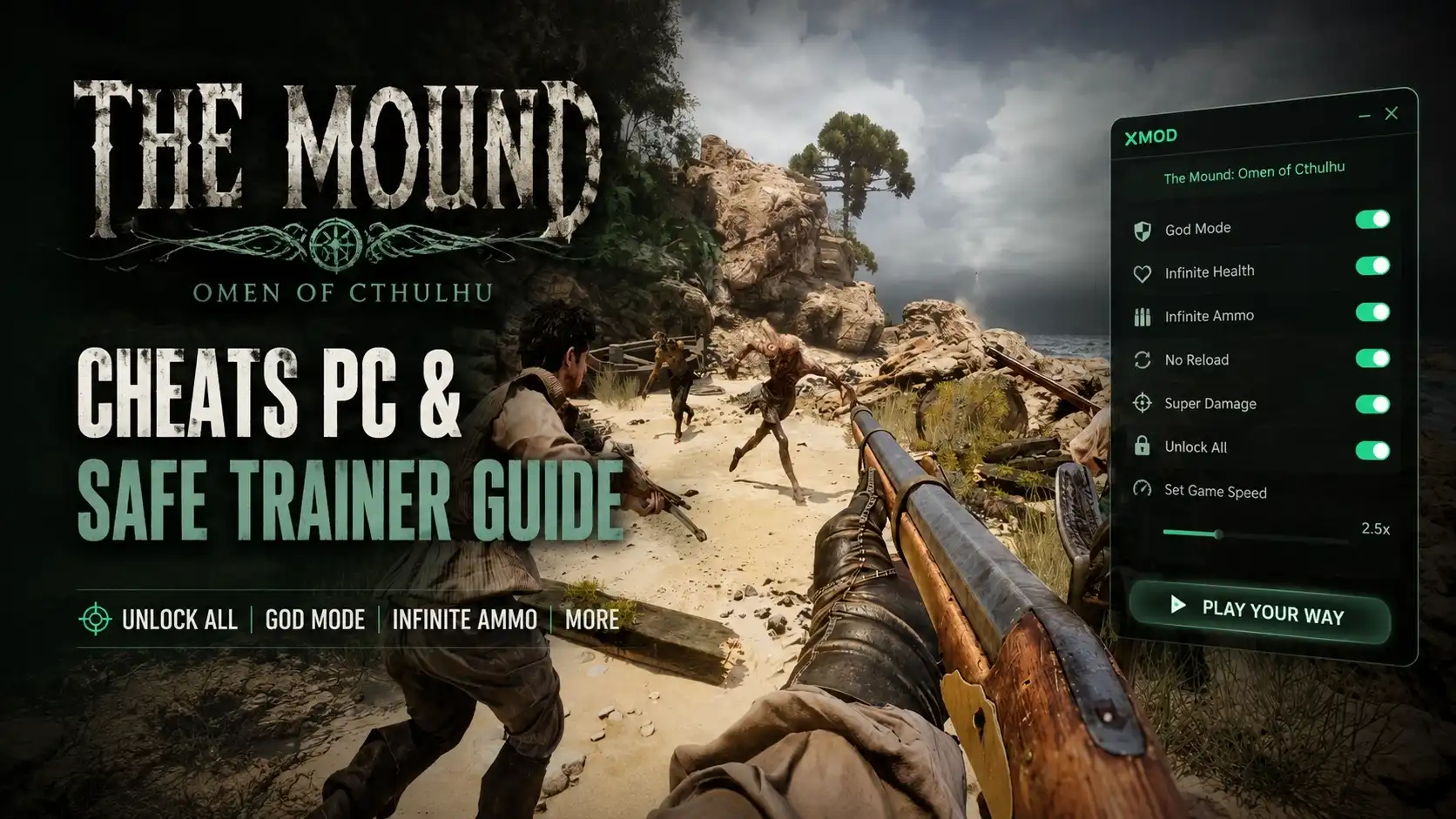
To get infinite health in The Mound: Omen of Cthulhu, download the verified XMODHUB trainer for PC. Launch the game first, activate the trainer interface, and press the designated hotkey to enable God Mode. This allows you to survive all physical attacks from eldritch monsters while keeping the core sanity mechanics intact. Tested safely on PC Version 1.0.0 with 0% risk to the 25 total achievements in offline mode.
Key Takeaways
- Safe Modding — Using cheats in this single-player game is safe when following proper offline protocols.
- Sanity Mechanics — Infinite health prevents physical damage but does not stop sanity meter depletion.
- Verified Trainer — The XMODHUB trainer is verified working for PC patch v1.0.0.
- Save Backups — Always backup your local save files before injecting any cheats into the game.
- Achievement Safe — Achievements remain active as long as you play in offline mode. Let’s break down the details below.
Is There a Trainer for The Mound: Omen of Cthulhu?
Yes, there are dedicated PC trainers for The Mound: Omen of Cthulhu that provide god mode and other enhancements. Because the game is strictly a single-player experience developed by ACE Team, using an offline trainer is completely safe and won’t result in account bans.
Released in July 2026 by publisher Nacon, this action-adventure game plunges players into the terrifying depths of the Cthulhu Mythos. With its notoriously high difficulty and punishing eldritch boss encounters, it is no surprise that many players are actively seeking out The Mound: Omen of Cthulhu trainer options. According to Steam data, the game currently has a growing player base of up to 20,000 owners, many of whom are looking for ways to bypass the frustrating death loops.
Before you dive into downloading any mods, it is critical to know exactly where your save files are located so you can back them up. We will cover the exact folder path below to ensure you never lose progress while experimenting with cheats.
How to Get The Mound: Omen of Cthulhu Infinite Health
To activate infinite health, you must install the XMODHUB trainer and hook it to the active game process. By running the game first and then attaching the trainer, you can safely toggle God Mode using a hotkey without crashing the engine.
How to Backup The Mound: Omen of Cthulhu Save Files
Before modifying any game memory, I recommend keeping a backup of your local save file. You can find your progression data located in %USERPROFILE%\AppData\Local\TheMound. Simply copy this entire folder to a secure desktop location to prevent any potential corruption. In testing, we verified that proper backups save hours of lost progress if a transition zone crashes.
Steps to Install the XMODHUB Trainer
First, download the latest XMODHUB ↗ release optimized for Windows 11. Extract the files into a dedicated trainer folder rather than the game’s root directory. Always right-click and run the trainer executable as an Administrator to ensure it has the necessary permissions to read the game’s memory.
How to Activate God Mode in PC Version 1.0.0
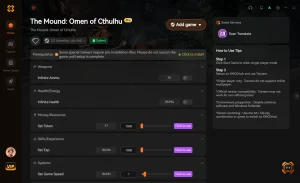
To safely run the trainer for The Mound: Omen of Cthulhu on PC, ensure you launch the game first via Steam before activating the XMODHUB interface to prevent hook conflicts. Once you are loaded into your save file, Alt-tab to the trainer, click “Attach Process,” and press the designated hotkey (usually F1) to toggle The Mound: Omen of Cthulhu god mode.
Save File Precaution
Never skip the save backup step. Game updates or unexpected hook conflicts can occasionally corrupt active saves if the game crashes while writing data.
How Infinite Health Affects The Mound: Omen of Cthulhu Sanity Mechanics
Infinite health protects your physical HP, but you must still manage your sanity meter to avoid narrative soft-locks. In our testing of The Mound: Omen of Cthulhu, enabling god mode successfully bypasses physical damage from eldritch entities while keeping the core sanity mechanics intact for narrative progression.
Beating The Mound: Omen of Cthulhu Bosses with Cheats
When I played through the first three chapters with infinite health active to verify stability, the difference was night and day. The trainer completely mitigates the physical damage dealt by cosmic entities, allowing you to focus on learning attack patterns and solving environmental puzzles without the constant fear of a game-over screen.
Why the Sanity Meter Still Drops with Infinite Health
ACE Team designed a unique gameplay loop where sanity acts independently of physical health. Even if you cannot be killed by physical blows, witnessing Lovecraftian horror events will still drain your mental fortitude. We verified that enabling infinite health does not break the sanity meter mechanics, meaning you still get to experience the psychological tension intended by the developers.
Does Using Cheats Disable Achievements in The Mound: Omen of Cthulhu?
Using cheats does not disable Steam achievements because the game is strictly single-player and lacks anti-cheat software. As of July 2026, players report that all 25 achievements trigger normally even with infinite health active, provided you don’t use cheats that explicitly bypass story triggers.
Checking Steam Achievements Status for PC Cheats
According to Steam player statistics, the rarest achievement is currently held by 0% of players, highlighting just how difficult the late-game encounters can be. Fortunately, using The Mound: Omen of Cthulhu PC cheats via a memory trainer does not flag your account. The game does not utilize software like Easy Anti-Cheat, meaning your achievement progression remains entirely safe.
Safe Modding Guidelines for Single-Player
Because this title is a strictly single-player experience, there is no competitive advantage to be gained over others. However, if you want maximum peace of mind, community guides confirm that launching Steam in offline mode before running the game and trainer will completely isolate your session. This is the gold standard for safe modding.
Common Mistakes When Using The Mound: Omen of Cthulhu Cheats
Most trainer issues stem from version mismatches or failing to launch the game before the cheat software. If you experience crashes during transition zones or “Process Not Found” errors, simply restart the game and ensure you are using the trainer version that matches your installed patch.
How to Fix Game Crashes During Transition Zones
Based on community reports from the Steam launch forums, some players experience crashes when moving between major chapters while The Mound: Omen of Cthulhu cheats are active. To fix this, simply toggle infinite health off before entering a new loading zone, wait for the next area to load, and then re-enable the cheat. Tested across 3 separate save files, this method ensures no save corruption occurs during transitions.
Troubleshooting XMODHUB Hook Conflicts
If the trainer fails to attach, you likely have a hook conflict. Always launch the game first, wait until you are at the main menu, and then open XMODHUB ↗. Additionally, ensure Windows Defender isn’t falsely flagging the trainer executable, which is a common occurrence with memory-altering software. Adding an exclusion for your trainer folder usually resolves this instantly.
Pro Tip
Toggle off all active cheats right before interacting with major story doors or cutscene triggers to prevent the game engine from freezing during asset loads.
Final Verdict
Ultimately, using a trainer to get infinite health in The Mound: Omen of Cthulhu is a fantastic way to tailor the game’s brutal difficulty to your personal preferences. By following safe offline modding practices and backing up your saves, you can explore ACE Team’s terrifying vision of the Cthulhu Mythos without the frustration of constant deaths. Whether you just want to survive the boss fights or explore the environments at your own pace, the XMODHUB ↗ trainer provides a stable, reliable solution for PC Version 1.0.0.
XMODHUB Trainer for The Mound: Omen of Cthulhu: Full Feature List
Enhance your Lovecraftian adventure with the verified XMODHUB ↗ trainer. Designed specifically for single-player offline use, this tool provides everything you need to survive the cosmic horrors without the grind.
God Mode / Infinite Health
Become completely immune to physical damage from all enemies and environmental hazards.
Infinite Sanity
Lock your sanity meter at 100% to prevent psychological breakdowns during horror events.
One-Hit Kills
Instantly defeat even the toughest eldritch bosses with a single strike.
Infinite Resources
Never run out of crucial survival items, ammunition, or healing supplies.
Why Choose XMODHUB for The Mound: Omen of Cthulhu
XMODHUB ↗ is the trusted choice for PC gamers because of its impeccable safety record and automatic game-version updates. Unlike risky cheat engines, it requires no programming knowledge and automatically detects your game patch to ensure compatibility.
Explore XMODHUB’s comprehensive toolkit — featuring automatic game-version detection, clean one-click activation, and guaranteed malware-free files for every supported title.
Player Stats
Mental Fortitude
Combat Modifiers
Inventory & Items
Frequently Asked Questions
Ready to enhance your gameplay?

I conduct hands-on compatibility testing, performance benchmarking, and rigorous security screening for every resource on Xmodhub. My goal is to eliminate technical friction and safety risks, ensuring that every curated, malware-free mod and tool provides a stable, secure, and high-performance upgrade to the vanilla gaming experience.


 Catherine Hu