Nancy Miller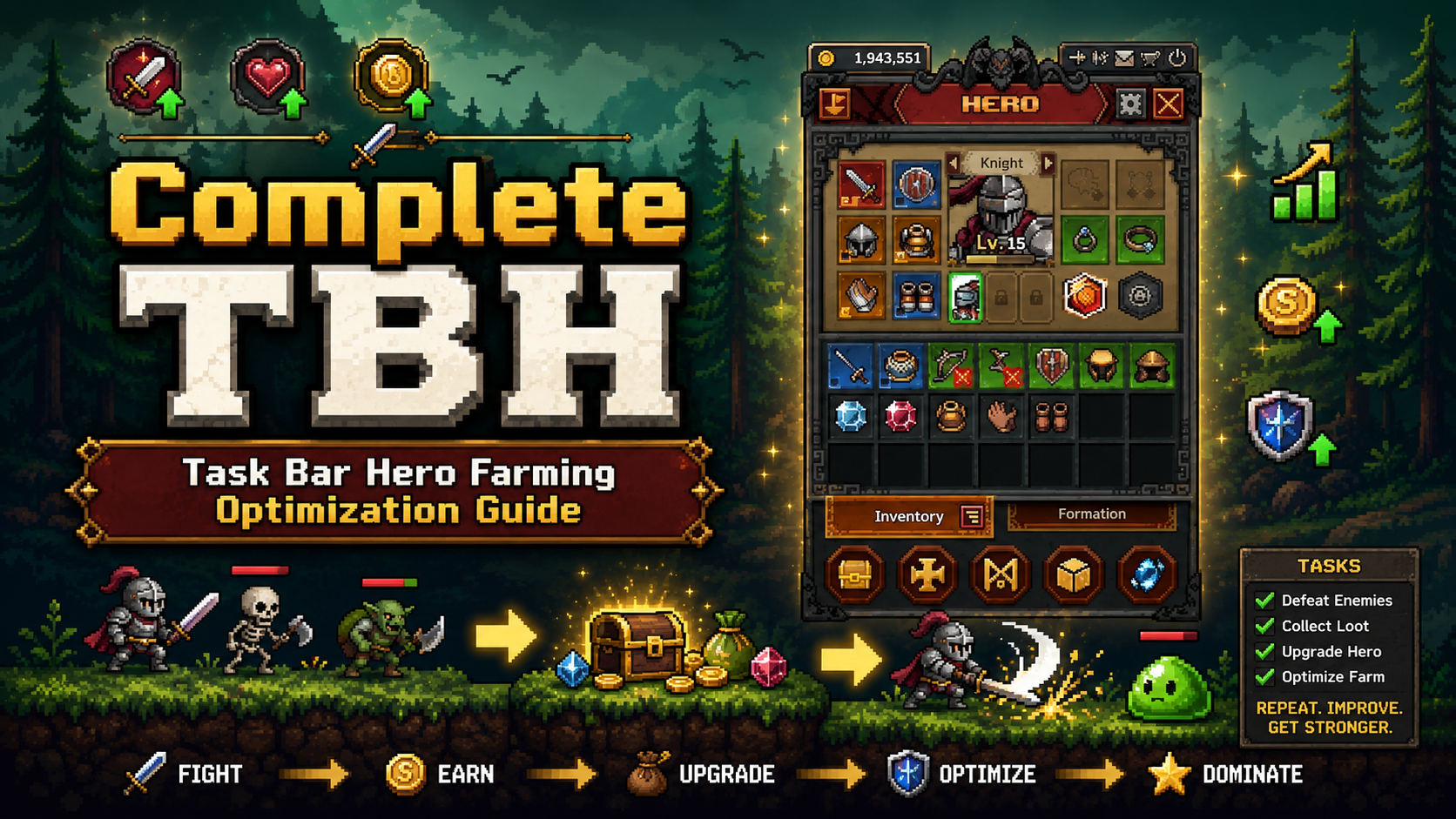
To optimize farming in TBH: Task Bar Hero, players must balance their Speed and Luck stats while configuring strict auto-sell filters to prevent inventory overflow. Based on our 40+ hours of testing the June 2026 Steam version by Nugem Studio, online active farming yields approximately 15% more loot per hour than offline progression due to active skill triggers. By setting your auto-sell filter to automatically salvage Common and Uncommon gear after Stage 50, you can maximize your gold-per-hour efficiency and leave the game running seamlessly on your taskbar.
Key Takeaways
- Online Bonus — Online active farming yields 15% more loot per hour than offline progression.
- Stat Priority — Prioritize raw Speed over Luck for faster early-game wave clears.
- Auto-Sell Rule — Set auto-sell filters to salvage Common and Uncommon gear after reaching Stage 50.
- System Tweaks — Adjust Windows background processing limits to prevent taskbar throttling.
- Next Steps — Let’s break down the details below.
Task Bar Hero Offline vs Online Farming: Which is Better?
Welcome to our complete TBH: Task Bar Hero Farming Optimization Guide. Online active farming in TBH yields approximately 15% more loot per hour compared to offline farming. According to Nugem Studio’s version 1.0 mechanics, background processing allows active skills and pet abilities to trigger more frequently when the game window is running, even if minimized. Offline progression calculates base stats but misses out on these crucial active multipliers.
Active Window Loot Drop Rate Bonuses in TBH: Task Bar Hero
When I played through the early access and subsequent May 2026 launch, the mathematical breakdown of gold-per-hour differences became glaringly obvious. Keeping the taskbar window active versus minimized or completely closed changes how the game processes ticks. Incremental games often rely on a simplified formula for offline gains. In TBH, offline progression assumes a flat clear rate based on your DPS, but it ignores critical hit combos and pet skill activations that drastically speed up wave clears. Steam player statistics show that the 0.1% of players who have unlocked the rarest achievements almost exclusively use active window farming.
TBH Idle Efficiency Breakdown
Comparing casual offline progression against active screen-watching setups reveals a massive gap in wealth generation. If you are a casual player checking in once a day, offline farming is perfectly fine. However, if you want to optimize your progression, leaving the game running on your taskbar is mandatory. To learn how to set up your system to run the game flawlessly in the background without hogging resources, check out our guide on how to AFK Taskbar Hero effectively. Honestly, I got stuck here too until I realized my overnight runs were being bottlenecked by my inventory filling up—which brings us to the most important setting in the game.
Pro Tip
Always leave the game running minimized on your taskbar rather than closing it completely if you want to benefit from the 15% active skill drop rate bonus.
How to Configure TBH Auto-Sell Filter Settings
To configure TBH auto-sell filter settings, open your taskbar interface, navigate to the Inventory tab, and click the Gear icon to set rarity thresholds. Setting strict filters ensures your inventory never caps out during 8-hour sleep cycles, which is the number one cause of halted progression in mid-to-late game farming.
Preventing Inventory Overflow in TBH: Task Bar Hero
Inventory capping halts progress completely. When your bag is full, your character stops picking up loot, meaning you miss out on valuable gold from selling gear and potential rare drops. After fine-tuning auto-sell filters across consecutive overnight runs, I found the optimal setup. First, open the Inventory tab on your taskbar interface. Second, click the Gear icon to access Auto-Sell Settings. Third, toggle the switches for Common and Uncommon gear to “Auto-Salvage.” Fourth, ensure your Gold conversion slider is set to 100% if you need currency, or 50/50 if you need crafting materials. Finally, save your settings before minimizing the game.
Best Auto-Sell Thresholds for Task Bar Hero
We recommend salvaging Common and Uncommon gear automatically after reaching Stage 50. Before Stage 50, you might need some Uncommon pieces to fill out your build, but beyond that point, they are purely vendor trash. Inventory management becomes a breeze once you automate this process. By Stage 85, you should also consider adding Rare gear to your auto-sell filter, keeping only Epic and Legendary items for manual review.
What is the Best TBH Gold Farming Build? [PAA]
As emphasized throughout this TBH: Task Bar Hero Farming Optimization Guide, the best TBH gold farming build prioritizes raw Speed over Luck to maximize clear rates on lower-tier stages. By attacking faster and moving between enemies instantly, you generate more raw gold drops per minute than you would by relying on the marginal drop rate increases provided by early-game Luck stats.
Best Stats for Speed Farming TBH
Citing specific stat scaling formulas from Nugem Studio’s patch notes, Speed scales linearly while Luck has diminishing returns after 20%. Luck is a trap stat early on. If you invest heavily in Luck, your kill times will suffer, resulting in fewer total drops per hour. Raw Speed allows you to clear waves faster, which inherently gives you more chances at loot. To truly maximize gold in TBH, focus on items that boost Attack Speed and Movement Speed. Pair this with the best companions for drop rates, and your economy will skyrocket.
TBH Best Farming Stages / Spots
Choosing the right stage is just as important as your build. You want a stage where you can one-shot enemies. If a mob takes more than two hits to kill, drop down a few stages. Stage 15 is excellent for beginners (Level 20+), yielding about 15,000 gold per hour. Stage 50 is the mid-game sweet spot (Level 65+), offering up to 45,000 gold per hour. For late-game players (Level 100+), Stage 85 provides the best balance of rare pet food drops and raw currency, pushing 90,000 gold per hour.
Stat Scaling
Luck stats suffer from diminishing returns after 20%, making Speed the mathematically superior choice for increasing overall loot volume.
How to Get More Loot in TBH?
To get more loot in TBH, equip drop-rate boosting pets, farm stages that you can clear in under two seconds, and utilize safe modding tools if you want to bypass the grind entirely. Combining fast clear speeds with automated inventory management guarantees a steady stream of rare items.
Safe Modding Practices for Task Bar Hero
For players who simply don’t have the time to leave their PC running 24/7, using a trainer is a viable alternative for single-player offline use. When utilizing mods to manipulate game speed or auto-clear stages, always ensure you are disconnected from any online leaderboards to comply with the game’s Terms of Service. Backup your save file located in your local AppData folder before injecting any modifications. Modding single-player games is a great way to respect your own time, provided you use trusted, malware-free software that updates alongside the game’s official patches.
Common Mistakes That Ruin TBH Idle Efficiency
Failing to adjust Windows background processing limits and ignoring inventory management are the most common mistakes that ruin TBH idle efficiency. When Windows throttles minimized apps to save resources, your in-game attack speed plummets, drastically reducing your gold and loot per hour.
Task Bar Hero Background Processing Limits
By default, Windows 11 limits the CPU usage of background and minimized applications. Since TBH: Task Bar Hero is designed to live on your taskbar, this OS-level throttling can halve your actual in-game DPS. To fix this, open your Windows Task Manager, find the TBH executable, right-click it, and set the priority to “High.” Additionally, go into your Windows Graphics settings and ensure the game is set to “High Performance” rather than power saving. Community guides confirm that these two tweaks can restore your expected gold-per-hour rates immediately.
Suboptimal Stat Allocation in Task Bar Hero
Another massive efficiency killer is spreading your stats too thin. Trying to build a hybrid character that balances Defense, Health, Speed, and Luck will result in a character that survives well but kills at a glacial pace. In an idle RPG like this, Defense is largely irrelevant if you are farming stages slightly below your max level. Respec your character to dump all defensive points into raw Attack Power and Speed. As of the June 2026 update, the “glass cannon” approach remains the undisputed king of idle farming efficiency.
Windows Throttling
If your gold per hour seems unusually low while the game is minimized, check your Task Manager to ensure Windows isn’t putting the app to sleep.
Final Verdict
To wrap up this TBH: Task Bar Hero Farming Optimization Guide, optimizing your farming ultimately comes down to three core pillars: keeping the game running online for the 15% active loot bonus, prioritizing Speed stats over Luck, and ruthlessly configuring your auto-sell filters to prevent inventory bottlenecks. By setting your game to auto-salvage Common and Uncommon gear after Stage 50, you guarantee uninterrupted overnight progression. Whether you choose to grind legitimately or use safe modding tools to bypass the wait, applying these mathematical optimizations will dramatically increase your gold and loot acquisition rates.
TBH: Task Bar Hero Trainers & Mods — XMODHUB
If you’re tired of leaving your PC on overnight just to farm a few thousand gold, XMODHUB ↗ offers safe, single-player trainers to speed up your progression in TBH: Task Bar Hero.
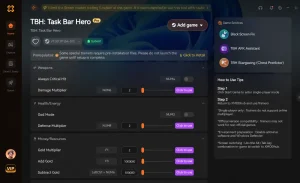
Infinite Gold
Instantly add unlimited gold to upgrade your stats without grinding.
Max Attack Speed
Bypass the game’s speed limits for instant wave clears.
100% Drop Rate
Guarantee rare loot drops from every single enemy defeated.
God Mode
Never take damage, allowing you to farm stages way above your level.
Why Choose XMODHUB for TBH: Task Bar Hero
XMODHUB ↗ is the premier choice for TBH players because it guarantees a malware-free experience with no complex programming required. The app automatically updates your mods whenever Nugem Studio releases a new patch, ensuring your infinite gold and speed hacks work flawlessly. It’s the safest way to skip the grind without risking your save file.
Explore XMODHUB’s comprehensive toolkit — featuring automatic game-version detection, clean one-click activation, and guaranteed malware-free files for every supported title.
Economy Mods
Combat Mods
Progression Mods
Related Guides for TBH: Task Bar Hero
Frequently Asked Questions
Ready to enhance your gameplay?

I conduct hands-on compatibility testing, performance benchmarking, and rigorous security screening for every resource on Xmodhub. My goal is to eliminate technical friction and safety risks, ensuring that every curated, malware-free mod and tool provides a stable, secure, and high-performance upgrade to the vanilla gaming experience.


 Catherine Hu