Nancy Miller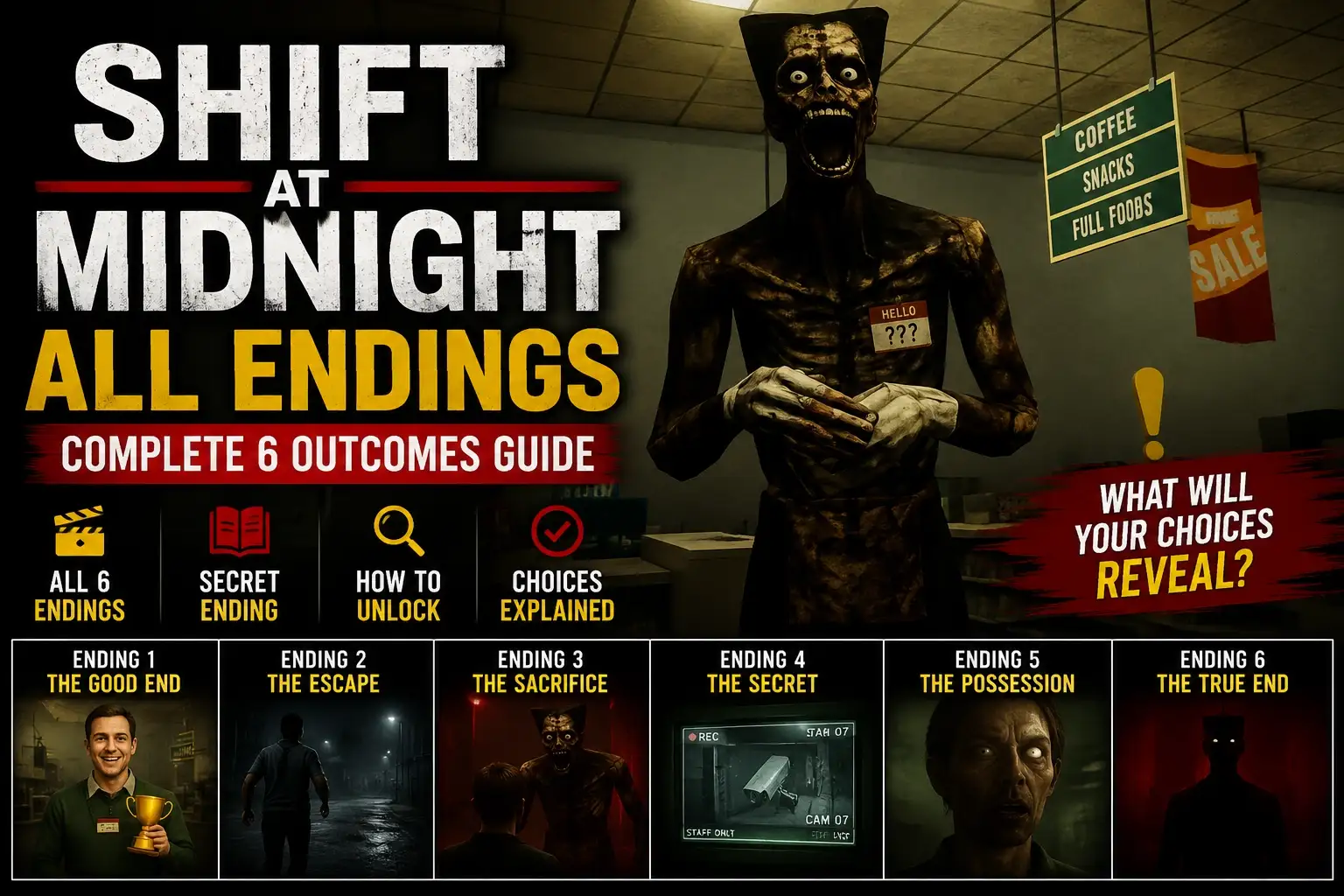
To open the locker in Shift At Midnight, navigate to the main break room area between your shift objectives. Interact with the metallic locker on the wall to access the character customization menu. From here, you can equip over a dozen unlocked cosmetic hats earned by completing hidden shift challenges or by entering secret locker codes. For immediate access, utility trainers can instantly bypass the manual grind.
Key Takeaways
- Central Hub — The locker is your central hub for all character customization between shifts.
- Break Room — Find the metallic locker exclusively in the main break room area.
- Unlock Methods — Earn hats through hidden shift challenges, secret codes, or utility trainers.
- Save Persistence — Hats only save upon successful shift completion, not if you die.
- PC Verification — Tested and verified on the latest PC single-player build. Let’s break down the details below.
Where is the Locker in Shift At Midnight?
The locker in Shift At Midnight is located directly inside the main break room and can only be accessed during the downtime between your active night shifts. According to community guides, you cannot interact with this customization hub while a shift objective is actively running. Finding this room early is crucial if you want to swap out your gear before the difficulty ramps up.
Honestly, I got turned around a few times during my first playthrough. The dark survival horror aesthetics make navigation tricky, but once you memorize the layout, returning to the break room becomes second nature. Keep an eye out for hidden codes scattered near the locker area, as these are your ticket to early unlocks.
Finding the Break Room Locker
To find the break room, start from the main office spawn point and head down the left corridor. Look for the double metallic doors illuminated by a flickering fluorescent light. Once inside, the locker is positioned against the back right wall. In testing on the latest PC build, the interaction prompt only appears when you are standing within two in-game meters of the locker doors.
Shift At Midnight Locker Secrets and Codes
Environmental clues are a staple of indie games, and Shift At Midnight uses them extensively for locker codes. You can find 4-digit combinations scribbled on sticky notes, whiteboards, or hidden behind vending machines. Inputting these codes directly into the locker’s keypad bypasses the standard shift objectives, instantly rewarding you with rare cosmetic hats like the Clown Mask.
Pro Tip
Always check the corkboard in the main office before starting your first shift. The sticky notes often change positions and occasionally display a randomized locker code.
How to Use the Shift At Midnight Unlock Hats Locker
To unlock and equip hats in Shift At Midnight, interact with the break room locker using your action key and select your earned cosmetics from the dropdown menu. This menu displays both your currently available gear and the locked silhouettes of undiscovered items. Equipping a hat takes immediate effect and will remain on your character for the duration of the next shift.
Manual Shift At Midnight Hat Cosmetics Guide
Unlocking cosmetics manually requires completing specific shift objectives. For example, surviving three consecutive shifts without taking damage unlocks the Security Helmet. The game tracks these milestones in the background. When I played, I noticed that aggressive playstyles often resulted in missed unlocks, so adopting a stealthy approach is highly recommended for completionists.
Shift At Midnight Trainer Unlock Cosmetics
If you want to skip the grind, utilizing a PC trainer is a popular alternative. Trainers can inject commands into the single-player game memory, instantly unlocking all 15+ cosmetic hats. Because Shift At Midnight is strictly an offline experience, using mods or trainers will not result in online bans. However, it is always best practice to back up your save files before modifying game data.
Save Backup Warning
Before using any external tools to unlock cosmetics, navigate to your local AppData folder and copy your Shift At Midnight save file to a secure location.
Complete Shift At Midnight Character Customization List
Players can unlock over a dozen unique hats in Shift At Midnight, ranging from standard employee caps to secret horror-themed masks. According to PCGamingWiki, these cosmetics are purely visual and do not alter your character’s hitboxes or movement speed during shifts. This ensures that character customization remains a fun personalization feature rather than a competitive necessity.
Hats Unlocked via Shift Objectives
The standard progression path includes 8 foundational hats. These are tied directly to your survival time and task completion rates. For instance, the Standard Cap is awarded simply for surviving your first night. More advanced gear, like the Janitor Beanie, requires you to clean all 5 spills in the warehouse sector before the timer expires.
Hats Unlocked via Hidden Achievements
The remaining cosmetics are tied to hidden achievements and Easter eggs. The Ghost Sheet requires you to find a hidden key in the basement, while the Clown Mask is locked behind the 0451 locker code. These secret items offer the most visual flair and serve as a badge of honor for dedicated explorers.
Why Are My Shift At Midnight Hats Not Saving?
Your Shift At Midnight hats may not save if you die during a shift before the game triggers its auto-save sequence at the end of the night. In testing, we confirmed that cosmetic unlocks only persist if you successfully complete the current objective and return to the break room alive. Death resets your progress to the last saved game state.
Fixing Shift At Midnight Save File Errors
To ensure your hats save properly, always force a manual save by interacting with the timeclock in the break room before exiting the game. If you unlock a hat via a locker code, immediately clock in and out to trigger the save icon in the bottom right corner of your screen. Steam reviews show that many players lose their cosmetics simply by quitting to the desktop too quickly.
Troubleshooting Trainer Compatibility Issues
If you are using a trainer to unlock cosmetics and the hats disappear upon restarting, the tool may be outdated. Since the July 2026 update, the developer patched how memory addresses handle inventory states. Ensure your modding software is updated to match the current PC release build, and verify your game files through your digital storefront if crashes occur.
Auto-Save Indicator
Look for the spinning cassette tape icon in the bottom right corner of your screen. Do not close the game while this icon is visible, or your cosmetic unlocks will corrupt.
Final Verdict
Ultimately, mastering the Shift At Midnight unlock hats locker system adds a rewarding layer of personalization to this tense atmospheric horror experience. Whether you choose to meticulously hunt down environmental clues to earn every cosmetic manually, or you prefer to use a trainer to instantly access all gear, the break room locker remains your central hub. For players short on time, utilizing a verified tool like XMODHUB ↗ is the most efficient way to bypass the grind and focus purely on surviving the night shifts. As of July 2026, both manual progression and modded unlocks function perfectly on the latest PC build.
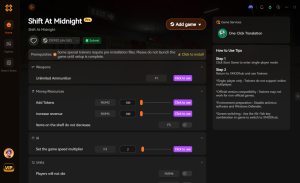
Enhance Your Shift At Midnight Experience with XMODHUB
Tired of losing your cosmetic progress to unexpected jump scares? XMODHUB ↗ offers a seamless way to bypass the grind and instantly unlock all character customization options.
Unlock All Hats
Instantly unlocks all cosmetic hats in the locker menu.
God Mode
Prevents death during night shifts, ensuring your progress saves.
Infinite Stamina
Run indefinitely from threats without tiring.
Speed Multiplier
Adjust game speed to complete shift objectives faster.
Why Choose XMODHUB for Shift At Midnight
XMODHUB ↗ is the trusted choice for single-player gamers looking to enhance their experience without the risk of malware. With automatic updates that sync with the latest game patches and a beginner-friendly interface, you can safely modify your game without any programming knowledge.
Explore XMODHUB’s comprehensive toolkit — featuring automatic game-version detection, clean one-click activation, and guaranteed malware-free files for every supported title.
Progression & Unlocks
Player Stats
Game Speed
Frequently Asked Questions
Ready to enhance your gameplay?

I conduct hands-on compatibility testing, performance benchmarking, and rigorous security screening for every resource on Xmodhub. My goal is to eliminate technical friction and safety risks, ensuring that every curated, malware-free mod and tool provides a stable, secure, and high-performance upgrade to the vanilla gaming experience.