Summary: This guide explores whether Stardew Valley supports cross-platform play, detailing compatibility across PC, consoles, and mobile, plus workarounds and limitations.
Stardew Valley is a beloved farming simulator available on PC, consoles, and mobile devices.
Many players wonder if cross-platform play lets them connect with friends on different systems.
With XMOD, you can enhance your gameplay, unlock quality-of-life features, and manage mods to customize your farm.
By using XMOD, you can enjoy Stardew Valley with added convenience while still teaming up with friends in multiplayer.
Table of contents
- What is Stardew Valley?
- What is Cross Platform Gaming?
- Is Stardew Valley Cross Platform?
- Is Stardew Valley Cross Platform PC and Xbox?
- Is Stardew Valley Cross Platform Switch and PC?
- Is Stardew Valley Cross Platform Xbox and Switch?
- Is Stardew Valley Cross Platform Xbox and PS4?
- Is Stardew Valley Cross Platform PC and Mobile?
- Why isn’t Stardew Valley Cross Platform Yet?
- Will Stardew Valley Ever Become Cross Platform?
- How Can You Enhance Stardew Valley Single-Player Gaming with Xmod?
- How Can You Mod Stardew Valley with Xmod?
- Conclusion
What is Stardew Valley?
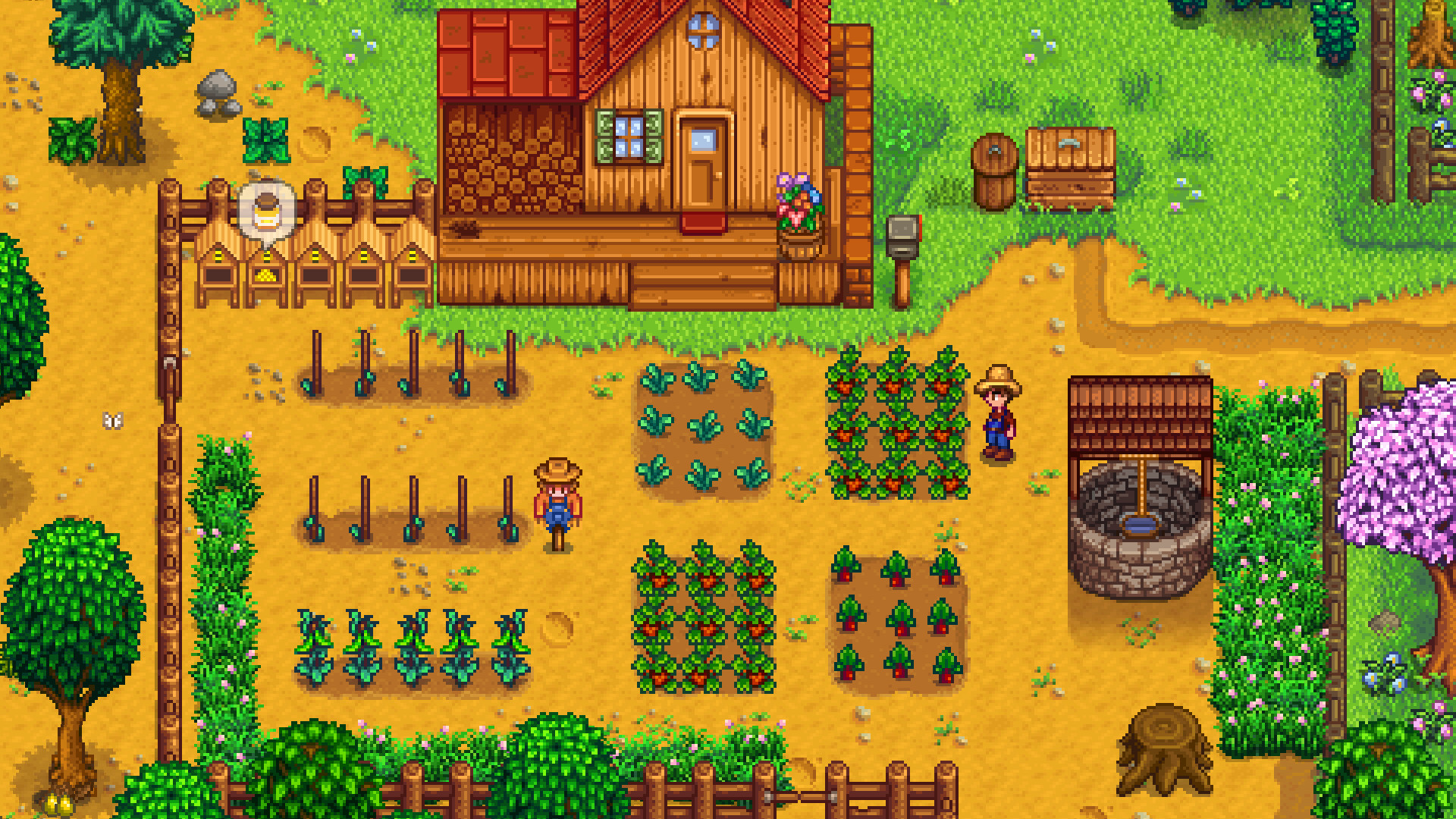
Stardew Valley has earned its place as a beloved farming simulator, attracting a constantly growing player base. With its relaxing charm, rich gameplay mechanics, and interactive social features, it appeals to both casual players and dedicated gamers. A common question many newcomers and long-time fans ask is: Does Stardew Valley support cross-platform play?
In this comprehensive guide, we’ll explore the game’s crossplay options, multiplayer functions, and possible workarounds for connecting across platforms such as PC, Xbox, Nintendo Switch, and PlayStation.
Let’s take a closer look at whether this cozy farming adventure truly bridges the gap between different systems.
What is Cross Platform Gaming?
Cross-platform play allows gamers on different devices to join the same multiplayer session—for instance, an Xbox player teaming up with a friend on PC. Many modern titles, particularly those built around co-op or competitive modes, now include this feature. Unfortunately, Stardew Valley doesn’t officially support cross-platform play, meaning players are limited to multiplayer within the same system.
Is Stardew Valley Cross Platform?
The short answer is no—Stardew Valley does not currently support cross-platform play.
This means:
- Xbox players can’t join friends on PC or PlayStation.
- Nintendo Switch users can’t connect with Xbox or PC.
- PC and Mac/Linux players can sometimes link, but only in specific cases.
Although the game features a popular multiplayer mode, its design still limits play to within the same platform.
Is Stardew Valley Cross Platform PC and Xbox?
No, Stardew Valley is not cross-platform between Xbox and PC. While both versions support multiplayer, they run on separate ecosystems that don’t connect.
Workaround:
The only partial option is through Xbox Game Pass Cloud Gaming, which lets you play on PC using your Xbox version. However, this is tied to the same Xbox Live account and doesn’t allow true cross-player invites.
Bottom line: Different platforms mean separate farms, with no official way to bridge them.
Is Stardew Valley Cross Platform Switch and PC?
Again, the answer is no—Stardew Valley is not cross-platform between Nintendo Switch and PC.
Both versions include multiplayer, but they can’t share farm saves or connect to the same online lobbies.
Why not?
Each system uses its own save format, file structure, and network policies. On top of that, PC supports modding, while the Switch version does not, creating further incompatibility.
So, if you’re hoping to team up from PC with a Switch-owning friend, it simply isn’t possible.
Is Stardew Valley Cross Platform Xbox and Switch?
No—Stardew Valley does not support cross-platform play between Xbox and Nintendo Switch.
While both platforms offer nearly identical gameplay and online multiplayer within their own ecosystems, there’s no server sync or cross-communication between them.
This can be disappointing for families or friends split across Xbox and Switch, but there are some potential alternatives and workarounds we’ll cover below.
Is Stardew Valley Cross Platform Xbox and PS4?
Still no—Stardew Valley is not cross-platform between Xbox and PlayStation.
The two systems use completely separate multiplayer networks, so you’ll need the same console as your friends to play together.
This applies to:
- The Stardew Valley base game
- Any future DLC (if released)
- All online multiplayer sessions
At the moment, there’s no feature, mod, or workaround that allows crossplay between Xbox and PlayStation.
Is Stardew Valley Cross Platform PC and Mobile?
No—Stardew Valley is not cross-platform between PC and mobile.
Although both versions share the same core gameplay, they are very different in structure. The PC version supports mods, updates faster, and uses a different save format, while the mobile edition often lags behind in content updates and lacks online multiplayer altogether.
As a result, there’s no way to connect farms or play co-op between PC and mobile players.
Verdict: Stardew Valley on mobile is strictly a single-player experience, separate from the PC version.
Why isn’t Stardew Valley Cross Platform Yet?
The main reason Stardew Valley lacks cross-platform support comes down to development complexity. The game was originally created by a single developer, ConcernedApe, and is now maintained by a small team. Ensuring compatibility across Steam, GOG, Xbox Live, PlayStation Network, and Nintendo Online would require extensive resources and technical upkeep.
Other contributing factors include:
- Different file structures across platforms
- PC mod support (not available on consoles)
- Separate update pipelines for each system
- Multiplayer networking limitations
That said, player demand for crossplay remains strong—so while it isn’t here yet, future updates could still bring surprises.
Will Stardew Valley Ever Become Cross Platform?
At the moment, there’s no official roadmap for cross-platform support in Stardew Valley. ConcernedApe has expressed interest in future technical improvements to multiplayer, but nothing concrete has been announced.
With the upcoming development of Haunted Chocolatier, it’s possible that new lessons and systems could eventually influence Stardew Valley’s multiplayer updates.
For now, though, players should assume that cross-platform play remains unavailable unless an official update confirms otherwise.
How Can You Enhance Stardew Valley Single-Player Gaming with Xmod?
Xmod offers a wide range of mods and trainers that can make your single-player Stardew Valley experience more customizable and enjoyable. By tweaking gameplay elements, you can focus on what you love most about the game—whether that’s farming, fishing, or simply relaxing.
Here are some ways Xmod can enhance single-player:
- Unlimited Resources – Add money instantly or remove resource limits to speed up your farm’s growth.
- Item Management – Use item modifiers like Item under mouse +5/+50 to duplicate or expand your inventory quickly.
- Farming Boosts – Infinite watering can usage removes the hassle of constant refills, making crop care effortless.
- Combat Upgrades – Mods such as Super Weapon Damage, Always Critical Hit, and Super Weapon Speed make dungeon crawling and monster battles far easier.
- Quality of Life – Options like Easy Fishing, Super Walkspeed, and Fast Walkspeed help you save time and reduce grind.
- Health & Energy Control – Unlimited Stamina, Godmode, and Heal ensure you never have to cut your day short.
- Time Control – With Freeze Time or Faster Time (3x), you decide the pace of each day.
With these enhancements, Xmod lets you shape Stardew Valley into a more relaxed, power-driven, or time-efficient experience—perfect for players who want full control over their farm life.
How Can You Mod Stardew Valley with Xmod?
Xmod makes installing and managing Stardew Valley mods simple with its one-click installation system. Instead of manually copying files into the game folder, you can browse through popular mods—such as Content Patcher, SMAPI, NPC Map Locations, or Wear More Rings—and install them directly from the Xmod hub.
To get started, you’ll need to follow the included Mod Installation Guide. This guide walks you through the basic setup, ensuring that the pre-installation tools (like SMAPI) are correctly installed before activating other mods. Once done, you can select, install, or uninstall mods right inside the Xmod interface.
With Xmod, you can customize nearly every aspect of Stardew Valley, from gameplay mechanics and visuals to user interface improvements and cheat functions—all without the hassle of manual modding.

Conclusion
In summary, Stardew Valley does not currently support cross-platform play, meaning multiplayer is limited to players on the same system, whether that’s PC, Xbox, PlayStation, Switch, or mobile. While this can be disappointing for those hoping to farm together across devices, the game still thrives through its dedicated single-player and same-platform co-op experiences. Tools like Xmod and community-created mods further enhance gameplay, offering customization, convenience, and fresh content. Whether you’re managing a farm solo or teaming up with friends on the same platform, Stardew Valley remains a cozy and endlessly rewarding adventure.
I am a passionate gamer and writer at XMODhub, dedicated to bringing you the latest gaming news, tips, and insights.
Connect with me:
LinkedIn Profile ↗

 Catherine Hu


 Nancy Miller

