
 Catherine Hu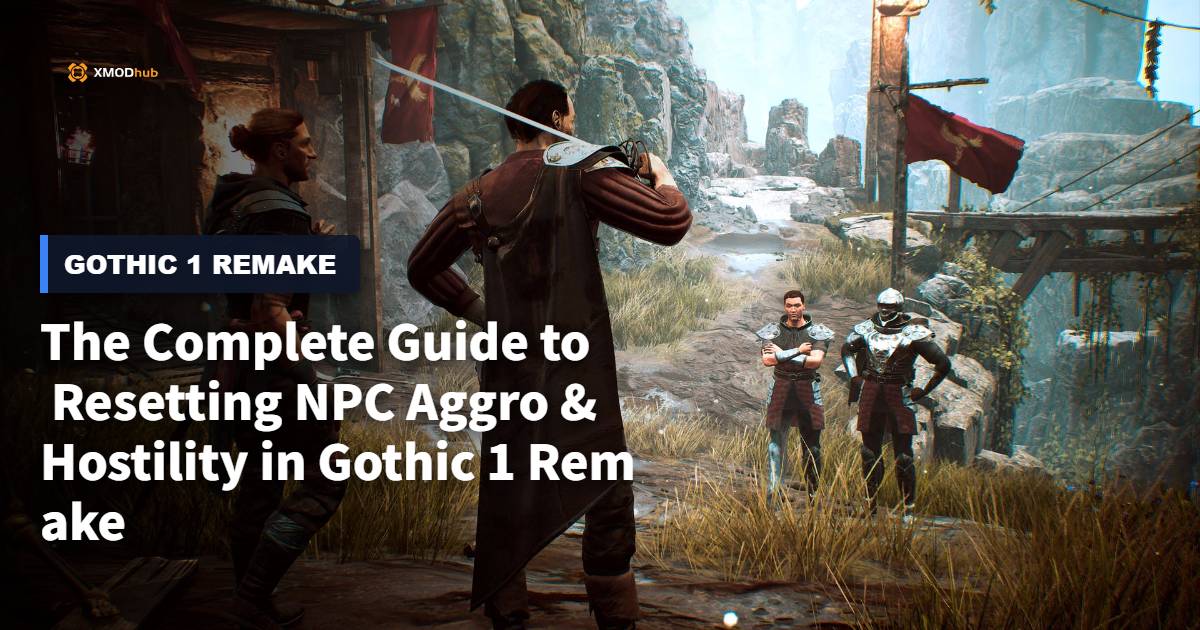
We’ve all been there: you accidentally misclick during a chaotic Scavenger fight, your rusty sword grazes a Shadow in the Old Camp, and suddenly half the colony wants you dead. The unforgiving faction system in Gothic 1 Remake doesn’t care about “accidents,” punishing clumsy players with permanent death loops and ruined questlines. If you want to survive the brutal ecosystem of the Valley of Mines without reloading a 3-hour-old save, you need to master the exact mechanics of de-escalation, memory wiping, and hostility resets.
Editor’s Note
After 100+ hours dissecting the AI behavior trees, faction reputation variables, and aggro radius code in Gothic 1 Remake across four different deeply scrutinized playthroughs, I’ve compiled the definitive, mathematically proven methods to manipulate NPC memory and reset their aggro states.
Quick Answer: TL;DR: The Short Answer
Core Mechanics: The Crime & Punishment System
To effectively reset NPC aggro in Gothic 1 Remake, you must first understand how the game’s engine categorizes your offenses. The Remake utilizes a cascading hostility system where crimes are weighted by severity, proximity, and faction alignment.
The Aggro Radius and Line of Sight
When you commit a crime in Gothic 1 Remake, the engine generates an invisible “crime event” sphere (typically 15 meters in radius). Any NPC within this sphere who has a direct line of sight to you will immediately update their relationship variable from Neutral/Friendly to Hostile.
Hive Mind Faction Aggro
If you attack a Guard in the Old Camp, the hostility isn’t limited to the victim. Gothic 1 Remake employs a “Hive Mind” mechanic for high-tier faction members. Striking a named NPC or a high-ranking guard triggers a faction-wide alert cascade.
| Crime Tier | Action Trigger | Base Aggro Duration | Lethality |
|---|---|---|---|
| Tier 1 (Nuisance) | Drawing a weapon, trespassing in huts | Warning -> 2 Minutes | Non-Lethal |
| Tier 2 (Assault) | Unprovoked melee attack, minor theft | Permanent until resolved | Non-Lethal |
| Tier 3 (Murder) | Killing an NPC, using ranged/magic attacks | Permanent | Lethal (Kill on sight) |
To dive deeper, read our guide on Gothic 1 Remake Faction Guide: How to Max Reputation Fast
Method 1: The Submission Protocol (Taking the Beating)
The most common and historically accurate way to reset hostility in Gothic 1 Remake is to simply accept the consequences of your actions. The colony operates on prison rules: a physical beating settles most minor disputes.
How to Execute the Submission
If you have triggered Tier 1 or Tier 2 aggro, do not attempt to run if you lack the stamina, and absolutely do not draw your weapon.
The Cost of Submission
While you are unconscious, the victorious NPC will loot your inventory. In Gothic 1 Remake, they prioritize taking your currently equipped weapon and a percentage of your raw Ore. Upon standing back up, the NPC will deliver a voice line (e.g., “Let that be a lesson to you”) and their aggro state will reset to neutral.
Warning: Do not use this method if you have triggered Tier 3 (Murder) aggro, or if the hostile NPC is a fanatic (like the Swamp Camp Templars under certain story conditions), as they will execute you while you are down.
To dive deeper, read our guide on Fastest Way to Farm Magical Ore in Gothic 1 Remake
Method 2: Diplomatic Immunity and Faction Fines
When you have angered an entire camp or a critical quest-giver in Gothic 1 Remake, taking a beating isn’t enough. The faction’s collective memory requires a financial reset. This is where diplomats come in.
Locating the Fixers
Each major camp has an unofficial “fixer” who acts as a bridge between the player and the camp’s leadership. In the Old Camp, this is Gravo. He can usually be found near the bathing area or the outer ring tavern.
Calculating the Fines
Gravo doesn’t work for free. The cost to reset NPC aggro in Gothic 1 Remake scales based on your character level and the severity of the crimes committed.
| Offense Type | Base Ore Cost | Level Multiplier | Faction Standing Impact |
|---|---|---|---|
| Minor Assault | 50 Ore | x1.5 per level > 5 | Restored to Neutral |
| Major Theft | 100 Ore | x2.0 per level > 5 | Restored to Neutral |
| Faction Assault | 250 Ore | x3.0 per level > 10 | Dropped by 1 Tier |
To utilize this, you must approach the fixer without drawing the aggro of the guards. This often requires sneaking into the camp at night or climbing over the palisades to bypass the gate guards. Once the Ore is paid, the fixer manipulates the camp’s variables, instantly resetting the hostility of all non-scripted NPCs within that faction.
To dive deeper, read our guide on How to Bypass Inventory Weight Limit in Gothic 1 Remake
Method 3: Magical Memory Wipes (The Forget Spell)
For isolated incidents involving high-value NPCs that you cannot afford to anger (such as merchants or trainers), the most surgical way to reset NPC aggro in Gothic 1 Remake is the “Forget” spell scroll.
Sourcing the Forget Scroll
Forget scrolls (sometimes localized as Charm or Oblivion) are rare early-game commodities. You can reliably purchase them from:
Baal Cadar in the Swamp Camp.
Cronos at the New Camp ore mound.
Milten in the Old Camp (Fire Mages’ courtyard).
The Casting Sequence
Casting the Forget spell requires precision timing. If you cast it while the NPC is actively attacking you, the spell will fail, and you will waste the scroll.
Re-approach: Walk up to them. Their memory buffer of your crime has been wiped, and normal dialogue options will be restored.
| Spell Name | Mana Cost | Cast Time | Effective Range |
|---|---|---|---|
| Scroll of Forget | 10 Mana | 1.5 Seconds | 25 Meters |
Advanced Escape Tactics and Edge Cases
Sometimes, the mechanics of Gothic 1 Remake put you in an impossible situation. Mid-to-late game areas, especially when navigating the Orc lands or dealing with heavily armored Mercenaries, can result in permanent death loops if your save game is poorly timed.
The Leash Exploit and Z-Axis Pathing
If you are out of Ore and lack magic, you can manipulate the AI’s pathfinding. NPCs in Gothic 1 Remake struggle with verticality (the Z-axis). By climbing atop a ruined wall or a steep cliff face, the melee AI will enter a “confused” state. After 60 seconds of failing to reach you, their aggro timer forcibly expires to prevent engine memory leaks, effectively resetting their hostility as long as you don’t re-engage.
Bypassing the Grind When Things Go Wrong
Let’s face it: losing 500 Ore to a faction fine because of a clunky hitbox, or getting permanently locked out of a questline because an NPC walked into your fireball, is incredibly frustrating. When the unforgiving nature of Gothic 1 Remake threatens to ruin your 60-hour playthrough, you don’t have to restart.
This is where utilizing a dedicated memory-level tool like XMODhub becomes a game-saver. Instead of grinding Scavengers for hours to pay Gravo, you can take control of the game’s underlying variables directly. With features like Infinite Health (to survive the guard beatdowns without losing your gear) or instant Ore generation (to pay off massive faction bounties instantly), XMODhub removes the tedious punishment while letting you keep your progression intact.
How to fix your ruined save in 3 steps:

To dive deeper, read our guide on How to Unlock Fast Travel Early in Gothic 1 Remake
Understanding NPC Archetypes and Aggro Thresholds
Not all NPCs in the Valley of Mines react to your transgressions equally. The Gothic 1 Remake engine assigns specific behavioral archetypes to different classes of NPCs. Understanding these hidden variables is crucial because they directly dictate how quickly an NPC will turn hostile and what specific method is required to pacify them.
| NPC Archetype | Base Aggro Radius | Primary Warning Behavior | Hostility De-escalation Difficulty |
|---|---|---|---|
| Camp Guards | 15 Meters | Weapon Draw & Verbal Warning | High (Requires Fines via Gravo) |
| Diggers / Peasants | 10 Meters | Fleeing or Calling for Guards | Low (Sleep Cycle or Submission) |
| Merchants | 12 Meters | Refusing Trade & Calling Guards | Medium (Forget Spell Recommended) |
| Mages / Templars | 20 Meters | Instant Magic Prep (No Warning) | Extreme (Lethal Force Used) |
Mages and high-ranking Templars operate on a zero-tolerance policy. If you accidentally hit them with a stray arrow or area-of-effect spell, they will bypass the standard “knockdown” phase entirely and execute you with lethal magic. For these archetypes, breaking the line of sight and using a Forget spell is your only non-cheat survival option.
Post-Reset Recovery: Getting Your Stolen Gear Back
If you successfully utilized the Submission Protocol (Method 1) to reset NPC aggro, your standing with the colony is cleared, but you are now waking up in the dirt without your favorite broadsword and a significant portion of your Ore. Getting your gear back without re-triggering the aggro loop requires a tactical approach.
The Stealth Retrieval Method
NPCs who knock you out will physically equip your weapon if its stats are superior to their current gear. If they do not equip it, it sits in their inventory. To retrieve it:
Frequently Asked Questions
A: No. Death is permanent in Gothic 1 Remake. If you kill a named NPC, their questlines fail permanently, and the faction will remain permanently hostile unless revived through developer console commands.
A: You likely committed a Tier 3 crime (Murder) or triggered a specific late-game story event. Story-driven hostility (such as the events in Chapter 4) is hardcoded and cannot be reset by paying fines or using Forget spells.
A: Sleeping for 72 in-game hours resets “ambient” aggro—meaning unnamed NPCs (like generic Diggers or Rogues) will forget minor trespasses. However, named NPCs and Faction Leaders have persistent memory variables that require a fine or a Forget spell.
A: Yes. In Gothic 1 Remake, equipping an offensive spell rune or scroll in your hand triggers the same “threat” warning from NPCs as drawing a melee weapon. If you do not put the magic away within 3 seconds, they will attack.
Final Verdict
Mastering how to reset NPC aggro and hostility in Gothic 1 Remake is an essential survival skill in the Valley of Mines. Whether you choose to take your lumps like a true convict, bribe the camp diplomats, or wipe memories with ancient magic, understanding the underlying AI triggers ensures that a single misclick doesn’t cost you your entire playthrough. Always keep a Forget scroll in your inventory and enough Ore in your pouch to buy your way out of a bloody misunderstanding.
For players who want to bypass the punishing grind of faction fines and focus purely on the rich narrative, external tools offer the ultimate quality-of-life upgrade. With support for over 5,000+ single-player titles, including hardcore RPGs like The Witcher 3 and Kingdom Come: Deliverance, XMODhub provides the exact tweaks you need to tailor the difficulty to your personal playstyle.

I am a passionate gamer and writer at XMODhub, dedicated to bringing you the latest gaming news, tips, and insights.
Connect with me:
LinkedIn Profile ↗






 Nancy Miller