Summary: Discover the minimum and recommended PC specs for GOD FOR SAKEN and get key tips for smooth, optimized gameplay.
GOD FOR SAKEN is an intense action game filled with dark themes, fast-paced combat, and immersive environments.
Before you dive in, it’s important to ensure your PC meets the game’s system requirements.
This guide covers the minimum and recommended specs, performance on low-end PCs, and how to check if your setup can handle it.
You’ll also learn how tools like XMOD can enhance visuals, stability, and overall gameplay.
Table of contents
- What is GOD FOR SAKEN?
- System Requirements: Minimum and Recommended
- Can You Run GOD FOR SAKEN on a Low-End PC?
- Can My PC Run GOD FOR SAKEN?
- How to Enhance Gameplay Experience with XMOD?
- Conclusion
What is GOD FOR SAKEN?

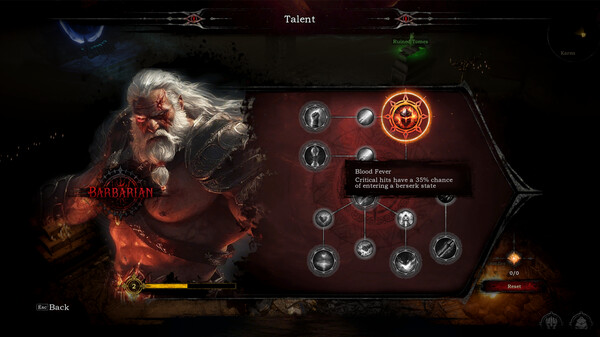
GOD FORSAKEN (also styled “The God-Forsaken Land”) is a roguelike survival adventure game blending elements of Diablo.
Set in a desolate territory abandoned by gods, you fend off monstrous hordes, light your way through darkness, and seek hope amid ruin.
You’ll choose from classes like warrior, warlock, necromancer, and hunter—each with unique skills—and face waves of enemies, bosses, and evolving threats.
System Requirements: Minimum and Recommended
Before diving into the world of GOD FOR SAKEN, it’s important to make sure your PC meets the right specifications. The game’s dark atmosphere and detailed visuals require a solid setup for the best experience. Here’s a breakdown of the minimum and recommended requirements:
Minimum:
- OS: Windows 7/10/11
- Processor: Core i5
- Memory: 8 GB RAM
- Graphics: GeForce 970 or better
- Storage: 5 GB available space
If you want smoother gameplay and higher visual quality, aim for the recommended specs below.
Recommended:
- OS: Windows 7/10/11
- Processor: Core i7
- Memory: 16 GB RAM
- Graphics: GeForce RTX 2060
- Storage: 5 GB available space
Can You Run GOD FOR SAKEN on a Low-End PC?
Running GOD FOR SAKEN on a low-end PC is possible, but performance may vary depending on your hardware. If your system meets at least the minimum requirements—such as a Core i5 processor and a GeForce 970 GPU—you should be able to play the game at lower settings. However, expect reduced frame rates and longer loading times.
Can My PC Run GOD FOR SAKEN?
To find out if your PC can run GOD FOR SAKEN, compare your specs with the game’s minimum and recommended requirements. You’ll need at least a Core i5 processor, 8 GB of RAM, and a GeForce 970 GPU to play comfortably. For the best performance and visuals, a Core i7 CPU, 16 GB of RAM, and an RTX 2060 are recommended.
How to Enhance Gameplay Experience with XMOD?
XMOD is a comprehensive platform built to elevate your gaming experience with tools that go far beyond standard gameplay. For GOD FOR SAKEN, it provides full support for cheats, trainers, and mods right after launch, ensuring smooth compatibility and frequent updates. With access to over 5,000 free and premium mods and trainers, players can fully customize the game to match their preferred playstyle.
Mods let you enhance graphics, refresh textures, refine the UI, or introduce new gameplay elements for greater immersion.
Trainers allow you to tweak stats like health, stamina, ammo, and skill points, making progression smoother or testing new strategies easier.
Cheats enable quick item unlocks, weapon spawns, and level skips for players who prefer a more streamlined experience.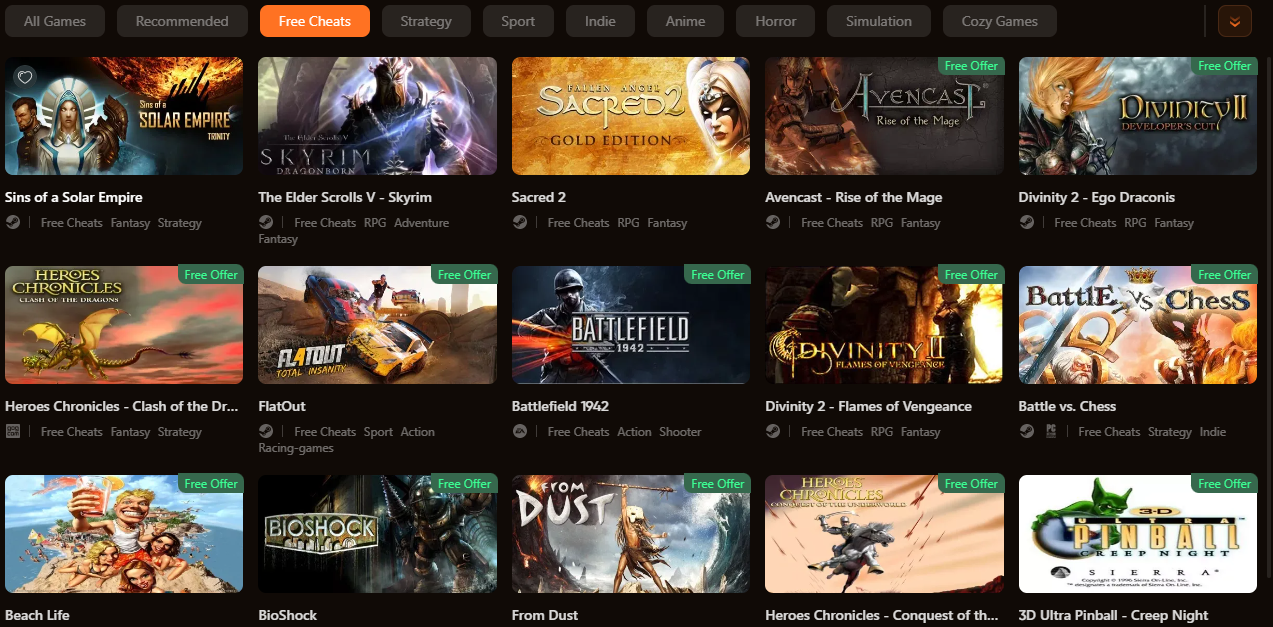
In addition, XMOD includes practical tools such as translation support, FPS boosters, DLC unlockers, and other performance improvements. Whether you want to simplify combat, explore hidden content, or optimize performance, XMOD gives you total control over how you experience GOD FOR SAKEN.
Conclusion
GOD FOR SAKEN offers an intense and immersive experience that challenges both your skill and strategy. With the right setup, you can enjoy smooth performance and fully explore its dark, atmospheric world. Whether you’re optimizing your PC, enhancing visuals, or personalizing gameplay through tools like XMOD, there are plenty of ways to make the experience your own. Prepare your system, dive into the chaos, and uncover the secrets that await in GOD FOR SAKEN.
I am a passionate gamer and writer at XMODhub, dedicated to bringing you the latest gaming news, tips, and insights.
Connect with me:
LinkedIn Profile ↗

 Catherine Hu


 Nancy Miller



