Summary: This guide covers the minimum and recommended system requirements for CloverPit, helping players ensure their PC can run the game smoothly and enjoy optimal performance.
Before diving into CloverPit, it’s essential to ensure your PC meets the necessary system requirements.
Running the game on hardware that meets or exceeds these specifications guarantees smoother gameplay, fewer technical issues, and an overall better experience.
In this guide, we provide a detailed breakdown of CloverPit’s minimum and recommended system requirements, helping you prepare your setup and enjoy the game at its full potential.
Whether you’re a casual player or a hardcore gamer, this information will ensure you get the most out of CloverPit.
Table of contents
- What is CloverPit?
- System Requirements for CloverPit: Minimum and Recommended
- Can You Run CloverPit on a Low-End PC?
- Can My PC Run CloverPit?
- How to Enhance Gameplay Experience with XMOD?
- Conclusion
What is CloverPit?

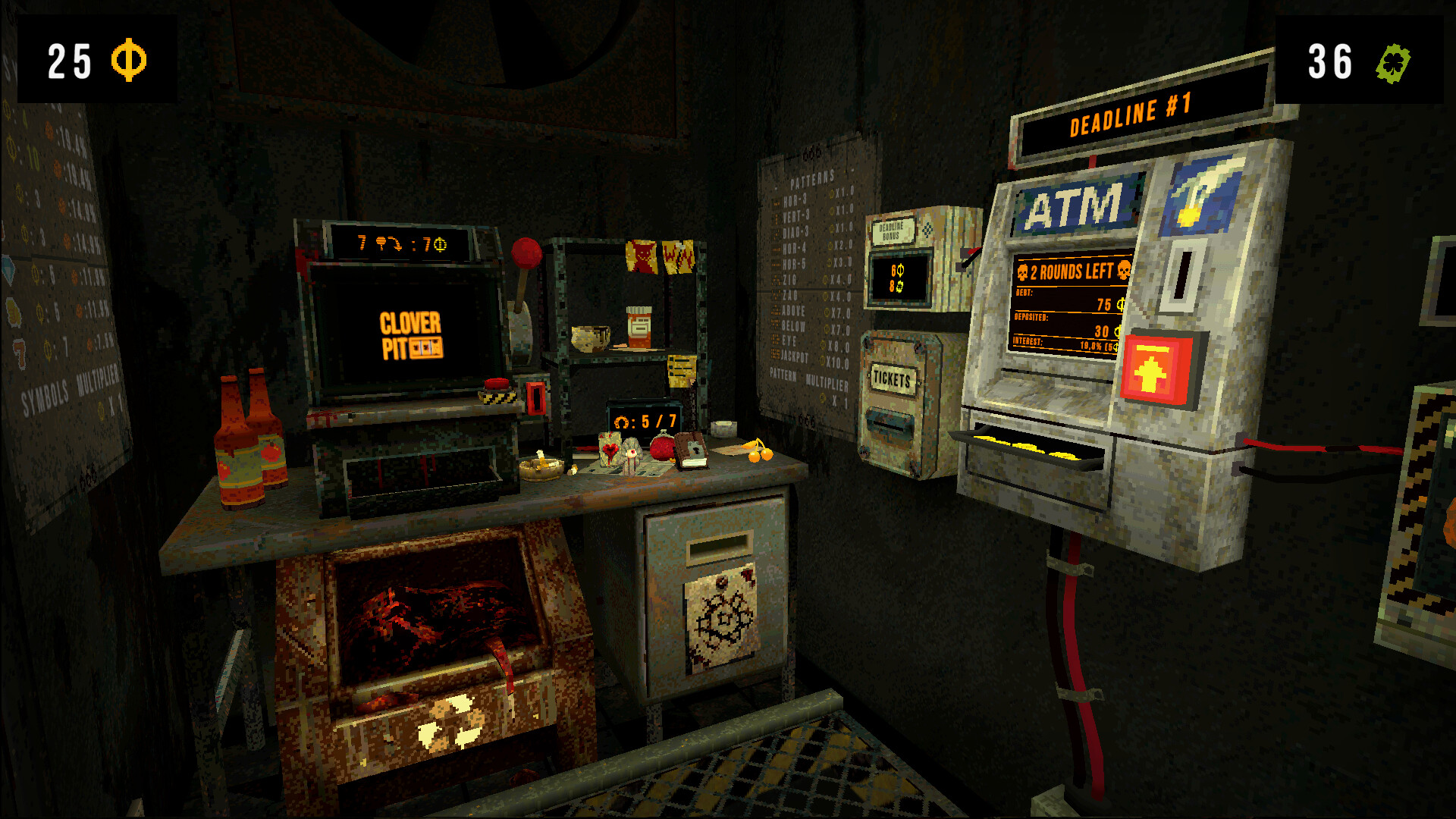
CloverPit is an upcoming roguelite horror game developed by Panik Arcade and published by Future Friends Games. Set to release on September 26, 2025, the game immerses players in a dark, surreal environment where they must manipulate a slot machine to survive. Trapped in a rusty cell above an endless pit, players must pay off escalating debts each round with coins from the slot machine. Blending strategy, resource management, and psychological horror, the game delivers a uniquely tense experience.
In CloverPit, players can tilt the odds with charms and items that alter slot machine behavior, enabling strategic planning and risk management. With over 150 items and synergies, you can craft powerful combos to boost survival chances. A gripping story, multiple endings, and an Endless Mode for high-score chasers make CloverPit a rich experience for roguelite and horror fans.
A CloverPit demo is available on Steam, letting players try the game’s mechanics and atmosphere ahead of release.
System Requirements for CloverPit: Minimum and Recommended
Here are the system requirements for CloverPit, the upcoming roguelite horror game developed by Panik Arcade and published by Future Friends Games.
Minimum System Requirements
- OS: Windows 10 or newer (64-bit)
- Processor: Intel Core i3 (4th generation) or equivalent
- Memory: 1 GB RAM
- Graphics: Most dedicated GPUs should work
- Storage: 512 MB available space
Recommended System Requirements
As of now, the recommended system requirements for CloverPit have not been officially disclosed. However, based on the game’s genre and mechanics, a system with the following specifications is advisable for optimal performance:
- OS: Windows 10 or newer (64-bit)
- Processor: Intel Core i5 or AMD Ryzen 5 series
- Memory: 4 GB RAM or more
- Graphics: NVIDIA GeForce GTX 1050 or AMD Radeon RX 560 or equivalent
- Storage: 1 GB available space
These specifications are based on general trends for similar games in the roguelite and horror genres and are subject to change upon the release of official information.
Can You Run CloverPit on a Low-End PC?
CloverPit has relatively modest minimum system requirements, making it accessible to low-end PCs. The game requires:
- OS: Windows 10 or newer (64-bit)
- Processor: Intel Core i3 (4th generation) or equivalent
- Memory: 1 GB RAM
- Graphics: Most dedicated GPUs
- Storage: 512 MB available space
This means that even older PCs with a basic dedicated GPU and a few gigabytes of RAM should be able to run the game.
However, for smoother performance, reduced lag, and optimal visuals—especially if you plan to play with multiple mods or high-resolution assets—it’s recommended to meet or exceed the recommended specifications, such as a more modern processor, 4 GB RAM, and a mid-tier graphics card.
In short, low-end PCs can run CloverPit, but upgrading hardware slightly will enhance the gameplay experience.
Can My PC Run CloverPit?
Yes, most modern PCs should be able to run CloverPit, as the game is designed to be accessible and optimized for a wide range of hardware. Performance varies by PC specs, but even low-end machines can run the game on basic settings. For the best experience, keep your system updated and ready for roguelite horror gameplay.
You can also use online tools like Can You RUN It or Steam’s compatibility checker to quickly see if your PC can run CloverPit smoothly.
How to Enhance Gameplay Experience with XMOD?
XMOD is a versatile gaming platform that enhances your playthrough by providing cheats, trainers, and mods as soon as a game launches.
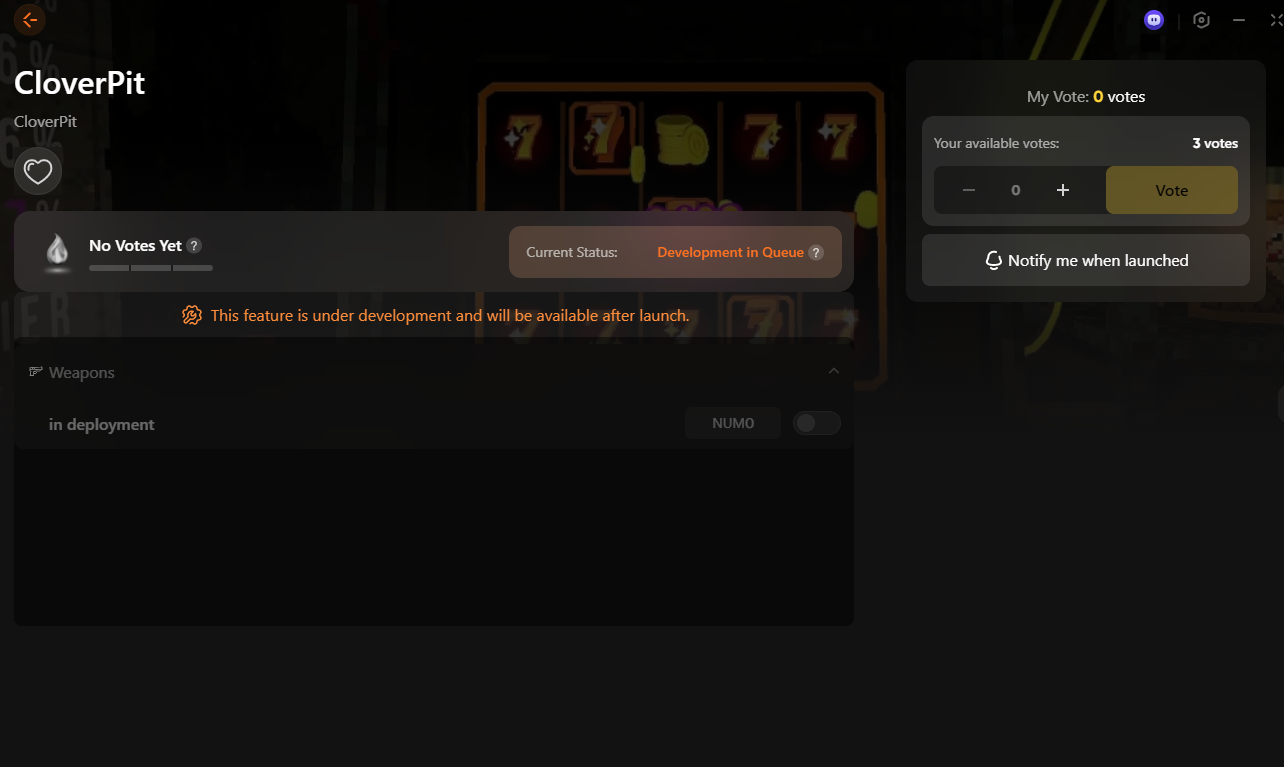
With a library of over 5,000 trainers and mods, including free options, XMOD allows you to customize gameplay, optimize performance, and unlock hidden features.

The platform also offers additional tools such as translation tools, FPS boosters, and DLSS Quality Boost, making your gaming experience smoother, more accessible, and richer. As the fastest, most comprehensive platform for mods and trainers, XMOD gives players the latest tools to get the most out of any game.
Conclusion
Using XMOD can significantly enhance your CloverPit experience by improving performance, streamlining resource management, and assisting with strategic gameplay.While the roguelite mechanics and slot-based challenges are engaging, XMOD helps players focus on smart decisions and the tense, horror-filled atmosphere without distractions. When used responsibly, it ensures a smoother, more immersive, and rewarding gameplay experience.
I am a passionate gamer and writer at XMODhub, dedicated to bringing you the latest gaming news, tips, and insights.
Connect with me:
LinkedIn Profile ↗

 Catherine Hu


 Nancy Miller



