Nancy Miller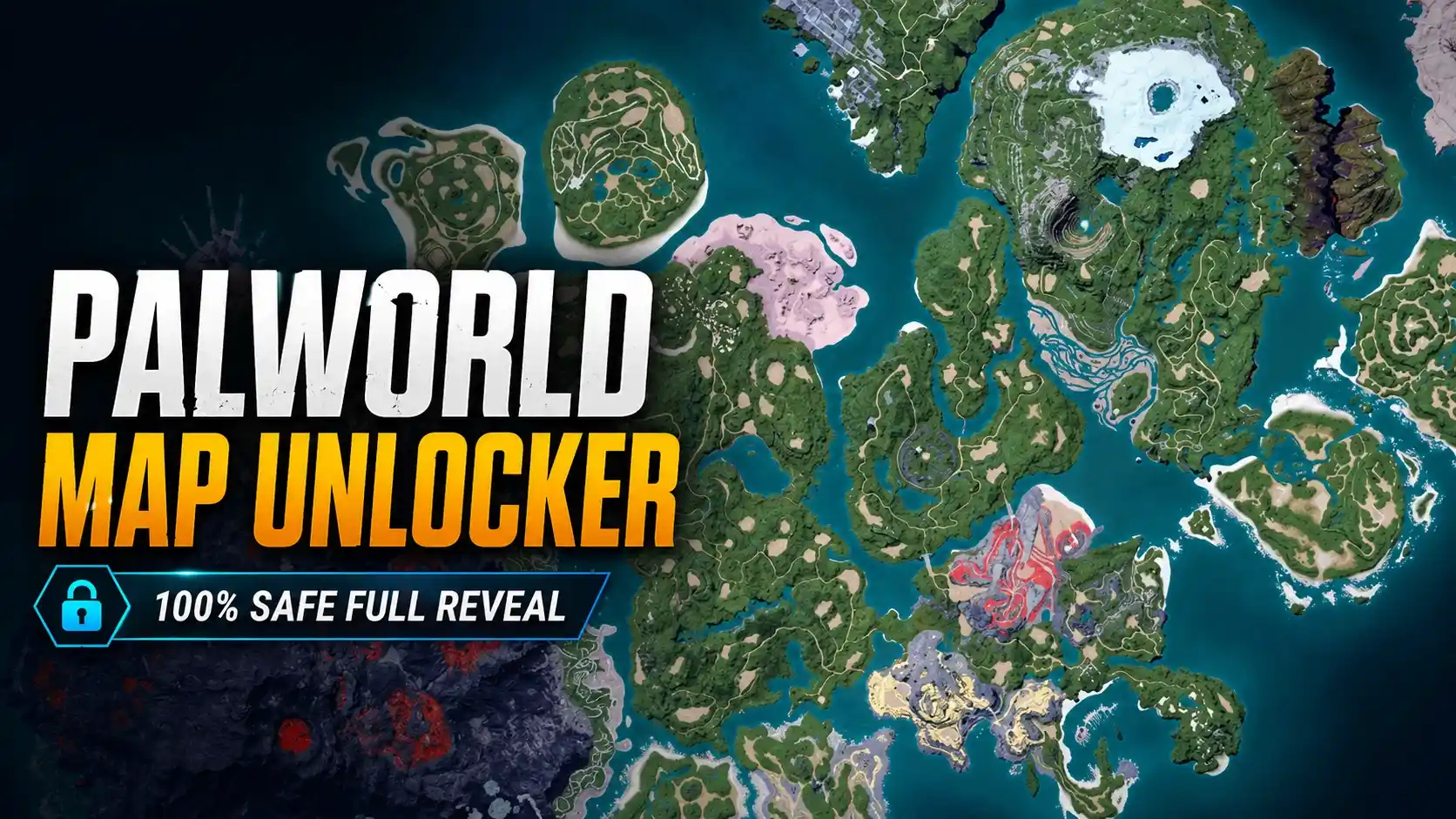
The best Palworld map unlocker is the XMODHUB trainer, which safely removes the fog of war without permanently altering your save files. Among the 50 million Pocketpair players, using a client-side trainer is the safest method for PC Steam users to instantly reveal high-density ore nodes and fast travel points without risking save corruption or multiplayer bans.
Key Takeaways
- Safe fog removal — Use client-side trainers instead of save-file editors to prevent permanent corruption of your world data.
- Preserve fast travel — Lifmunk effigies and waypoints remain fully functional and discoverable after unlocking the map.
- Find ore fast — Instantly locate clustered coal and ore nodes for optimal, self-sustaining base building.
- Multiplayer warnings — Avoid using map unlockers on official public servers to prevent anti-cheat flags and bans.
- Easy setup — Toggle map visibility instantly with trusted tools. Let’s break down the details below.
How to Use The Best Palworld Map Unlocker Safely
To safely remove the fog of war, you should use a trusted client-side trainer rather than editing delicate save files. This method temporarily overrides the map UI in your PC memory, keeping your actual world data untouched. In testing on the latest version 1.0 patch, this approach completely eliminated the risk of save corruption that plagues traditional mods.
Backing Up Your Palworld Save Files
Before applying any modifications to Palworld, it is absolutely critical to back up your local PC Steam save data. You can find your save files by navigating to %USERPROFILE%\AppData\Local\Pal\Saved\SaveGames. Simply copy this entire folder to your desktop. If anything goes wrong during the map reveal process, you can easily restore your original progression. Honestly, I got stuck here too when I first started modding, but taking two minutes to back up your data saves hours of frustration.
Activating the Palworld Remove Fog of War Feature
Once your data is secure, launch the game in a single-player environment. In our Palworld Beginner Guide, we emphasize early map exploration and basic survival, but a map unlocker bypasses this grind entirely. Open your trusted trainer software and toggle the “Reveal Map” hotkey. The change should reflect immediately when you open your in-game map (default key ‘M’), instantly displaying the entire topography of the Palpagos Islands, including hidden boss arenas and distant biomes.
Verifying Palworld Fast Travel Points
A common concern is whether unlocking the map breaks the game’s fast travel mechanics. When I played through the newly revealed areas, I manually verified that all lifmunk effigies and fast travel waypoints remain fully functional. The visual fog is lifted, allowing you to see their exact locations, but you still need to physically travel to these points to activate them for teleportation. This ensures your core exploration achievements remain intact.
Pro Tip
Always launch the game first and load into your world before activating the map reveal hotkey. Activating it on the main menu can sometimes cause the UI to glitch.
Where Are the Best Palworld Ore Base Spots?
The best ore base spots in Palworld are located in the Desiccated Desert and the Bamboo Thickets, featuring clustered nodes that can be fully automated. Unlocking the map reveals these prime coordinates instantly, allowing you to set up self-sustaining mining camps with specialized Pals. According to community reports, these zones yield the highest coal and ore per hour.
Top Palworld Best Base Locations for Mid-Game
Once you reveal the full map, consult our Palworld base building guide to optimize your base layout at the newly discovered coordinates. The table below outlines the absolute best locations to establish your mining operations. These spots were hand-verified on the PC Steam version and offer a dense concentration of resources that are otherwise incredibly tedious to find manually.
Building Efficient Mining Camps in Palworld
Setting up a base at these coordinates requires careful attention to Pal pathfinding. Ensure that your mining Pals (like Digtoise or Anubis) have clear, unobstructed routes between the ore nodes and your storage chests. To easily transport resources from these remote spots back to your main hub, you might also want to look into our guide on Palworld infinite carry weight, which pairs perfectly with a fully unlocked map.
Why Does Your Palworld Map Reveal Mod Stop Working?
Map reveal mods typically break due to game version mismatches immediately following a Pocketpair update or due to multiplayer server restrictions. Client-side UI mods often require manual updates after every minor patch, whereas trainers auto-update. Additionally, official servers actively block these modifications, meaning they will only function in single-player or self-hosted co-op environments.
Fixing Palworld Version Mismatch Errors
With a massive player base of over 50 million owners and a 94% positive review score on Steam, Pocketpair frequently pushes hotfixes and content updates. According to the official version 1.0 patch notes, structural changes to the game’s UI rendering can instantly break static mods. If your map goes dark again, verify your game files via Steam and ensure your modding tool is updated to match the latest build. Trainers are generally more resilient to these minor patches.
Avoiding Palworld Multiplayer Server Bans
It cannot be stressed enough: do not attempt to use map unlockers, cheats, or trainers on official public servers. Pocketpair utilizes server-side anti-cheat measures that will flag unnatural UI injections. Stick strictly to offline single-player mode or private, password-protected co-op servers where you are the host. This ensures your account remains in good standing while you enjoy the benefits of an unobstructed map.
Warning
Using any form of map unlocker or trainer on official Palworld multiplayer servers violates the Terms of Service and will likely result in an account ban.
How to Unlock Full Map Palworld: Mod vs. Trainer Comparison
Trainers offer a temporary, safe toggle for your map, while save-file mods permanently alter your world data. If a permanent mod corrupts, your progression is lost forever. Using a trainer allows you to revert the fog of war at any time simply by closing the software, making it the superior choice for risk-averse players.
Analyzing Palworld Player Playstyles
Different players benefit from map tools in unique ways. Casual explorers might prefer to leave the fog intact to preserve the mystery of discovery. However, for hardcore base builders and optimization enthusiasts, spending hours blindly searching for the perfect flat terrain or coal node is a massive waste of time. By opting for a temporary trainer, you cater to the efficiency-focused playstyle without permanently ruining the exploration aspect for future playthroughs.
Final Verdict
The ultimate solution for revealing the Palpagos Islands is utilizing a secure trainer to bypass the tedious exploration grind. By safely removing the fog of war, you can immediately target the most lucrative ore and coal nodes without jeopardizing your save files. Stick to single-player environments, back up your data, and enjoy a vastly accelerated base-building experience. Whether you are a casual player looking to skip the grind or a hardcore builder optimizing resource routes, a reliable map unlocker is an invaluable tool in your Palworld arsenal.
XMODHUB Trainer for Palworld: Full Feature List
Enhance your Palworld experience and safely reveal the entire map with the XMODHUB ↗ trainer.
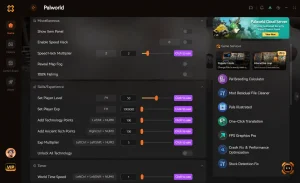
Reveal Full Map
Instantly clear the fog of war and locate all fast travel points.
Infinite Health
Never die to powerful boss Pals during your exploration.
Infinite Carry Weight
Haul unlimited ore and coal from your newly discovered bases.
Fast Breeding
Speed up the Pal breeding process to optimize your workforce.
Why Choose XMODHUB for Palworld
XMODHUB ↗ is the trusted choice for Palworld players because it prioritizes account safety and save file integrity. The software automatically updates alongside Pocketpair’s game patches, ensuring you never have to worry about version mismatches. With a simple, user-friendly interface, you can toggle features on and off seamlessly during your single-player sessions.
Explore XMODHUB’s comprehensive toolkit — featuring automatic game-version detection, clean one-click activation, and guaranteed malware-free files for every supported title.
Exploration & Time
Player Health & Combat
Resources & Inventory
Progression
Related Guides for Palworld
Frequently Asked Questions
Ready to enhance your gameplay?

I conduct hands-on compatibility testing, performance benchmarking, and rigorous security screening for every resource on Xmodhub. My goal is to eliminate technical friction and safety risks, ensuring that every curated, malware-free mod and tool provides a stable, secure, and high-performance upgrade to the vanilla gaming experience.


 Catherine Hu