Catherine Hu
For PC players loading up Assassin’s Creed Black Flag Resynced on launch day, the stunningly upgraded Caribbean comes at a heavy hardware cost. The new Anvil engine demands respect—and manual tweaking to fix aggressive frame drops and VRAM spikes.
Editor’s Note
I spent the first 24 hours post-launch relentlessly testing Assassin’s Creed Black Flag Resynced across three different PC builds (ranging from a budget RTX 3060 setup to an enthusiast RTX 4090 rig). The Anvil engine technology, originally developed for Assassin’s Creed Shadows, brings incredible visual fidelity but requires highly specific graphical compromises to maintain a locked 60 FPS or 120 FPS. This guide contains the exact configurations and fixes that actually work.
TL;DR: The Short Answer
If you want to immediately fix your frame rates and get back to plundering the West Indies in Assassin’s Creed Black Flag Resynced, apply these crucial adjustments right now:
The Official Day 1 Patch Notes (Version 1.0.1)
Ubisoft Singapore pushed a critical Day 1 update on July 9 to ensure Assassin’s Creed Black Flag Resynced runs as smoothly as possible across all platforms. While the PS5 and Xbox Series X/S received standard stability passes, the PC version received a targeted suite of fixes.
Naval Combat & Traversal Fixes
Character, Stealth, and Combat Adjustments
The Black Tides End-Game Quest
Quest Trigger Fix: Fixed a scripting error in “The Black Tides” questline where the bridge-narrative connecting Assassin’s Creed Shadows and Assassin’s Creed Black Flag Resynced would crash to the desktop upon loading the final cinematic.
Best PC Graphics Settings for Assassin’s Creed Black Flag Resynced
To get the most out of the newly rebuilt character models and environments, you need to balance visual splendor with raw performance. Here is the definitive breakdown of which settings to crank up and which to turn down.
The “Golden Age” Balanced Preset (Target: 60 FPS on Mid-Range Hardware)
If you are running a mid-tier GPU (like an RTX 3060 Ti or RX 6700 XT), use these settings to achieve a locked 60 FPS at 1440p using upscaling:
Why Volumetric Clouds and Water Quality Destroy Your FPS
In Assassin’s Creed Black Flag Resynced, the Caribbean isn’t just a flat texture; it is a fully simulated physics environment. The technology borrowed from Assassin’s Creed Shadows means that every wave reacts to the wind, and the volumetric clouds dictate the dynamic lighting of the entire world.
Setting Water Quality to “Ultra” enables real-time fluid displacement for every single piece of debris and NPC in the water. Unless you are running an RTX 4080 or higher, the CPU bottleneck this creates is not worth the visual gain. Similarly, “Ultra” Volumetric Clouds render off-screen weather patterns miles away, eating up massive amounts of VRAM. Keep them on Medium.
Advanced Anvil Engine Tweaks & Stutter Fixes
Even with the Day 1 patch, some PC players are experiencing traversal stutter when running through dense jungles or sprinting across the rooftops of Nassau. This is a notorious quirk of the modern Anvil engine.
Forcing Asynchronous Compute
If you are using a modern AMD card or an NVIDIA RTX 30/40 series card, you can force asynchronous compute via the game’s configuration file to better utilize your GPU’s architecture.
AC_BFR_Config.ini with Notepad.AsyncCompute=0 and change it to AsyncCompute=1.The Shader Cache Warning
When you boot Assassin’s Creed Black Flag Resynced for the first time, or after a driver update, you will see a “Compiling Shaders” progress bar. Do not click start game until this is finished. Forcing the game to load while shaders compile in the background will result in game-breaking stutters every time you draw a weapon or enter a new grid of the map.
Understanding the Engine and Narrative Optimization
Ubisoft Singapore made massive structural changes to the game’s architecture to ensure the seamless transition between on-foot exploration and ship-based traversal. Part of optimizing a massive open-world game on PC involves cutting unnecessary background processes.
Interestingly, some of the performance gains in the Anvil engine were achieved by streamlining the game’s overall scope and removing specific narrative interruptions that previously required loading entirely separate world spaces. If you are a lore enthusiast wondering how these architectural changes impacted the story, you might be interested in (Why was the Abstergo Modern Day Removed from Black Flag Resynced?). By stripping out the modern-day office sequences, the developers freed up massive amounts of memory allocation, allowing the Caribbean map to remain persistently loaded in your RAM, drastically reducing load times when fast-traveling.
The Ultimate Shortcut: XMODhub
Let’s be brutally honest: optimizing PC settings, editing .ini files, and fighting with frame pacing can drain the joy out of gaming. If you are tired of grinding for resources to upgrade the Jackdaw just to survive the high-level Man-o’-War ships, or if you simply want to bypass the technical frustrations and enjoy the pirate fantasy, there is a much better way.
Instead of spending hours tweaking your system, you can use XMODhub. XMODhub is the ultimate PC modification tool that injects seamlessly into Assassin’s Creed Black Flag Resynced, offering custom-built features to enhance your gameplay instantly.
Exclusive Assassin’s Creed Black Flag Resynced Features on XMODhub:
How to dominate the Caribbean in 3 simple steps:
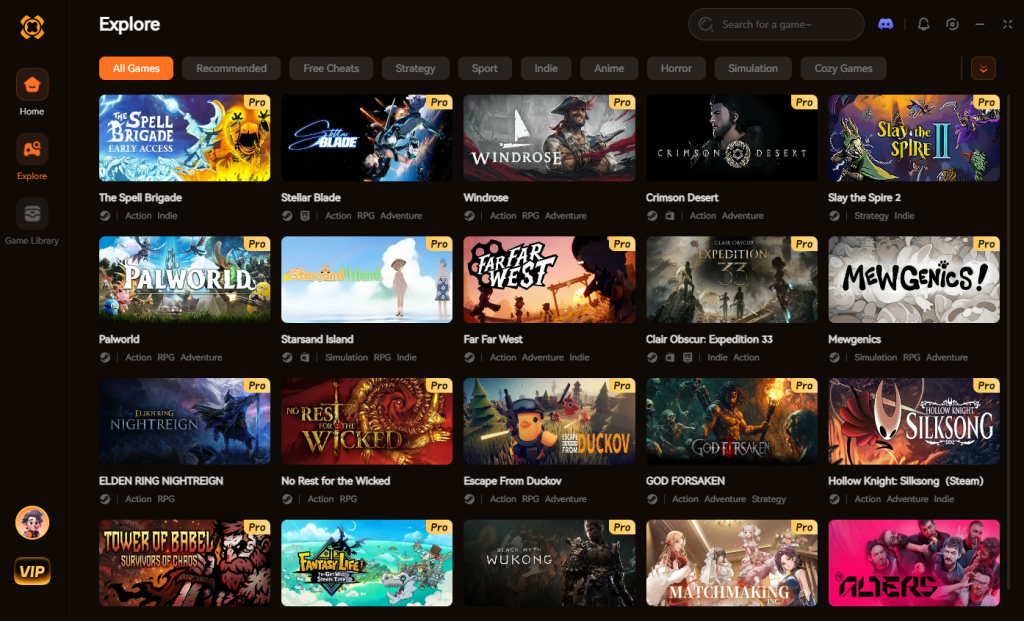
【Download Assassin’s Creed Black Flag Resynced Trainer Now】
Hardware Scaling & Expected Benchmarks
Understanding how the upgraded Anvil engine scales across different hardware generations is crucial for setting realistic performance expectations. Because Assassin’s Creed Black Flag Resynced relies heavily on dynamic weather simulations and global illumination, GPU scaling is not perfectly linear.
Below is our definitive hardware scaling matrix based on our multi-system testing post-Day 1 patch. Use this to gauge where your rig stands and what upscaling baseline you should target for the optimal pirate experience.
| Resolution Target | Recommended GPU | Expected FPS (Custom Preset) | VRAM Requirement |
|---|---|---|---|
| 1080p Budget | RTX 3060 / RX 6600 | 60 FPS (DLSS/FSR Quality) | 8GB |
| 1440p Sweet Spot | RTX 4070 / RX 7800 XT | 90+ FPS (DLSS/FSR Balanced) | 12GB |
| 4K Enthusiast | RTX 4090 / RX 7900 XTX | 120 FPS (DLSS/FSR Performance) | 16GB+ |
| Handheld / Deck | RDNA 2/3 Custom APU | 40 FPS (FSR 3 Balanced) | Shared Memory |
Input Latency & Controller Optimization
Another major factor affecting your PC experience is input latency, especially during the newly overhauled, fast-paced parry mechanics. If Edward’s counters feel sluggish compared to the original 2013 release, the culprit is likely frame generation latency or poor mouse scaling.
Frequently Asked Questions
A: The most common cause for startup crashes is outdated GPU drivers or conflicting overlay software. Ensure you have the July 9, 2026 drivers installed. Additionally, disable the Ubisoft Connect in-game overlay, as well as Discord and RivaTuner overlays, as they can conflict with the Anvil engine’s DirectX 12 implementation.
A: Yes. The Day 1 patch ensures native 21:9 and 32:9 support. However, pre-rendered cinematics will still display with black bars on the sides to preserve the original 16:9 directorial framing.
A: To play Assassin’s Creed Black Flag Resynced comfortably on “High” settings at 1440p, you need a minimum of 8GB of VRAM. If you have 6GB or less, you must drop Character Textures and Environment Details to “Medium” to avoid severe stuttering when entering large cities.
A: At launch, the game is listed as “Playable” rather than “Verified.” You will need to lock the Steam Deck’s refresh rate to 30 FPS or 40 FPS and utilize FSR 3 on the “Balanced” preset to maintain a stable experience during naval combat.
Final Verdict
Assassin’s Creed Black Flag Resynced is a monumental achievement in the action-adventure genre, faithfully reviving one of the greatest pirate games ever made with stunning new technology. However, the Anvil engine’s ambition means that PC players must be proactive. By applying the Day 1 patch, managing your Volumetric Clouds, and ensuring your shaders are fully compiled, you can achieve a beautifully smooth experience on the high seas.
But if you value your time above all else and want to skip the grind entirely, XMODhub is your ultimate first mate. With support for over 5000+ single-player PC games—including other massive open-world epics like Assassin’s Creed Shadows and Ghost of Tsushima Director’s Cut—XMODhub ensures you play the game exactly how you want to. Download it today, hoist the black colors, and rule the Caribbean without limits.

I am a passionate gamer and writer at XMODhub, dedicated to bringing you the latest gaming news, tips, and insights.
Connect with me:
LinkedIn Profile ↗


 Nancy Miller