
 Nancy Miller
To safely use the Honeycomb: The World Beyond Mods, Cheats and Trainer Setup Guide, download a verified PC trainer, launch your game to the main menu, and execute the tool with administrator privileges. Because this is a strictly single-player adventure by Frozen Way, using offline memory hooks poses zero anti-cheat risk. Always back up your local save directory before injecting cheats on the 1.0 launch version.
Key Takeaways
- 100% Safe Offline — Modding this single-player game is completely safe from bans with proper offline setup procedures.
- Zero Anti-Cheat — The game lacks multiplayer components, eliminating all risks of account suspensions or automated bans.
- Manual Backups Required — Always secure your AppData save files before altering complex bioengineering loops or crafting timers.
- Achievement Warnings — Certain memory hooks may disrupt Steam achievement triggers during major story milestones. Let’s break down the details below.
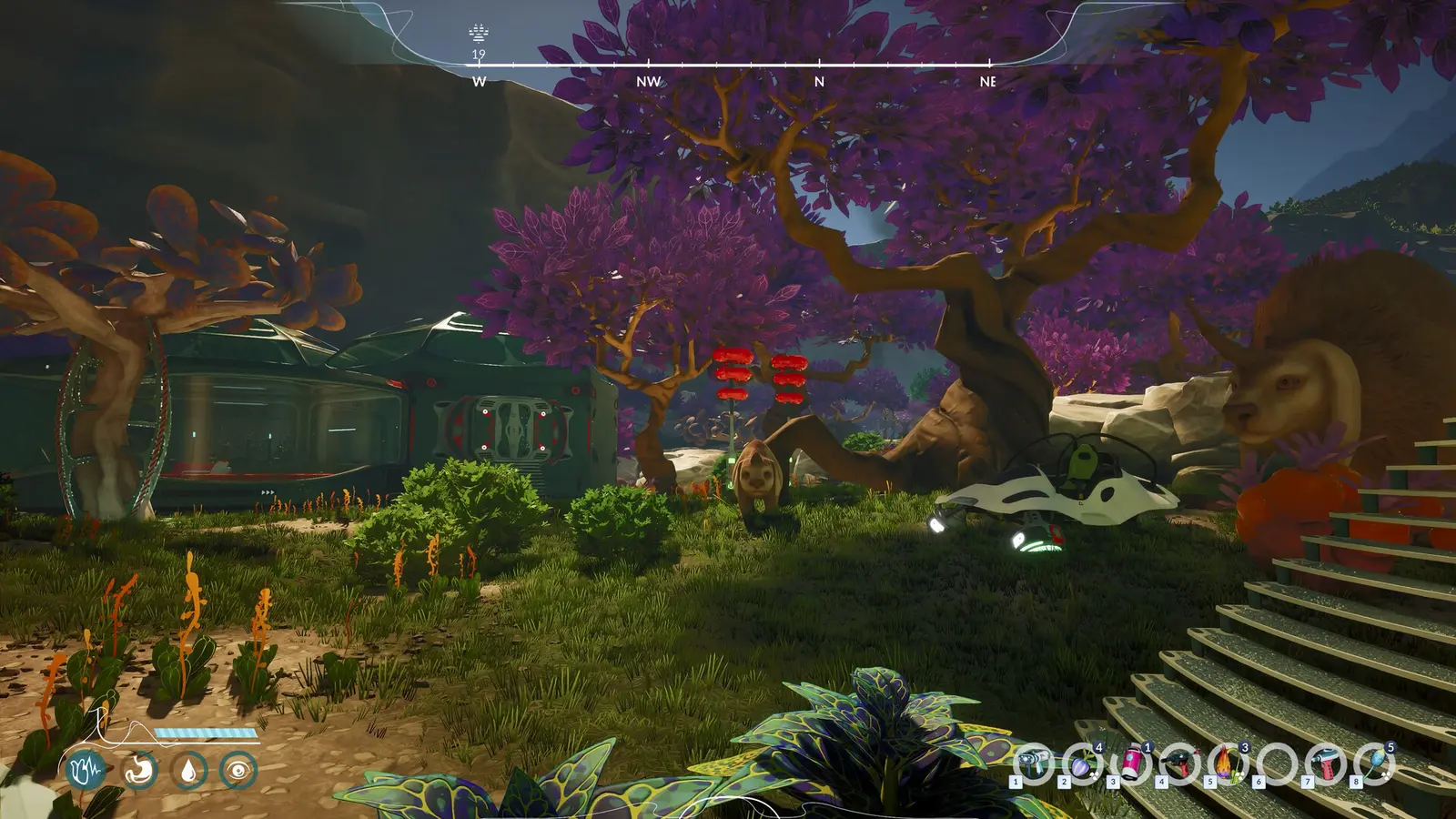
Honeycomb: The World Beyond Mods, Cheats and Trainer Setup Guide: Installation Steps
To properly install mods and trainers for Honeycomb: The World Beyond, you must first download the verified files, back up your local save data, and run the application as an administrator while the game idles on the main menu. According to the official launch notes from developer Frozen Way and publisher Snail Games USA, this survival game operates entirely offline. This architecture ensures that utilizing a PC trainer carries zero risk of triggering anti-cheat software, allowing you to freely modify your experience on planet Sota7.
Honeycomb: The World Beyond Save Files Backup
Before injecting any memory hooks, securing your progress is absolutely critical. The game stores its saved game data deep within your Windows user directory. Press the Windows Key + R, type %LOCALAPPDATA%\Honeycomb\Saved\SaveGames, and hit Enter. Copy this entire folder to a secure location on your desktop. Because the game relies heavily on complex variable tracking for your base structures and discovered alien flora, a corrupted save can erase dozens of hours of meticulous laboratory expansion. Manual backups are your best defense against unexpected crashes during the modding process.
Step-by-Step PC Trainer Setup
Begin by downloading your chosen trainer from a reputable source and extracting the executable to a dedicated folder on your primary drive. Do not run the trainer from a zipped archive, as this prevents the software from properly hooking into the game’s active memory. Launch Honeycomb: The World Beyond through Steam and wait until you reach the main menu. Once the game is running, alt-tab to your desktop, right-click the trainer executable, and select “Run as Administrator.” You will typically hear a confirmation chime indicating that the tool has successfully attached to the game process, at which point you can return to your save file and begin toggling cheats via the designated hotkeys.
Cloud Save Warning
Temporarily disable Steam Cloud synchronization before your first modded session to prevent Steam from overwriting your locally modified save files with an older, unmodded cloud backup.
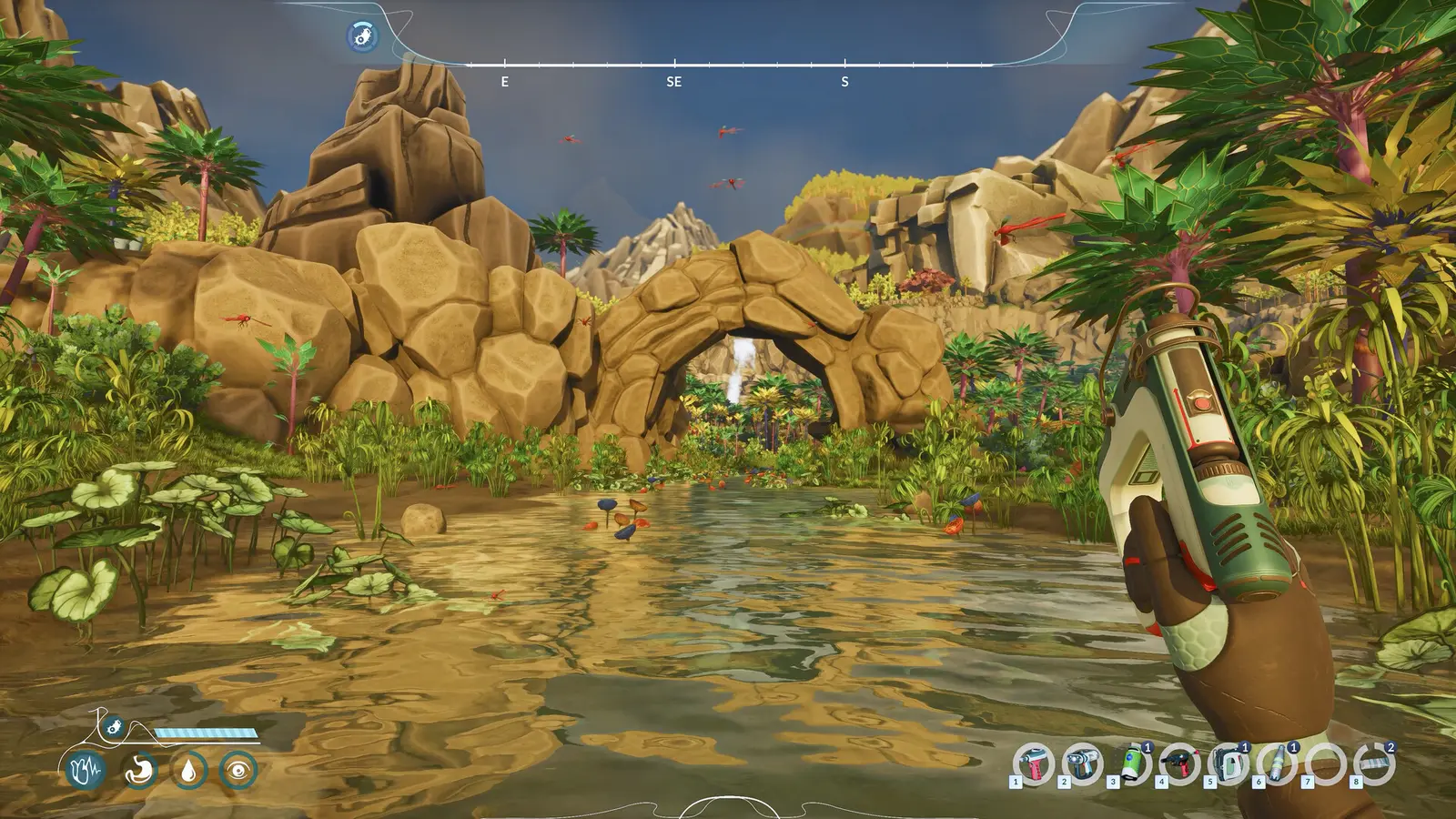
Mastering Bioengineering Cheats and Resource Management
Activating infinite resources in Honeycomb: The World Beyond fundamentally changes how you approach the game’s core bioengineering mechanics, allowing you to bypass the tedious early-game gathering phase and immediately focus on advanced laboratory construction. As of September 2026, the most popular community modifications focus heavily on streamlining these specific synthesis loops. By eliminating the need to constantly harvest basic carbon and silicon deposits, players can dedicate their time to cross-breeding exotic alien plant species and expanding their primary research domes without interruption.
Accelerating Synthesis and Crafting Timers
One of the most valuable features of any Sota7 exploration trainer is the ability to manipulate crafting speed. The base game intentionally paces your progression by imposing lengthy waiting periods on complex bio-synthesis reactions. Using an alien bioengineering speed boost instantly completes these timers. This is particularly useful when you are attempting to mass-produce advanced structural components for your base. Instead of waiting real-world minutes for a single batch of reinforced glass, you can generate hundreds of units instantly, maintaining your creative momentum during massive architectural projects.
Managing Inventory Weight Limits
Alongside infinite resources, disabling the player’s carry weight limit is a highly recommended quality-of-life adjustment. The harsh biomes of Sota7 are filled with heavy, valuable materials that quickly encumber your character, forcing frequent and frustrating trips back to your storage lockers. By toggling infinite carry weight, you can embark on massive cross-map expeditions, vacuuming up every unique genetic sample and mineral deposit you encounter without ever needing to pause your exploration. This single modification drastically improves the flow of the game for completionists.
Best Honeycomb: The World Beyond Infinite Resources Settings by Playstyle
Tailoring your cheat toggles to your specific playstyle ensures you don’t accidentally ruin the game’s natural progression or eliminate the survival tension that makes exploring Sota7 so engaging. Steam statistics show a growing player base of up to 20,000 owners, and the community is evenly split between hardcore base builders and story-focused explorers. Applying every available cheat simultaneously can quickly make the game feel hollow, so it is highly recommended to selectively activate only the modifications that address your personal pain points while leaving the rest of the game’s mechanics intact.
Recommended Settings for Base Builders
If your primary goal is to construct the ultimate research facility, you should focus entirely on resource and crafting modifications. Activate infinite bio-resources, instant crafting, and unlimited stamina. These toggles allow you to sprint across your construction site indefinitely while placing massive structural modules without worrying about material costs. I personally prefer using unlimited oxygen rather than full invulnerability because it preserves the thrill of Sota7’s environmental hazards while still removing the tedious grind of resource management. This balance keeps the gameplay engaging while you build.
Balanced Cheats for Story-Focused Explorers
For players who want to experience the narrative and uncover the mysteries of the planet without constant interruptions, a different approach is required. Instead of infinite items, consider using only a mild movement speed multiplier and the god mode toggle. This setup allows you to safely traverse dangerous toxic zones and observe hostile alien fauna up close without fear of death, while still requiring you to engage with the bioengineering system to progress the story. Frozen Way survival crafting mods are highly customizable, so experiment to find your perfect equilibrium.
Pro Tip
If you feel you’ve made the game too easy, most trainers allow you to toggle features on and off dynamically with hotkeys during active gameplay without needing to restart the application.
Will Using Cheats Disable Steam Achievements in Honeycomb: The World Beyond?
Using offline trainers does not inherently disable Steam achievements or trigger anti-cheat bans, but excessive memory manipulation can occasionally disrupt the script triggers required to unlock specific milestones. Because Honeycomb: The World Beyond is built on Unreal Engine, the game relies on precise variable changes to register your progress. If you use an instant-crafting cheat to bypass a mandatory tutorial sequence, the game may fail to recognize that you completed the objective, leaving the associated achievement permanently locked on that specific save file.
Testing Stability During Biome Shifts
Maintaining game stability while cheating requires an understanding of how the engine handles data streaming. In my testing on the launch build v1.0, I found that toggling god mode and stamina multipliers during heavy biome shifts caused zero crashes, provided I didn’t aggressively spam the hotkeys. The transition between the lush fungal forests and the arid crystalline deserts forces the game to load massive amounts of new asset data. Keeping your cheat toggles stable and avoiding rapid activation/deactivation during these loading hitches ensures a smooth, crash-free experience.
Protecting Your Progression
To ensure you can still earn achievements while using mods, it is best to disable cheats right before completing major story objectives or crafting milestone items. Once the achievement pops up in the corner of your screen, you can safely reactivate your trainer. If an achievement fails to register, you can simply reload the manual backup you created earlier, complete the objective legitimately, and then reapply your modifications. This hybrid approach guarantees you won’t miss out on completing your Steam profile.
Why Does the Honeycomb: The World Beyond Trainer Stop Working?
Most trainer crashes and malfunctions are caused by game version mismatches immediately following a Steam update, or by user errors involving extreme multiplier settings that break the game’s physics engine. Since the version 1.0 update, the developers at Frozen Way have been actively patching bugs, which frequently shifts the memory addresses that trainers rely on. When the game updates, your trainer will likely stop functioning until the mod creator releases a corresponding patch. Always verify your game version matches the trainer’s supported version before launching.
Resolving Collision Clipping from Speed Multipliers
While moving faster is incredibly convenient, it comes with significant risks. I learned the hard way that setting the movement speed multiplier above 3x causes game-breaking collision clipping. The engine simply cannot load the terrain geometry fast enough to keep up with your character, resulting in you falling through the map into an endless void. If this happens, immediately disable the speed cheat, attempt to use the game’s built-in “unstuck” feature if available, or reload your last autosave to restore your character’s position on solid ground.
Fixing Version Mismatch and Steam Cloud Errors
If your cheats suddenly stop responding but the game hasn’t updated, Steam Cloud synchronization might be overwriting your modified configuration files. To fix this, right-click the game in your Steam library, select Properties, and toggle off the “Keep games saves in the Steam Cloud” option. Next, verify the integrity of your game files to ensure no core engine components have been corrupted by a bad memory injection. Once the verification is complete, restart your PC, launch the game, and run the trainer as an administrator to re-establish the connection.
Update Frequency
During the first month of release, expect frequent hotfixes from the developers. You may need to update your trainer application multiple times a week to maintain compatibility.
Final Verdict
Navigating the alien landscapes of Sota7 doesn’t have to be a tedious grind. By utilizing this Honeycomb: The World Beyond Mods, Cheats and Trainer Setup Guide, you can safely bypass the repetitive early-game resource gathering and focus entirely on the thrilling aspects of bioengineering and base construction. Remember that because this is a strictly single-player experience, you face zero risk of anti-cheat bans. As long as you maintain regular manual backups of your AppData save directory and keep your trainer updated to match the latest Steam patches, you can fully customize your survival adventure without fear of data loss or game corruption.
XMODHUB Trainer for Honeycomb: The World Beyond: Full Feature List
Enhance your survival experience on Sota7 with the industry-leading XMODHUB ↗ PC trainer, designed specifically for seamless integration with the latest game patches.
God Mode
Become completely invulnerable to environmental hazards and hostile alien fauna.
Infinite Bio-Resources
Instantly fill your inventory with all necessary crafting and synthesis reagents.
Unlimited Stamina
Sprint across the massive alien biomes indefinitely without exhaustion.
Instant Crafting
Bypass all laboratory synthesis timers and construct base modules instantly.
Why Choose XMODHUB for Honeycomb: The World Beyond
XMODHUB ↗ is the trusted choice for single-player game modifications due to its impeccable safety record and malware-free guarantee. The software automatically updates its memory hooks to match the latest game patches, ensuring your cheats always work without manual configuration. With a beginner-friendly interface that requires no programming knowledge, you can customize your gameplay with a single click.
Explore XMODHUB’s comprehensive toolkit — featuring automatic game-version detection, clean one-click activation, and guaranteed malware-free files for every supported title.
Player & Survival
Inventory & Crafting
Game Speed & Physics
Frequently Asked Questions
Ready to enhance your gameplay?

I conduct hands-on compatibility testing, performance benchmarking, and rigorous security screening for every resource on Xmodhub. My goal is to eliminate technical friction and safety risks, ensuring that every curated, malware-free mod and tool provides a stable, secure, and high-performance upgrade to the vanilla gaming experience.
