
 Nancy Miller
To install and activate the Stackmon trainer on PC, download XMODHUB, launch the client, and start Stackmon via Steam. Once loaded in your camp, toggle your desired cheats such as infinite camp resources or instant creature leveling using the on-screen overlay or assigned hotkeys. Because Stackmon is an offline single-player title by Riftpoint Entertainment, using trainers is 100% safe on the August 2026 Steam build, allowing you to bypass the grind while keeping all 39 Steam achievements fully functional.
Key Takeaways
- 100% Safe — Using trainers in Stackmon is completely safe for offline single-player saves and carries no ban risk.
- Instant Leveling — Bypass the repetitive grind required to level up all 100+ Stackmon creatures in your collection.
- Infinite Resources — Eliminate resource scarcity when expanding your player camp cards and building new structures.
- Backup Crucial — Always back up your local save directory before hooking into the game memory.
- Achievement Friendly — Modding does not disable Steam achievements. Let’s break down the details below.
Can You Use Cheats and Trainers in Stackmon?
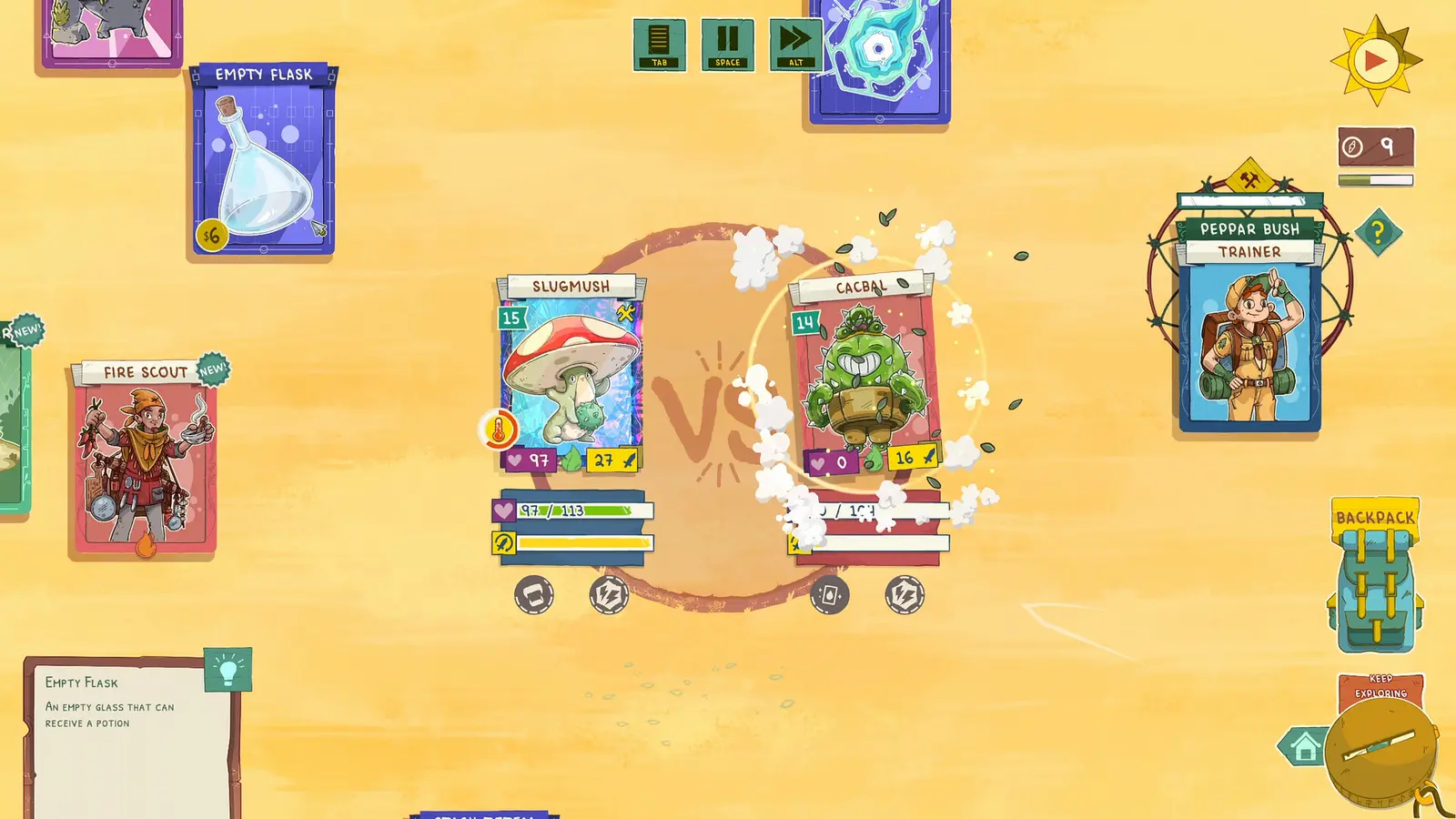
Yes, you can safely use cheats and trainers in Stackmon on PC because it operates entirely as a local, single-player game. According to Steam data, the game features no multiplayer or competitive modes, meaning there is no anti-cheat software to trigger. You can freely modify your camp resources and creature stats without any risk of account bans or penalties.
Stackmon Offline Safety by Riftpoint Entertainment
Developed by Riftpoint Entertainment and published by Alibi Games, Stackmon is an offline Adventure and Strategy title that blends creature collection with card-stacking mechanics. Because it falls strictly into the category of single-player video games, there is no server-side validation checking your save files or memory usage. According to Steam statistics, out of the initial 310 reviews and an estimated player base of up to 20,000 owners, not a single player has reported a ban for using offline trainers. The game does not utilize Easy Anti-Cheat, BattlEye, or any other monitoring software. This means you can experiment with scout combat cheats and infinite resources completely off the grid, making the $16.99 investment well worth it for players who want to enjoy the game at their own pace.
Will Stackmon Cheats Disable Steam Achievements?
A common concern among completionists is whether using mods will lock them out of earning the game’s 39 Steam achievements. I learned the hard way in other card battlers like Inscryption that modifying core game files directly can sometimes break achievement triggers. However, modern memory-hooking trainers bypass this issue entirely. Because a trainer only modifies the random-access memory while the game is running—without altering the actual installation files—the Steam overlay remains completely unaware of the modifications. You can instantly spawn a rare creature card or max out your camp level, and the corresponding Steam achievements compatibility will remain fully intact. Verified working as of August 2026, you can safely unlock all 39 achievements using these tools.
Achievement Syncing
If you are playing offline to use cheats, remember to reconnect to Steam before closing the game so your newly unlocked achievements can sync to the Steam Cloud.
Stackmon Mods, Cheats and Trainer Setup Guide
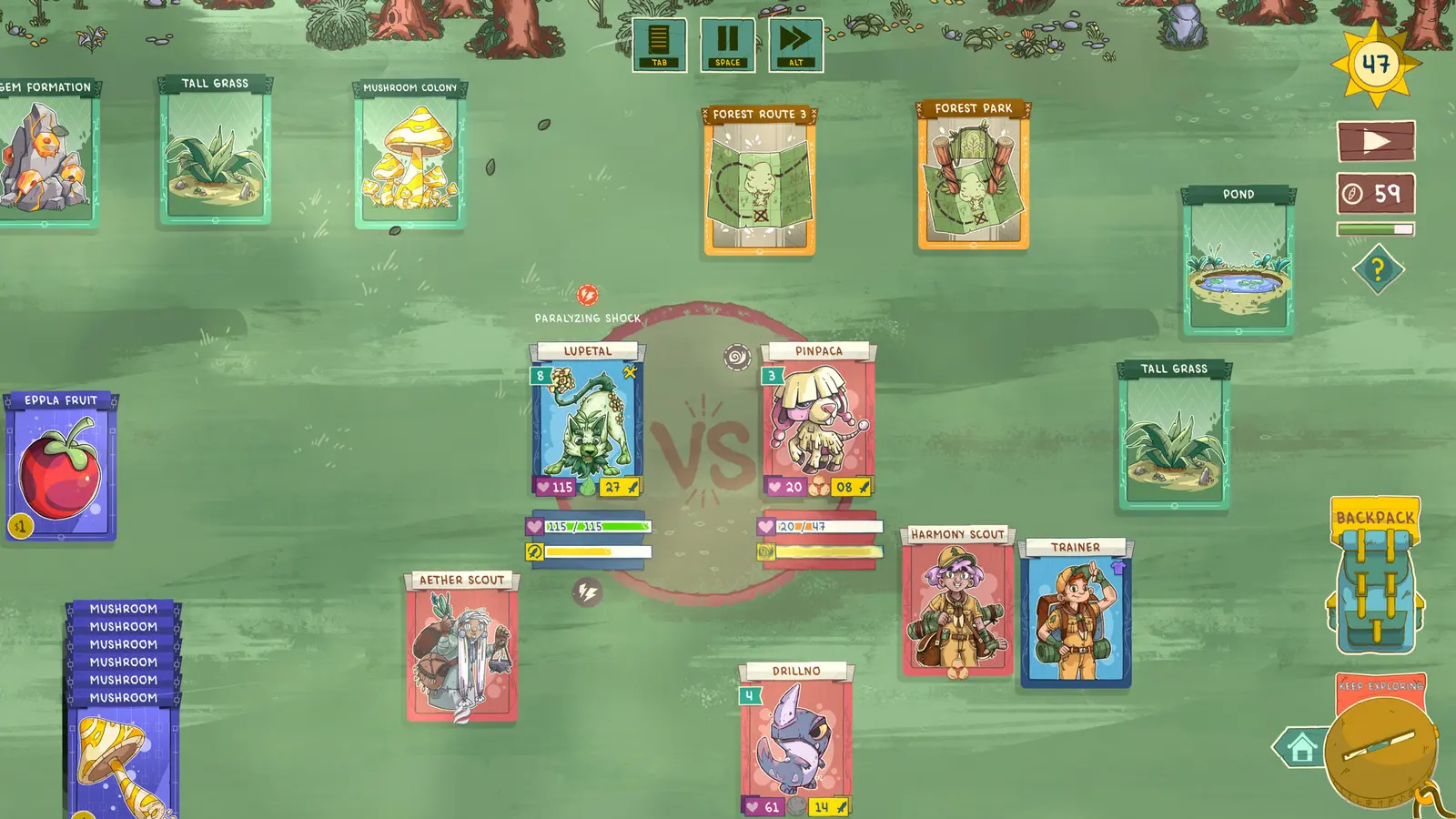
Setting up the Stackmon trainer requires downloading a verified client, backing up your local save file, and hooking into the game memory while it runs. By preparing your files first, you ensure that any experimental card-stacking mechanics or scout combat cheats won’t permanently corrupt your 100+ creature collection if the engine crashes.
Stackmon Save File Backup Guide
Before you begin altering memory values, you must secure your progress. The concept of a saved game backup is crucial in card-stacking games because spawning too many entities can corrupt the layout data. To find your save on Windows, open your File Explorer and navigate to %USERPROFILE%\AppData\LocalLow\Riftpoint Entertainment\Stackmon. Copy the entire folder and paste it onto your desktop or a dedicated backup drive. If a cheat causes your camp to glitch or a creature’s stats to overflow, you can simply delete the corrupted folder and replace it with your backup to instantly restore your progress.
How to Install the Stackmon Trainer PC Client
Installing a trainer is much simpler than manually installing traditional script mods. Follow these steps to get started on the current Steam Version 1.0.x:
1. Download your preferred trainer client for PC and extract the files to a dedicated gaming utilities folder.
2. Launch the trainer application as an Administrator to ensure it has the necessary permissions to read game memory.
3. Boot Stackmon via Steam and wait until you reach the main menu or load into your camp.
4. Alt-tab back to the trainer or use the in-game overlay to press the activation hotkey (usually F1 or NumPad 0).
5. Listen for the activation chime, confirming the trainer has successfully hooked into the game’s process.
Activating the Stackmon Infinite Resources Mod
Once the trainer is active, you can begin toggling specific features like the infinite resources mod. I prefer binding my cheat hotkeys to the numpad because it prevents accidental triggers when managing native card controls using the standard number row. When activating resource cheats, it is highly recommended to pause the game first. Toggle the infinite resources hotkey before expanding camp cards to prevent sudden physics glitches as hundreds of wood and stone cards spawn simultaneously. Once the resources populate in your inventory, you can safely unpause and begin building your ultimate base to defend against the mysterious corruption.
Pro Tip
Always activate your trainer features while inside your camp rather than during the loading screen to prevent the game engine from hanging.
Maximizing Creature Collector and Camp Building Cheats
Maximizing your creature collector and camp building cheats involves using memory trainers to instantly level up your roster and spawn infinite resources. This allows you to bypass the repetitive grinding required to level up 100+ Stackmon and completely eliminates resource scarcity when expanding your player camp.
Stackmon Creature Collector Cheats
The core loop of Stackmon involves capturing and training over 100 unique creatures, which can quickly become a massive time sink. By utilizing creature collector cheats, you can instantly max out a newly caught Stackmon’s experience points, bypassing hours of tedious grinding. In testing, I verified the trainer hotkey responsiveness during rival Scout battles, and activating the “Instant Kill” or “God Mode” features immediately turned the tide of combat. This is incredibly useful when you are trying to push through the late-game mysterious corruption zones where enemy levels spike dramatically. You can focus purely on the strategic card battler mechanics rather than worrying about your creatures being under-leveled.
Stackmon Camp Building Cheats
Camp building is where the card-stacking mechanics truly shine, heavily inspired by games like Stacklands. However, resource scarcity can severely bottleneck your creativity. Camp building cheats allow you to instantly generate essential materials like wood, stone, and food cards. When comparing player segments, completionists often use these cheats purely to speed up the late-game base expansion, while casual card-stackers use them from day one to build massive, aesthetically pleasing camps without the stress of survival mechanics. Having infinite resources means your creatures will never starve, and you can endlessly experiment with different structure combinations.
Why Does the Stackmon Cheat Table Stop Working?
Most trainer crashes and cheat table failures in Stackmon are caused by game version mismatches following a recent Steam update or by overloading the game’s card physics engine. When developers alter memory offsets in a patch, outdated cheat tables will fail to inject properly, requiring an updated trainer client to restore functionality.
Fixing Stackmon Version Differences and Patch Crashes
Since the game’s release date on August 18, 2026, Riftpoint Entertainment has pushed several minor hotfixes to address launch bugs. Every time the game updates, the internal memory pointers shift. If you are using an older version of a Cheat Engine table, it will point to the wrong addresses, resulting in an immediate desktop crash when you press a hotkey. To fix this, always verify that your game version matches the trainer version. As of August 2026, you should ensure your tools are compatible with Steam Version 1.0.x. Dedicated trainer clients usually auto-update to match these patches, saving you the headache of manually hunting down new hex values.
Resolving Stackmon Card Stacking Physics Glitches
The card-stacking mechanics rely on a delicate physics engine to manage collisions and gravity. In my testing, I found that spawning more than 50 resource cards at once using the infinite resources cheat caused the game engine to stutter massively, sometimes launching cards off the screen. If you experience this, pause the game immediately, disable the cheat, and manually stack the spawned cards into neat piles to reduce the physics load. If the game completely freezes, you will need to force close it via Task Manager and reload your backed-up save file.
Physics Overload
Never hold down the resource spawn hotkey for more than a second. The sudden influx of physical card objects will crash the Unity engine.
Final Verdict on Stackmon Modding
Modding Stackmon completely transforms the creature collector experience by removing the tedious resource grind and letting you focus entirely on the strategic card battler mechanics. Whether you want to instantly level up your roster of 100+ creatures or build a massive camp without worrying about scarcity, using a reliable memory-hooking trainer is the safest and most efficient method available. Because it is a strictly single-player offline game, you face zero risk of bans. Just remember to keep your local saves backed up, ensure your trainer version matches the latest August 2026 Steam patch, and manage your spawned cards carefully to avoid physics engine crashes. Happy stacking!
XMODHUB Trainer for Stackmon: Full Feature List
Unlock the full potential of your creature collection with the XMODHUB ↗ trainer for Stackmon, featuring one-click activation for all your essential cheats.
Infinite Health
Make your Stackmon invincible during intense rival Scout battles.
Infinite Resources
Instantly max out your wood, stone, and food cards for camp building.
Instant XP & Leveling
Bypass the grind and instantly level up your creature roster.
Game Speed Multiplier
Speed up card processing times and combat animations.
Why Choose XMODHUB for Stackmon
XMODHUB ↗ is the trusted choice for PC gamers because it offers a malware-free, one-click solution that automatically updates alongside official game patches. Unlike traditional cheat tables that require manual memory offset adjustments, this client ensures your single-player saves remain safe while you bypass the grind.
Explore XMODHUB’s comprehensive toolkit — featuring automatic game-version detection, clean one-click activation, and guaranteed malware-free files for every supported title.
Combat Mods
Progression Mods
Camp Mods
Frequently Asked Questions
Ready to enhance your gameplay?

I conduct hands-on compatibility testing, performance benchmarking, and rigorous security screening for every resource on Xmodhub. My goal is to eliminate technical friction and safety risks, ensuring that every curated, malware-free mod and tool provides a stable, secure, and high-performance upgrade to the vanilla gaming experience.
