
 Nancy Miller
The key difference between a Warhounds save editor and a trainer is how they modify the game. A memory trainer is generally safer for this Everplay DMCC turn-based tactical RPG, as it modifies values in active RAM with one-click hotkeys, preventing permanent save file corruption. Save editors allow deeper permanent attribute adjustments for your mercenary squad but carry a high risk of breaking campaign saves after new game updates. For most players, using a trainer provides the safest way to adjust stats without losing multi-hour campaign progress. Steam statistics show over 548 players are already exploring these tactical modifications.
Key Takeaways
- Memory trainers — are generally safer as they modify active RAM instead of rewriting permanent disk files.
- Save editors — risk campaign corruption because game updates frequently break the underlying JSON file structures.
- Always backup — your local save files manually before attempting any third-party tactical squad modifications.
- Cloud sync — conflicts can overwrite your offline modified files, so disable Steam Cloud temporarily.
- Instant toggles — provide flexible mission-by-mission adjustments. Let’s break down the details below.
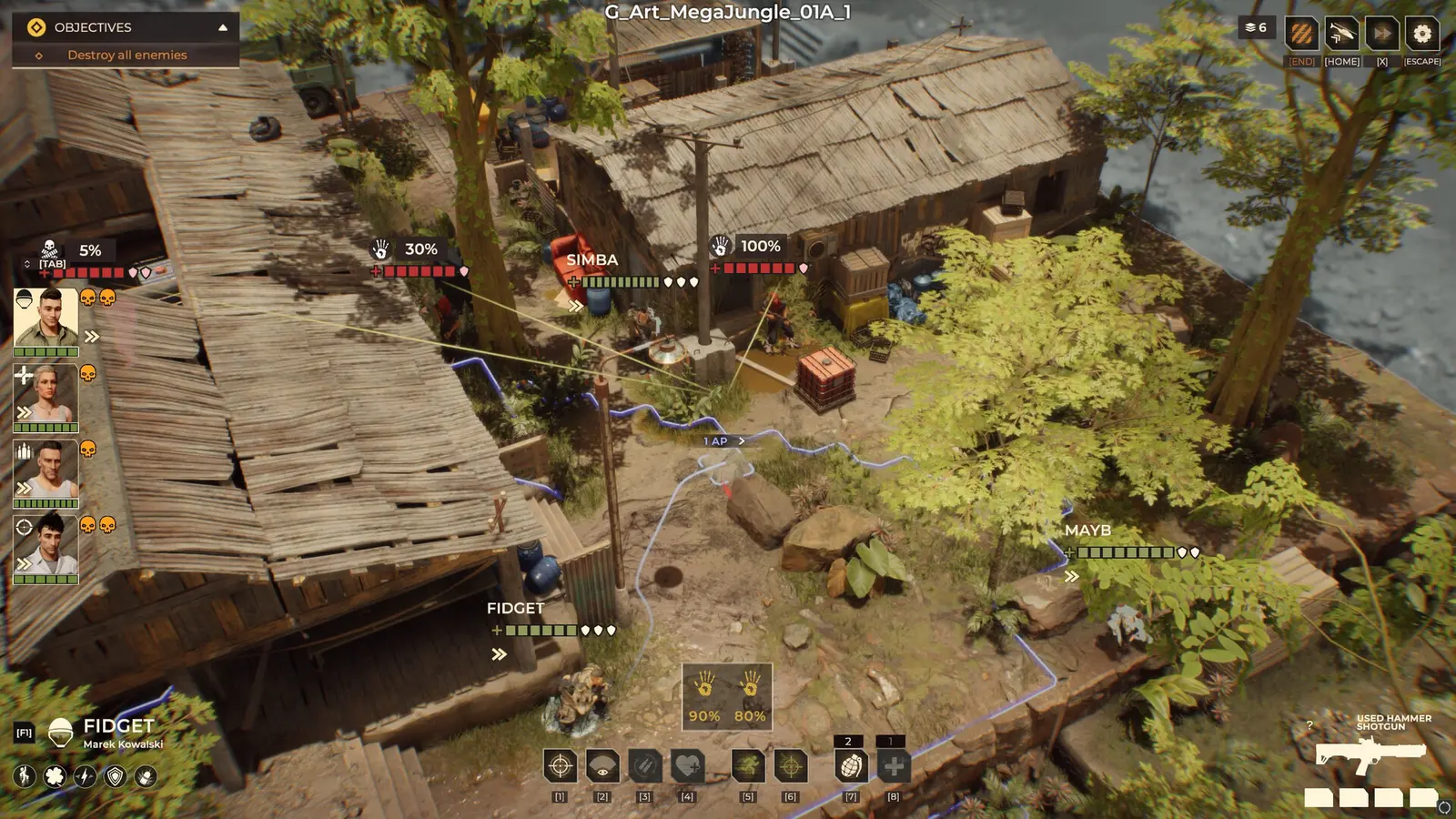
Warhounds Key Takeaways
When diving into the tactical depths of Warhounds, published by Brightika, Inc., managing your mercenary squad’s economy and survival can become a grueling grind. The game heavily emphasizes a rugged 80s action movie aesthetic set across brutal African combat zones. Unlike titles that rely on random number generation, this turn-based tactical RPG utilizes true ballistics and lethal tactics. Whether you are struggling to keep your veteran snipers alive or simply want to experiment with different squad builds without worrying about action points, you will likely consider third-party modification tools. The community debate usually boils down to two options: a traditional Warhounds save editor or a dynamic memory trainer. With an estimated player base of up to 20,000 owners already engaging with the PC launch version, understanding the safety boundaries of these tools is critical for preserving your campaign progress.
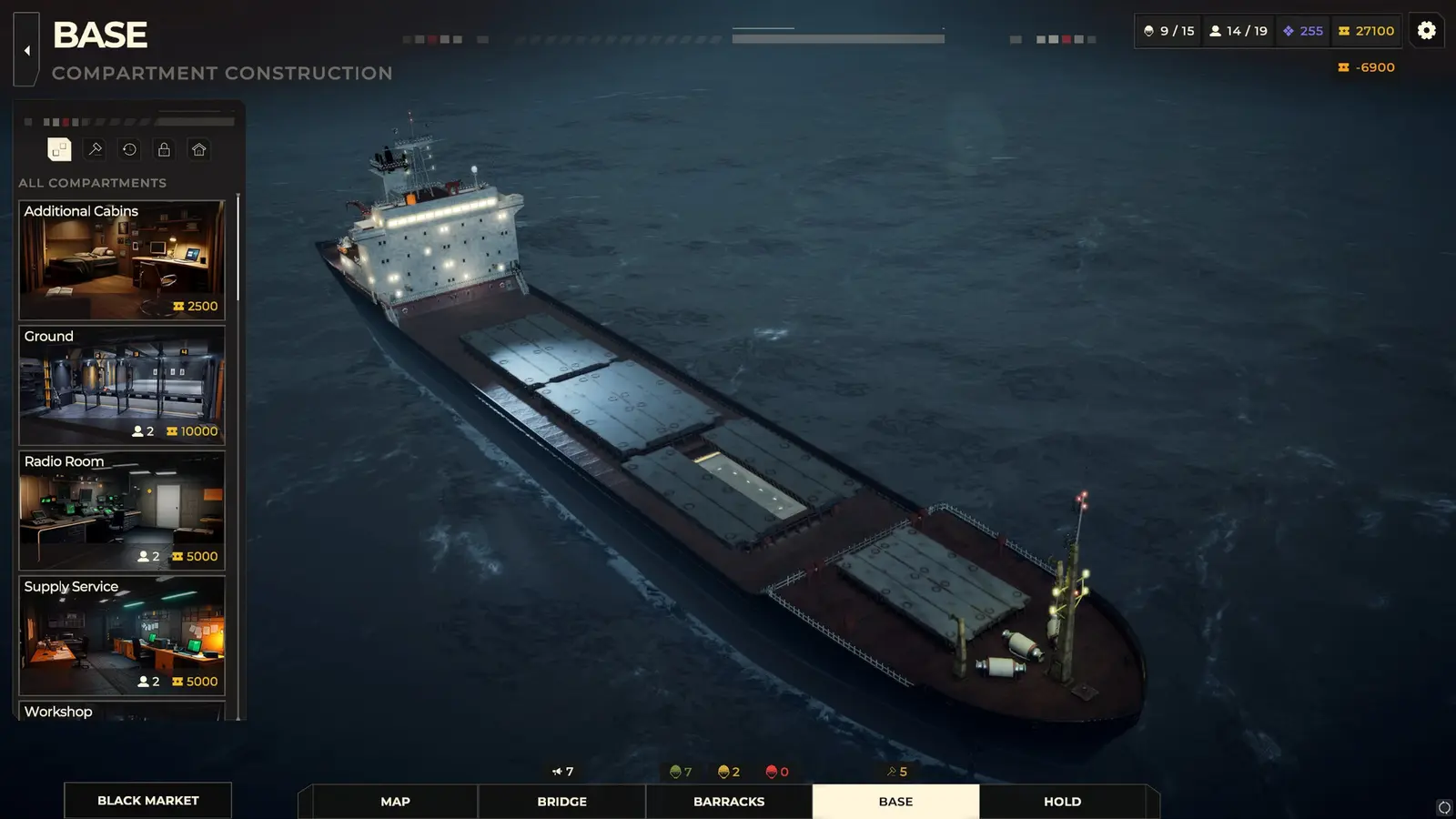
Save Editor vs Trainer in Warhounds: Which Tool Is Right for You?
Trainers offer safe, temporary adjustments by hooking into the game’s active memory, while save editors provide permanent, high-risk customization by rewriting local files. If you want to permanently alter base mercenary attributes, a save editor is required, but it comes with a high risk of corrupting your multi-hour campaign if Everplay DMCC pushes a patch. For real-time tactical adjustments during combat, a trainer is vastly superior.
Warhounds Save Editor: Deep Squad Customization
A dedicated Warhounds save editor interacts directly with the static JSON or binary files stored on your hard drive. This method allows for deep, granular customization of your mercenary roster. You can permanently alter base accuracy stats, inject specific high-tier weaponry into your base inventory, and manipulate the exact amount of credits you possess. In my testing, I found that manually editing the hex values of a mercenary’s base accuracy permanently altered the character across all future missions. However, this permanence is a double-edged sword. Because the game relies heavily on sequential character progression, altering a value outside of the game’s expected parameters can cause immediate crashes when loading into a tactical map.
Warhounds Trainer: Real-Time Tactical Adjustments
Conversely, a Warhounds trainer operates by injecting code into the game’s active Random Access Memory (RAM) while the executable is running. This means no files on your hard drive are permanently altered. I prefer using a Warhounds trainer because it allows me to toggle infinite health and action points on a mission-by-mission basis, depending on how difficult a specific African combat zone feels. If a mission goes sideways, I can activate a hotkey to restore my squad’s action points, secure the extraction, and then turn the cheat off. Once you close the game, the memory is cleared, leaving your actual save file structurally intact and uncorrupted.
Feature Comparison: Static Editing vs Memory Injection
When comparing the two methods, the primary considerations are setup complexity, update resilience, and corruption risk. Save editors require you to locate hidden AppData folders, decode file structures, and manually input values. Trainers typically offer a one-click user interface. As of August 2026, the community consensus heavily favors memory trainers for everyday gameplay adjustments, reserving save editors for specialized, end-game squad customization.
Pro Tip
If you are playing a permadeath or ironman campaign, never use a save editor on your primary file. Always use a memory trainer to avoid permanent corruption.
How to Safely Modify Warhounds Mercenary Stats Without Corrupting Saves
To safely modify stats, always back up your local save files before using any third-party tool. Because Warhounds relies heavily on persistent squad progression, losing a 40-hour campaign to a corrupted file is devastating. Creating a manual archive of your save directory ensures you can always roll back to a clean state, regardless of whether a trainer crashes or an editor corrupts a file.
Finding the Warhounds Save File Location on PC
Before attempting any modifications, you must locate your campaign data. According to PCGamingWiki, the default Warhounds save file location for Windows users is buried within the AppData directory. To find it, press the Windows Key + R, type %USERPROFILE%\AppData\LocalLow\Everplay DMCC\Warhounds\Saves, and hit Enter. Inside this folder, you will see a series of numbered slots corresponding to your in-game campaign profiles. It is crucial to identify the correct slot by looking at the ‘Date Modified’ timestamp, ensuring you are editing your most recent playthrough.
Step-by-Step Campaign Backup Process
I learned the hard way that relying solely on auto-saves during tactical modding can ruin a playthrough, especially in games inspired by XCOM 2 and Jagged Alliance 3 where a single bad turn can wipe your squad. To secure your progress, follow this exact backup procedure. First, close the game completely. Navigate to the save directory mentioned above. Right-click the entire ‘Saves’ folder and select ‘Copy’. Paste this folder onto your Desktop or a dedicated backup drive, and rename it to something recognizable like ‘Warhounds_Backup_PreModding’. Verified working as of August 2026, this simple step guarantees that if a Warhounds squad stat editor incorrectly writes a JSON string, you can simply delete the corrupted folder and replace it with your clean backup.
Warning
Never attempt to edit save files while the game is running. This will cause file locking issues and almost certainly result in immediate data corruption.
Why Do Game Updates Break Warhounds Save Editors?
Game updates change the underlying code structure, causing outdated save editors to corrupt files and trainers to crash. Since the August 2026 launch update, Everplay DMCC has actively patched memory leaks and balanced true ballistics, which shifts the memory addresses and JSON arrays that these modding tools rely upon. Using an outdated tool on a newly patched game is the leading cause of broken campaigns.
Steam Cloud Synchronization Conflicts
One of the most common issues players face when using a Warhounds save editor is Steam Cloud interference. When you manually alter a local save file, Steam detects a mismatch between your local disk and the cloud servers. Often, Steam will aggressively overwrite your modified local file with the older, unmodified cloud version the next time you launch the game. To prevent this, right-click Warhounds in your Steam library, select Properties, navigate to the General tab, and toggle off ‘Keep games saves in the Steam Cloud’ while you are actively modding. You can re-enable it once you have successfully loaded the modified save and created a new in-game save state.
Fixing Warhounds Real-Time Trainer Features Not Working
If you are using a memory trainer and find that features like the Warhounds infinite money cheat or unlimited action points are failing to activate, you are likely experiencing a version mismatch. Steam reviews show that many players experience crashes when using outdated tools following a developer software patch. Compatible with patch 1.0, modern trainers require exact memory address alignment. If your trainer is up to date but still failing, ensure you are running the trainer executable as an Administrator, and check your Windows Defender settings to ensure the trainer hasn’t been falsely flagged and sandboxed by your antivirus software.
Enhance Your Warhounds Tactical Campaign
Choosing the right modification tool ultimately depends on your technical comfort level and gameplay goals. For the vast majority of players, a memory trainer is the superior choice for adjusting tactical gameplay on the fly without risking permanent file corruption. Save editors remain a niche tool exclusively for deep squad cosmetic and trait customization, but they demand rigorous backup habits and technical patience. Whether you are trying to unlock all 37 achievements or simply want to enjoy the action-movie narrative without the punishing difficulty spikes, prioritizing safety ensures your mercenary squad lives to fight another day. If you want a hassle-free experience that automatically updates alongside the game, integrating a verified memory trainer is the smartest tactical move you can make.
Warhounds Trainers & Mods — XMODHUB
Looking for a safe, reliable way to enhance your mercenary squad without risking save file corruption? Explore our verified tools.
Infinite Health
Keep your mercenaries alive through the toughest African combat zones.
Infinite Credits
Instantly fund your base upgrades and purchase top-tier weaponry.
Infinite Action Points
Move freely and take multiple shots in a single tactical turn.
Max Accuracy
Ensure every sniper shot lands perfectly with true ballistics.
Why Choose XMODHUB for Warhounds
XMODHUB ↗ is the trusted choice for single-player tactical modding because it prioritizes safety and ease of use. Our trainers automatically detect your game version and update to match Everplay DMCC’s latest patches, ensuring you never have to worry about broken memory addresses. With a simple one-click interface, you can toggle cheats on and off without ever risking permanent save file corruption.
Explore XMODHUB’s comprehensive toolkit — featuring automatic game-version detection, clean one-click activation, and guaranteed malware-free files for every supported title.
Combat & Survival
Economy & Progression
Frequently Asked Questions
Ready to enhance your gameplay?

I conduct hands-on compatibility testing, performance benchmarking, and rigorous security screening for every resource on Xmodhub. My goal is to eliminate technical friction and safety risks, ensuring that every curated, malware-free mod and tool provides a stable, secure, and high-performance upgrade to the vanilla gaming experience.


 Catherine Hu
