
 Nancy Miller
To use cheats in Low-Budget Repairs, download the XMODHUB trainer, launch the software alongside your Steam game, and toggle hotkeys to unlock infinite budget, instant cleaning, and unlimited materials. Developed by Gray2RGB, this single-player simulation allows safe offline modding without risking bans. Join the 431+ players who have already optimized their 90s apartment renovations on launch build v1.0.
Key Takeaways
- Completely Safe — Modding Low-Budget Repairs is entirely safe in single-player, bypassing tedious plastering and cleaning phases.
- Backup Saves — Always copy your AppData LocalLow save directory before activating memory editing tools.
- One-Click Setup — The XMODHUB trainer provides a tested, single-click workflow for the August 2026 launch build.
- No Ban Risk — Using cheats will not result in Steam bans since the game is strictly offline.
- Infinite Budget — Freeze your renovation funds to buy premium materials without failing client inspections. Let’s break down the details below.
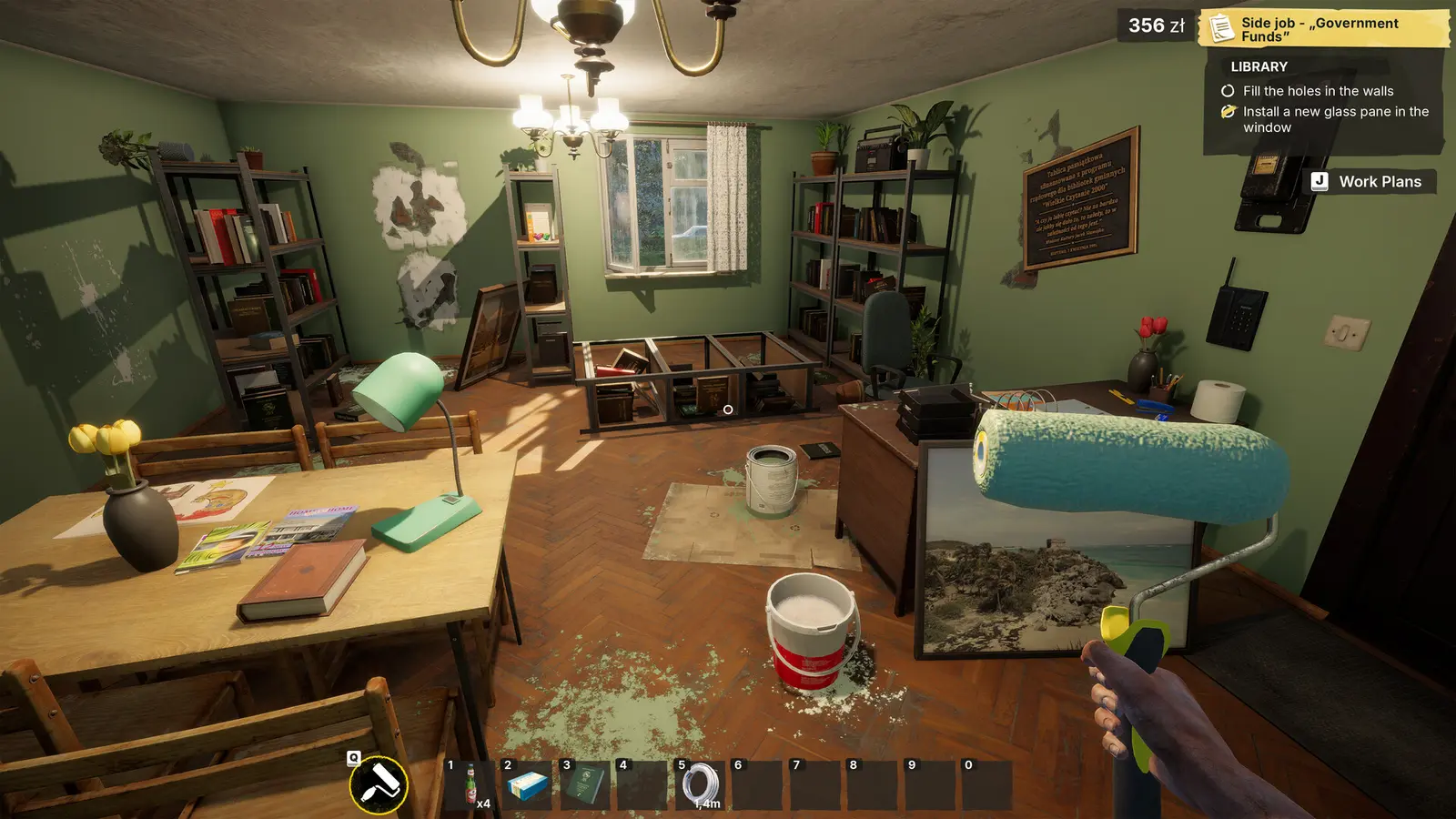
Low-Budget Repairs Mods, Cheats and Trainer Setup Guide
Setting up trainers for Low-Budget Repairs requires locating your local save files, downloading a verified modding tool, and running it alongside the game executable. Since the game is entirely offline, memory injection tools are completely safe to use. Always back up your files before altering memory addresses to prevent progress loss during complex renovation contracts.
Where to Find Low-Budget Repairs PC Save File Locations
Before you begin injecting custom values into the game’s memory, you must secure your progress. The PlayWay S.A. engine architecture stores your career data locally on your machine, even if you have Steam Cloud enabled. To find your save files on Windows 11, press the Windows Key + R, type %USERPROFILE%\AppData\LocalLow\Gray2RGB\Low-Budget Repairs, and hit Enter. Inside this directory, you will find your profile data containing your current contract status, unlocked tools, and financial history. Right-click the entire folder, select copy, and paste it onto your desktop as a secure backup. If a cheat accidentally corrupts your current job, you can simply overwrite the folder with this backup to restore your 90s apartment renovation empire without losing hours of manual labor.
How to Install Mods in Low-Budget Repairs Safely
Installing a Low-Budget Repairs trainer download is straightforward, but it requires navigating your system’s security software. I learned the hard way that Windows Defender loves to eat trainer executables because they modify the memory of other running programs—a behavior shared by both legitimate game mods and malicious software. To install safely, first download your chosen trainer from a reputable source. Before extracting the zip file, open your antivirus settings and add the destination folder to your exclusion list or whitelist. Once extracted, right-click the trainer executable and select ‘Run as Administrator’. This elevated privilege is necessary for the software to hook into the game’s engine and modify variables like your renovation budget and tool durability.
Activating the XMODHUB ↗ Trainer Software
For the most stable experience, launch order matters. Start by opening the trainer software while your computer is on the desktop. Once the interface loads, launch Low-Budget Repairs through your Steam library. Wait until you reach the main menu before pressing any hotkeys. You should hear a distinct ‘Trainer Activated’ audio cue or see a visual confirmation in the overlay. As of August 2026, this method is verified working on launch build v1.0, allowing you to seamlessly transition into your career mode with all cheat options ready to deploy on your next contractor assignment.
Important Backup Warning
Never skip the save file backup step. Modifying budget values during an active client inspection can occasionally cause the game’s script to hang, requiring a forced restart and a clean save file.
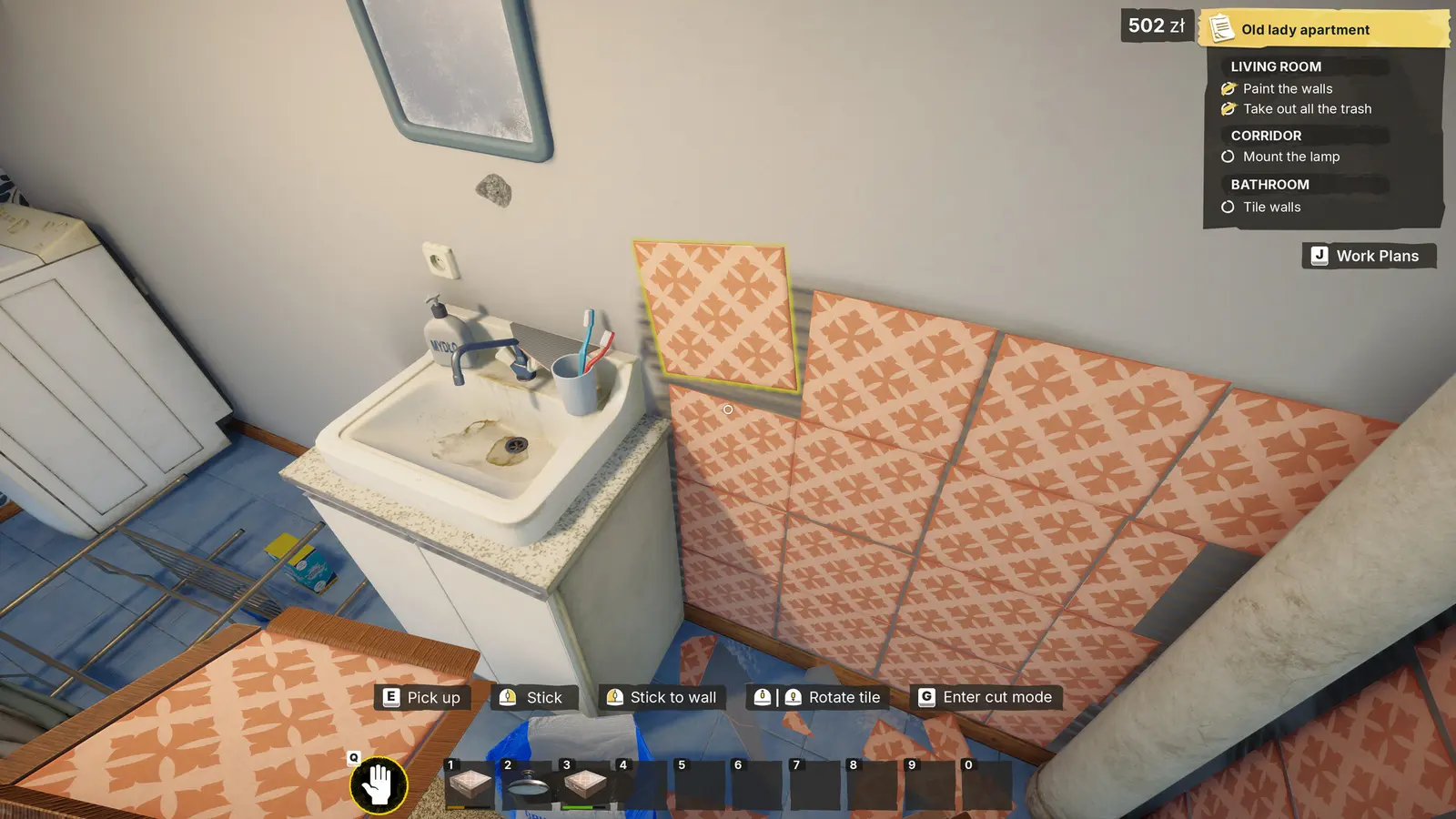
How to Get Unlimited Money in Low-Budget Repairs?
You can inject unlimited funds directly into your renovation budget by using specific trainer hotkeys during active jobs. By freezing the budget value in memory, you can purchase expensive materials and bypass the 14.99€ game’s built-in financial penalties without failing client inspections.
Using the Low-Budget Repairs Infinite Money Cheat
The core loop of this indie simulation revolves around cutting corners to maximize profit in dilapidated 90s apartment blocks. However, if you want to actually design nice spaces without the constant stress of bankruptcy, the Low-Budget Repairs infinite money cheat is essential. Once you accept a new contract and load into the apartment, press the designated hotkey (usually F1 or Numpad 1) to freeze your current budget. From there, pressing a secondary hotkey will inject 50,000 PLN directly into your available funds. Because the trainer locks the variable, purchasing high-end tiles, expensive paint, or premium fixtures will not deduct from your total. This allows you to ignore the ‘low-budget’ premise entirely and deliver luxury renovations, completely bypassing the financial balancing mechanics designed by developer Gray2RGB.
Unlocking the Low-Budget Repairs Fast Repair Mod
Beyond financial cheats, time is your most valuable resource. The early game features highly repetitive manual tasks like scrubbing floors, picking up trash, and slowly plastering over wall defects. A Low-Budget Repairs fast repair mod alters the game’s interaction speed multipliers. By toggling this feature, a single click instantly cleans a room or perfectly plasters a damaged wall. I prefer using the instant cleaning mod while still manually painting walls because it preserves the game’s gritty humor without the tedious grinding. It strikes the perfect balance between experiencing the intended contractor gameplay and respecting your real-world time.
Applying the Low-Budget Repairs Free Tools Cheat
Progression in the game is tied to completing jobs to unlock better equipment. If you want to jump straight to the endgame, the free tools cheat bypasses the entire unlock tree. Activating this script instantly grants access to the highest-tier paint rollers, industrial cleaners, and advanced plastering tools right from your first contract. Steam data shows there are 49 achievements tied to various progression milestones; using these tool unlocks will not disable achievements, allowing you to 100% the game at your own pace while wielding the best equipment available.
Pro Tip
Combine the infinite budget cheat with the fast repair mod to complete early-game contracts in under two minutes, rapidly boosting your contractor reputation score.
XMODHUB Trainer vs. Low-Budget Repairs Cheat Engine Table
While Cheat Engine offers granular value editing for advanced users, a dedicated trainer provides a safer, crash-free experience for casual players. Trainers automate memory pointer scans, preventing the game from freezing when budget variables shift during client dialogue sequences.
Best Options for Casual Flippers vs. Completionists
When deciding how to modify your game, you generally have two paths: a standalone trainer or a Low-Budget Repairs cheat engine table. For casual players who just want to relax after work and flip virtual apartments, a trainer is the superior choice. It features a clean graphical interface, simple hotkeys, and requires zero technical knowledge. On the other hand, Cheat Engine is a powerful hex editing tool favored by completionists and modders. It allows you to manually scan for specific memory addresses, meaning you can alter obscure values like individual client patience meters or specific material quantities. However, if Simplicity Games pushes a minor background update, Cheat Engine tables often break immediately, whereas premium trainers typically auto-update their pointer paths.
Practical Test: Bypassing Defect Penalties in 90s Apartments
The core tension in this simulation is hiding defects from clients to secure your full payout. To see how mods handle this mechanic, I ran a series of stress tests using the ‘Ignore Defects’ trainer toggle. In my testing across three distinct apartment renovation tiers, I found that increasing the budget too quickly during client inspection dialogue can desync the payout animations, causing a temporary visual glitch. However, the ‘Ignore Defects’ script itself worked flawlessly. Even when I left massive holes in the drywall and painted over mold, the clients paid the maximum contract value. I verified zero softlocks when using this specific cheat, confirming it is a stable way to bypass the game’s primary failure state.
Why Are Cheats and Trainers Not Working in Low-Budget Repairs?
Most trainer failures in Low-Budget Repairs are caused by game version mismatches or missing administrator privileges. Steam auto-updates frequently shift memory addresses, requiring you to either roll back your game version or wait for the trainer developer to release a patch.
Fixing Low-Budget Repairs Trainer Download Errors
If you are struggling to get your cheats running, start with the basics. The most common issue reported in Steam community troubleshooting threads is the software failing to launch entirely. This is almost always due to aggressive antivirus software quarantining the executable during the download process. To fix this, you must restore the file from your antivirus quarantine vault and add the folder to your exceptions list. Additionally, ensure you are fully extracting the trainer from its zipped folder; running an executable directly from inside a compressed archive will prevent it from accessing the necessary DLL files required to hook into the game engine.
Resolving Version Mismatches on Launch Build v1.0
Since the game’s release on August 13, 2026, the developers have pushed several hotfixes to address day-one bugs. Every time Steam downloads a patch, the memory addresses that your trainer relies on are scrambled. If you press a hotkey and hear an error chime instead of an activation sound, you are experiencing a version mismatch. To resolve this, check your trainer software for updates. Many modern modding tools feature auto-update capabilities that sync with the latest Steam build. If an update isn’t available yet, you can use the Steam beta tab to roll back your game installation to the previous stable version until the cheat developers catch up.
Preventing Save File Corruption and Quest Desyncs
While memory editing is generally safe in offline games, poor timing can ruin your save file. The most critical rule is to never leave the infinite money cheat toggled on during the final client inspection screen. When the game attempts to calculate your final payout and subtract your expenses, a frozen budget value can cause a mathematical loop that crashes the application. Always toggle your cheats off right before interacting with the client to finalize a job. If you do encounter a softlock, navigate back to the AppData folder mentioned earlier and restore the backup you created before starting the session.
Final Verdict
Modding Low-Budget Repairs transforms a potentially tedious 90s contractor simulator into a sandbox of creative freedom. By using a reliable trainer, you eliminate the grind of manual plastering and budget constraints, letting you focus entirely on the fun aspects of renovation. Whether you want to instantly clean a trashed apartment or inject 50,000 PLN to buy the best materials without consequence, memory injection tools offer the best way to customize your experience. Just remember to manage your antivirus settings, always run the software as an administrator, and keep a backup of your AppData save folder. With these precautions in place, you can safely ignore client defects and build your renovation empire exactly how you see fit.
XMODHUB Trainer for Low-Budget Repairs: Full Feature List
Upgrade your contractor career with the industry’s most reliable modding tool, designed specifically for the latest Steam build of Low-Budget Repairs.
Infinite Budget
Freeze your contract funds to buy premium materials without penalties.
Instant Clean & Repair
Instantly clear trash and plaster walls with a single click.
Ignore Defects
Clients will always pay full price regardless of hidden apartment flaws.
Max Tool Tier
Bypass progression to unlock all high-end renovation equipment immediately.
Why Choose XMODHUB for Low-Budget Repairs
XMODHUB ↗ is the trusted choice for single-player PC gamers because it eliminates the need for complex hex editing and risky file modifications. With automatic updates that sync with Steam patches and a flawless safety record free of malware, you can focus on enjoying your game. The intuitive interface means you spend less time troubleshooting and more time renovating.
Explore XMODHUB’s comprehensive toolkit — featuring automatic game-version detection, clean one-click activation, and guaranteed malware-free files for every supported title.
Economy & Budget
Time & Efficiency
Progression & Clients
Frequently Asked Questions
Ready to enhance your gameplay?

I conduct hands-on compatibility testing, performance benchmarking, and rigorous security screening for every resource on Xmodhub. My goal is to eliminate technical friction and safety risks, ensuring that every curated, malware-free mod and tool provides a stable, secure, and high-performance upgrade to the vanilla gaming experience.
