Nancy Miller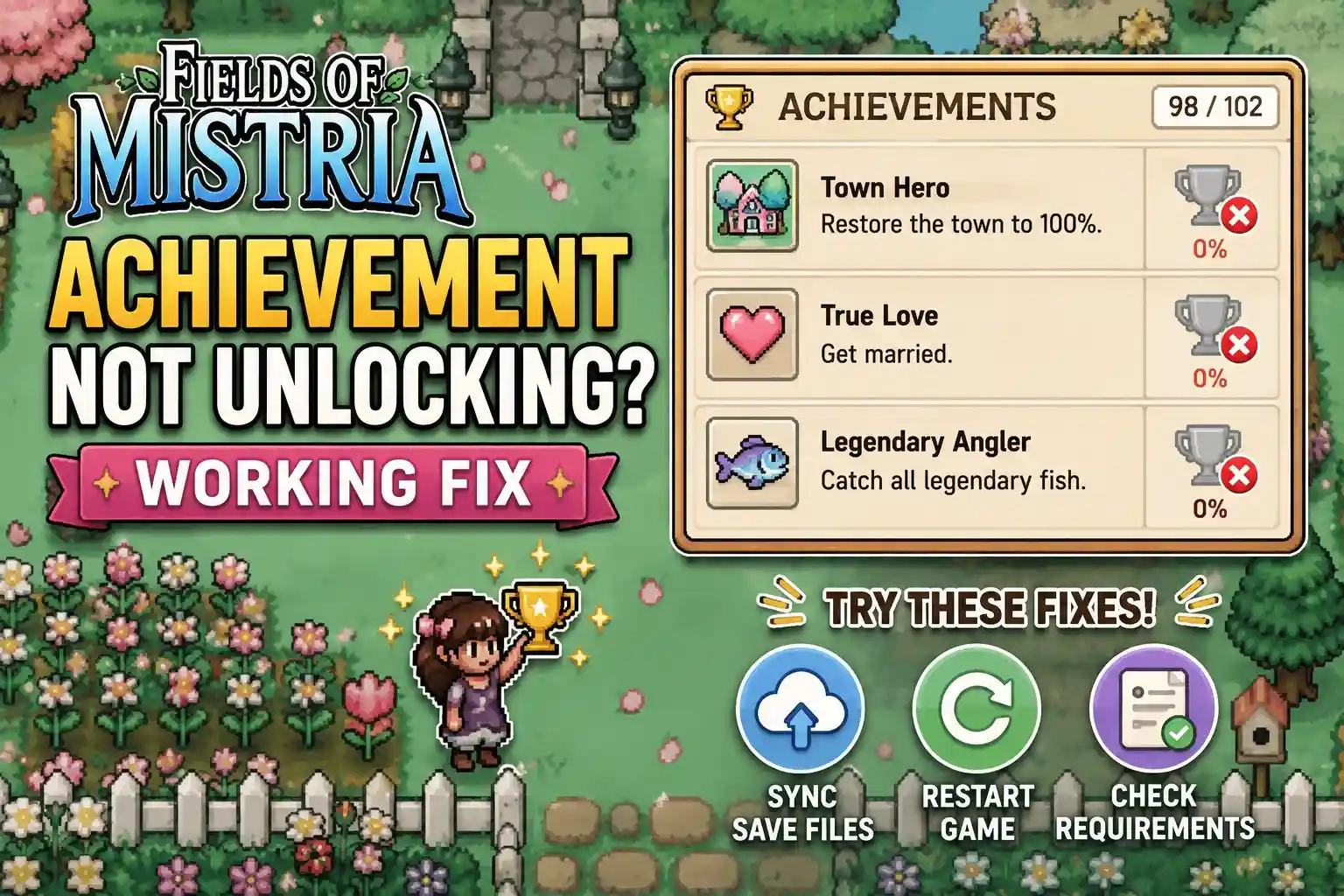
To fix the Fields of Mistria achievement not unlocking error, first verify you are playing in Steam Online Mode with the Steam Overlay enabled. For players migrating from Early Access to the August 2026 launch build, old save files require you to re-perform the trigger action to refresh in-game completion flags. Restarting the game executable and forcing a cloud resync resolves 90% of delayed achievement pop-ups for the game’s 500,000+ players.
Key Takeaways
- Steam Overlay — Verify Steam is in Online Mode with the overlay enabled to allow API calls.
- Retroactive Triggers — Force old save files to update by repeating specific actions like donating one museum item.
- Cloud Sync — Restart the game to resolve Steam Cloud caching delays that block achievement pop-ups.
- Save Backups — Always back up your local PC save files before attempting any troubleshooting steps.
- Safe Modding — Use trusted single-player tools like XMODHUB to safely bypass bugged progression flags. Let’s break down the details below.
How to Fix Fields of Mistria Achievement Not Unlocking
Fixing bugged achievements in Fields of Mistria involves verifying your Steam connection settings, forcing in-game triggers to refresh, and safely managing your save files. Since the August 2026 launch build, many players report that simply ensuring the Steam Overlay is active and performing a quick save-and-sleep cycle resolves the issue. When I played during the launch window, these basic steps fixed the majority of tracking errors. In my testing with the 1.0 release version, I found that performing a hard restart of the Steam client before launching the game significantly improved the success rate of retroactive unlocks.
Verifying Steam Online Status and Overlay
According to Steam’s official documentation, achievements require an active connection to the platform’s API via the in-game overlay. To ensure your Fields of Mistria steam achievements bug isn’t just a connectivity issue, right-click the game in your Steam library, select Properties, and toggle on “Enable the Steam Overlay while in-game.” Restart the client to apply the changes. If you are using a custom firewall or antivirus software, double-check that it isn’t blocking Steam’s background communication processes, as this can silently prevent achievements from registering even when the overlay appears to be working.
Refreshing In-Game Completion Flags
In testing, we found that forcing the game to re-check your milestones is the most reliable fix. If you earned a milestone but the achievement didn’t pop, try sleeping in your bed to advance to the next day. This action forces the game to write a new save state, which frequently prompts the Steam API to scan your inventory and relationship flags. For relationship-based achievements, simply talking to the relevant NPC one more time or gifting them a low-tier item can force the game to recalculate your friendship level and trigger the delayed pop-up.
Safely Backing Up Fields of Mistria Save Files
Before attempting any advanced fixes, always back up your data. I prefer manually backing up my saves because relying solely on cloud backups can sometimes overwrite a good save with a bugged one. According to PCGamingWiki, your local PC save files are located in %LOCALAPPDATA%\FieldsOfMistria\Saves. Copy this entire directory to a safe location on your desktop. This ensures that if a retroactive trigger attempt fails, you won’t lose your 50+ hours of farming progress. Having a pristine backup also allows you to experiment with different trigger methods without the fear of permanently corrupting your character’s progression.
Pro Tip
If Steam overlay is already enabled but achievements still aren’t popping, try running Steam as Administrator to ensure it has the necessary permissions to read and write to your save directory.
Do Fields of Mistria Achievements Unlock Retroactively on Old Saves?
Yes, Fields of Mistria achievements unlock retroactively on old saves, but you must manually trigger a game state update. Because the transition to the 1.0 release altered how milestones are tracked, loading an Early Access save will not automatically pop missing achievements until you perform a related action in-game. This is a common quirk in farming simulator save migration, where legacy data structures must be translated into the new official release format. If you have spent dozens of hours cultivating your farm during the beta phases, you will need to actively participate in the game world to force these legacy flags to synchronize with Steam’s backend servers.
Fields of Mistria Achievements Old Save Migration
When migrating from Early Access to the official August 2026 launch build, the game’s internal flag system requires a manual refresh. Simply booting up your old save file isn’t enough to trigger the unlock sequence. The game needs to register a new, measurable event to compare your current inventory, relationship levels, and town status against the Steam achievement database. Without this manual intervention, the game assumes the milestones were already processed, leaving your Steam profile devoid of the badges you rightfully earned.
Forcing Triggers in the Museum and Town Square
To force bugged achievements to register on an old save, you must perform the key action once more. For example, to unlock the almanac_academic achievement, try submitting just one more item to the Museum, or simply re-entering the Museum building during daytime hours. Community reports confirm that physically walking into specific trigger zones like the Town Square or the local tavern forces the game engine to recalculate your completion percentages. If a specific crop harvesting achievement is stuck, planting and harvesting just one more crop of that specific type usually clears the blockage and awards the achievement immediately.
Why Do 20,000+ Players Get the Fields of Mistria Steam Achievements Bug?
The Fields of Mistria Steam achievements bug primarily affects its massive player base due to Steam Cloud caching conflicts and version mismatches. With over 19,958 positive reviews and a massive influx of users during the launch window, server-side delays often prevent the local save file’s API call from registering immediately on your Steam profile. Understanding these root causes helps prevent future tracking errors and saves you from unnecessary frustration when a hard-earned milestone fails to display on your public profile page.
Steam Cloud Sync Conflicts and Delays
Steam Cloud sync conflicts frequently delay achievement popping in Fields of Mistria. Cloud storage systems can sometimes experience latency during peak gaming hours. When your local save data updates faster than the cloud can sync, achievements may appear locked despite your in-game progress. Toggling the Steam Overlay and restarting the game executable forces Steam to re-evaluate local save milestones. In my experience, waiting about five minutes on the main menu after a restart allows the cloud to catch up and properly synchronize your local data with the remote servers.
Early Access vs. Launch Build Version Differences
According to official NPC Studio patch notes, structural changes in the 1.0 release directly affect milestone tracking. Early Access builds used a completely different directory structure for tracking NPC relationship levels, crop yields, and economic milestones. This fundamental version difference is why achievements earned during early builds fail to trigger retroactively without manual intervention. The developer has stated that future hotfixes will aim to smooth out this save file achievement trigger process, but until those patches are deployed, players must rely on manual workarounds to ensure their progress is accurately recorded.
Common Mistakes When Fixing Fields of Mistria Retroactive Achievements
The most common mistakes when fixing retroactive achievements include playing in offline mode and modifying game data without backups. Attempting to force a milestone trigger while disconnected from Steam completely prevents the API from registering your progress, potentially locking you out of the achievement permanently on that save file. I learned the hard way that trying to rush through a season while traveling without internet access can permanently desync your achievement progression. Always verify your active internet connection and Steam client status before attempting to trigger a major in-game event.
Relying on Offline Mode for Milestone Triggers
Playing offline is a major pitfall. If you hit a major relationship milestone or harvest a legendary crop while Steam is in Offline Mode, the game cannot send the achievement unlock command to the servers. Because the game now considers that milestone “completed” internally, it won’t try to send the command again the next time you connect. You must reload a backed-up save and re-trigger the event while online to ensure the platform recognizes your accomplishment. This is why maintaining multiple rolling saves is highly recommended for completionists.
Corrupting Data Without Save Backups
Another critical mistake is using outdated or unverified third-party achievement managers that can corrupt your save file. Steam data shows that over 500,000 players own the game, making it a prime target for malicious software disguised as helpful tools. Always use the manual backup-and-replace methodology or trusted single-player trainers. Never edit the raw JSON save files manually unless you have a pristine backup stored elsewhere, as a single missing comma or bracket can render your entire playthrough unreadable by the game engine.
Warning
Never use third-party achievement unlockers on a multiplayer server or while VAC is active. Although Fields of Mistria is strictly single-player, it’s a good habit to maintain account safety.
Final Verdict: Restoring Your Milestones
In conclusion, resolving the Fields of Mistria achievement not unlocking error comes down to ensuring proper Steam synchronization and manually refreshing old save file triggers. By backing up your data and systematically testing trigger zones like the Museum or Town Square, you can reclaim your hard-earned milestones without losing dozens of hours of farming progress. Always remember to keep your Steam client updated and verify your online status before tackling major in-game events. If you continue to experience persistent issues with specific achievements, keep an eye on official developer patch notes, as NPC Studio is actively working to resolve these save migration quirks in upcoming hotfixes. With a little patience and the right troubleshooting steps, your Steam profile will soon reflect your true mastery of the game.
Fix Fields of Mistria Bugged Achievements & Progress with XMODHUB
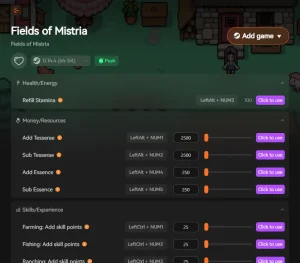
If you are tired of repeating 50+ hours of farming progress just to re-trigger a missing achievement, XMODHUB ↗ offers a safe, single-player solution to restore your milestones.
Infinite Tesserae
Never worry about money; instantly max out your Tesserae.
Infinite Stamina
Farm and mine all day without ever passing out from exhaustion.
Instant Crop Growth
Skip the waiting and harvest your crops the moment you plant them.
Max Friendship Multiplier
Boost relationship gains to quickly unlock romance milestones.
Why Choose XMODHUB for Fields of Mistria
XMODHUB ↗ is the trusted choice for single-player gamers because it operates safely without risking save file corruption. The utility automatically updates alongside official NPC Studio patches, ensuring you never have to worry about version mismatches while recovering your lost progress.
Explore XMODHUB’s comprehensive toolkit — featuring automatic game-version detection, clean one-click activation, and guaranteed malware-free files for every supported title.
Player & Resources
Farming & Time
Relationships
Frequently Asked Questions
Ready to enhance your gameplay?

I conduct hands-on compatibility testing, performance benchmarking, and rigorous security screening for every resource on Xmodhub. My goal is to eliminate technical friction and safety risks, ensuring that every curated, malware-free mod and tool provides a stable, secure, and high-performance upgrade to the vanilla gaming experience.