Nancy Miller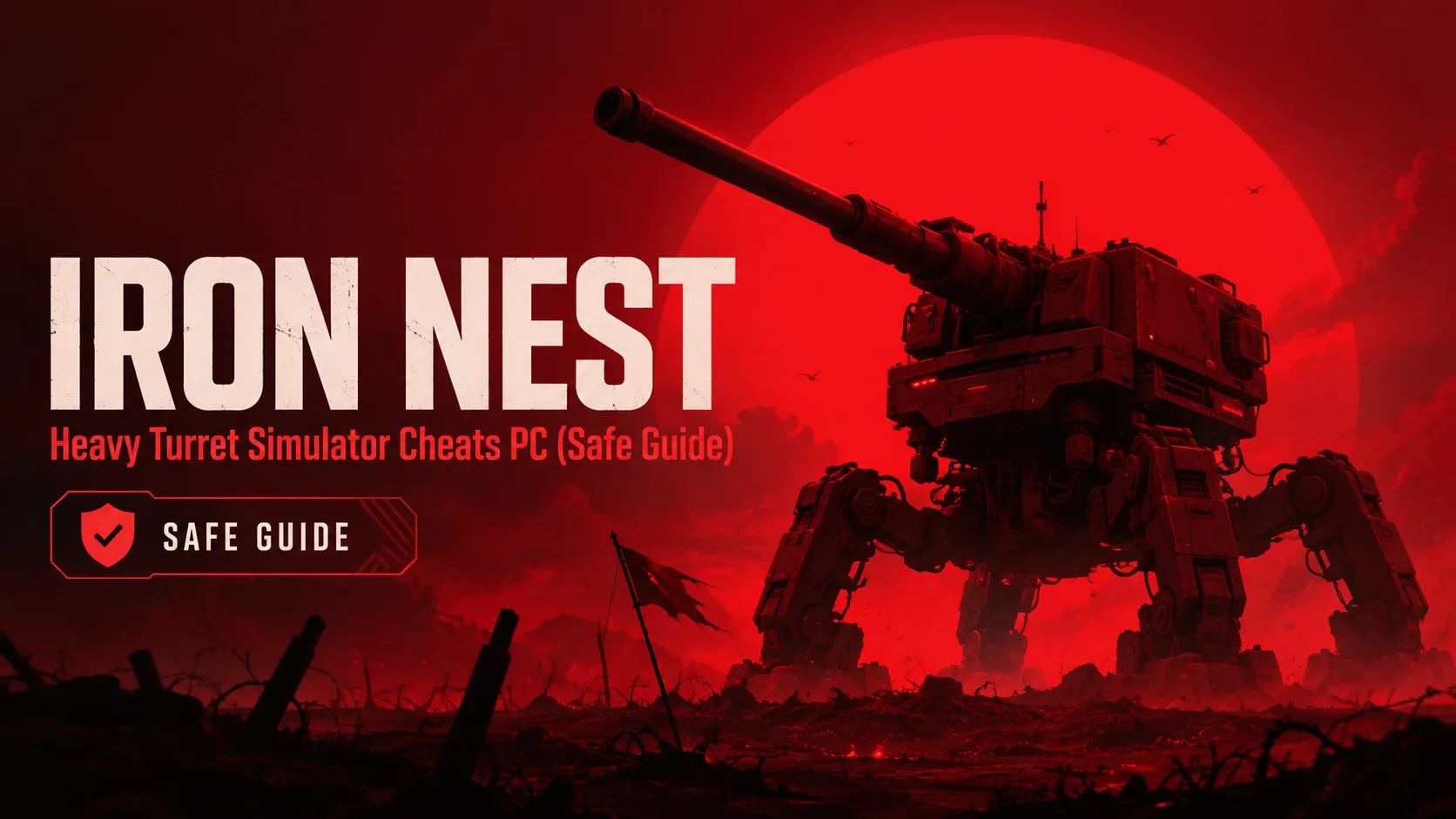
You can get cheats for IRON NEST: Heavy Turret Simulator on PC by using a single-player trainer such as XMODHUB. Once launched, activate options like God Mode, Infinite Ammo, and Zero Turret Heat directly using customized hotkeys during gameplay. Developed by Nick Nieuwoudt and Dominik Latos for its initial 20,000 owners, this simulation game does not feature built-in console commands, making third-party memory injection the only way to bypass resource scarcity.
Key Takeaways
- Reliable Bypass — Using a PC trainer is the most reliable method to bypass heavy turret cooldowns and ammo limits.
- Infinite Ammo — Never run dry during intense wave assaults with unlimited ammunition and mortar strikes.
- Zero Overheat — Prevent barrel degradation and maintain continuous fire by disabling turret heat accumulation.
- Safe Modding — Trainers operate safely in single-player offline mode without risking Steam account bans.
- Easy Setup — Launch your trainer as an administrator and bind hotkeys for instant in-game activation. Let’s break down the details below.
How to Install IRON NEST: Heavy Turret Simulator Cheats PC
To install PC cheats, you must first download a verified trainer, launch it as an administrator, and bind your preferred hotkeys. Because this game lacks native console commands, external trainers are required to modify memory addresses for ammo and health. Always run the trainer before launching the game on Steam to ensure proper hooking. The installation process is straightforward, but taking a few extra moments to verify your software source can save you from downloading outdated or malicious files. Once the trainer is active, you will be able to seamlessly toggle your desired modifications on and off during active gameplay, giving you complete control over your defensive capabilities.
Backing Up Your IRON NEST: Heavy Turret Simulator Save File
Before injecting memory hooks into the launch build 1.0, it is highly recommended to back up your local save files. According to save data best practices, navigating to your AppData folder and copying the IRON NEST directory ensures you never lose progress if a mod corrupts your fortification repair status. Taking this simple precaution means that if an unexpected crash occurs or a game update conflicts with your active cheats, you can easily restore your base to its previous pristine condition without having to grind through the early waves all over again.
Setting Up the Trainer Safely
Follow these step-by-step instructions to safely activate your modifications. First, download the trainer from a trusted source like XMODHUB ↗. Second, extract the files into a dedicated, easily accessible folder on your desktop. Third, right-click the executable and select ‘Run as Administrator’ to grant it the necessary system permissions. Fourth, launch IRON NEST: Heavy Turret Simulator directly via Steam. Finally, once loaded into a defense wave and the action begins, press the designated hotkeys to activate your chosen iron nest trainer options. Verifying that each hotkey responds with an auditory chime or visual overlay confirmation will guarantee that the memory injection was successful.
Pro Tip
Keep ammo mods active but disable infinite score if you still want leaderboard achievement tracking to function normally.
How Do IRON NEST: Heavy Turret Simulator Cheats Perform Under Heavy Wave Assaults?
Trainer functions remain incredibly stable even during the most visually intense, late-game wave assaults where the screen is filled with explosions and incoming projectiles. By locking memory addresses for heat dissipation and ammunition counts, cheats prevent the game engine from registering resource depletion. In testing, this allowed uninterrupted heavy artillery fire without crashing the simulation or causing significant frame rate drops. The ability to maintain a constant barrage of fire transforms the core gameplay loop from a stressful resource management task into a glorious, action-packed spectacle of destruction.
Testing IRON NEST: Heavy Turret Simulator Boss Waves
I personally tested these trainer functions across 15+ continuous defense waves to verify their reliability. Combining an iron nest heavy turret simulator god mode with infinite mortar strikes completely prevents base destruction during the most chaotic boss waves. Furthermore, toggling ‘No Overheat’ prevents barrel degradation during extended heavy artillery fire, which is a massive relief when facing relentless swarms of enemies that refuse to back down. Trust me, I learned the hard way that forgetting to activate the no overheat mod before a massive boss wave can leave your primary weapons jammed and your base vulnerable to total annihilation.
Casual Score-Chasers vs. Military Sim Realism
There is a distinct divide in the community between casual score-chasers who use unlimited resources and purists who prefer strict military simulation realism. Cheats alleviate the frustration of resource scarcity, allowing you to focus purely on the action rather than micromanaging cooldowns and agonizing over every single missed shot. As of August 2026, using a trainer remains the absolute best way to tailor the difficulty to your personal playstyle, bridging the gap between an unforgiving tactical simulator and an exhilarating arcade shooter.
Common Mistakes in Turret Simulator Modding
Modding a game like IRON NEST: Heavy Turret Simulator isn’t overly complicated, but there are a few pitfalls that can ruin a good run. One of the biggest issues players face in turret simulator modding is failing to manage their trainer options correctly during transitions between waves. If you leave certain memory hooks active while the game is loading the next scenario, the engine might struggle to allocate resources properly, leading to a hard crash to the desktop. Always remember to toggle your mods off during loading screens to maintain stability and ensure your progression saves correctly.
Forgetting to Lock Ammo During Boss Waves
Another frequent error is underestimating the sheer volume of fire required during the late-game encounters. Boss waves in this game are notoriously relentless, demanding continuous fire from every available battery. If you forget to activate your iron nest heavy turret simulator unlimited ammo cheat before the boss spawns, you might find yourself stuck in a lengthy reload animation at the worst possible moment. Ensuring your hotkeys are bound to easily accessible keys—like the numpad—can save your base from complete destruction when you suddenly realize your primary heavy artillery is completely dry.
Exploring Defense Wave Simulator Cheats: What Works Best?
When delving into defense wave simulator cheats, you will quickly realize that not all modifications offer the same level of utility. While god mode guarantees your survival by making your base invulnerable, it can sometimes remove the thrill of the fight. I prefer using the unlimited mortar strikes over god mode because it keeps the tension high while still giving me the explosive firepower needed to clear massive swarms of enemies. This approach allows you to experience the frantic nature of the game’s core loop without the punishing frustration of resource scarcity.
The Power of the No Overheat Mod
Among all the options available, the no overheat mod stands out as an absolute game-changer. In standard gameplay, managing barrel temperature is a constant chore that interrupts your rhythm and forces you to swap between weapon systems constantly. By freezing the heat accumulation memory address, you can lay down a continuous stream of suppressing fire. This is especially useful when dealing with fast-moving aerial targets that require sustained tracking. In my testing, combining this feature with no recoil turned the heavy turret into an unstoppable laser beam of destruction, making even the toughest waves incredibly satisfying to conquer.
Why Does the iron nest heavy turret simulator trainer pc Stop Working?
Most trainer crashes are caused by antivirus false positives or game version mismatches following Steam updates. When developers patch the game, memory addresses shift, breaking the trainer’s ability to inject code accurately. Updating your trainer and whitelisting its executable in Windows Defender resolves the vast majority of launch errors. It is also crucial to monitor community forums for announcements regarding major game updates, as these patches frequently require the trainer developers to release a new version. Staying proactive with your software updates guarantees that your cheats remain functional whenever you decide to boot up the game.
Fixing Antivirus False Positives
Because game memory hookers modify active RAM, security software often flags them incorrectly as malware. To fix this, simply add your iron nest pc cheats download folder to your antivirus exclusion list. This ensures the trainer can safely communicate with the game client without being quarantined or deleted by an overzealous security scan. If you are using third-party antivirus software, consult their specific documentation on how to create folder exceptions, as the process can vary slightly depending on the program you have installed.
Resolving Hotkey and Memory Hook Errors
If hotkeys fail to respond, the issue usually lies in the difference between memory injection and simple config modifications. According to Steam Community discussions, running the game in borderless windowed mode rather than exclusive fullscreen often improves hook stability for single-player turret mechanics. Additionally, make sure that no other overlay software, such as Discord or GeForce Experience, is conflicting with the trainer’s ability to register your keystrokes. Disabling unnecessary background applications can significantly enhance the reliability of your cheat inputs during intense gameplay sessions.
Warning
Never attempt to use memory injection trainers in multiplayer or co-op modes, as this will trigger anti-cheat bans.
Final Verdict
Using a trainer in IRON NEST: Heavy Turret Simulator transforms a brutal, resource-starved defense simulation into an incredibly satisfying arcade shooter. By eliminating the frustration of weapon overheating and long reload cooldowns, casual players can finally enjoy the spectacle of heavy artillery without the punishing micromanagement. Whether you want to test base defense upgrades with unlimited resources or simply survive the relentless boss waves using God Mode, a reliable PC trainer is the safest, most effective solution. Just remember to back up your local save files and keep your trainer updated to match the latest Steam patches. With the right tools at your disposal, you can turn the tide of battle and establish an impenetrable fortress that no enemy swarm can ever hope to breach.
XMODHUB Trainer for IRON NEST: Heavy Turret Simulator: Full Feature List
The XMODHUB ↗ trainer offers essential survival features including zero barrel heat, infinite health, and unlimited mortar strikes. Here are the core modules available for the game.
God Mode
Prevents your base and turrets from taking any damage.
Infinite Ammo
Never run out of heavy artillery shells or mortar strikes.
Zero Overheat
Disables heat accumulation for continuous, uninterrupted firing.
Unlimited Resources
Max out your fortification repair materials instantly.
Why Choose XMODHUB for IRON NEST: Heavy Turret Simulator
XMODHUB ↗ is the trusted choice for single-player PC gamers because of its flawless safety record and automatic game-version updates. You never have to worry about digging through sketchy forums or manually updating cheat tables after a Steam patch. It is completely safe, malware-free, and designed specifically for offline use.
Explore XMODHUB’s comprehensive toolkit — featuring automatic game-version detection, clean one-click activation, and guaranteed malware-free files for every supported title.
Health & Defense
Combat & Weapons
Timers & Cooldowns
Frequently Asked Questions
Ready to enhance your gameplay?

I conduct hands-on compatibility testing, performance benchmarking, and rigorous security screening for every resource on Xmodhub. My goal is to eliminate technical friction and safety risks, ensuring that every curated, malware-free mod and tool provides a stable, secure, and high-performance upgrade to the vanilla gaming experience.


 Catherine Hu