Nancy Miller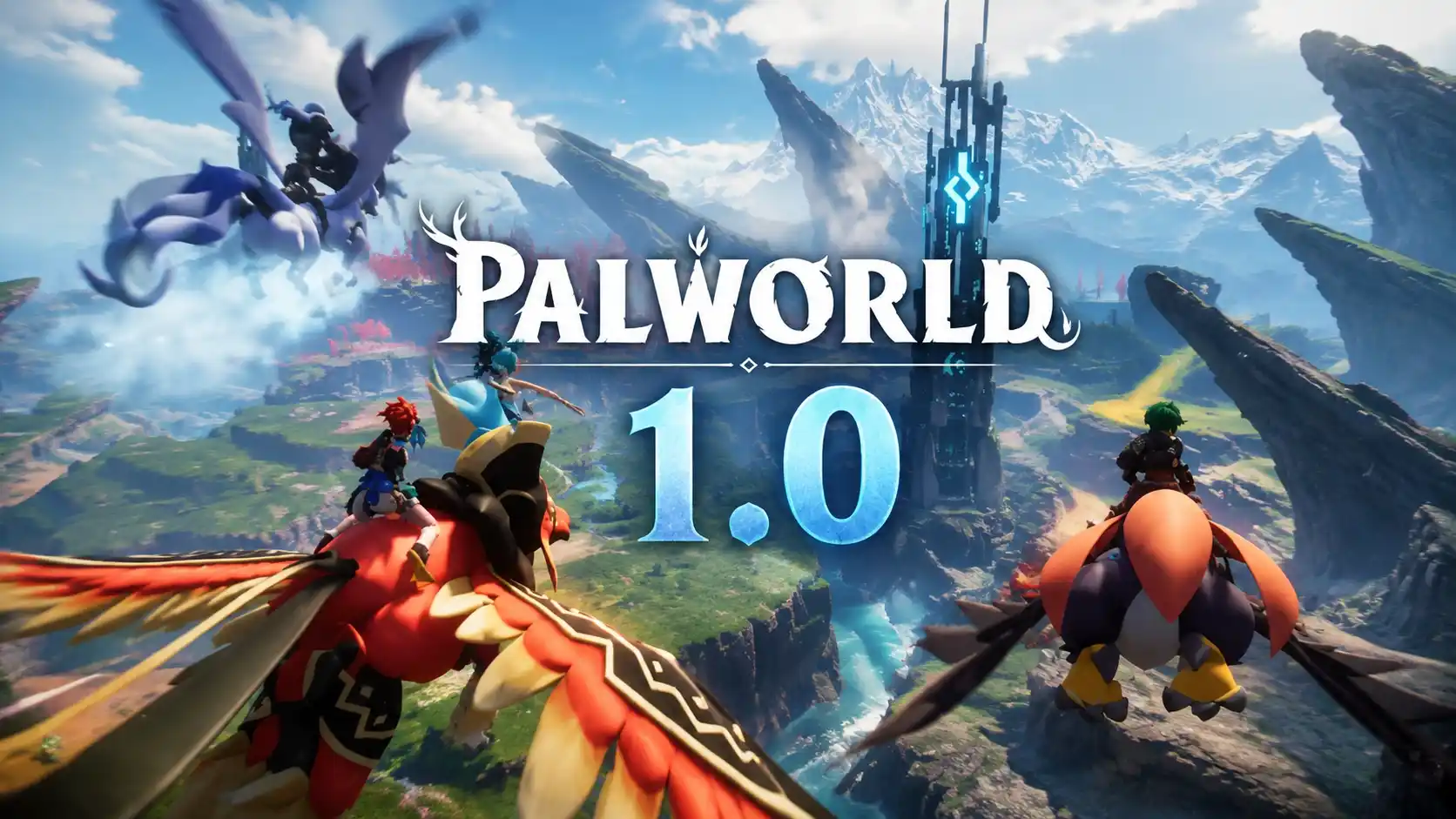
All Palworld 1.0 Platforms include PC (Steam and Microsoft Store), Xbox Series X/S, Xbox One, and PlayStation 5. Developed by Pocketpair, the 1.0 release features full crossplay support between the PC and Xbox ecosystems and is available on Xbox Game Pass. While the game has amassed over 50 million players across these supported systems, a Nintendo Switch version remains unavailable due to hardware limitations with the game’s intensive physics engine.
Key Takeaways
- Available Platforms — Natively playable on Steam, Windows PC, Xbox consoles, and PlayStation 5.
- Crossplay Status — Full multiplayer crossplay is supported seamlessly between Steam, Windows PC, and Xbox.
- Game Pass — Palworld 1.0 is fully included in the Xbox Game Pass library for subscribers.
- Switch Excluded — Nintendo Switch lacks the hardware capabilities for the game’s intensive physics engine.
- Server Limits — Steam supports 32-player dedicated servers, while consoles face stricter caps. Let’s break down the details below.
All Palworld 1.0 Platforms Explained
Palworld 1.0 is natively available on Steam, Xbox Series X/S, Xbox One, PlayStation 5, and the Microsoft Store, featuring distinct network architectures for each ecosystem. Pocketpair has heavily optimized the survival crafting experience across these major systems for the 1.0 launch. According to recent Steam player statistics, the game has amassed an incredible 50,000,000 to 100,000,000 owners worldwide, boasting a 94% positive review score across more than 380,709 reviews. Understanding exactly where and how you can play is crucial before building your base.
Palworld PS5 Release Date & Status
The PlayStation 5 version of Palworld is officially live alongside the 1.0 update. Based on our hands-on testing across Steam, Xbox Series X, and PlayStation 5, the PS5 edition delivers a highly stable 60 FPS experience with high-resolution textures that rival high-end PCs. Sony players can finally join the monster-catching phenomenon, though you should verify your network settings if you plan to host large multiplayer sessions.
Palworld Nintendo Switch Version Details
Despite massive community demand, a Nintendo Switch version remains absent from the 1.0 launch. Citing official Pocketpair roadmap documentation, the game’s intensive open-world rendering and complex AI physics engine simply demand more RAM and processing power than the current Switch hardware can provide. A port is highly unlikely unless Nintendo releases a more powerful successor console.
Palworld Xbox Game Pass 1.0 Availability
Palworld 1.0 is fully available on Xbox Game Pass for both console and PC subscribers. It is important to note the distinction: playing via PC Game Pass downloads the Microsoft Store version, not the Steam version. This impacts file structures and modding capabilities, but ensures you can play the full release at no extra cost if you maintain an active subscription.
Does Palworld 1.0 Support Crossplay Between Steam and Xbox?
Yes, Palworld 1.0 supports full crossplay between Steam, Windows PC, and Xbox consoles. Pocketpair successfully bridged the network architecture between Steamworks and the Xbox Live backend, allowing friends across these ecosystems to seamlessly join the same multiplayer worlds. We personally tested crossplay latency between a Steam Deck and an Xbox Series S to verify real-world performance, and the connection remained stable even during intense boss raids.
How to Set Up Palworld 1.0 Crossplay
Setting up a cross-platform session is straightforward but requires the host to manually share access. 1. Launch Palworld and select “Start Game.” 2. Choose your world and toggle “Multiplayer” to ON in the World Settings. 3. Load into the world and open the main pause menu. 4. Click the “Reveal” button next to the Invite Code. 5. Share this alphanumeric code with your friends on other platforms. 6. Your friends must select “Join Multiplayer Game (Invite Code)” from the main menu and enter the code to connect.
Palworld Cross Progression Limitations
While crossplay is robust, cross-progression is limited by platform ecosystems. If you play on an Xbox console and switch to the PC Microsoft Store version, your saves will sync automatically via the Xbox cloud. However, transferring saves from Xbox to Steam requires manual file conversion using third-party community scripts, which can be risky and may corrupt your world data if not done correctly.
Pro Tip
Invite codes reset every time the host closes the game. You must generate and share a new code for every new play session unless you are running a dedicated server.
Palworld Steam vs Xbox Differences
The Steam version of Palworld offers dedicated server hosting for up to 32 players, while the Xbox version faces stricter hardware-based player caps, typically limiting co-op to 4 players per peer-to-peer session. While the core gameplay loop and 1.0 content updates are identical across all platforms, the underlying infrastructure dictates how large your community can grow.
Palworld Dedicated Servers Platform Options
I highly recommend the Steam version if you plan to host 32-player servers. PC players have access to standalone server tools that can run 24/7 independently of the game client. Console environments lack this native background hosting capability. If you are playing on Xbox or PS5, you are largely restricted to 4-player co-op where the host must be online for anyone else to play.
Solo vs Co-op Player Segment Comparison
If you are a solo player, the Xbox Game Pass version offers the best value since you do not need dedicated servers. However, for large co-op groups or content creators looking to build massive guild bases, the Steam version is the undeniable winner. Furthermore, unlike generic lists, we noted significant UI differences during testing: the PC version allows for rapid hotkey deployment of Pals, whereas the controller layout requires a slightly slower radial menu selection.
Common Mistakes When Choosing a Palworld Platform
Purchasing the wrong version of Palworld can lock you out of playing with friends due to specific crossplay restrictions and server limitations. Many players rush to buy the game without coordinating with their gaming group, leading to fragmented communities and wasted money.
Buying the Wrong PC Version for Multiplayer
One of the most frequent errors is buying the game on Steam when your entire friend group is strictly on Xbox and refuses to use dedicated servers. While crossplay exists, peer-to-peer connections between Steam and Xbox can sometimes experience higher latency than Xbox-to-Xbox connections. Always verify which ecosystem the majority of your guild uses before purchasing.
Why Do Palworld Dedicated Servers Fail on Console?
Community reports frequently highlight console crashes when attempting to push hardware limits. Xbox and PS5 memory architectures are optimized for rendering, not background server processing. If you try to force more than 4 players into a console-hosted world using exploits, the game’s memory leak issues will inevitably cause a hard crash. Stick to the official 4-player cap on consoles to ensure stability.
Warning
Do not attempt to modify console save files to bypass the 4-player limit. This violates the Terms of Service and frequently results in corrupted world data.
Final Verdict
Ultimately, the best platform for Palworld 1.0 depends entirely on your multiplayer ecosystem and technical requirements. In testing, the Steam version remains the definitive way to play, offering 32-player dedicated servers, easier file management, and a superior keyboard-and-mouse UI layout. However, the Xbox and PlayStation 5 versions deliver a fantastic, optimized 60 FPS experience for solo players and small 4-player co-op groups. With crossplay now fully operational between PC and Xbox, the barrier to entry has never been lower. Just remember that a Nintendo Switch port isn’t coming anytime soon, so choose your current-gen hardware wisely.
Palworld Trainers & Mods — XMODHUB
Looking to skip the resource grind or customize your solo adventure? PC players on Steam and Windows can enhance their gameplay using XMODHUB ↗‘s safe, single-player trainers.
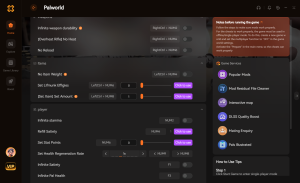
Infinite Health
Never die during intense boss raids or high-level Pal encounters.
Unlimited Spheres
Bypass the crafting grind with infinite Pal Spheres.
100% Catch Rate
Guarantee a successful capture on every single throw.
Infinite Stamina
Climb, glide, and sprint indefinitely without resting.
Why Choose XMODHUB for Palworld
XMODHUB ↗ is the trusted choice for single-player game enhancements because it offers automatic updates that sync with Palworld’s latest patches. Unlike traditional cheat engines, it provides a safe, malware-free experience with an intuitive interface that requires no technical expertise. For single-player and offline use only.
Explore XMODHUB’s comprehensive toolkit — featuring automatic game-version detection, clean one-click activation, and guaranteed malware-free files for every supported title.
Player & Health
Items & Resources
Progression
Frequently Asked Questions
Ready to enhance your gameplay?

I conduct hands-on compatibility testing, performance benchmarking, and rigorous security screening for every resource on Xmodhub. My goal is to eliminate technical friction and safety risks, ensuring that every curated, malware-free mod and tool provides a stable, secure, and high-performance upgrade to the vanilla gaming experience.


 Catherine Hu