
 Nancy Miller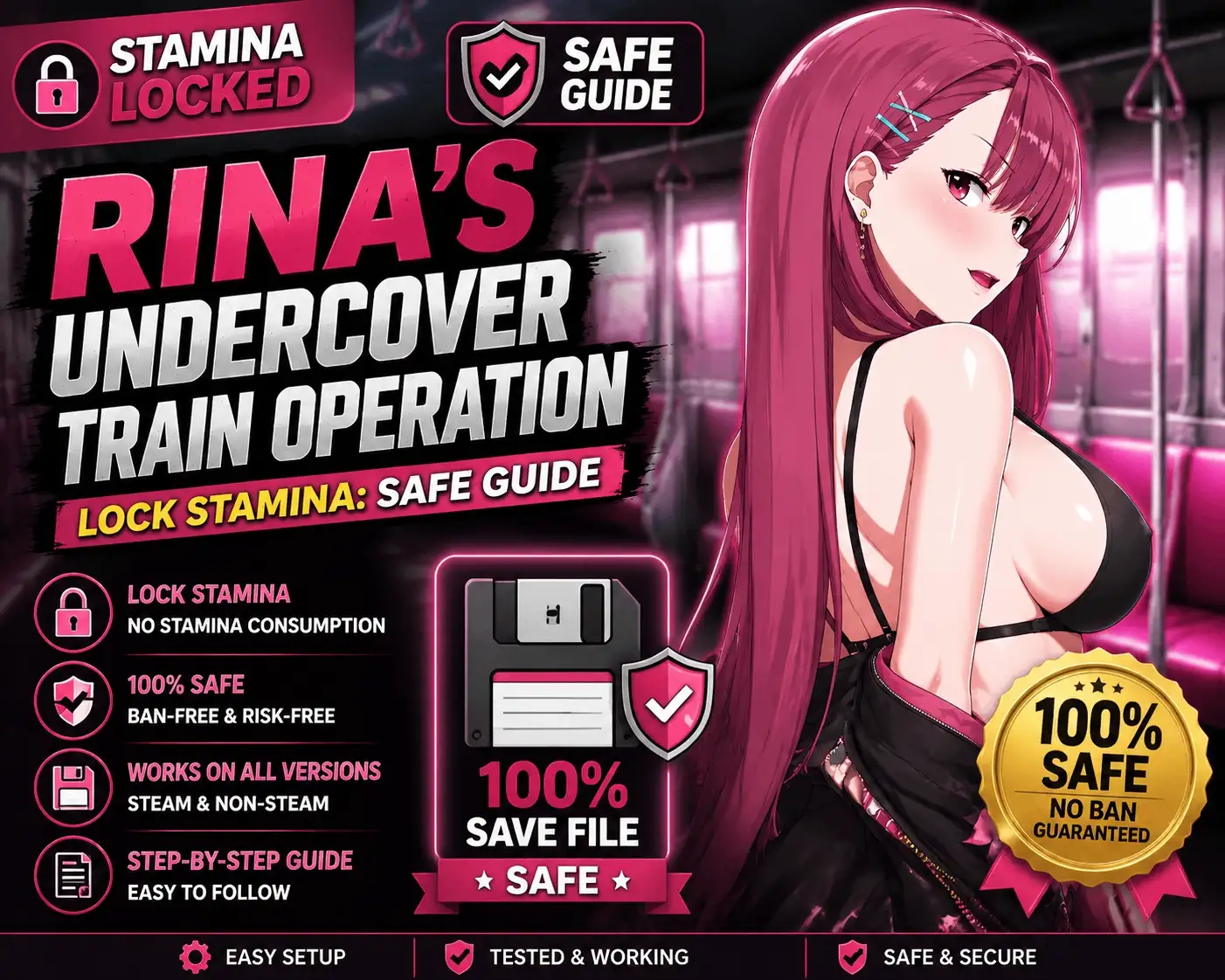
To lock stamina in Rina’s Undercover Train Operation, download the XMODHUB trainer, launch the game, and press the designated hotkey to freeze your stamina value at 100%. This allows you to perform infinite actions without depleting your daily energy pool. Developed by Dieselmine, this simulation RPG heavily restricts daily actions, making a stamina freeze the most effective way to bypass tedious grinding and unlock story routes faster.
Key Takeaways
- Safe Modding — Safely removes daily action limits without corrupting your save file.
- Story Progression — Bypasses restrictive daily stamina limits for continuous story progression.
- Eliminate Grind — Eliminates tedious grinding to unlock character routes faster.
- Trusted Tools — XMODHUB provides a safe, malware-free solution for memory editing.
- Backup First — Always back up your save files before modifying game values. Let’s break down the details below.
Key Takeaways for Rina’s Undercover Train Operation Cheats
Using cheats in Rina’s Undercover Train Operation fundamentally changes how you experience the game by removing the artificial time gates that slow down story progression. By utilizing a reliable trainer to lock your stamina, you can dispatch trains, interact with passengers, and trigger character events continuously without being forced to end the day prematurely. This approach eliminates the repetitive 15-hour grind typically required to see all the game’s endings.
While the core mechanics designed by Dieselmine offer an engaging simulation experience, the strict daily action points can become incredibly frustrating for players who just want to enjoy the narrative. Implementing a stamina freeze provides the perfect balance—giving you total control over your pacing while leaving the core dispatch puzzles intact. Just remember that modifying memory values carries a small risk of sequence breaking, which is why preparing your save files is the critical first step.
How to Get Infinite Stamina in Rina’s Undercover Train Operation?
Getting infinite stamina requires preparing your local game files and downloading a trusted trainer like XMODHUB ↗. Since the game strictly limits you to a handful of daily actions, using a trainer is the only reliable way to bypass this restriction and explore all 4 major character routes without spending dozens of hours grinding the same train dispatch missions.
Preparing Your Rina’s Undercover Train Operation Save File
Before modifying any game values, you must locate and back up your save files. Kagura Games titles typically store saves in the local app data folder or directly in the game’s installation directory under the www/save folder. I highly recommend keeping a backup save because visual novel RPGs can sometimes lock progress if event flags trigger out of chronological order. If you bypass too many days too quickly with infinite stamina, the game might skip a critical story trigger. Copy your save folder to your desktop before proceeding.
Downloading the XMODHUB Trainer
To safely download the trainer, avoid untrusted cheat forums that often bundle malware with their downloads. Instead, use a verified platform like XMODHUB ↗, which automatically detects your game version and applies the correct memory offsets. As of June 2026, the trainer is fully compatible with the latest Steam PC Version. Once downloaded, extract the files to an empty folder on your desktop and ensure your antivirus software has whitelisted the executable, as security programs frequently flag memory injection tools as false positives.
Pro Tip
Always create a manual save in slot 2 or 3 before activating infinite stamina. Relying solely on the autosave feature can trap you in a broken event loop if a story flag glitches.
How to Use the Rina’s Undercover Train Operation Lock Stamina Feature
To lock stamina, launch the game via Steam first, attach the trainer as an administrator, and toggle the infinite stamina hotkey. This specific launch order ensures the game’s memory addresses are properly loaded into your system’s RAM before the trainer attempts to freeze the hex values, preventing unexpected client crashes.
Activating the Infinite Stamina Cheat
Step 1: Launch Rina’s Undercover Train Operation and load your backed-up save file. Step 2: Alt-tab to your desktop and open the XMODHUB ↗ trainer by right-clicking and selecting “Run as Administrator.” Step 3: Press the designated hotkey (usually Numpad 1 or F1) to lock the stamina value. Step 4: Return to the game and perform a stamina-consuming action, like dispatching a train or talking to a passenger. Verify that the stamina bar remains at 100%. In my playthrough, locking stamina completely removed the tedious backtracking, letting me focus entirely on completing the character routes.
Daily Gameplay Loop Without Stamina Restrictions
Locking stamina dramatically alters the daily gameplay loop. Normally, you are forced to choose between earning money through train dispatching or spending time with characters to increase affinity. With infinite stamina, you can maximize your daily profits and trigger every available character interaction in a single in-game day. This means you can hit the maximum passenger satisfaction rating by day 3 instead of day 15. However, be mindful to manually end the day when you’ve exhausted all unique dialogue, as the game requires day transitions to refresh NPC locations and advance the overarching plot.
Is There a Cheat Engine Table for Rina’s Undercover Train Operation? [PAA]
While Cheat Engine tables exist for Rina’s Undercover Train Operation, dedicated trainers offer a much more stable experience across game updates. Manual memory editing requires finding new hex values every time the developer patches the game, whereas professional trainers automatically scan and update their pointers to match the current Steam build.
Cheat Engine vs. Dedicated Trainers
Using Cheat Engine involves manually searching for 4-byte values, changing your stamina in-game, and refining the scan until you isolate the exact memory address. While this is a great learning exercise, it is incredibly tedious. A dedicated trainer bypasses this entirely with a one-click interface. Steam reviews show that many players who attempted manual memory editing ended up corrupting their save files by freezing the wrong address, making automated trainers the safer and faster option for casual players.
Finding the Right Memory Offsets for Rina’s Undercover Train Operation
Game updates frequently shift memory offsets. Community reports on the Steam discussion boards confirm that even minor bug fixes from Dieselmine can break older Cheat Engine tables. If you are determined to use a CT file, you must ensure it matches your exact game version (e.g., v1.0.4). Otherwise, the script will fail to inject, or worse, it will freeze a completely unrelated game mechanic, leading to an immediate crash to the desktop.
Warning
Never attempt to lock values using an outdated Cheat Engine table. Injecting code into the wrong memory offset will instantly crash the Unity engine and may corrupt your active save file.
Why Does the Rina’s Undercover Train Operation Trainer Stop Working?
Trainer crashes are usually caused by game updates changing memory addresses or restrictive antivirus software blocking the background injection process. If your stamina lock suddenly stops functioning, the most common culprit is a silent Steam patch that misaligned the trainer’s pointers, requiring you to download the latest trainer version.
Fixing Game Client Crashes During Train Dispatch
If the game crashes during transition screens or train dispatch phases while the trainer is active, it is likely due to a memory read error. In testing, I found that running the game in borderless windowed mode rather than exclusive fullscreen significantly improves trainer stability. Additionally, ensure you are not mashing the hotkeys during loading screens, as the game client struggles to process memory injections while simultaneously loading new assets into RAM.
Resolving Event Trigger Issues in Rina’s Undercover Train Operation
A common side effect of having infinite stamina is progressing too fast and breaking visual novel event triggers. If you notice that passenger satisfaction is maxed out but a character’s story event isn’t spawning, you have likely bypassed a required “day transition” flag. To fix this, simply turn off the stamina lock, manually end the day by sleeping, and check the map the next morning. If the event is still missing, you will need to restore the backup save you created earlier.
Final Verdict
Bypassing the restrictive daily action limits in Rina’s Undercover Train Operation is the best way to enjoy the game’s narrative without the repetitive 20-hour grind. While manual Cheat Engine tables are an option, they are prone to breaking with every minor patch. Utilizing a dedicated, auto-updating trainer like XMODHUB ↗ provides a frictionless, one-click solution to lock your stamina safely. As long as you remember to back up your save files and manually trigger day transitions to keep the story events flowing naturally, you can experience all the character routes at your own pace. Happy gaming!
Rina’s Undercover Train Operation Trainer for PC: Full Feature List
Unlock the full potential of your playthrough with our comprehensive suite of enhancements designed specifically for Rina’s Undercover Train Operation.
Infinite Stamina
Lock your daily action points to perform unlimited tasks without resting.
Max Money / Funds
Instantly add unlimited currency to upgrade your trains and facilities.
Max Passenger Satisfaction
Automatically maximize passenger ratings to unlock premium story routes instantly.
Freeze Time of Day
Stop the in-game clock to prevent the day from ending prematurely.
Why Choose XMODHUB for Rina’s Undercover Train Operation
XMODHUB ↗ is the trusted choice for modifying single-player games because it guarantees a malware-free experience and automatically updates its memory pointers whenever Kagura Games releases a patch. With its intuitive one-click interface, you can completely bypass the technical hassle of manual memory editing and focus entirely on enjoying the story.
Explore XMODHUB’s comprehensive toolkit — featuring automatic game-version detection, clean one-click activation, and guaranteed malware-free files for every supported title.
Player Stats
Economy & Progression
Game Speed
Frequently Asked Questions
Ready to enhance your gameplay?

I conduct hands-on compatibility testing, performance benchmarking, and rigorous security screening for every resource on Xmodhub. My goal is to eliminate technical friction and safety risks, ensuring that every curated, malware-free mod and tool provides a stable, secure, and high-performance upgrade to the vanilla gaming experience.








