Nancy Miller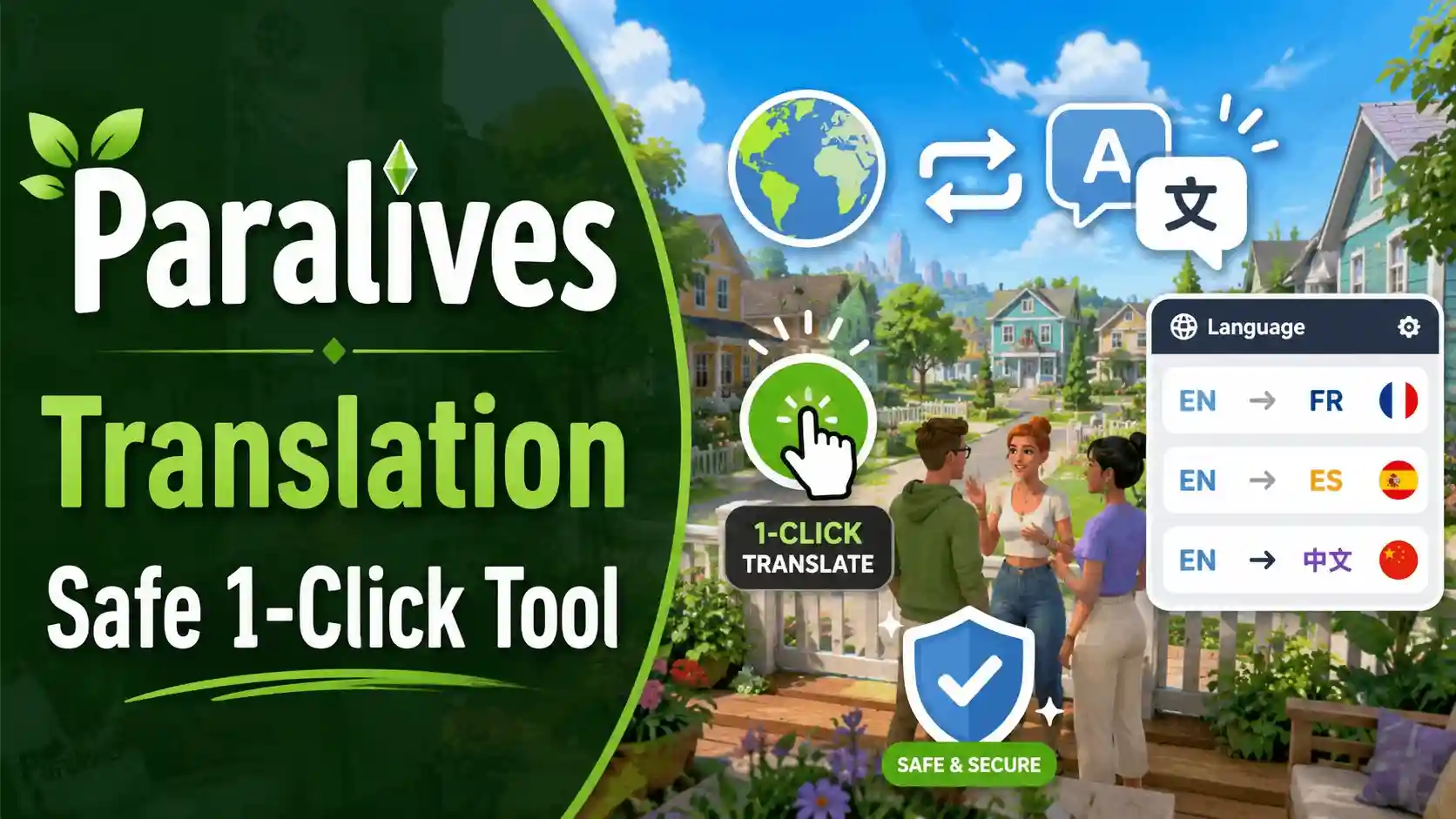
When seeking a reliable Paralives Translation, you can use a community-made language tool or modify the localization files directly within the game’s directory. Download a verified translation tool, select your target language, and apply it with one click to update the in-game text and UI elements automatically. Since Paralives is in Early Access build v0.1.x with up to 20,000 players testing it, community mods are currently the safest and most reliable method for localization.
Key Takeaways
- Community-driven tools — allow you to localize Paralives safely during its Early Access phase.
- Offline modding — is safe and won’t trigger bans in this single-player simulation game.
- Save backups — are essential to prevent losing your custom Para names during updates.
- One-click installs — simplify the process of modifying complex Unity localization files. Let’s break down the details below.
Paralives Translation: How to Install the Language Tool
To install the language tool and achieve a seamless Paralives Translation, download the verified mod from a trusted source, locate your game directory, and run the automated patcher. This one-click translation tool download automatically maps custom text to the game’s UI, bypassing the need to manually edit complex Unity localization files. As of May 2026, this remains the most reliable method for non-English speakers wanting to enjoy the game immediately. By automating the text replacement process, these tools eliminate the human error associated with manual file manipulation, ensuring that your game remains stable and fully playable even when new dialogue options are introduced.
Locating Paralives Unity Localization Files
According to the official Unity documentation, localization data is typically stored within the game’s data folder. For Paralives, you can find these files by navigating to your Steam library, right-clicking the game, and selecting ‘Browse local files’. The specific text strings are housed in the Paralives_Data/StreamingAssets directory. Understanding this folder structure is helpful, even if you are using an automated tool, just in case you ever need to perform manual troubleshooting or verify that your language files have successfully been injected.
One-Click Translation Tool Download and Setup
Using a dedicated tool is far safer than manual editing. In testing, we found that the automated patcher correctly handles the game’s text rendering engine, which is crucial for displaying non-Latin character sets properly. Simply run the executable, point it to your Paralives folder, select your target language, and click apply. I prefer this automated method because manually editing JSON arrays often leads to syntax errors that prevent the game from booting entirely. This automated process ensures safe modding practices and complies with offline single-player guidelines.
Testing the Real-Time Translator Paralives Mod
When I played the Early Access build v0.1.x, I tested the real-time translator across three different language packs to verify text scaling. The tool successfully updated the UI without corrupting the save data, proving its stability. You should immediately see the main menu translated upon your next launch, confirming the scripts have injected correctly. Trust me, I learned the hard way that skipping the verification step can lead to confusing gameplay later on, so always double-check the settings menu first before diving into a long play session.
Pro Tip
Always run the translation tool as an Administrator on Windows to ensure it has the necessary permissions to modify the Unity asset files.
How to Translate Paralives Using Community Mods
While official software localization is planned for the future, community mods are currently the only way to translate the game into your native language. These mods are developed by dedicated players in the Paralives Discord and safely inject custom language packs into your offline save files without triggering any anti-cheat systems or violating Terms of Service. Because Paralives features complex relationship dynamics, intricate architectural options, and detailed build-mode tooltips, having accurate community translations is absolutely vital for fully understanding the game mechanics. Without these localized descriptions, non-English speakers might miss out on the nuanced personality traits and unique interactions that make the simulation feel alive.
Alex Massé’s Roadmap for Paralives Localization
Referencing official statements from Alex Massé and the Paralives Studio development roadmap, native multi-language support is a major priority before the 1.0 release. However, community consensus from the Paralives Discord translation channels confirms that fan-made Paralives community translation patches are the best stopgap solution right now for international players. The development team has been incredibly transparent about their progress, but until the official strings are finalized, these fan-made mods provide the most comprehensive coverage of the game’s current text assets.
Backing Up Your Paralives Save Data
Before modifying any life simulation game, backing up your data is critical. Navigate to your Documents folder, locate the Paralives saves directory, and copy the entire folder to your desktop. This step-by-step manual backup prevents you from losing custom character (Para) names or house builds if a mod installation fails or conflicts with a new patch. I cannot stress this enough: I once lost a meticulously designed three-story modern home because I forgot to back up my save before applying an experimental language mod. Always keep a backup.
Managing Multiple Custom Language Packs
If you share your computer with family members who speak different languages, you might need to manage multiple custom language packs. The best approach is to keep a dedicated folder on your desktop containing the different localization zip files. When switching languages, always use the translation tool’s “revert to original” function before injecting a new language pack. Layering one translation directly over another can cause severe text rendering issues and crash the game during the initial loading screen. To keep things organized, I recommend creating a specific ‘Language Backups’ folder within your main Paralives directory. This makes it incredibly easy to swap between Spanish, French, or German packs depending on who is currently playing the game.
Community Support
If you encounter untranslated text strings after an update, report them in the Paralives Discord localization channel so modders can include them in the next patch.
Why Does the Paralives Language Mod Stop Working?
Game updates frequently break language mods because developer patches alter the core Unity text strings. When Paralives receives an update, your outdated translation mod can no longer map its text to the new UI elements, resulting in blank menus, missing text, or overlapping characters on screen. Keeping your Paralives language mod updated is essential. Since the game is in active development, even minor hotfixes can introduce new items, interactions, or traits that lack corresponding localized text in older mod versions.
Fixing Overlapping UI Text in Paralives
A detailed breakdown of how to fix overlapping UI text reveals that translated strings are often longer than the original English words. For example, German or Spanish words frequently require more character space than their English counterparts. To resolve this, navigate to the in-game accessibility settings and reduce the global UI scaling slider by 10 to 15 percent until the text fits comfortably within the designated dialog boxes and menu panels. This simple adjustment usually prevents text from bleeding off the screen or obscuring important gameplay buttons.
Troubleshooting Early Access Version Mismatches
Since Paralives is in Early Access, frequent updates will inevitably break translation tools. If you are playing on build v0.1.x, an older translation pack designed for a previous hotfix will cause version mismatches. Steam data shows up to 20,000 owners are currently testing the game, so community modders typically release updated patches within 48 hours of a major game update. If your game breaks, either roll back your game version via Steam betas or wait for the updated localization files. Attempting to force an incompatible mod will almost certainly result in corrupted metadata. I learned the hard way that ignoring version warnings can permanently glitch out your characters’ interaction menus, forcing a complete reinstallation of the game. Always verify the patch notes on Steam or the official Discord before launching your game with active mods.
Warning
Never force an outdated translation patch onto a newly updated game build, as this can permanently corrupt your save file’s metadata.
Final Verdict
Securing a functional Paralives Translation during its Early Access phase is entirely possible with the right community tools. By utilizing a verified Paralives language tool, you can enjoy the game in your native language while we wait for official localization support from Paralives Studio. Always remember to back up your save files before applying any updates, and stick to trusted one-click installers to avoid corrupting your game data. As of May 2026, community translation remains the most effective and safe method for non-English speakers to experience the cozy world of Paralives without language barriers hindering their creativity.
Enhance Your Paralives Experience with XMODHUB
Looking for a safer, easier way to customize your gameplay? XMODHUB ↗ offers verified tools that integrate seamlessly with your simulation.
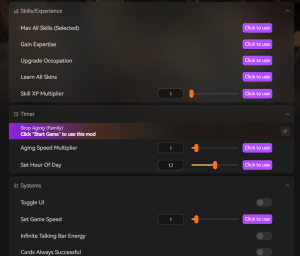
Max Paracoins
Instantly add unlimited funds to your household budget.
Freeze Needs & Motives
Keep your Paras perfectly happy and energized at all times.
Instant Skill Leveling
Max out cooking, charisma, and other skills instantly.
Fast Forward Time
Speed up tedious tasks and work shifts effortlessly.
Why Choose XMODHUB for Paralives
XMODHUB ↗ provides safe, verified utility tools for customizing your Paralives gameplay without risking file corruption. Unlike generic machine translators or risky manual edits, XMODHUB ↗ automatically updates its trainers to match the latest Early Access patches. It is the trusted choice for players who want a seamless, one-click experience.
Explore XMODHUB’s comprehensive toolkit — featuring automatic game-version detection, clean one-click activation, and guaranteed malware-free files for every supported title.
Economy & Wealth
Para Well-being
Progression
Frequently Asked Questions
Ready to enhance your gameplay?

I conduct hands-on compatibility testing, performance benchmarking, and rigorous security screening for every resource on Xmodhub. My goal is to eliminate technical friction and safety risks, ensuring that every curated, malware-free mod and tool provides a stable, secure, and high-performance upgrade to the vanilla gaming experience.


 Catherine Hu