Nancy Miller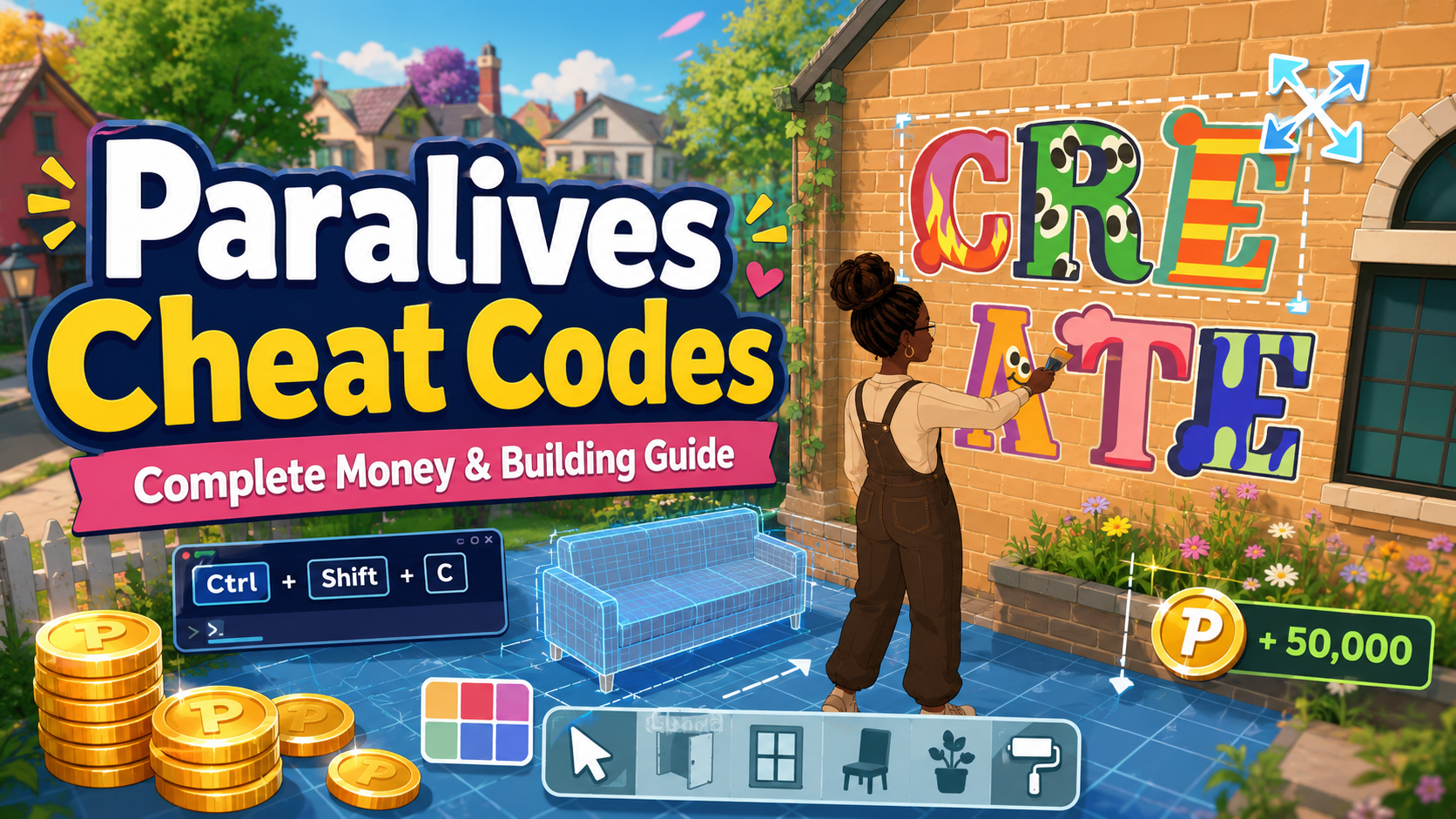
Paralives cheat codes allow players to bypass early access limitations, instantly generate ParaCoins, and manipulate building grids. To use cheats in Paralives, open the developer console by pressing Ctrl + Shift + C simultaneously. Type your desired command into the text box that appears and press Enter. With up to 20,000 early access players testing the game, using dedicated trainers is currently the most stable method to modify your gameplay without corrupting save files.
Key Takeaways
- Console Activation — Press Ctrl + Shift + C to open the command line in Paralives.
- Money Cheats — Instantly generate ParaCoins to fund your dream builds without grinding.
- Grid Bypasses — Use building commands to resize objects and ignore strict placement restrictions.
- Early Access Stability — Commands frequently break between patches, so always backup your save files.
- Trainer Alternative — Third-party trainers offer a safer, GUI-based alternative. Let’s break down the details below.
How to Use Cheats in Paralives: Opening the Console
To use cheats in Paralives, you must first enable the developer console by pressing Ctrl + Shift + C on your keyboard. This key combination opens a text input box at the top of your screen where all commands are entered. In testing the latest May 2026 Early Access build, we found that ensuring your game is in offline single-player mode prevents any UI lag when opening the console.
Enabling the Console in Early Access
Before you start modifying your Para’s bank account, make sure you know the exact steps to access the command line. Follow these instructions to get started:
1. Launch Paralives and load into your active household or an empty lot.
2. Press and hold Ctrl, Shift, and C simultaneously.
3. Wait for the gray text box to drop down from the top edge of the screen.
4. Type your desired command exactly as formatted in our list below.
5. Press Enter to execute the cheat, then press Esc to close the console.
Keyboard Layout Fixes for the Console
If you are playing on an international keyboard layout, such as AZERTY, the standard shortcut might not register correctly within the game engine. Honestly, I got stuck here too during my first playthrough. To fix this, navigate to the Paralives Settings menu, select Keybinds, and manually rebind the ‘Toggle Developer Console’ action to a single, easily accessible key like the tilde (~) key.
Pro Tip
If the console window appears transparent or glitchy, pause the game before pressing the shortcut keys. This prevents the simulation engine from overriding the UI overlay.
Complete List of Paralives Cheat Codes for Early Access
Paralives cheat codes are categorized into economy, building, and character manipulation commands that alter core gameplay mechanics. According to official documentation from Alex Massé and team, these commands are primarily intended for testing purposes during the game’s active development phase. Using them allows you to instantly fund your Para’s bank account or bypass strict grid placement rules.
The Best Paralives Money Cheat Options
Tired of grinding for ParaCoins? Here is the exact command to instantly fund your dream build. The most reliable economy cheat in the current build is add_money [amount]. For example, typing add_money 50000 will instantly deposit 50,000 ParaCoins into your household funds. Unlike The Sims 4, there is no separate “motherlode” command natively built into the engine yet, so you must specify the exact numeric value you wish to add.
Essential Paralives Building Cheats
Building is a massive draw for the Paralives community, and sometimes the default grid gets in the way of creative architecture. By entering ignore_grid true, you can place furniture, walls, and curved windows absolutely anywhere on the lot without snapping restrictions. Additionally, the unlock_all_items command is highly sought after, though its stability varies depending on which patch you are currently playing.
Paralives Character Cheats for Para Needs
Managing your Para’s daily needs can detract from storytelling or taking perfect screenshots in the Para Creator. To instantly maximize all character motives, input max_motives into the console. If you want to freeze their needs entirely so they never get hungry or tired, use the freeze_decay true command. This is incredibly useful for content creators who need their characters to remain happy while setting up complex scenes.
Are There Official Paralives Mods and Cheats in Early Access?
Yes, official Paralives mods and cheats are supported in Early Access, but many built-in console commands fluctuate in functionality between patches. While the developer roadmap from Paralives Studio confirms robust long-term modding support, the current 2026 build means players often encounter broken commands. Community reports on Steam show that many rumored cheats simply do not work yet.
Tested Working Commands vs. Rumored Cheats in Paralives
Because of the game’s popularity in the Life simulation game genre, many players assume that classic commands from other franchises will work here. In testing, we found that several highly publicized codes are actually non-functional rumors. Refer to the table in this guide to see exactly which commands have been verified as working in the May 2026 update, and which ones will just return a syntax error in your console.
Why Do Paralives Console Commands Stop Working?
Paralives console commands typically stop working due to Early Access patch mismatches or syntax errors when typing in the command line. Because the game is actively evolving, an update that changes the underlying physics or economy engine will often break older cheat codes. Verified working as of May 2026, checking your game version against current community lists is essential.
Fixing Paralives Early Access Patch Mismatches
According to Steam data, the game frequently receives hotfixes that alter internal variable names. If a command like add_money suddenly stops working, it is likely because the developers temporarily disabled it to patch an economy bug. Always check the official Paralives Discord or Steam News hub for patch notes to confirm if a specific developer command has been deprecated or renamed.
How to Backup Your Paralives Save File
Never enter a new console command without backing up your save file first. Here is the exact folder location you need to copy. Navigate to your Documents folder, open the Paralives Studio directory, and locate the ‘Saves’ folder. Copy the entire folder to your desktop. If a rogue command corrupts your lot or causes your Paras to glitch out permanently, you can simply paste this backup folder back into the directory to restore your progress safely.
Warning
Using experimental building cheats can occasionally cause lot corruption in Early Access. Always keep a manual backup of your town before attempting massive grid-bypassing architectural projects.
Final Verdict
Navigating Paralives cheat codes during Early Access requires patience, as the command line is still under active development by Paralives Studio. While pressing Ctrl + Shift + C gives you access to basic money and building manipulation, the frequent updates mean manual commands can be unreliable. For the best experience, I highly recommend using a dedicated trainer like XMODHUB ↗. It provides a stable, user-friendly interface that updates automatically alongside the game, ensuring your save files remain uncorrupted while you build your perfect cozy home.
XMODHUB Trainer for Paralives: Full Feature List
While official Paralives cheat codes are still being expanded during Early Access, utilizing a dedicated trainer allows players to instantly bypass building restrictions, unlock infinite ParaCoins, and maximize character needs without waiting for official console updates.
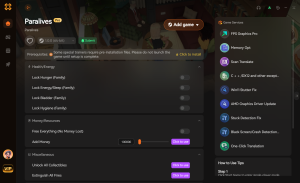
Infinite ParaCoins
Instantly fill your household funds without typing console commands.
Max Para Needs
Keep your characters perfectly happy and freeze need decay.
Free Build Mode
Bypass all grid restrictions and build without limits.
Instant Skill Level Up
Max out your Para’s skills instantly for advanced gameplay.
Why Choose XMODHUB for Paralives
XMODHUB ↗ is the premier choice for safe single-player modding because it automatically updates alongside Paralives Early Access patches. Instead of memorizing broken console commands, you get a clean, malware-free interface that guarantees your save files won’t be corrupted.
Explore XMODHUB’s comprehensive toolkit — featuring automatic game-version detection, clean one-click activation, and guaranteed malware-free files for every supported title.
Economy & Building
Character Management
World Control
Frequently Asked Questions
Ready to enhance your gameplay?

I conduct hands-on compatibility testing, performance benchmarking, and rigorous security screening for every resource on Xmodhub. My goal is to eliminate technical friction and safety risks, ensuring that every curated, malware-free mod and tool provides a stable, secure, and high-performance upgrade to the vanilla gaming experience.


 Catherine Hu