Catherine Hu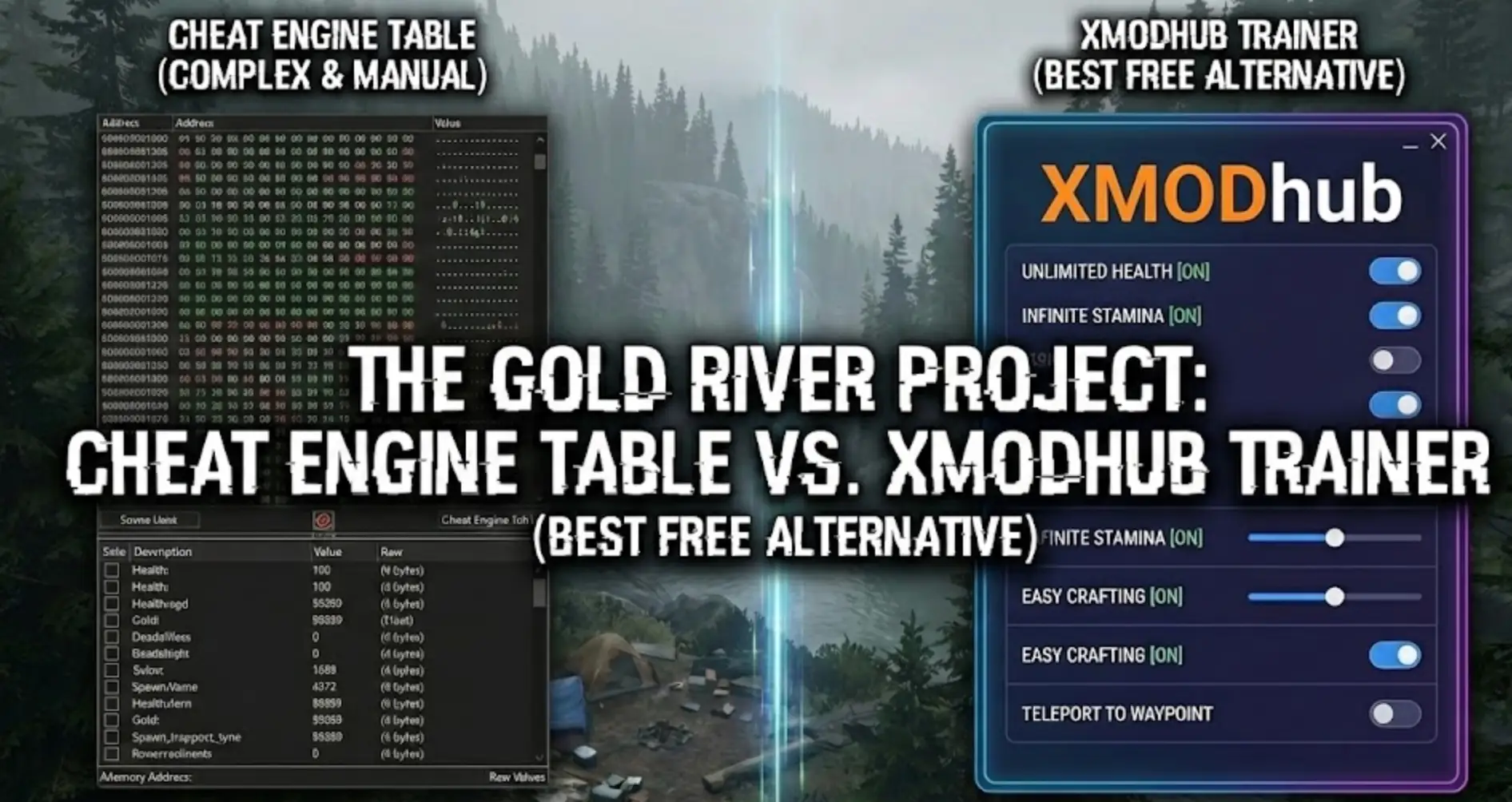
You have spent the last 20 minutes scouring forums for a working The Gold River Project Cheat Engine table (.ct file). You finally found one, loaded it up, changed your money value, and… the game crashed. Or worse, you bought that new excavator, but the game didn’t save the transaction because the memory address was merely visual.
The era of manually searching for 4-byte memory addresses in complex Unreal Engine 5 simulations is over. Today, we break down why the XMODhub Trainer is the safer, smarter evolution of Cheat Engine for The Gold River Project players.
You may also like:
The Gold River Project Console Commands (2026): Cheat Codes & Item IDs List
Editor’s View: The “Update” Nightmare
“I used to love Cheat Engine for mining sims. But The Gold River Project is in active development. When Patch 0.5.0 dropped yesterday, every single script in my CT table broke. I lost my save file because I tried to force a ‘Spawn Gold’ script that was no longer compatible.”
“With XMODhub, the app detected the patch and auto-mapped the new memory addresses in seconds. It saves me time, allowing me to focus on the digging, not the debugging.”
— Catherine Hu, Simulation Game Writer
At a Glance: XMODhub vs. Cheat Engine Table
The “Hard Way”: How to Use a Cheat Engine Table
If you insist on using the old-school method for this mining simulator, here is the headache you have to endure:
- Download and install Cheat Engine (Risk of bundled adware).
- Find a .ct file on a forum matching your exact game build version.
- Launch The Gold River Project.
- Open Cheat Engine, click the “PC Icon”, and attach to the
TheGoldRiverProject-Win64-Shipping.exeprocess. - Load the table file.
- Hope the pointers aren’t broken.
×
Warning: In physics-based games like this, changing the wrong value can cause your vehicles to fly into the stratosphere, ruining your claim.
The “Easy Way”: How to Use XMODhub
Now compare that to the XMODhub experience:
- Download and Launch XMODhub.

- Search The Gold River Project.

- Click “Play”.
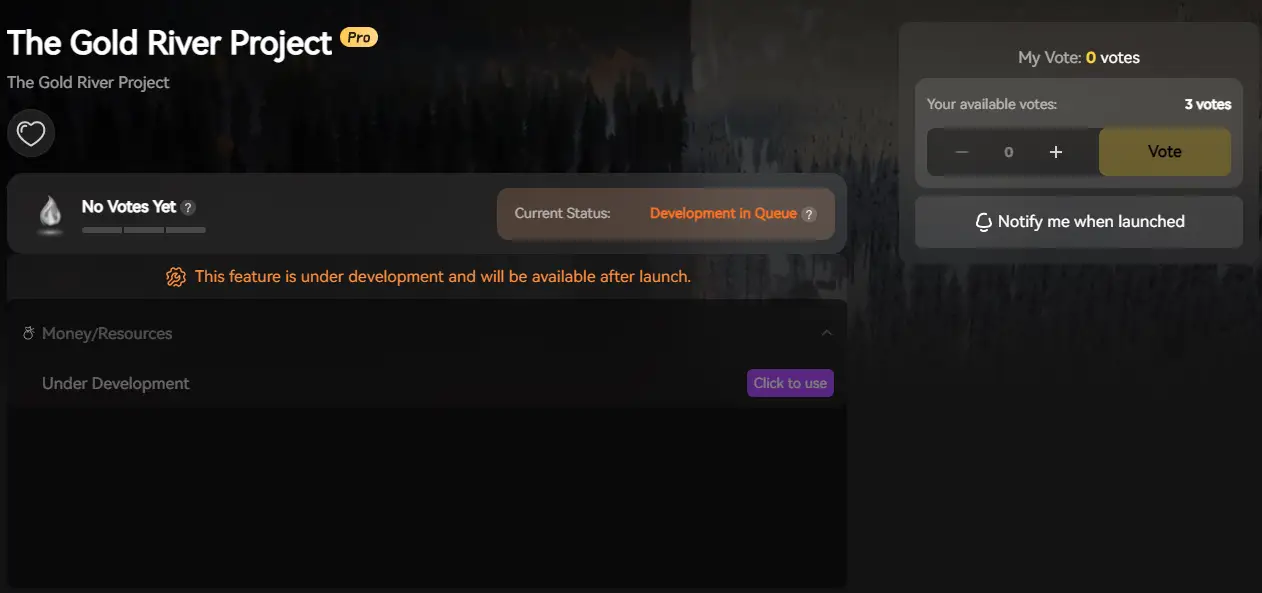
- Toggle “Infinite Fuel” or click “Add Money”.
- Done. No attaching processes, no version matching, no flying trucks.
Unreal Engine 5: The Cheat Engine Killer
Playing The Gold River Project on Steam? This game runs on Unreal Engine 5 (UE5). Unlike older games, UE5 uses dynamic memory allocation and complex object blueprints.
The Cheat Engine Problem
A simple “Money” value isn’t just a number; it’s often part of a complex “PlayerState” class. Finding it manually with Cheat Engine is difficult, and pointers break every time you restart the game or the developer releases a hotfix.
The XMODhub Solution
Our engine is built to recognize UE5 structures natively. We handle the pointer mapping automatically, so your Infinite Fuel and No Clip cheats work seamlessly regardless of the game version.
Safety Check: VirusTotal Proof
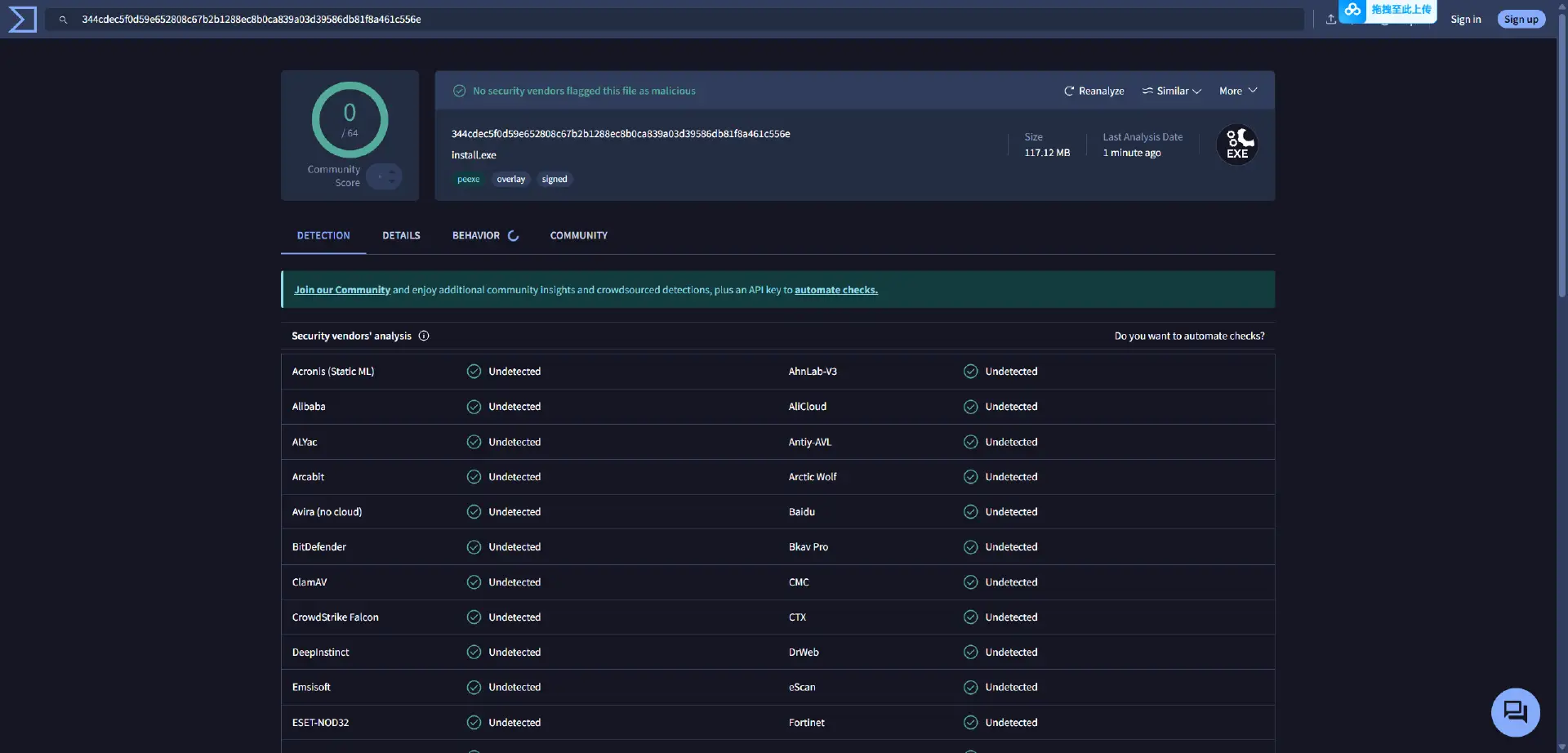
Is XMODhub safe? Yes. Trainers are often flagged as “False Positives” because they inject code into memory (just like a virus, but for a good cause). Unlike random forum files which may contain scripts that damage your save data, XMODhub is:
- ✔ Digitally Signed
- ✔ Bloatware Free
- ✔ Scanned Daily
Why is XMODhub the Best WeMod Alternative?
WeMod is the market leader, but XMODhub offers key advantages for The Gold River Project:
01
Mobile Remote is Free
In a mining sim, your screen is cluttered with controls. XMODhub lets you use your phone as a “Remote Control” to toggle “Spawn Excavator” or “Daylight” without Alt-Tabbing. WeMod charges for this.
02
No Account Required
You can use basic cheats like Infinite Money without forcing a login.
03
Sim-Specific Cheats
Our cheat creation is driven by user votes, leading to specific features like “Instant Wash Plant” that generic trainers miss.
Frequently Asked Questions
Q: My The Gold River Project Cheat Engine table says “???” on all values.
This means the table is outdated. The memory addresses have shifted in the latest patch. You must switch to XMODhub or wait days for a forum user to update the table.
Q: Can I use this in Multiplayer?
No. XMODhub is strictly designed for Single Player sandbox use. Using it in Co-op may cause de-sync issues with other clients or bans.
Q: Does this work on the Steam Deck?
Yes. While Cheat Engine is a nightmare to set up on Linux/SteamOS, XMODhub has a dedicated compatibility mode that works great on Steam Deck.
Conclusion
Stop fighting with broken pointers and encrypted UE5 blueprints. Upgrade your mining experience with the XMODhub Trainer for The Gold River Project.
It is the modern, safe alternative that ensures your operation runs smoothly—whether you want to skip the grind or test out heavy machinery. Cheat Smarter, Not Harder.

XMODhub supports more than 5000+ games, and also supports similar simulation titles like:
Elden Ring – Dark Souls III – Lies of P – Lords of the Fallen

I am a passionate gamer and writer at XMODhub, dedicated to bringing you the latest gaming news, tips, and insights.
Connect with me:
LinkedIn Profile ↗


 Nancy Miller