Want to test out the endgame “Aegis” Storm Shield generator early to see if it can withstand a Tier 5 hurricane? Or maybe you accidentally scrapped a crucial, one-of-a-kind quest item like the Data Core Delta and now your campaign progress is completely stuck?
In the brutal, unforgiving world of WindStop Strategy, having full control over your inventory is sometimes the only way to survive—or just to have some sandbox fun without the grind. Using console commands to spawn items is a staple of PC gaming freedom.
Below is the most comprehensive, categorized, and verifiable list of Item IDs and spawn codes for WindStop Strategy, updated for the latest 2026 patch.
“Look, I love the power of the developer console. But let’s be real: typing spawn ID_Resource_Titanium_Alloy 500 manually is fine once. But when you’re trying to build a massive desert fortress and need to type that exact code 50 times? It’s repetitive, boring, and one wrong character means getting a ‘Syntax Error’ message instead of your materials.
While the lists below are accurate, I personally switched to the XMODhub Visual Spawner ages ago. Seeing the item’s icon in game, dragging a slider for quantity, and just clicking ‘Add’ is how modern cheating should feel. It respects your time.”
— Catherine Hu, Content Lead & Base-Building Enthusiast
Quick Reference: Top 10 Most Wanted WindStop Strategy IDs
Don’t want to scroll through hundreds of codes? Here are the exact IDs for the absolute essentials that every player looks for first.
項目名稱
Item ID / Spawn Code
目的
[Clean Water]
ID_Res_Water_Clean
Essential survival resource
[Energy Cells]
ID_Res_Energy_Cell
Powers advanced buildings
[Titanium Alloy]
ID_Res_Titanium_Alloy
Endgame crafting material
[Master Builder Tool]
ID_Tool_Builder_T3
Fastest construction speed
[Aegis Storm Shield]
ID_Build_StormShield_T3
Best defense against storms
[Research Data]
ID_Currency_Research
Unlocks new tech instantly
[Advanced Circuits]
ID_Component_Circuit_Adv
High-tech crafting component
[Concrete Blocks]
ID_Res_Concrete
Basic fortified building material
[Plasma Rifle]
ID_Weapon_Plasma_T3
High damage endgame weapon
[Medkit]
ID_Consumable_Medkit
Instantly heals units
How to Enable Console & Use Commands
Before you can use the IDs below, you must ensure your developer console is unlocked.
請注意: The console is often locked by default in the retail version. You may need to add -console 或 -debugmode to your game’s launch options on Steam/Epic.
1. Open Console:
Once enabled, press the Tilde key (~) (usually to the left of the ‘1’ key on US keyboards) while in-game to open the command line window.
2. The Command Format:
The standard format to spawn items in WindStop Strategy is generally:
give_item [Item ID] [Quantity]
Example:
To spawn 500 units of Clean Water, type the following and press Enter:
give_item ID_Res_Water_Clean 500
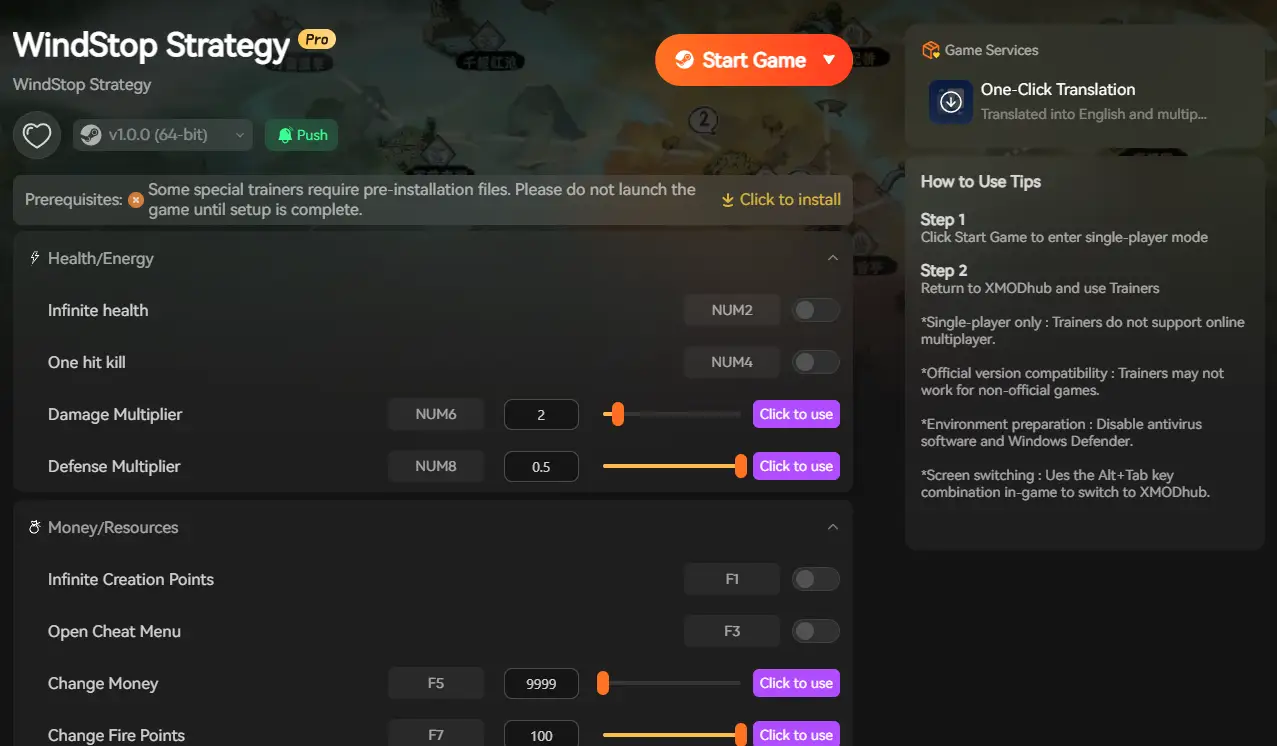
簡易方法:XMODhub Visual Spawner
Stop Alt-Tabbing to check spreadsheets every 5 seconds.
Typing long, case-sensitive ID codes like ID_Component_Quantum_Processor breaks your immersion. The XMODhub Trainer includes a built-in Visual Spawner feature designed specifically for WindStop Strategy.
Icon-Based: See exactly what the item or building looks like before you spawn it.
搜尋列: Just type “Titanium” in the overlay and click the one you want. No memorizing codes.
Batch Add: Get 999x of every crafting material with a single button press.
These are the raw materials absolutely required for construction, crafting, and daily settlement survival.
Resource Name
Item ID
稀有性
Scrap Metal
ID_Res_Scrap_Metal
常見問題
Concrete
ID_Res_Concrete
常見問題
Steel Beam
ID_Res_Steel_Beam
不常見
Advanced Alloy
ID_Res_Advanced_Alloy
罕見
Titanium Alloy
ID_Res_Titanium_Alloy
傳奇
Clean Water
ID_Res_Water_Clean
必要
Food Rations
ID_Res_Food_Rations
必要
Weapon & Tool IDs List
Tools speed up your construction work, and weapons are necessary to defend against raiders and local fauna.
Tool/Weapon Name
Item ID
Tier/Level
Basic Builder Tool
ID_Tool_Builder_T1
Tier 1
Advanced Builder
ID_Tool_Builder_T2
Tier 2
Master Builder
ID_Tool_Builder_T3
Tier 3 (Best)
Security Rifle
ID_Weapon_Rifle_T1
Tier 1 Defense
Plasma Rifle
ID_Weapon_Plasma_T3
Tier 3 Defense
NPC & Unit Spawn IDs List
Use these codes to spawn specific units, settlers, or even enemies for testing defenses.
Command typically used: spawn_unit [Unit ID]
NPC / Unit Name
Unit ID
Type
Basic Settler
ID_Unit_Settler_Basic
Civilian
Engineer
ID_Unit_Engineer_T2
Specialist
Wandering Trader
ID_NPC_Trader_Friendly
Neutral
Raider Grunt
ID_Enemy_Raider_T1
Hostile
Sandworm (Boss)
ID_Enemy_Boss_Worm
Hostile Boss
Skills, Perks & Traits IDs
You can also use the console to instantly learn skills or add beneficial traits to your character or settlement.
Command typically used:add_perk [Perk ID]
Perk / Skill Name
Perk ID
效果
[Efficient Builder]
perk_build_speed_25
+25% Construction Speed
[Master Trader]
perk_barter_bonus
Better prices at trading posts
[Storm Hardened]
perk_storm_resist
Buildings take 10% less storm damage
[Resourceful]
perk_resource_yield
+15% resource gathering yield
疑難排解:指令失敗的原因
“Command not found”: This usually means the console is not enabled correctly. The developers may have locked it in the retail version. See the “How to Enable Console” section or use the XMODhub trainer to bypass this.
“Invalid Item ID” / Syntax Error: Double-check for typos. IDs are almost always case-sensitive in this engine (e.g., ID_Res_Water is correct; id_res_water will fail).
Modded Items: If you are trying to spawn an item from a mod, these static IDs won’t work. Mod IDs change dynamically based on load order. You need a dynamic spawner tool like XMODhub for those.
常見問題
Q: Are WindStop Strategy Item IDs case-sensitive?
A: Yes. In most cases, the internal IDs like ID_Res_Titanium_Alloy must be typed exactly with correct capitalization. Failing to do so is the most common reason for commands not working.
Q: Can I spawn items in Multiplayer mode?
A: No. Console commands for spawning items only work in Single Player or private local servers. Trying to use them on public multiplayer servers is impossible due to server-side checks and may risk an account ban.
Q: How do I find spawn codes for items added by mods?
A: Finding manual IDs for modded items is extremely difficult as they change with your load order. We strongly recommend using the XMODhub Visual Spawner, which automatically detects installed mods and lists their items visually for instant spawning.
總結
While this manual WindStop Strategy Item IDs list is a powerful resource for skipping the grind, constant Alt-Tabbing to type long, complex codes is tedious and error-prone.
Upgrade your experience with the XMODhub Visual Spawner. Stop acting like a data entry clerk—just browse icons and click to spawn items instantly.
XMODhub is your all-in-one modding hub, supporting over 5,000+ games, including similar strategy and survival hits like 冰霜朋克, 他們數以十億計, 以及 火星求生.
Quick Answer A REPLACED Walkthrough cheat is a PC tool, like a trainer, designed to make the game easier by enabling features such as god mode or infinite health. For the anticipated April…
How to Change Matchmaking Region in Toxic Commando | XMODhub
John Carpenter’s Toxic Commando is a blast when you have a full squad of four, but fighting the Sludge God alone with AI bots because your regional server is empty can ruin the…

 胡凱琳
胡凱琳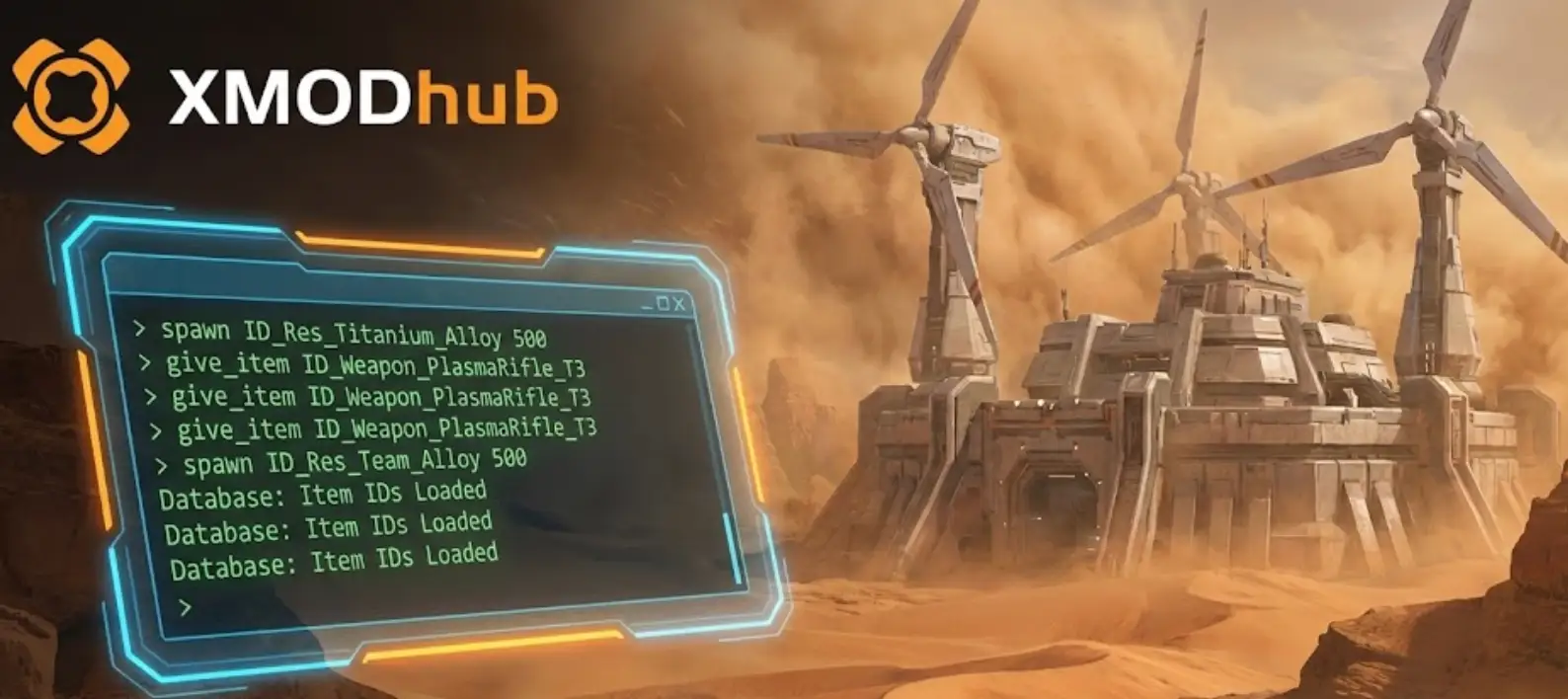



 南希-米勒
南希-米勒