
 胡凱琳
胡凱琳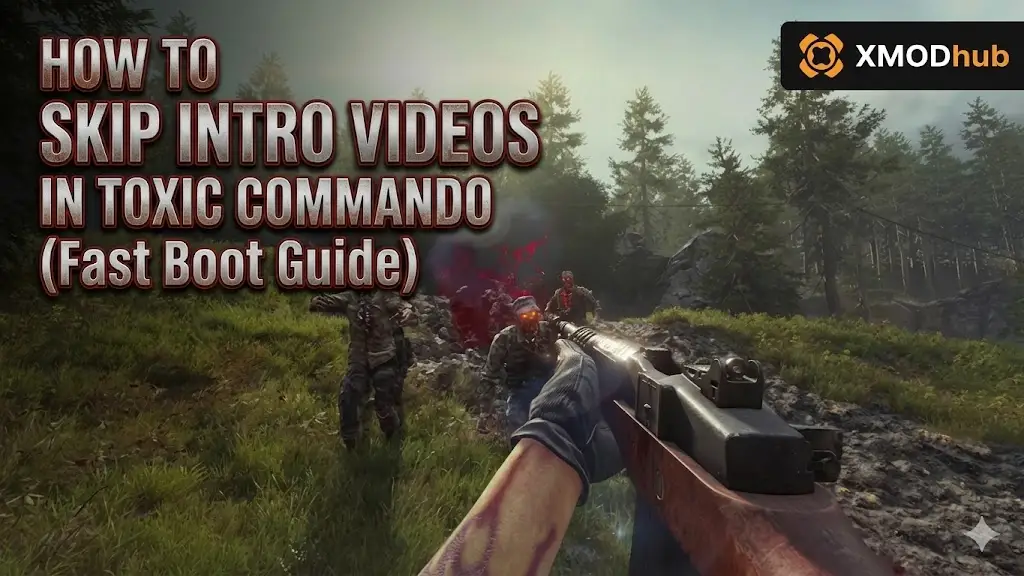
John Carpenter’s Toxic Commando delivers the ultimate 80s action movie experience. However, every time you boot up the game, you are forced to sit through deafening, unskippable developer and publisher logos before you can actually shoot any mutants. When you are rushing to join a co-op lobby with your friends, those mandatory 30 seconds of startup videos feel like an eternity.
Fortunately, PC gamers do not have to suffer through corporate splash screens. By making a few quick adjustments to your Swarm Engine game files or using our dedicated fast-boot tools, you can load straight into the main menu in seconds.
In this guide, we will show you exactly how to skip the intro videos safely on Steam, Epic Games, and the Steam Deck without breaking your game.
✨您可能也會喜歡:
John Carpenter’s Toxic Commando Cheat Engine Table vs. XMODhub Trainer: Best Free Alternative (2026)
Editor’s Note
Our technical modding team has successfully verified these file-path adjustments on the launch day build of Saber Interactive’s Swarm Engine. Note that official game patches often restore deleted or renamed video files. We highly recommend bookmarking this page—if a future update forces the logos back, simply repeat Method 1!
Quick Answer: How to Skip Intro Videos Instantly
(Want to shave 30 seconds off your startup time immediately? Follow these exact steps for the PC version.)
To completely skip the unskippable startup logos in Toxic Commando, you need to safely disable the game’s splash screen media files:
Method 1: The Manual File Rename (Steam & Epic Games)
Saber Interactive’s Swarm Engine loads specific video files before it initializes the 3D main menu. Developers include these to mask initial background loading, but on modern NVMe SSDs, this loading is almost instantaneous.
The process is identical to Steam, but finding your folder is slightly different.
- ✦Open your Windows File Explorer and navigate to your default Epic Games installation drive (usually
C:\Program Files\Epic Games\ToxicCommando). - ✦Dig into the
Content\Movies或Mediafolder. - ✦Rename the intro video files as instructed above.
Why rename instead of delete? If the game’s code strictly requires a file to exist to prevent a crash, deleting it can cause issues. Renaming it safely hides it from the engine while keeping a local backup just in case you need to restore the game’s integrity.
Method 2: Steam Launch Options (-novid Explained)
Many PC games running on Unreal Engine or the Source Engine allow you to type -novid 或 -nointro into the Steam Launch Options to automatically bypass startup videos.
Currently, Saber Interactive has not natively enabled these parameters for Toxic Commando. If you see generic guides telling you to type -novid into your Steam properties for this specific game, it will likely not work. The manual file rename (Method 1) or using our dedicated XMODhub .pak mod is the only verified way to achieve a fast boot on day one.
Hardware Focus: Skipping Intros on the Steam Deck
If you are playing Toxic Commando on the go, those intro videos drain precious battery life. To apply the fix on Linux/SteamOS:
➤
Switch your Steam Deck to Desktop Mode.
➤
Open the Dolphin File Manager. Make sure “Show Hidden Files” is checked in the options.
➤
Navigate to: Home/.local/share/Steam/steamapps/common/ToxicCommando/Content/Movies.
➤
Right-click the logo .bk2 files and rename them with the .bak extension.
➤
Return to Gaming Mode. Enjoy your instant boot times!
Troubleshooting: Game Freezes on Startup Logo (Black Screen)
Did you rename the files and now the game is stuck on a black screen when you boot it up? Don’t panic.
Sometimes, the engine waits for a video to finish playing before moving to the next sequence. If the video is missing, it hangs indefinitely.
We have created a [Toxic Commando Fast Boot Mod]. Instead of deleting the files, our mod replaces the 30-second loud developer logos with a silent, blank 0.1-second video file. The engine thinks it played the logo perfectly, instantly moving you to the main menu without freezing.
Skip the Grind: Focus on Fun with the XMODhub Trainer
Once you have optimized your boot times and bypassed the annoying startup screens, it’s time to optimize your gameplay.

John Carpenter’s Toxic Commando is an absolute blast, but grinding for Scrap to upgrade your heavy weapons or constantly running out of ammo during a massive horde wave can kill the pacing of your 80s action fantasy. If you want to jump straight to the ultimate firepower, you need the XMODhub PC Trainer.
How to Dominate in 5 Seconds:
Download and Launch XMODhub.

Search John Carpenter’s Toxic Commando.
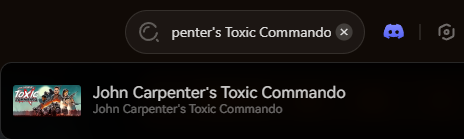
Click “Play”.
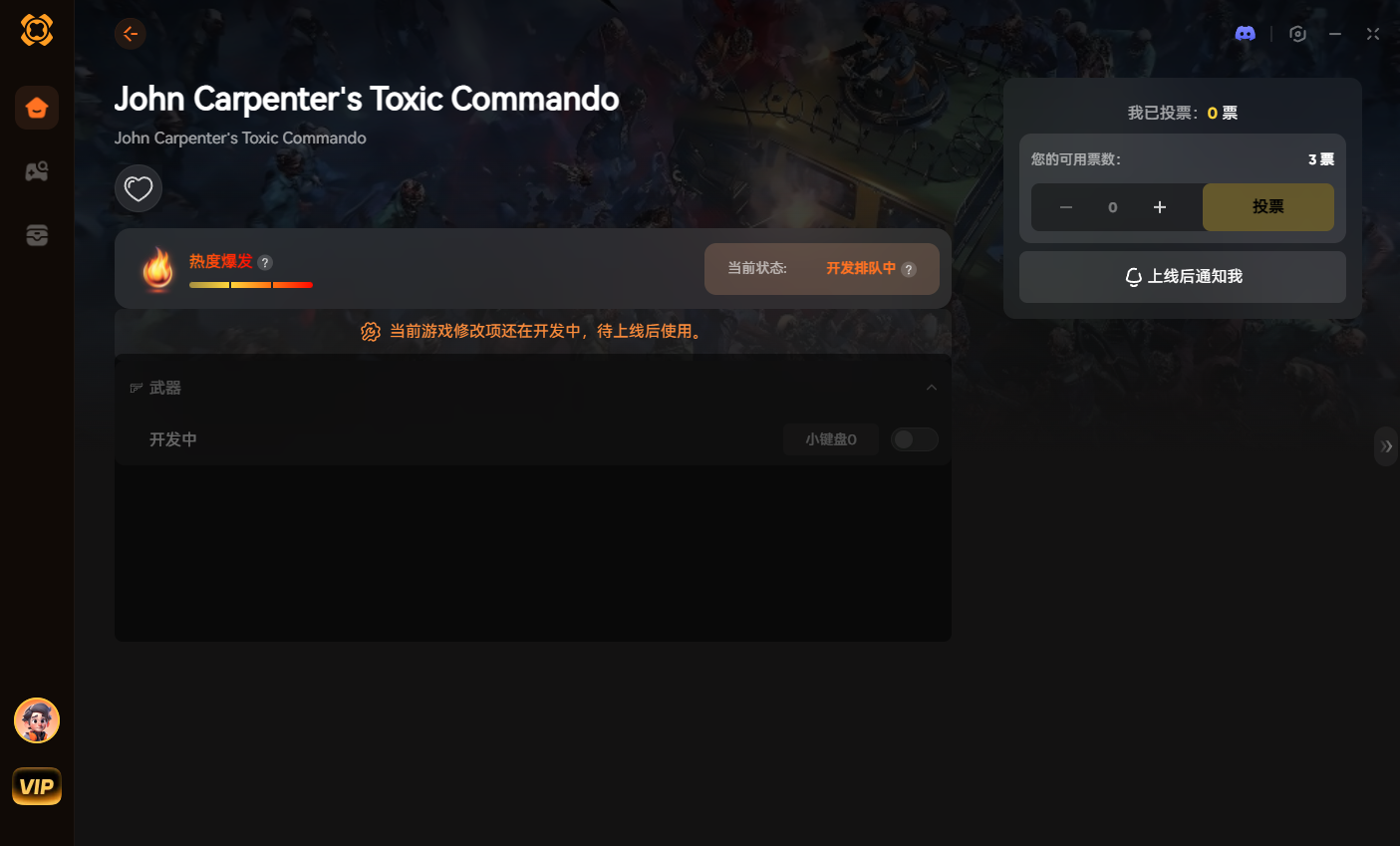
Use intuitive toggles to set Infinite Ammo, No Weapon Overheat, or Vehicle God Mode.
Done. No attaching processes, no version matching, no crashing.
Our standalone app uses safe memory injection, ensuring maximum performance while you conquer the apocalypse in your stable, private co-op lobbies.
Get back in the fight faster:
Conclusion: Faster Load Times, More Action
Your time is valuable. By renaming those specific .bk2 media files or using our blank-video replacement mod, you can completely remove the frustration of unskippable startup logos.
Combining a fast boot with an NVMe SSD means you can go from your Windows desktop to slaying mutants in your heavily armored APC in less than 15 seconds.
Join the XMODhub Discord to share your own custom mods, stay updated on the latest performance tweaks, and assemble your ultimate Commando squad!

我是一名熱情的遊戲玩家,也是 XMODhub 的作家,致力於為您帶來最新的遊戲新聞、秘訣和見解。.
與我聯繫:
LinkedIn 個人資料

 南希-米勒
南希-米勒