
 胡凱琳
胡凱琳
John Carpenter’s Toxic Commando throws you into the ultimate 80s action meat-grinder. With hundreds of the Sludge God’s mutants swarming your APC from all directions, situational awareness is your greatest weapon. However, many PC players booting up the game for the first time immediately notice a claustrophobic camera angle. The default Field of View (FOV) feels restricted, bringing the camera uncomfortably close to your Commando’s shoulders during chaotic firefights.
A narrow FOV in a fast-paced Swarm Engine game doesn’t just limit your tactical vision—it is the leading cause of simulation-induced motion sickness and nausea.
In this guide, we will answer the community’s biggest question about the display settings, explain how the Swarm Engine handles camera distance, and provide a one-click FOV uncap mod to widen your horizon.
✨您可能也會喜歡:
John Carpenter’s Toxic Commando Cheat Engine Table vs. XMODhub Trainer: Best Free Alternative (2026)
Editor’s Note
.pak files to maintain horde rendering performance. Simply editing a text file won’t work here. Our technical team has verified that using a memory injector (like the XMODhub Trainer) or our custom FOV .pak mod is the only safe way to zoom the camera out on launch day. Always use these tools in private lobbies!Quick Answer: Does Toxic Commando Have a FOV Slider?
(If your camera feels way too close and you need a wider angle immediately, here is what you need to know.)
No, the vanilla version of John Carpenter’s Toxic Commando does not feature a built-in FOV slider in its display settings. To maintain a specific cinematic 80s horror aesthetic and preserve framerates when rendering massive hordes, Saber Interactive has locked the default FOV at approximately 75 to 80 degrees.

However, PC players can safely bypass this limitation and increase their FOV up to 120 degrees by doing the following:
➤
Downloading the dedicated XMODhub FOV Unlocker .pak Mod.
➤
Using the XMODhub PC Trainer to dynamically zoom the camera out via safe memory injection.
Why the “Camera Too Close” Effect Causes Nausea
The Swarm Engine is incredibly powerful, but its default camera distance is optimized for living room console gaming setups, where players sit several feet away from the TV.
When you play on a PC monitor sitting just two feet away, a locked 75-degree FOV creates a severe “horse blinder” effect. Your brain expects wider peripheral vision based on your physical proximity to the screen. When a horde of mutants rushes your peripheral vision, the rapid camera panning combined with this narrow FOV leads directly to eye strain, headaches, and motion sickness. Expanding the FOV to a standard 90 or 100 degrees instantly cures this nausea.
Fixing Ultrawide (21:9 and 32:9) Stretching & Black Bars
If you are playing on an Ultrawide monitor, you might notice that the game doesn’t actually give you a wider view. Instead, it “crops” the top and bottom of the screen (known as Vert- scaling) and stretches the image horizontally, making the motion sickness even worse.
Because the Swarm Engine’s aspect ratio constraints are hardcoded, standard resolution tweaks won’t fix this stretching. The only way to restore true horizontal peripheral vision and eliminate UI distortion on your curved monitor is by using an FOV unlocker tool to forcefully push the camera rendering distance backward.
Method 1: The XMODhub FOV Unlocker Mod (Easiest)
Since you cannot simply open an .ini file in Notepad to fix this on the Swarm Engine, our modding community has built a seamless drag-and-drop solution.
What it does: This lightweight compiled
.pak file overrides the game’s default camera limits. It replaces the original camera coordinate files, pushing your default view out to a comfortable 100 degrees and fixing the 21:9 Ultrawide crop.
✨
How to install: Simply download the file from the XMODhub directory, navigate to your game’s installation folder (e.g., \ToxicCommando\Content\Paks\~mods), and drop the file inside.
Method 2: Dynamic Camera Zoom with the XMODhub Trainer
If you want granular control over your camera distance—perhaps you want 90 FOV for driving the APC but 110 FOV for intense close-quarters combat—a static .pak mod won’t be enough.
You need a tool that can adjust the camera dynamically while you play, alongside other massive quality-of-life upgrades.
How to Dominate in 5 Seconds:

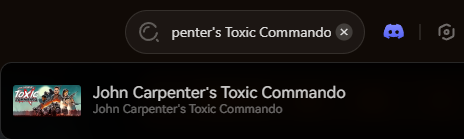
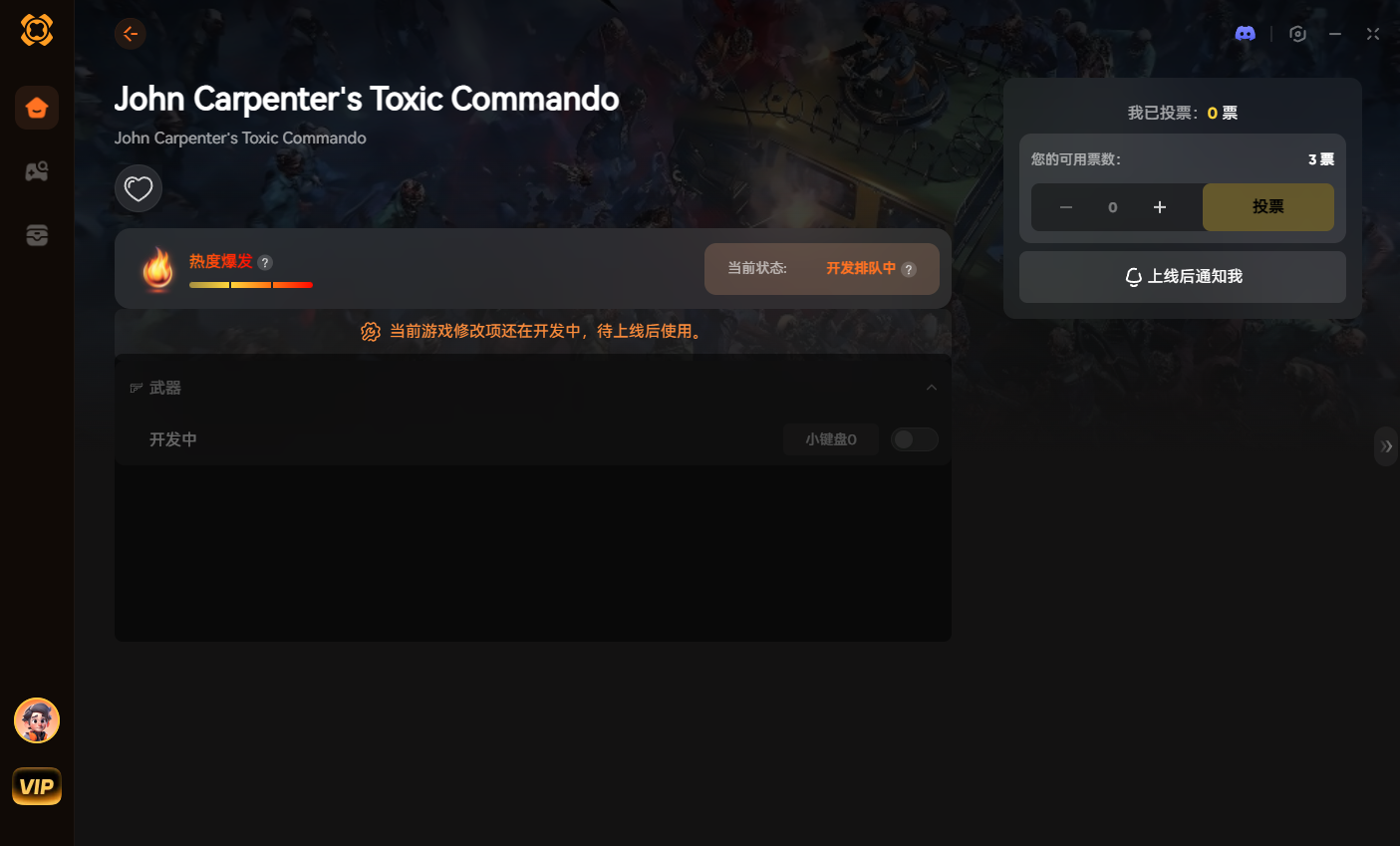
Our standalone app uses safe memory injection. It intercepts the engine’s camera values in real-time, allowing you to zoom in or out using simple hotkeys without restarting your game. It ensures maximum performance and complete compatibility in your private co-op lobbies.
Secure your ultimate apocalypse loadout:
Conclusion: See the Whole Apocalypse
Don’t let a locked camera ruin your John Carpenter’s Toxic Commando experience. Whether you choose to download our instant XMODhub .pak file or use the Trainer for perfect Ultrawide support, expanding your Field of View is the most critical quality-of-life upgrade you can make on launch day.
With your motion sickness cured and your peripheral vision restored, you are ready to take the wheel. Join the XMODhub Discord to share your ultimate FOV settings and team up with other Commandos!

我是一名熱情的遊戲玩家,也是 XMODhub 的作家,致力於為您帶來最新的遊戲新聞、秘訣和見解。.
與我聯繫:
LinkedIn 個人資料

 南希-米勒
南希-米勒