
 胡凱琳
胡凱琳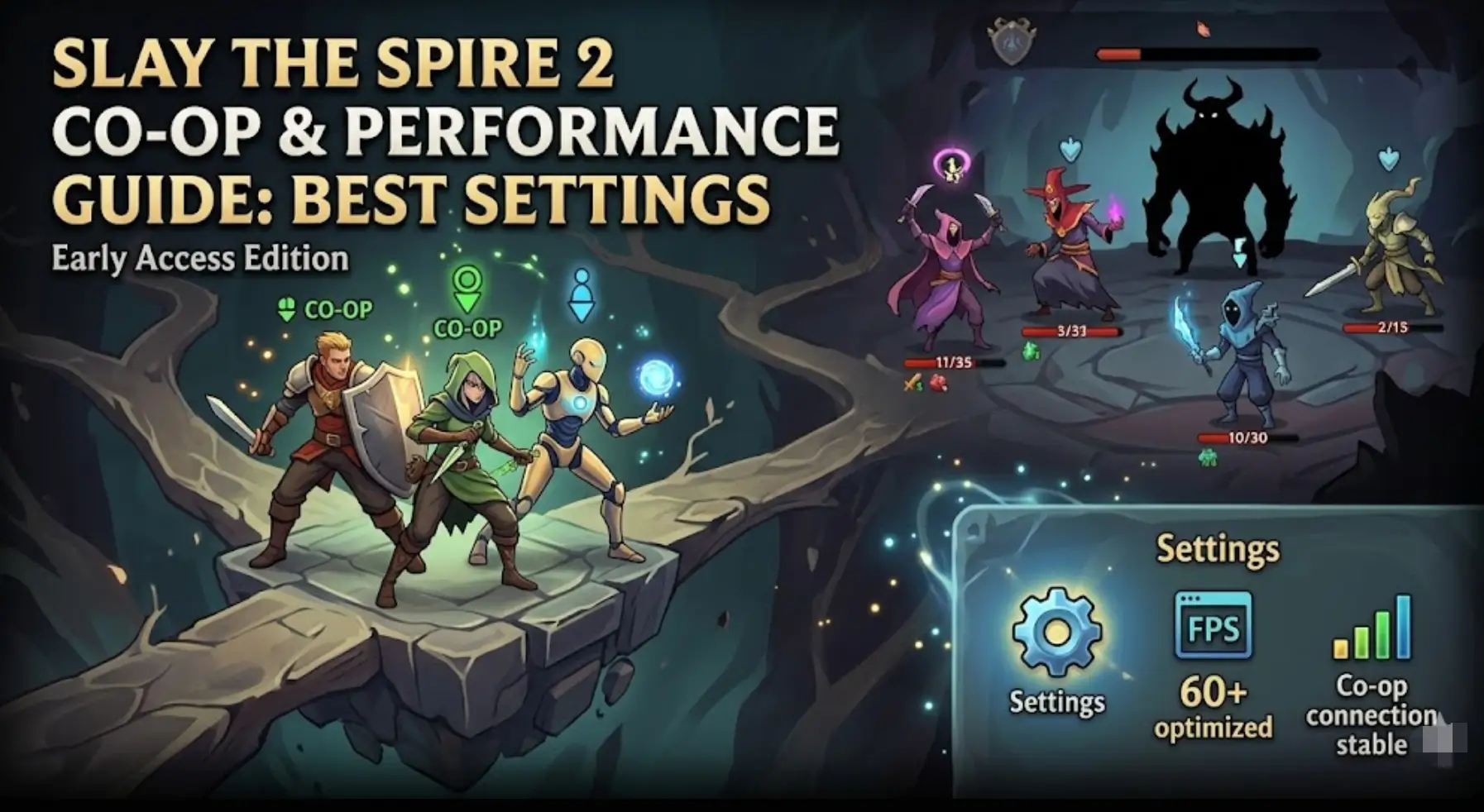
The highly anticipated launch of Slay the Spire 2 Early Access is finally here. Mega Crit has completely rebuilt the game using the Godot engine, leaving Java behind. This massive technical leap brings faster load times, smoother animations, and most importantly, the brand-new 4-player online Co-Op mode.
However, a new engine and complex multiplayer lobbies also bring new technical challenges. If you are experiencing micro-stutters, input lag, connection drops, or simply want to know how to revive your friends in a Co-Op run, you are in the right place.
Here at XMODhub, we have compiled the ultimate hub for optimizing your game’s performance and mastering the multiplayer mechanics.
您可能也會喜歡:
Slay the Spire 2: Cheat Engine Table vs. XMODhub Trainer (Best Free Alternative)
1. Quick Answer: Co-Op & Settings Summary
If you are just trying to get your lobby running smoothly before your friends lose patience, here are the absolute essentials:
- • Co-Op Lobbies: You can invite up to 3 friends via your Steam Friends List. Players face scaled enemies and vote on map routing.
- • Reviving Teammates: Dead players can be revived at specific Campfires or via extremely rare multiplayer-exclusive Relics, usually at the cost of team HP.
- • Best FPS Setting: Turn on “Exclusive Fullscreen” and disable “V-Sync” in the game settings to completely eliminate mouse input delay.
- • Game Speed: Enable “Fast Mode” in the Gameplay settings to speed up the Godot engine’s default combat animations.
- • Steam Deck: Cap your framerate to 60 FPS and lower the TDP limit to 10W to guarantee 4+ hours of battery life.
2. How 4-Player Co-Op Actually Works
Multiplayer in a roguelike deckbuilder is a delicate balancing act. Mega Crit has designed a system that keeps all players engaged without turning combat into a chaotic mess.
- Lobby Creation & Crossplay: Host a game and invite friends directly through the Steam overlay. Currently, crossplay is restricted to the PC ecosystem (Windows, Mac, and Linux/Steam Deck).
[Is Slay the Spire 2 Crossplatform? Crossplay Guide] - Class Selection: To prevent players from fighting over the same relic pools, teams should utilize diverse class compositions (e.g., Ironclad as a tank, Silent as poison DPS, and Necrobinder for board control).
[Slay the Spire 2 All Classes & Best Builds Guide] - Map Routing & Voting: When the team reaches a fork in the map, players vote on which path to take. If there is a tie, the game randomly selects between the tied options.
3. How to Revive Teammates in Multiplayer
Dying in Act 1 doesn’t mean you have to sit and watch your friends play for the next hour. However, reviving a fallen Slayer comes with a heavy price.
If a teammate’s HP drops to zero during combat, they are knocked out for the remainder of that fight. If the surviving team wins the encounter, the dead player can only be brought back through specific methods:
- Campfire Sacrifice: At the next Rest Site (Campfire), surviving players can choose a new “Revive” option instead of Smithing or Resting. This usually requires sacrificing a percentage of the surviving players’ Max HP.
- Multiplayer Relics: Keep an eye out for Co-Op exclusive relics in Elite chests that allow for one free mid-combat revive.
4. Godot Engine Optimization (Fixing Lag)
The transition to Godot is fantastic for the game’s long-term health, but some high-end PC users have reported feeling a slight “micro-stutter” when playing multiple cards rapidly.
This is rarely a hardware issue; it is usually an engine rendering quirk caused by the Windows Desktop Window Manager (DWM).
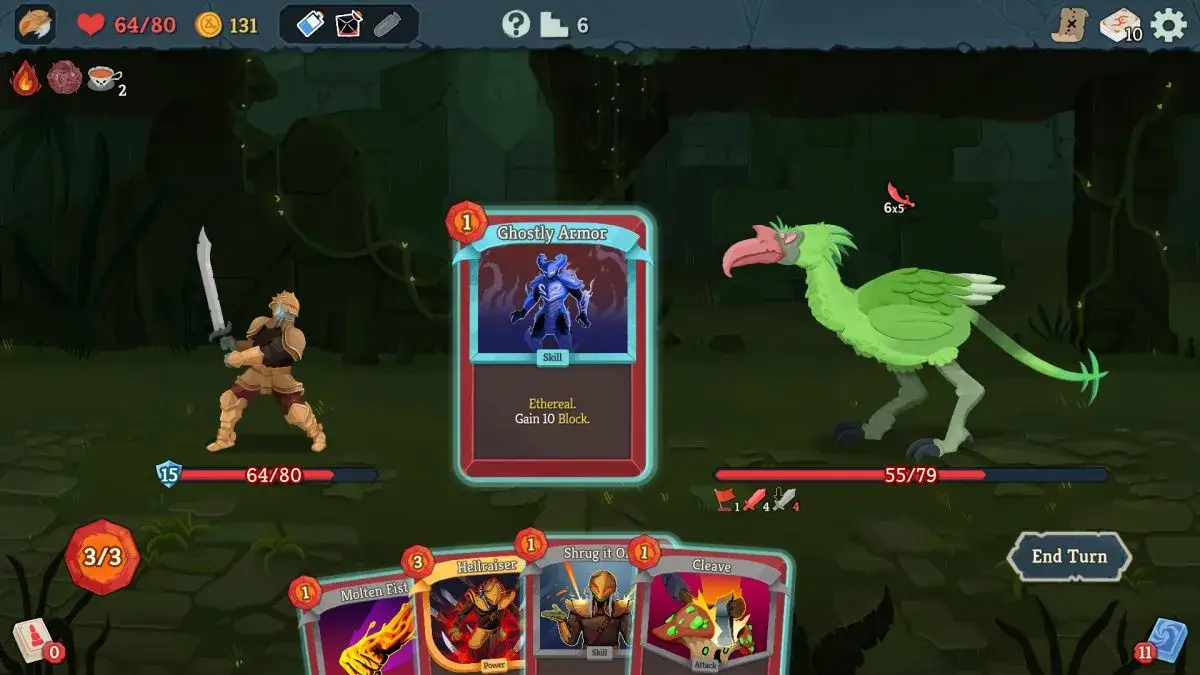
How to fix Slay the Spire 2 input lag:
- 導覽到 圖形 menu.
- Change the Display Mode to Exclusive Fullscreen.
- Turn V-Sync OFF. V-Sync buffers frames, which creates an inherent delay between your hand movement and the cursor dragging a card.
- If you have a 144Hz monitor, cap the framerate exactly to 144 to prevent your GPU from rendering useless frames and overheating.
5. Fixing Co-Op Desync & Connection Errors
“Connection Lost” and “Desync Detected” are the most frustrating errors in Early Access multiplayer. If your lobby keeps crashing mid-combat, check the following:
The #1 cause of multiplayer desyncs is mismatched mods. If you are playing Co-Op, all four players must have the exact same Steam Workshop mods installed and loaded in the exact same order. We highly recommend disabling all mods for Co-Op sessions.
[15 Best Slay the Spire 2 Mods: Steam Workshop Guide]
Host Migration:
The Godot netcode currently relies heavily on the host’s connection. Ensure the player with the most stable, wired ethernet connection is hosting the lobby.
6. Best Steam Deck Settings for Battery Life
Slay the Spire 2 is the ultimate handheld game. The Godot engine runs natively on SteamOS, making it a dream for the Steam Deck OLED and LCD models.
However, left uncapped, the game will drain your battery in two hours. Use these settings in the Steam Deck’s Quick Access Menu (QAM) for maximum longevity:
| Steam Deck Setting | Optimal Value |
|---|---|
| Framerate Limit | 60 FPS (90 FPS on OLED is overkill for a card game). |
| TDP Limit | ON. Set the slider to 10W or even 8W. |
| Half-Rate Shading | OFF. (This makes text blurry, which ruins a card game). |
7. ⚠️ XMODhub Trainer: Offline Theory-Crafting Only
If you are jumping into a Co-Op lobby with veteran players, you don’t want to be the one holding the team back because you drafted a terrible deck.
The XMODhub Trainer is your best tool for learning the game rapidly. By activating Infinite Energy and God Mode, you can test massive card synergies in single-player without dying early.
How to theory-craft in Single-Player with XMODhub:

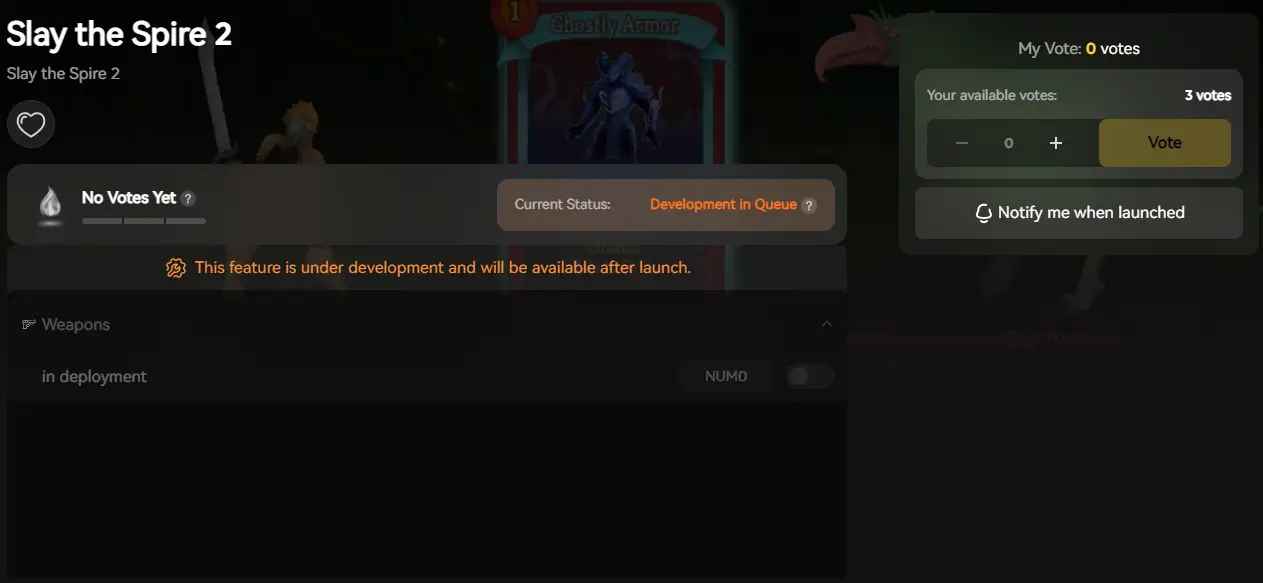
However, we must strictly emphasize: The XMODhub client is designed for Single-Player/Offline use only.
If you attempt to use Infinite Gold or God Mode in a 4-player Co-Op lobby, you will instantly trigger a Desync Error, crash the lobby, and ruin the game for your friends. Always practice offline, close the trainer, and then join your Co-Op session legitimately!
[Slay the Spire 2 Trainer & Cheats Guide: Infinite Gold] (添加Slay the Spire 2 Trainer 文章链接)
8. Frequently Asked Questions (FAQ)
Q: Why is my game crashing on startup?
A: If the Godot engine is crashing immediately upon launching from Steam, verify the integrity of your game files. If you are using Steam Workshop mods, a recent Early Access patch likely broke a mod. Disable all mods in the main menu and launch vanilla.
Q: Does the game get harder with more players?
A: Yes. Enemy health, damage output, and elite encounter complexity scale dynamically based on how many players are in your lobby to maintain the game’s brutal difficulty.
9. Conclusion
Slay the Spire 2 is a massive technical upgrade over the original. By optimizing your Godot engine settings, capping your Steam Deck framerate, and understanding the nuances of the new Co-Op lobby system, you can ensure a flawless experience from the moment Early Access begins.

Gather your friends, discuss your class synergies, and plan your map routes carefully. And remember, if you need to practice your builds and test the limits of the new classes before jumping into multiplayer, the XMODhub Trainer is always available for your single-player theory-crafting needs. See you in the Spire!

我是一名熱情的遊戲玩家,也是 XMODhub 的作家,致力於為您帶來最新的遊戲新聞、秘訣和見解。.
與我聯繫:
LinkedIn 個人資料

 南希-米勒
南希-米勒