胡凱琳
胡凱琳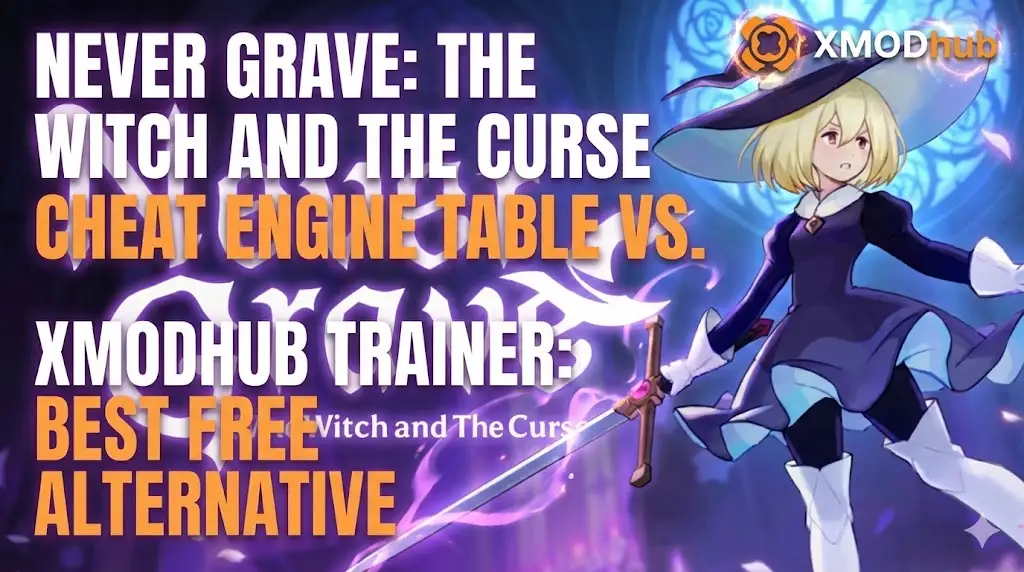
Editor’s View: The “Update” Nightmare
With XMODhub, the app detected the patch and auto-updated the cheats in seconds via the cloud. It saves me time, plain and simple. I’d rather spend my time rebuilding my cursed village than debugging assembly code.”
You have spent the last 20 minutes scouring forums for a working Never Grave: The Witch and The Curse Cheat Engine table (.ct file). You finally found one, loaded it up to get those much-needed Rubies for your village, and… it says “Process not found” or simply crashes your game the moment you try to use the possession mechanic.
The era of manually searching for memory addresses and risking save corruption is over. Because Never Grave runs on the Unity engine, memory offsets shift with every minor balance patch.
Today, we break down why the XMODhub Trainer is the safer, smarter evolution of Cheat Engine for players on Steam and Xbox Game Pass.
您可能也會喜歡:
At a Glance: XMODhub vs. Cheat Engine Table
| 特點 | Cheat Engine Table (.ct) | XMODhub Trainer |
|---|---|---|
| 易用性 | Hard (Manual Scripts) | Easy (Sliders/Toggles) |
| Game Updates | Breaks Instantly (Manual fix) | Auto-Updates (Cloud Sync) |
| Game Pass Support | Very Difficult (Encrypted) | Native Support |
| 安全性 | High Risk (User Uploads) | Verified (Signed Code) |
| Mobile Control | No | Yes (Remote App) |
| 成本 | Free | Free |
The “Hard Way”: How to Use a Cheat Engine Table
If you insist on using the old-school method, here is the technical headache you have to deal with:
- Download and install Cheat Engine (Watch out for the bundled bloatware).
- Find a
.ctfile on a forum matching your exact Never Grave version. - Launch the game and load your save.
- Open Cheat Engine, click the “PC Icon,” and attach to the
NeverGrave.exeprocess. - Load the table file and hope the pointers aren’t broken by the latest Unity update.
Warning: Unity games are sensitive to memory injection. One wrong hex edit can corrupt your village building progress permanently.
The “Easy Way”: How to Use XMODhub
Now compare that to the seamless XMODhub experience:
Download and Launch XMODhub.
Search Never Grave: The Witch and The Curse.
Click “Play”.
Use sliders to set Infinite HP, Infinite Rubies, or Instant Village Building.
Done. No attaching processes, no version matching.
Game Pass & Windows Store: The Cheat Engine Killer
Playing Never Grave on Xbox Game Pass (PC)?
Cheat Engine often fails completely on Windows Store games because the executable files are encrypted and hidden in protected folders. You cannot “attach” to them easily without breaking system permissions.
XMODhub is different.
Our engine is built to recognize Game Pass directories natively. We handle the encryption bypass automatically, so your cheats for Infinite Materials work seamlessly regardless of where you bought the game.
Safety Check: VirusTotal Proof
Is XMODhub safe? Yes.
Trainers are often flagged as “False Positives” because they inject code into memory (just like a virus, but for a good cause). Unlike random forum files uploaded by strangers, XMODhub is:
- Digitally Signed.
- Bloatware Free.
- Scanned Daily.
(Our installer consistently maintains a clean 0/70 record on live VirusTotal scans).
Why XMODhub is the Best WeMod Alternative?
While WeMod is a popular choice, XMODhub offers key advantages for the Never Grave community:
常見問題
Q: My Never Grave Cheat Engine table says “???” on all values.
This means the table is outdated. The memory pointers changed in the latest game update. You should switch to XMODhub for a cloud-synced solution.
Q: Can I use this in Co-op mode?
No. XMODhub is strictly designed for Single Player use. Using it in online modes can lead to game instability or potential bans.
Q: How do I fix “Process Not Found” on Game Pass?
Cheat Engine cannot bypass the Windows Store file protection easily. Download XMODhub, which features native Game Pass support to solve this instantly.
總結
Stop fighting with broken pointers and encrypted files. Upgrade your gaming experience with the XMODhub Trainer for Never Grave: The Witch and The Curse. It is the modern, safe alternative that ensures your cheats work — whether you are on Steam or Game Pass.
Cheat Smarter, Not Harder.
XMODhub supports more than 5,000+ games, including similar titles like

我是一名熱情的遊戲玩家,也是 XMODhub 的作家,致力於為您帶來最新的遊戲新聞、秘訣和見解。.
與我聯繫:
LinkedIn 個人資料
 南希-米勒
南希-米勒