摘要: Check out the full system requirements for Hell Clock and see if your PC is ready to handle this intense horror-action experience—plus, discover how Xmod can help optimize your gameplay.
Hell Clock is a fast-paced horror-action game that blends survival elements with a twisted time-loop mechanic. Whether you’re drawn to its eerie atmosphere or challenging combat, making sure your system can run it smoothly is the first step.
在本指南中、, we’ll cover the minimum and recommended PC requirements for Hell Clock, explore how it performs on low-end machines, and explain how to boost your overall experience using Xmod.
Let’s find out if your setup is ready for the horrors that await!
目錄
What Is Hell Clock
Hell Clock Requirements: Minimum and Recommended
Can You Run Hell Clock on a Low-End PC?
Can My PC Run Hell Clock
How to Enhance Hell Clock Gaming Experience with Xmod?
總結
什麼是 Hell Clock?
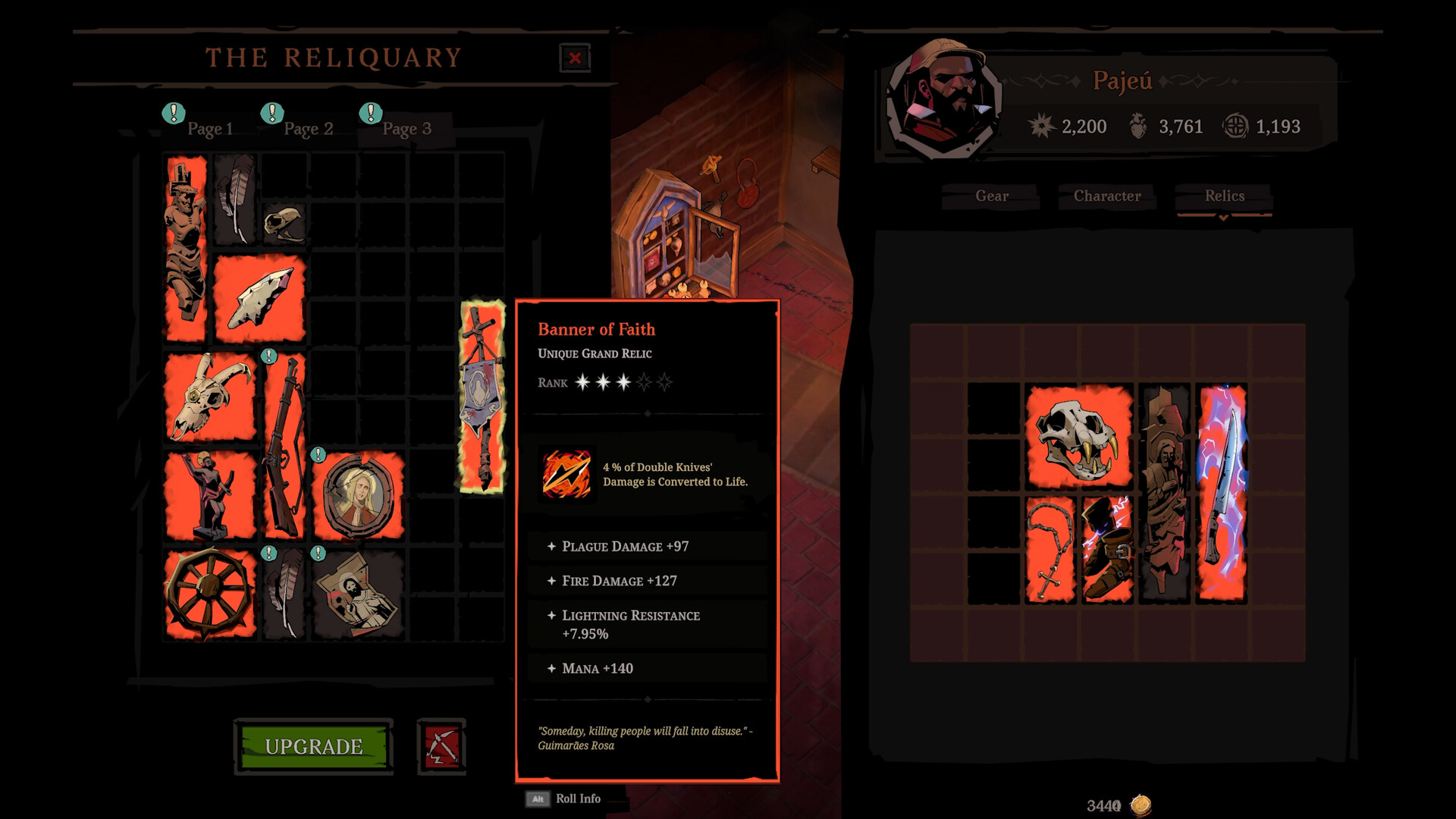
Hell Clock is an isometric action-roguelike RPG from Rogue Snail and publisher Mad Mushroom. It blends fast-paced combat, build crafting, and a relentless clock countdown that pushes you deeper into procedurally generated hellish dungeons. Across three acts, you play as Pajeú, battling to rescue your mentor’s soul within a tense historical fantasy twist.

Hell Clock Requirements: Minimum and Recommended
Before diving into the depths of Hell Clock‘s fast-paced roguelike action, it’s important to ensure your PC can handle the intense visual effects, real-time combat, and fast-loading procedural levels. While the game is optimized to run on a wide range of systems, checking your hardware against the official system requirements can prevent performance issues or crashes during gameplay.
Below are the minimum 和 recommended system requirements to run Hell Clock smoothly on Windows PCs:
| 組件 |
最低要求 |
| OS |
Windows 10 |
| CPU |
Intel Core i5‑2500 or AMD FX‑4350 |
| RAM |
8 GB |
| GPU |
NVIDIA GTX 1060 or AMD RX 580 (6 GB VRAM) |
| DirectX |
Version 11 |
| 儲存 |
2 GB available space |
Meeting these specs will ensure a much smoother experience with higher graphic fidelity, consistent 60+ FPS, and reduced input latency—perfect for players who want to enjoy the game’s visual style and fast-paced combat at its best:
| 組件 |
Recommended Requirement |
| OS |
Windows 10 |
| CPU |
Intel Core i5‑6500 or AMD Ryzen 3 1200 |
| RAM |
16 GB |
| GPU |
NVIDIA RTX 3060 or AMD RX 6600 XT (6 GB VRAM or more) |
| DirectX |
Version 11 |
| 儲存 |
SSD with at least 2 GB free |
你能跑嗎 Hell Clock 在低階 PC 上?
With 8 GB RAM and a GTX 1060-level GPU, Hell Clock can run on older systems at medium settings. To improve performance:
- Lower in-game graphics by choosing “Low” preset
- Cap frame rate around 60 FPS
- Close background applications
- Consider gaming on SSD for faster load times
我的 PC 能否執行 Hell Clock?
To verify compatibility:
- Compare your PC specs to the tables above
- Use tools like 您可以運行它嗎? or PCGameBenchmark
- Monitor resource use in-game (FPS, VRAM, CPU load)
- Adjust settings based on performance feedback
如何增強 Hell Clock Xmod 的遊戲體驗
Xmod is a third‑party enhancement tool for single‑player games.
Here’s how to use it effectively with Hell Clock:
- Download & Install Xmod
Visit the official Xmod site and download the Windows client.
- Detect Hell Clock in Library
Open Xmod and allow it to scan your installed games. If it doesn’t detect Hell Clock, manually add it via the executable file.

- Enable Key Features.
- Turn on Auto Backup — configure backup frequency and cloud sync.
- Enable Timer Control — toggle slow timer or freeze feature.
- Adjust UI Scaling — increase font size or UI elements.
- Activate Performance Mode — switch off shadowing or bloom for smoother FPS.
- Add Mods (Optional)
Explore Xmod’s mod marketplace or manually load mods:
- Launch the Game via Xmod
Always start Hell Clock from Xmod — this ensures all tweaks are applied.
- Real-Time Adjustments in Game
Use the XMOD overlay or hotkeys to tweak options mid-run—such as performance mode or UI scaling—without quitting.
- Monitor and Refine
Check Xmod logs for backup confirmations or frame dips. Adjust settings further if needed based on in-game performance and feedback.
總結
Hell Clock delivers intense combat, time-based decision pressure, and a gripping alternate history narrative. It runs well on fairly standard PCs (8 GB RAM, GTX 1060), with recommended specs for 60 FPS stability. Use Xmod to enhance your experience with auto-backups, visual tweaks, and performance boosts—giving you more control over your run. Whether you’re racing the clock or exploring relaxed mode, these tips will elevate your gameplay.
我是一名熱情的遊戲玩家,也是 XMODhub 的作家,致力於為您帶來最新的遊戲新聞、秘訣和見解。.
與我聯繫:
LinkedIn 個人資料

 胡凱琳
胡凱琳