摘要: This guide explains the system requirements for Discounty, covering both minimum and recommended specs. It helps players determine if their PC can run the game smoothly and offers tips to optimize performance.
Discounty is an engaging game that has caught the attention of players for its immersive gameplay and unique mechanics.
Before diving in, it’s important to understand the minimum and recommended system requirements to ensure a smooth experience.
Many players wonder, can you run Discounty on a low-end PC, or whether their current setup is compatible.
This guide will also show you how to check if your PC can run Discounty and offer practical tips to boost your gameplay experience.
By following this information, you can maximize performance and fully enjoy everything the game has to offer.
目錄
- What is Discounty
- Minimum and Recommended System Requirements
- 你能跑嗎 Discounty on a Low-End PC?
- 我的 PC 能否執行 Discounty
- Tips to Boost Gameplay Experience
- 總結
What is Discounty

Discounty is a cozy management sim RPG developed by Crinkle Cut Games and published by PQube. Set in the quirky harbor town of Blomkest, the game invites players to manage the local discount supermarket, “Discounty,” left to them by their secretive aunt. Players can design and organize the shop layout, manage stock levels, operate the checkout, and strike trade deals to expand the business. Beyond the supermarket, the game encourages building relationships with the charming locals, uncovering town secrets, and navigating community dynamics. The game offers a blend of simulation, role-playing, and narrative elements, providing a relaxing yet engaging experience.”Discounty” is set to release on August 21, 2025, for PC, Nintendo Switch, and PlayStation 5.
Minimum and Recommended System Requirements for Discounty
Knowing the minimum and recommended system requirements will help you determine whether your setup is ready for an enjoyable experience or if you’ll need an upgrade for better performance.
Below, we’ve listed the full specifications to guide you.
最低系統需求
- OS: Windows 10
- Processor: Intel Core2 Quad Q8400 or AMD Phenom II X2 550
- Memory: 6 GB RAM
- Graphics: NVIDIA GeForce GT 520 (1 GB) or AMD Radeon HD 5570 (1 GB)
- Storage: 570 MB available space
建議系統需求
- OS: Windows 10
- Processor: Intel Core i7-4770T or AMD Ryzen 3 1200
- Memory: 8 GB RAM
- Graphics: NVIDIA GeForce GTX 660 Ti (2 GB) or AMD Radeon HD 7870 (2 GB)
- Storage: 570 MB available space
你能跑嗎 Discounty on a Low-End PC?
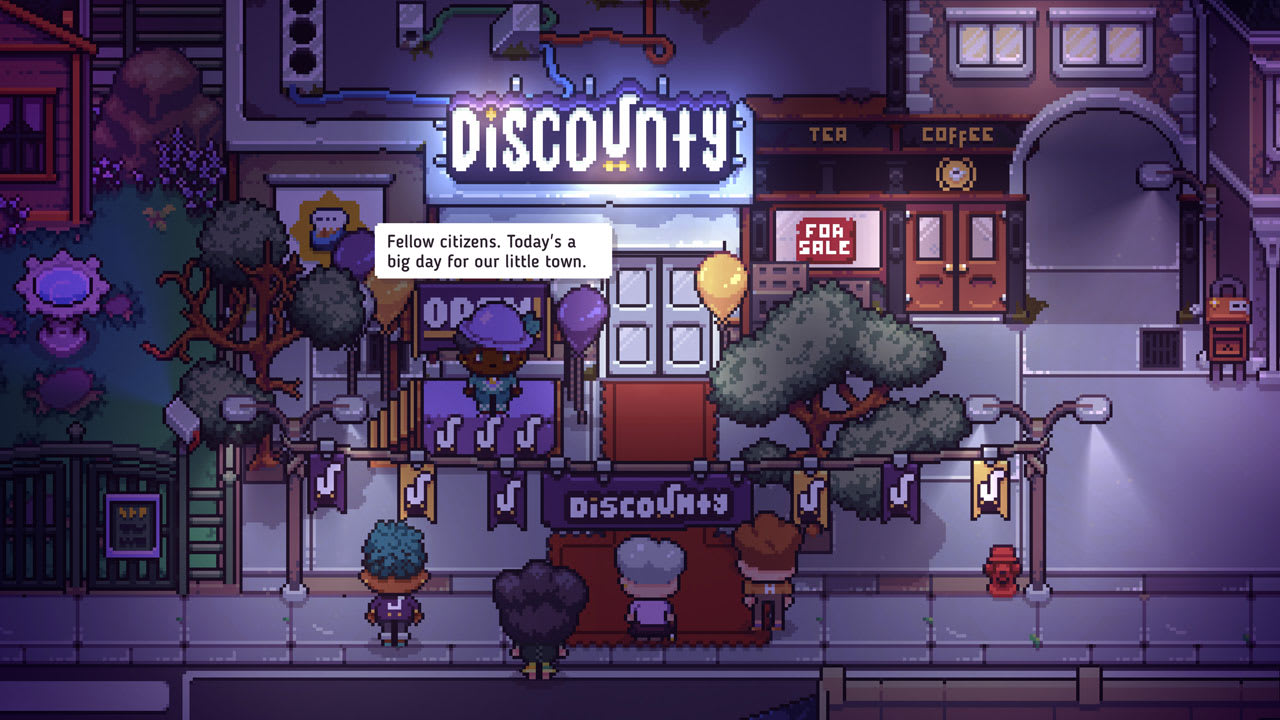
Discounty may be challenging to run on a low-end PC. The minimum requirements call for a Windows 10 system with at least an Intel Core2 Quad Q8400 or AMD Phenom II X2 550, 6 GB RAM, and a GPU like the NVIDIA GeForce GT 520 or AMD Radeon HD 5570. Systems below these specs might experience low frame rates, longer loading times, or graphical issues. For smoother gameplay, meeting or exceeding the minimum requirements is recommended.
我的 PC 能否執行 Discounty
To determine if your PC can run Discounty, compare your system’s specifications with the game’s minimum and recommended requirements:
- Minimum: Windows 10, Intel Core2 Quad Q8400 or AMD Phenom II X2 550, 6 GB RAM, NVIDIA GeForce GT 520 (1 GB) or AMD Radeon HD 5570 (1 GB), 570 MB storage.
- Recommended: Windows 10, Intel Core i7-4770T or AMD Ryzen 3 1200, 8 GB RAM, NVIDIA GeForce GTX 660 Ti (2 GB) or AMD Radeon HD 7870 (2 GB), 570 MB storage.
If your PC meets or exceeds the recommended specs, you can expect smooth performance. Systems meeting only the minimum may run the game with lower graphics settings. You can also use tools like Can You Run It to automatically check compatibility.
Tips to Boost Gameplay Experience
- Optimize Graphics Settings – Adjust resolution, texture quality, and effects based on your PC’s performance to maintain smooth frame rates.
- Keep Drivers Updated – Ensure your GPU and system drivers are up to date for better stability and performance.
- Manage Background Processes – Close unnecessary applications while playing to free up RAM and CPU resources.
- Use a Controller (Optional) – For a more comfortable supermarket management experience, consider using a game controller if you prefer over keyboard and mouse.
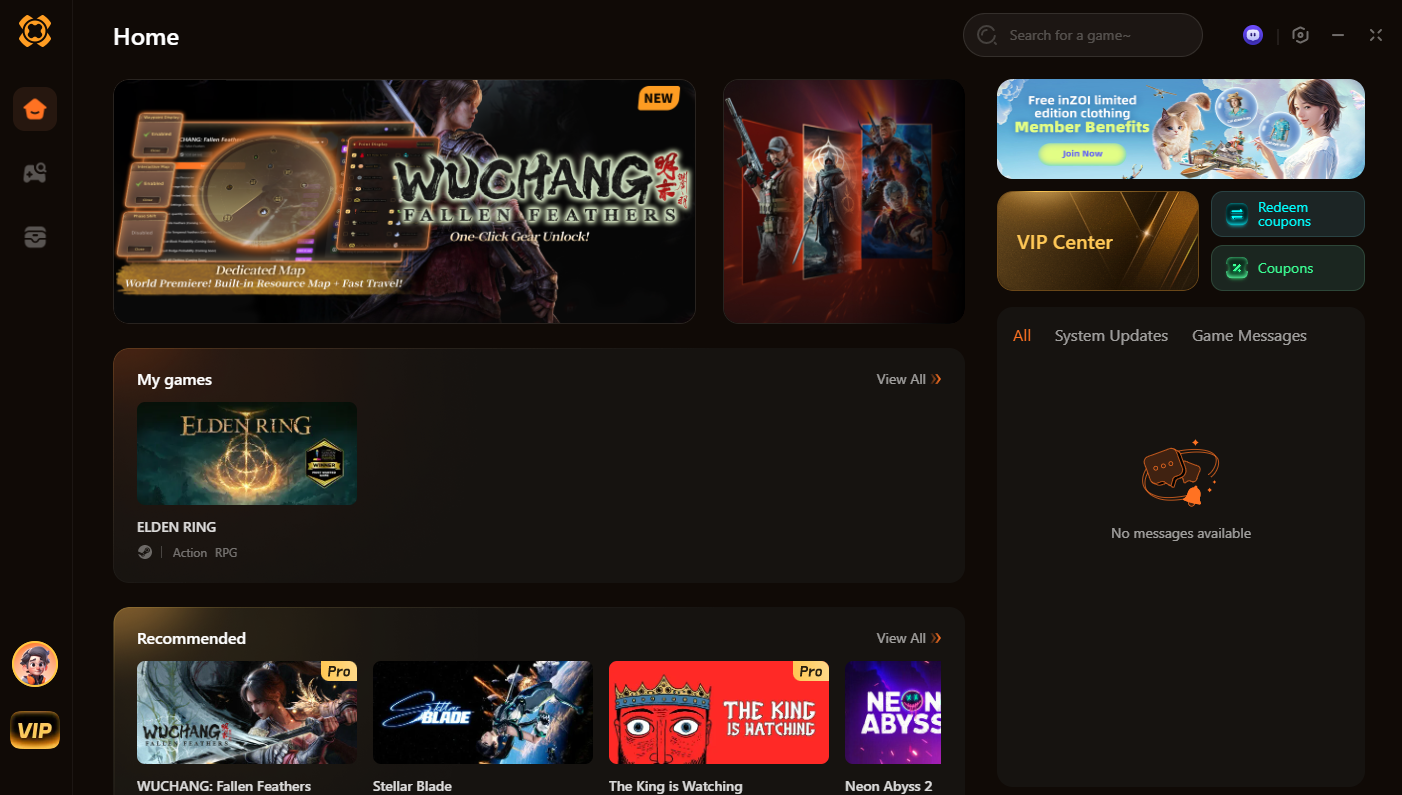
- Leverage XMOD Tools – Once Discounty launches, XMOD will provide trainers, mods, and gameplay utilities to enhance your experience. You can modify in-game parameters, customize mechanics, or improve UI and controls for smoother management.
- Explore Tutorials and Guides – Familiarize yourself with game mechanics, stock management, and town interactions to make gameplay more efficient and enjoyable.
By combining these tips with XMOD’s tools, you can maximize performance, streamline gameplay, and fully enjoy all the features of Discounty.
總結
Discounty is a charming management sim RPG that offers players a relaxing yet engaging experience running a quirky harbor town supermarket. Understanding the minimum and recommended system requirements ensures your PC can handle the game smoothly, while checking compatibility helps low-end PC users gauge performance. By following tips to boost gameplay, such as optimizing settings, updating drivers, and managing background processes, players can enjoy a seamless experience. Additionally, leveraging tools like XMOD after the game’s launch can further enhance gameplay through trainers, mods, and utilities. With the right setup and preparation, Discounty promises an enjoyable and immersive adventure for all types of players.
我是一名熱情的遊戲玩家,也是 XMODhub 的作家,致力於為您帶來最新的遊戲新聞、秘訣和見解。.
與我聯繫:
LinkedIn 個人資料

 胡凱琳
胡凱琳

 南希-米勒
南希-米勒

