摘要: 的 Upload Labs Language Support and Translation Guide explains how to add and manage multiple languages, customize translations, and optimize your app for global users.
Upload Labs is a powerful platform designed to help developers and gamers manage and customize in-game content efficiently.
As gaming communities continue to expand worldwide, language compatibility has become essential for reaching a global audience.
In this guide, we’ll explore how many languages Upload Labs supports and introduce Xmod—the best tool for translating games built with Upload Labs.
Let’s dive in and see how you can make your game more accessible and engaging for players everywhere.
目錄
- What is Upload Labs
- How Many Languages Does Upload Labs 支援
- Best Upload labs Game Translation Tool-Xmod
- 總結
What is Upload Labs

Upload Labs is a versatile platform designed to streamline the process of managing, customizing, and testing content for games and applications. It enables developers and modders to upload various assets, implement changes in real-time, and collaborate efficiently. Whether you’re localizing a game or adding new features, Upload Labs simplifies content deployment across different platforms and regions.
How Many Languages Does Upload Labs Support

According to the Steam store page for Upload Labs, the supported languages for Interface, Full Audio, 以及 Subtitles are:
- English ✔ ✔ ✔
- Japanese ✔ ✔ ✔
- Portuguese-Brazil ✔ ✔ ✔
So in total, the game officially supports 3 languages for all three categories.
Best Upload labs Game Translation Tool-Xmod
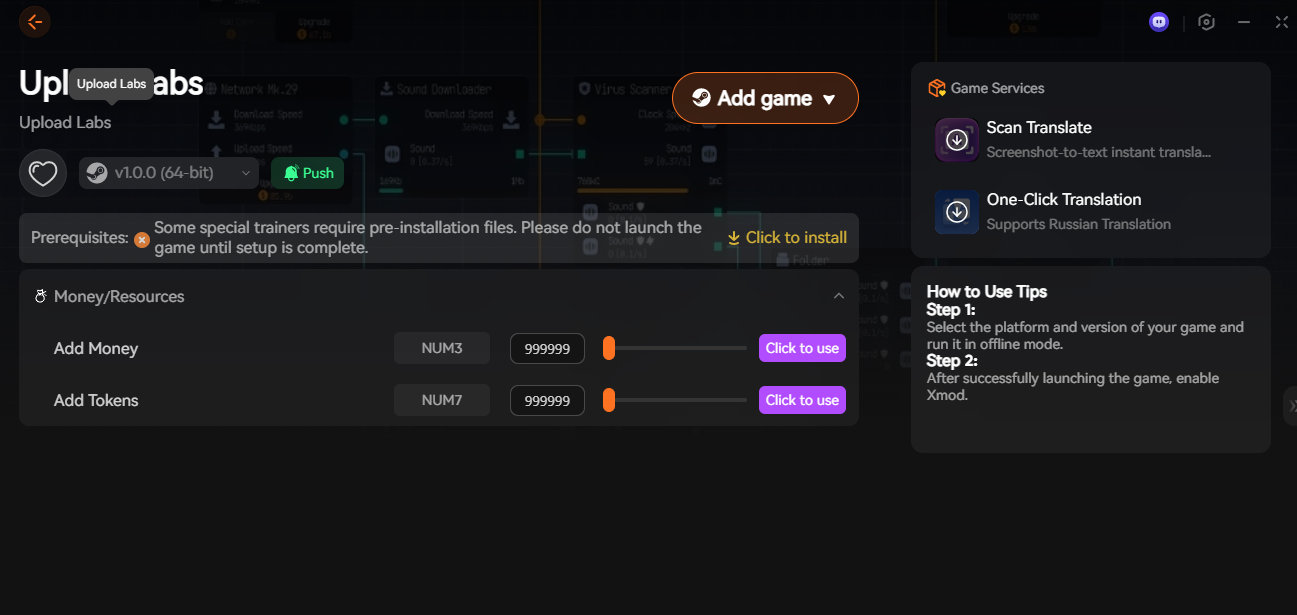
When it comes to translating Upload Labs into languages that aren’t officially supported, Xmod stands out as the most efficient and user-friendly solution. Unlike traditional methods that require manually modifying game files, unpacking assets, or installing risky third-party patches, Xmod handles translation live, on-screen, and without breaking the game.
Xmod provides two powerful translation features:
1. Scan Translate (OCR Instant Translation)
This feature lets you translate any text that appears on screen — menus, dialogue, tooltips, mission logs, UI elements, and more. It works by scanning the selected area and instantly converting the text into your target language.
- Works with any language
- No file editing or patching
- Ideal for games with constant UI text updates
2. One-Click Translation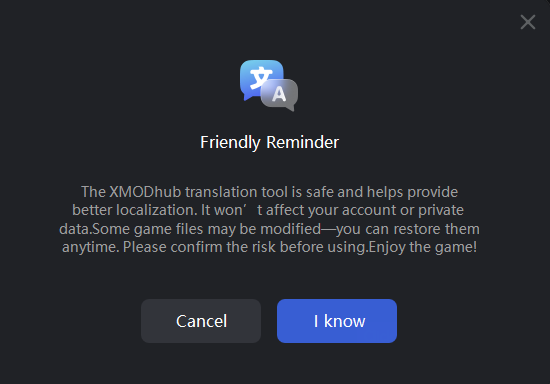
If your language is supported natively (like Russian), Xmod can translate the entire game with a single click. This applies automatically to all visible text, making it the fastest way to fully localize Upload Labs without waiting for official translations.
- Full interface translation
- Runs in real time
- No modding skills needed
- Why Xmod Is the Best Option
|
特點
|
Xmod
|
Manual File Modding
|
Fan Patches
|
|
Safe & Reversible
|
✅
|
❌
|
⚠️
|
|
Works After Game Updates
|
✅
|
❌
|
❌
|
|
No File Editing Required
|
✅
|
❌
|
❌
|
|
Supports Any Language via OCR
|
✅
|
❌
|
❌
|
|
Fast Setup
|
1 click
|
Hours
|
Depends
|
|
Offline Mode Support
|
✅
|
✅
|
✅
|
總結
Upload Labs may currently support only a limited number of official languages, but that doesn’t have to limit your gameplay experience. With tools like Xmod, players can instantly translate menus, text, and in-game content without waiting for official localization or modifying game files. Whether you want full real-time translation or quick OCR scan-to-text support, Xmod offers the fastest and safest way to make Upload Labs playable in any language. If you’re looking for a simple, reliable, and user-friendly translation solution, Xmod is the clear choice for global players.
我是一名熱情的遊戲玩家,也是 XMODhub 的作家,致力於為您帶來最新的遊戲新聞、秘訣和見解。.
與我聯繫:
LinkedIn 個人資料

 胡凱琳
胡凱琳