摘要: Learn all about the Crown and Adventure system requirements, including minimum and recommended PC specs, to ensure smooth performance and optimal gameplay.
Crown and Adventure is an engaging fantasy adventure game that combines strategic gameplay, exploration, and immersive storytelling.
In this guide, we’ll cover everything you need to know to prepare your PC for the game.
From detailed minimum and recommended system requirements to tips on running the game on a low-end PC, you’ll get all the information necessary for a smooth experience.
We’ll also explore how XMOD can enhance your gameplay with mods, cheats, and performance optimizations.
Whether you’re a casual player or a hardcore adventurer, this guide will help you get the most out of Crown and Adventure.
目錄
- What is Crown and Adventure?
- System Requirements: Minimum and Recommended
- 你能跑嗎 Crown and Adventure on a Low-End PC?
- 我的 PC 能否執行 Crown and Adventure?
- How to Enhance Gameplay Experience with XMOD?
- 總結
What is Crown and Adventure?
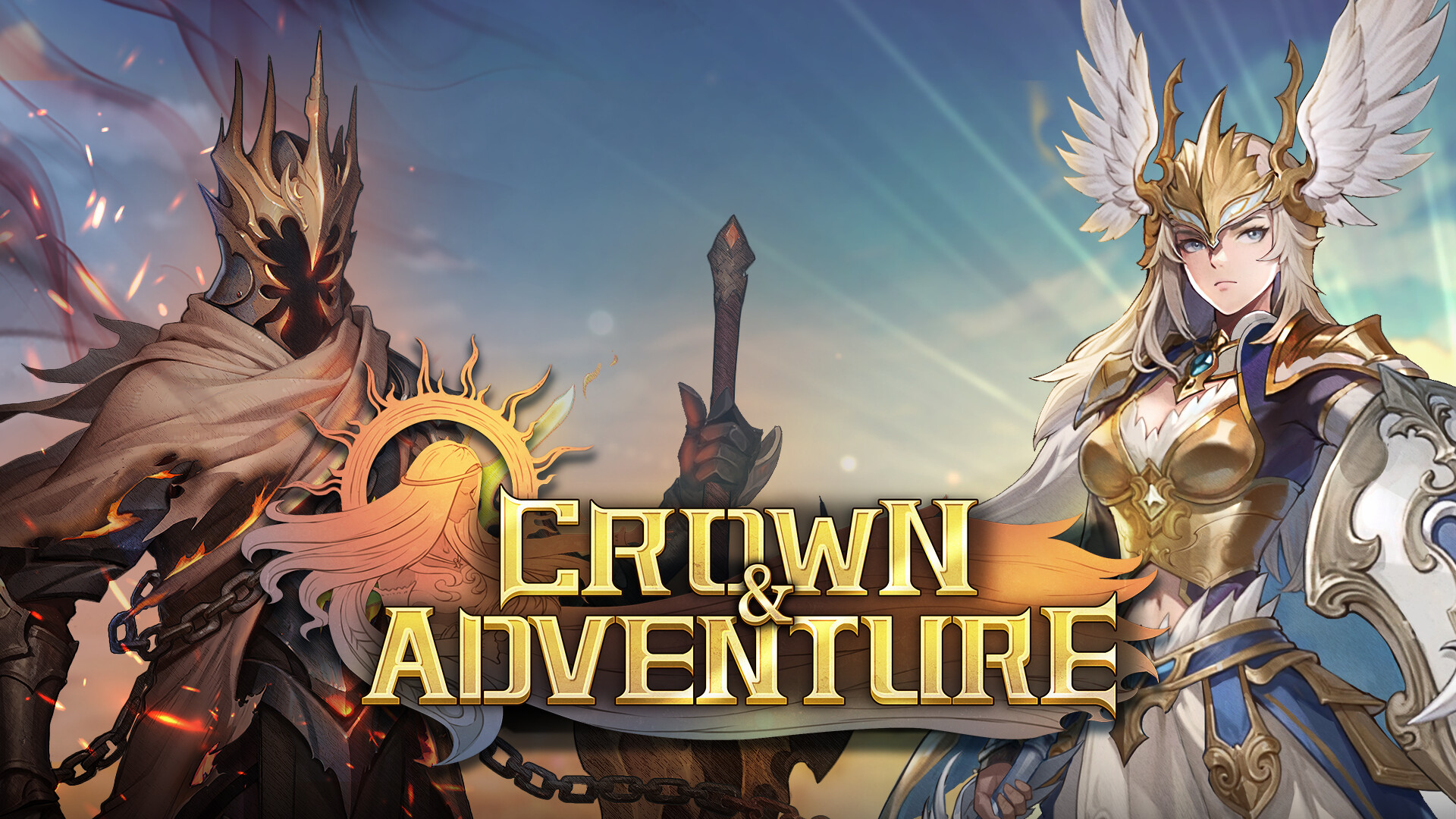
Crown and Adventure is a captivating fantasy adventure game that blends exploration, strategic combat, and immersive storytelling. Players embark on quests across diverse landscapes, engage in tactical battles, and uncover hidden secrets within richly designed environments. The game offers a mix of main story missions and side quests, allowing for both structured progression and open-ended exploration. With a focus on character development, resource management, and customizable strategies, Crown and Adventure provides a rewarding experience for fans of adventure and RPG-style gameplay.
System Requirements: Minimum and Recommended
Before diving into Crown and Adventure, it’s important to ensure your PC meets the game’s system requirements. Meeting at least the minimum specs guarantees the game will run, while the recommended specs provide a smoother and more immersive experience.
Minimum Requirements:
- OS: Windows 10 / Windows 11 64-bit
- Processor: Intel Core i5-6600 / AMD Ryzen 3 1300X
- Memory: 8 GB RAM
- Graphics: NVIDIA GeForce GTX 1050 / AMD RX 460
- DirectX: Version 11
- Storage: 10 GB available space
- Notes: Installing the game on an SSD is recommended for improved load times.
Recommended Requirements:
- OS: Windows 10 / Windows 11 64-bit
- Processor: Intel Core i5-12400F / AMD Ryzen 5 5600
- Memory: 16 GB RAM
- Graphics: NVIDIA GeForce RTX 2060 / AMD RX 6600
- DirectX: Version 11
- Storage: 10 GB available space
- Notes: Installing the game on an SSD is recommended for optimal performance.
By comparing your PC’s specifications with these requirements, you can determine whether your system can handle the game smoothly. Upgrading to the recommended specs will ensure better graphics, faster load times, and a more enjoyable overall gameplay experience.
Can You Run Crown and Adventure on a Low-End PC?
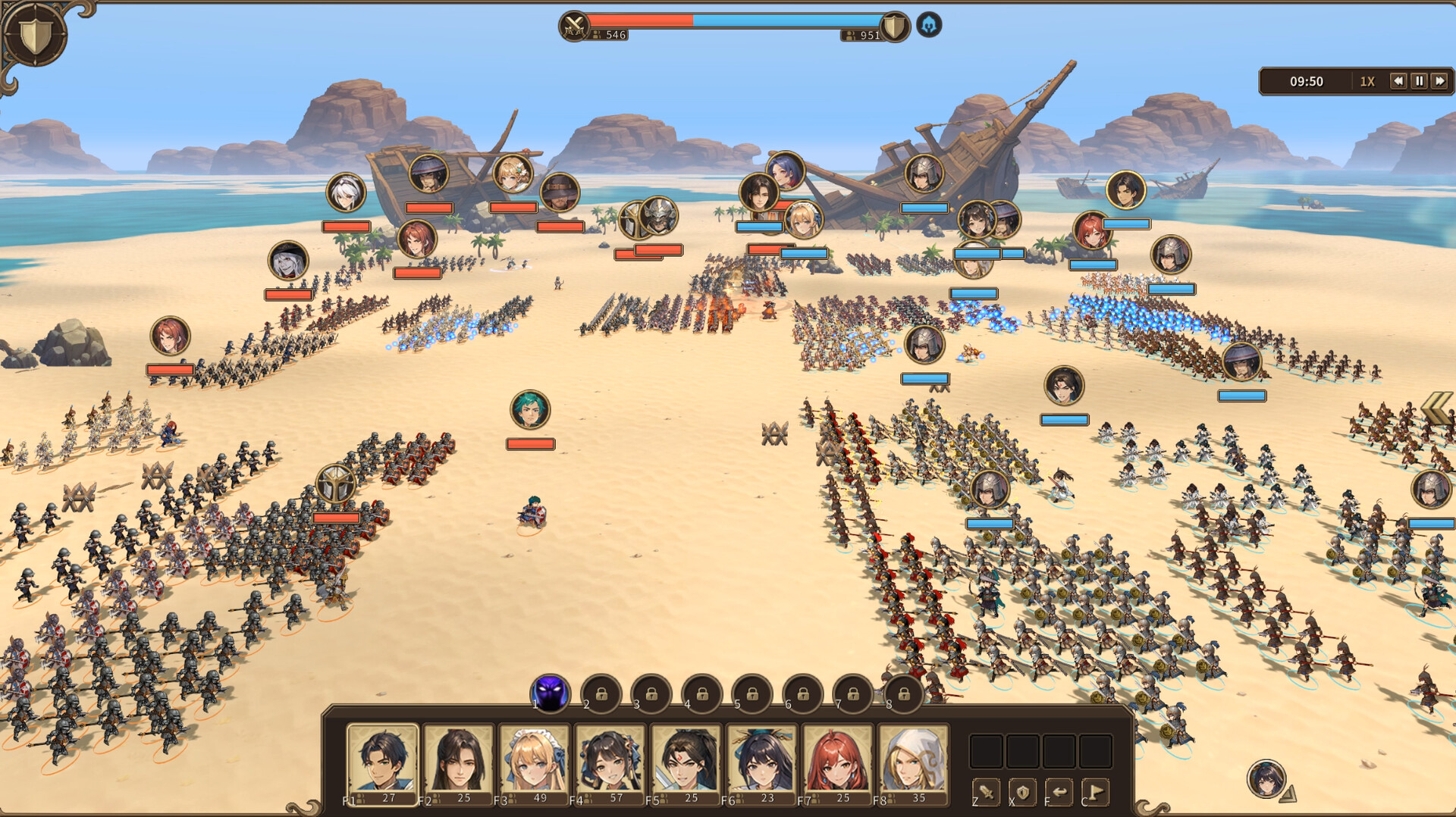
Yes, it’s possible to run Crown and Adventure on a low-end PC, but there are some trade-offs. Meeting only the minimum system requirements allows the game to run, but you may experience lower frame rates, longer load times, and reduced visual quality.
Tips for Low-End PCs:
- Lower Graphics Settings: Reduce resolution, shadows, and texture quality to improve performance.
- Close Background Applications: Free up system resources by shutting down unnecessary programs while playing.
- Use SSD if Possible: Installing the game on an SSD can help reduce load times, even on older hardware.
- Update Drivers: Ensure your GPU and system drivers are up to date for maximum efficiency.
While high-end hardware provides the smoothest experience, adjusting settings and optimizing your system allows Crown and Adventure to remain playable on less powerful PCs.
Can My PC Run Crown and Adventure?
To determine if your PC can run Crown and Adventure, you need to compare your system specifications with the game’s minimum and recommended requirements. Key components to check include:
- Processor (CPU): Ensure your CPU meets or exceeds the listed models (Intel Core i5-6600 / AMD Ryzen 3 1300X for minimum).
- Memory (RAM): At least 8 GB is required, though 16 GB is recommended for optimal performance.
- Graphics Card (GPU): Verify your GPU meets the minimum (NVIDIA GTX 1050 / AMD RX 460) or recommended (NVIDIA RTX 2060 / AMD RX 6600) specs.
- Storage: Confirm you have at least 10 GB of free space, ideally on an SSD for faster load times.
- Operating System: Windows 10 or 11 64-bit is required.
If your system meets the recommended specs, you can expect smooth gameplay with high-quality graphics. If it only meets the minimum, the game will run, but you may need to adjust settings for better performance. Tools like 您可以運行它嗎? or other PC benchmarking software can also provide a quick check to see if your hardware is compatible.
How to Enhance Gameplay Experience with XMOD?
XMOD is a comprehensive platform created to elevate your gaming experience with features that go beyond standard gameplay. For Crown and Adventure, XMOD provides cheats, trainers, and mods right from launch, ensuring full compatibility and regular updates. Players can explore a library of over 5,000 mods and trainers—both free and premium—allowing complete customization to suit individual playstyles.
- Mods: Enhance graphics, refresh textures, tweak the UI, or add new gameplay features for a more immersive experience.
- 訓練員: Adjust in-game values like health, stamina, ammo, or skill points to make progression easier or test new strategies.
- 騙子 Unlock items instantly, bypass challenging sections, or spawn weapons and equipment, letting you focus on exploration and the story.

Beyond these tools, XMOD also offers utilities such as translation support for international players, FPS boosters for smoother performance, DLC unlockers, and other quality-of-life improvements. Whether you want to simplify gameplay, uncover hidden content, or optimize your experience, XMOD gives you complete control over how you enjoy Crown and Adventure.
總結
Crown and Adventure delivers an engaging blend of exploration, strategic combat, and immersive storytelling that appeals to both casual and dedicated players. Ensuring your PC meets the system requirements—whether minimum or recommended—guarantees a smooth gaming experience, while performance tweaks and optimizations can help on lower-end systems. Using tools like XMOD allows you to enhance gameplay further, with mods, cheats, and utilities that tailor the game to your preferred style. By preparing your system and leveraging available enhancements, you can enjoy everything Crown and Adventure has to offer to the fullest.
我是一名熱情的遊戲玩家,也是 XMODhub 的作家,致力於為您帶來最新的遊戲新聞、秘訣和見解。.
與我聯繫:
LinkedIn 個人資料

 胡凱琳
胡凱琳

 南希-米勒
南希-米勒

Great guide on the system requirements! I love that it touches on how to make the game run smoothly on lower-end PCs, as that’s often overlooked in most posts. Any advice on tweaking settings for those of us on older setups?
Thanks a lot! Glad you found it useful. 😊 If you’re on an older setup, I’d recommend lowering shadow quality and anti-aliasing first — those usually give the biggest FPS boost. You can also switch textures to medium and cap the frame rate at 60 for smoother performance. I’ll be adding a detailed optimization guide soon, so stay tuned!