摘要: Tavern Keeper System Requirements: Complete Guide outlines the minimum and recommended PC specs, helping players ensure smooth performance and optimize gameplay.
Tavern Keeper is a charming simulation game where players build and manage their own tavern, serving customers, crafting recipes, and expanding their business.
To enjoy the game smoothly, it’s important to understand the system requirements, including minimum and recommended specifications.
This guide will help you determine if your PC can run Tavern Keeper, explore options for low-end systems, and show how tools like XMOD can enhance your gameplay experience.
Whether you’re a casual player or a dedicated simulation fan, this guide ensures you get the most out of your tavern adventure.
目錄
- What is Tavern Keeper?
- System Requirements: Minimum and Recommended
- 你能跑嗎 Tavern Keeperon a Low-End PC?
- 我的 PC 能否執行 Tavern Keeper?
- How to Enhance Gameplay Experience with XMOD?
- 總結
What is Tavern Keeper
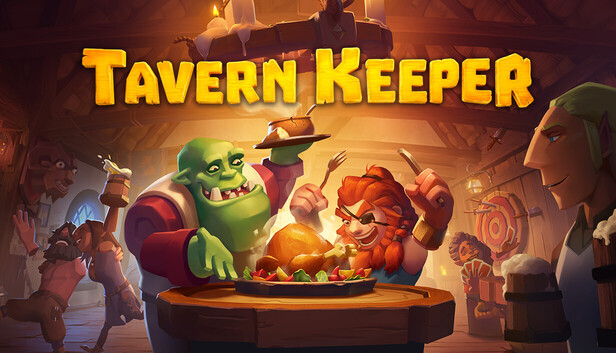
Tavern Keeper is a simulation and management game where players take on the role of a tavern owner, responsible for building, running, and expanding their own establishment. The game challenges players to manage resources, craft food and drinks, hire and train staff, and cater to a variety of customers, each with their own needs and preferences.
With a focus on strategy and creativity, Tavern Keeper combines business management mechanics with a charming, interactive environment. Players must balance finances, upgrade facilities, and complete quests or events to grow their tavern and maximize customer satisfaction. The game also offers a relaxing, immersive experience for fans of simulation and tycoon-style gameplay.
System Requirements: Minimum and Recommended
最低系統需求
To run Tavern Keeper at a basic level, your PC will need the following:
- OS: Windows 10+ 64-bit
- Processor: TBC
- Graphics Card: TBC
- DirectX: Version 11
- 請注意: Requires a 64-bit processor and operating system
These minimum specs ensure the game runs, but for a smoother experience, especially during busy tavern management, higher-end hardware is recommended.
建議系統需求
For the best experience with all features and graphics enabled, the recommended specifications are:
- OS: Windows 10+ 64-bit
- Processor: TBC
- Graphics Card: TBC
- DirectX: Version 11
- 請注意: Requires a 64-bit processor and operating system
As the exact processor and GPU details are still to be confirmed (TBC), these guidelines provide a general framework. Once official specs are released, players will have a clearer understanding of the hardware needed to enjoy Tavern Keeper at its fullest potential.
Can You Run Tavern Keeperon a Low-End PC?
Since the full system requirements for Tavern Keeper are not yet confirmed, it’s difficult to provide exact guidance for low-end PCs. However, based on the game’s simulation and management style, players with modest hardware may still be able to run it by adjusting settings.
Tips for Low-End PCs:
- Lower Graphics Settings: Reduce texture quality, shadows, and effects to improve performance.
- Close Background Applications: Free up system resources to ensure smoother gameplay.
- Adjust Resolution: Running the game at a lower resolution can reduce strain on the GPU.
- Keep Drivers Updated: Ensure your graphics and system drivers are up to date for optimal compatibility.
While a low-end PC may handle the game, expect reduced visual quality and occasional frame drops. Once the official system requirements are released, players will have a clearer idea of how well the game performs on different hardware.
Can My PC Run Tavern Keeper?
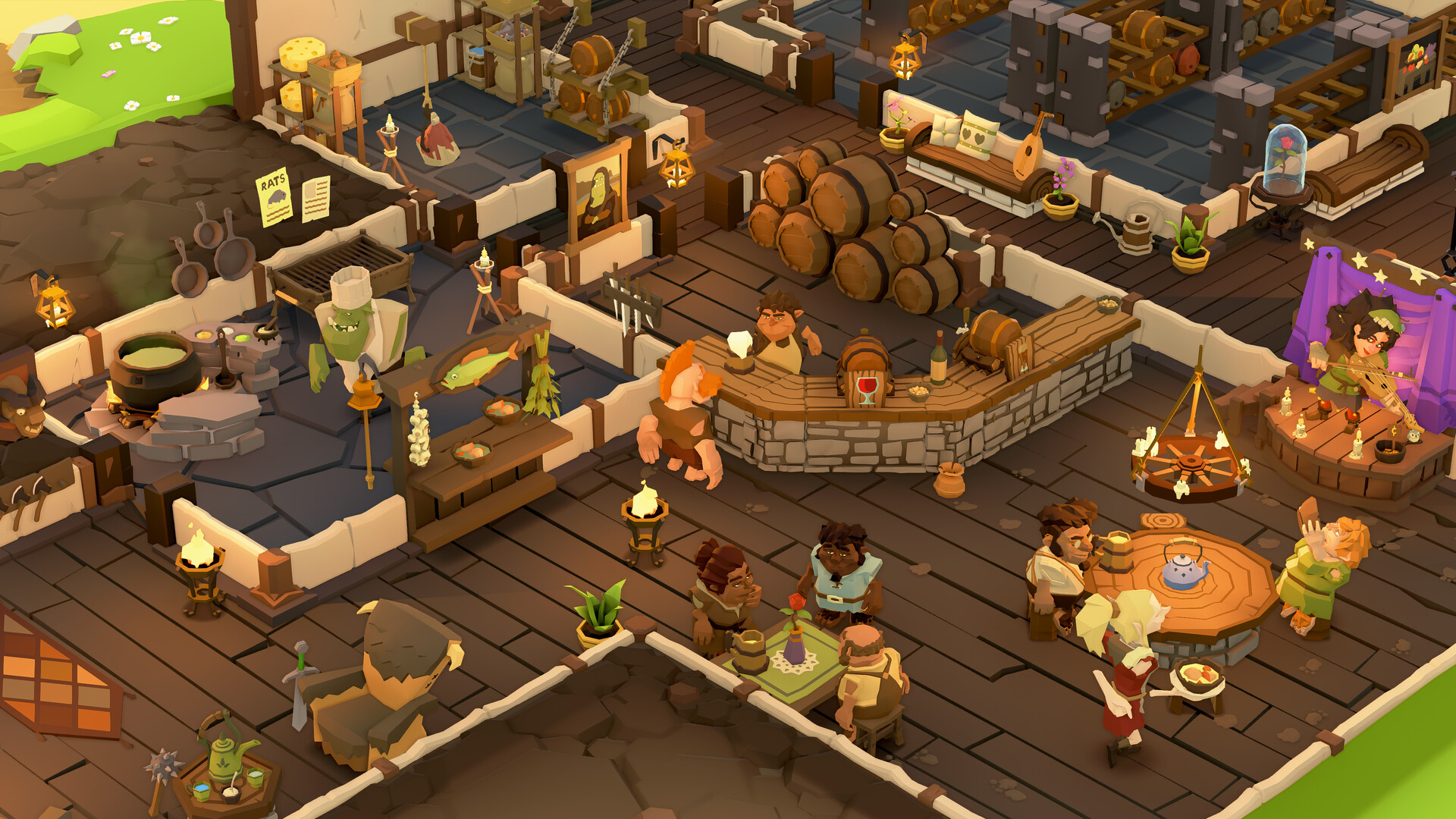
To know if your PC can run Tavern Keeper, you’ll need to compare your hardware with the game’s system requirements. Currently, the minimum and recommended specs list Windows 10+ 64-bit and DirectX 11 as essential, while the exact processor and graphics card requirements are still to be confirmed (TBC).
Steps to Check Compatibility:
- Check Your PC Specs: On Windows, press
Win + R, type dxdiag, and press Enter to view your OS, processor, and GPU.
- Compare with Requirements: Match your hardware with the minimum specs (once fully released) to see if the game will run.
- Adjust for Performance: If your system meets only the minimum requirements, you may need to lower graphics settings or resolution for smoother gameplay.
Once the full specifications are announced, you’ll have a precise answer about compatibility, but for now, most modern PCs with a 64-bit OS and DirectX 11 support should at least be able to run the game at basic settings.
How to Enhance Gameplay Experience with XMOD?
XMOD is a versatile platform designed to elevate your gaming experience with tools that go beyond standard gameplay. For Tavern Keeper, XMOD will provide cheats, trainers, and mods from day one, offering full compatibility and regular updates. Players can explore a library of over 5,000 trainers and mods—both free and premium—allowing them to customize the game to their preferred playstyle.
- Mods: Enhance graphics, refresh textures, adjust the UI, or add new gameplay features for a more immersive tavern management experience.
- 訓練員: Adjust in-game values such as health, stamina, resources, or skill points to simplify progression or experiment with different strategies.
- 騙子 Unlock items instantly, bypass challenging sections, or spawn equipment, letting you focus on building and exploring your tavern.

In addition, XMOD offers extra utilities such as translation tools for international players, FPS boosters for smoother performance, DLC unlockers, and other quality-of-life enhancements. Whether you want to streamline gameplay, uncover hidden content, or optimize your experience, XMOD gives you complete control over how you enjoy Tavern Keeper.
總結
總之、, Tavern Keeper offers a rich and engaging simulation experience, allowing players to build, manage, and expand their own tavern while balancing resources, staff, and customer satisfaction. By understanding the system requirements and optimizing your PC, you can ensure smooth gameplay. Tools like XMOD further enhance the experience, offering mods, trainers, cheats, and quality-of-life features that let you tailor the game to your preferred playstyle. Whether you aim for a challenging management experience or a more relaxed approach, Tavern Keeper provides endless opportunities for creativity and strategic fun.
我是一名熱情的遊戲玩家,也是 XMODhub 的作家,致力於為您帶來最新的遊戲新聞、秘訣和見解。.
與我聯繫:
LinkedIn 個人資料

 胡凱琳
胡凱琳

 南希-米勒
南希-米勒
