摘要: This guide covers BALL x PIT’s system requirements, including minimum and recommended specs, with tips to optimize performance for smooth and enjoyable gameplay.
BALL x PIT is an action-packed game that combines fast-paced mechanics with engaging gameplay, appealing to both casual and hardcore players.
Before diving in, it’s important to ensure your system can handle the game smoothly.
This guide covers everything you need to know: from what BALL x PIT is and its minimum and recommended system requirements to whether it can run on low-end PCs.
You’ll also learn how to check if your PC can run the game and how to enhance your experience with XMOD for mods, trainers, and performance improvements.
Whether you’re preparing for your first playthrough or looking to optimize gameplay, this guide has you covered.
目錄
- What is BALL x PIT?
- System Requirements: Minimum and Recommended
- 你能跑嗎 BALL x PIT on a Low-End PC?
- 我的 PC 能否執行 BALL x PIT?
- How to Enhance Gameplay Experience with XMOD?
- 總結
What is BALL x PIT?

BALL x PIT is a fast-paced, fantasy-themed roguelite developed by Kenny Sun and published by Devolver Digital. Released on October 15, 2025, the game combines elements of classic brick-breaking mechanics with modern roguelike progression and base-building features. Set in the crater of a destroyed city named Ballbylon, players embark on a perilous quest to delve deeper into a seemingly bottomless pit teeming with monsters. Armed with ricocheting magical balls, players battle enemies, gather resources, and develop their base, known as New Ballbylon, to aid in their descent. The game offers a unique blend of action, strategy, and city-building, providing an engaging experience for fans of roguelites and action games alike.
System Requirements: Minimum and Recommended
Before diving into the action-packed world of BALL x PIT, it’s important to make sure your PC can handle the game smoothly. Meeting the right system requirements ensures optimal performance and a more enjoyable experience.
Minimum:
To run the game at basic settings, your system should meet the following minimum specifications:
- Requires: 64-bit processor and operating system
- OS: Windows 10 x64
- Processor: Intel Core i5-2500K / AMD Athlon X4 860K
- Memory: 8 GB RAM
- Graphics: GeForce GTX 750 / Radeon R7 260X
- Storage: 600 MB available space
- Notes: Runs at ~30 FPS on low settings at 1080p
Recommended:
For a smoother experience with higher graphics settings, it’s best to meet or exceed the recommended requirements:
- Requires: 64-bit processor and operating system
- OS: Windows 10 x64
- Processor: Intel Core i5-8600K / AMD Ryzen 5 2600X
- Memory: 8 GB RAM
- Graphics: GeForce GTX 1060 / Radeon RX 5500 XT
- Storage: 600 MB available space
- Notes: Runs at ~60 FPS on high settings at 1080p
By ensuring your PC meets these specifications, you can enjoy BALL x PIT without performance issues, whether you’re playing at lower settings or aiming for maximum graphical fidelity.
Can You Run BALL x PIT on a Low-End PC?
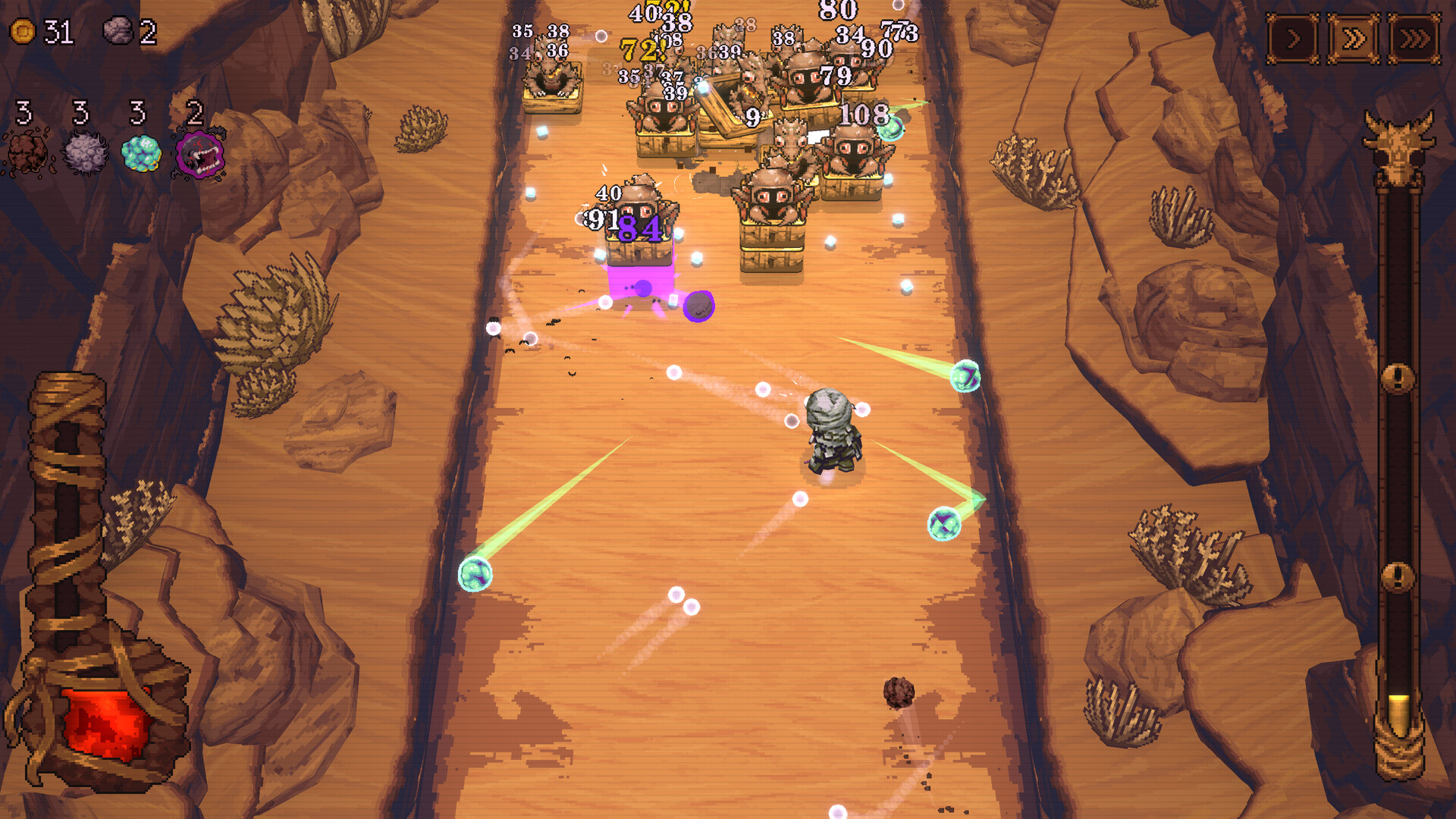
Yes, you can run BALL x PIT on a low-end PC if it meets the minimum requirements: Windows 10 x64, Intel i5-2500K/AMD Athlon X4 860K, 8 GB RAM, and GTX 750/Radeon R7 260X. At these specs, the game runs around 30 FPS on low settings at 1080p. To improve performance, lower graphics settings, update GPU drivers, close background apps, and tweak in-game options. With these adjustments, even modest systems can enjoy the fast-paced action of BALL x PIT.
Can My PC Run BALL x PIT?
To see if your PC can run BALL x PIT, compare your specs to the game’s requirements.
Minimum: Windows 10 x64, Intel i5-2500K/AMD Athlon X4 860K, 8 GB RAM, GTX 750/Radeon R7 260X, 600 MB storage.
Recommended: Windows 10 x64, Intel i5-8600K/AMD Ryzen 5 2600X, 8 GB RAM, GTX 1060/Radeon RX 5500 XT, 600 MB storage.
Meeting the minimum lets the game run at lower settings, while recommended specs allow smoother performance and higher graphics. You can share your PC specs for a precise assessment.
How to Enhance Gameplay Experience with XMOD?
XMOD is a versatile platform that allows players to customize and improve their BALL x PIT experience beyond standard gameplay. It provides access to mods, trainers, and cheats, all regularly updated for full compatibility.
- Mods: Upgrade graphics, refresh textures, adjust the interface, or add new gameplay features to increase immersion.
- 訓練員: Modify in-game stats such as health, speed, or resources to make progression easier or experiment with different strategies.
- 騙子 Instantly unlock items, skip challenging sections, or spawn equipment to focus on action and exploration.
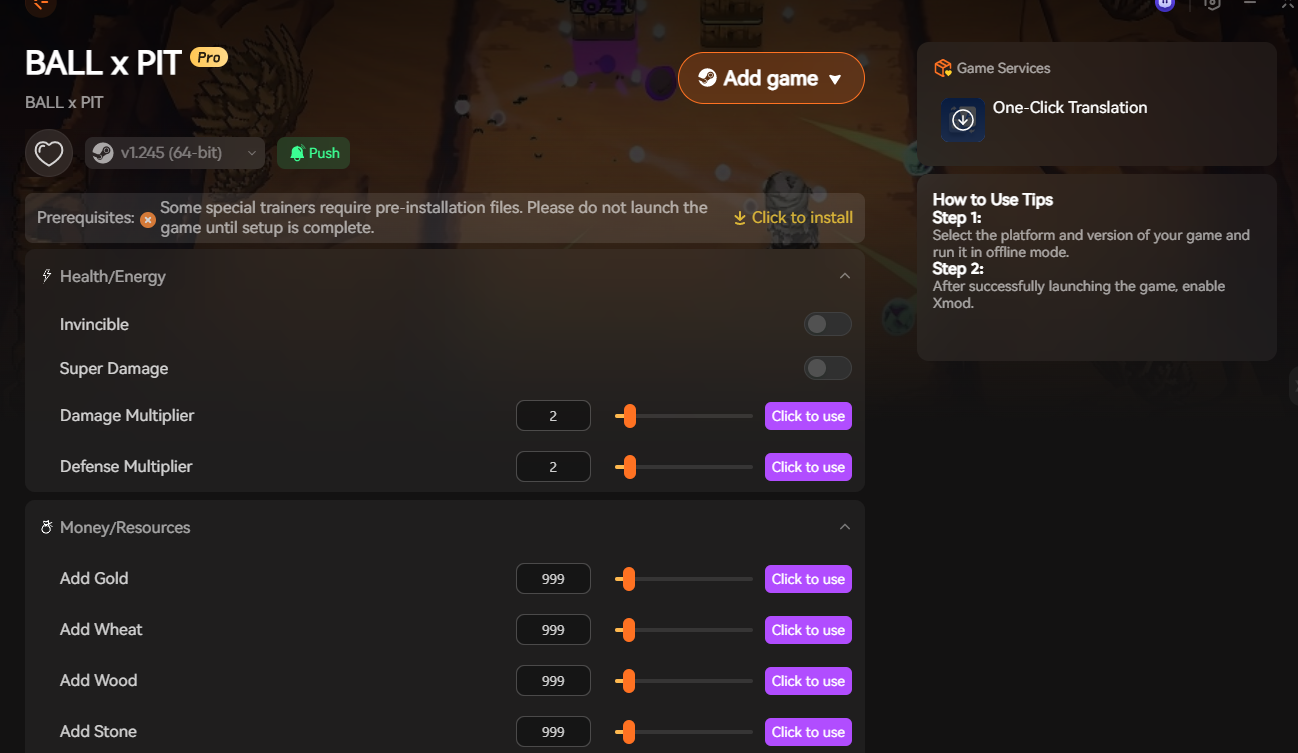
Additionally, XMOD offers FPS 增強器, translation tools, and other quality-of-life enhancements. These tools give players full control over their BALL x PIT experience, whether aiming for smoother performance, enhanced visuals, or a more relaxed playthrough.
總結
BALL x PIT delivers fast-paced, action-packed gameplay with a unique blend of roguelite mechanics and strategy. Understanding the game’s system requirements ensures your PC can handle it smoothly, while tools like XMOD allow you to enhance graphics, tweak gameplay, and optimize performance. Whether you’re aiming for maximum visuals, easier progression, or a fully customized experience, these tips help you get the most out of BALL x PIT.
我是一名熱情的遊戲玩家,也是 XMODhub 的作家,致力於為您帶來最新的遊戲新聞、秘訣和見解。.
與我聯繫:
LinkedIn 個人資料

 胡凱琳
胡凱琳

 南希-米勒
南希-米勒