摘要: Get all the essential information about Borderlands 4, including its release date, supported platforms, and the latest updates. Learn when you can play and what to expect from the next installment in the iconic Borderlands series.
Fans of the Borderlands series are eagerly awaiting the next installment, Borderlands 4.
With questions about its release date, available platforms, pre-order options, pricing, and gameplay features, gamers want all the details before diving in.
In this guide, we’ll cover everything you need to know—from which consoles you can play on, to how to enhance your experience using tools like XMOD—so you’re fully prepared for the latest adventure in the Borderlands universe.
目錄
- 何時 Borderlands 4’s 發行日期?
- 哪些主機和平台可以玩 Borderlands 4?
- 我可以預先訂購嗎? Borderlands 4?
- 遊戲的版本和定價
- 遊戲玩法 關於 Borderlands 4 到目前為止
- 如何增強 Borderlands 4 使用 XMOD 玩遊戲?
- 總結
When is Borderlands 4’s Release Date?
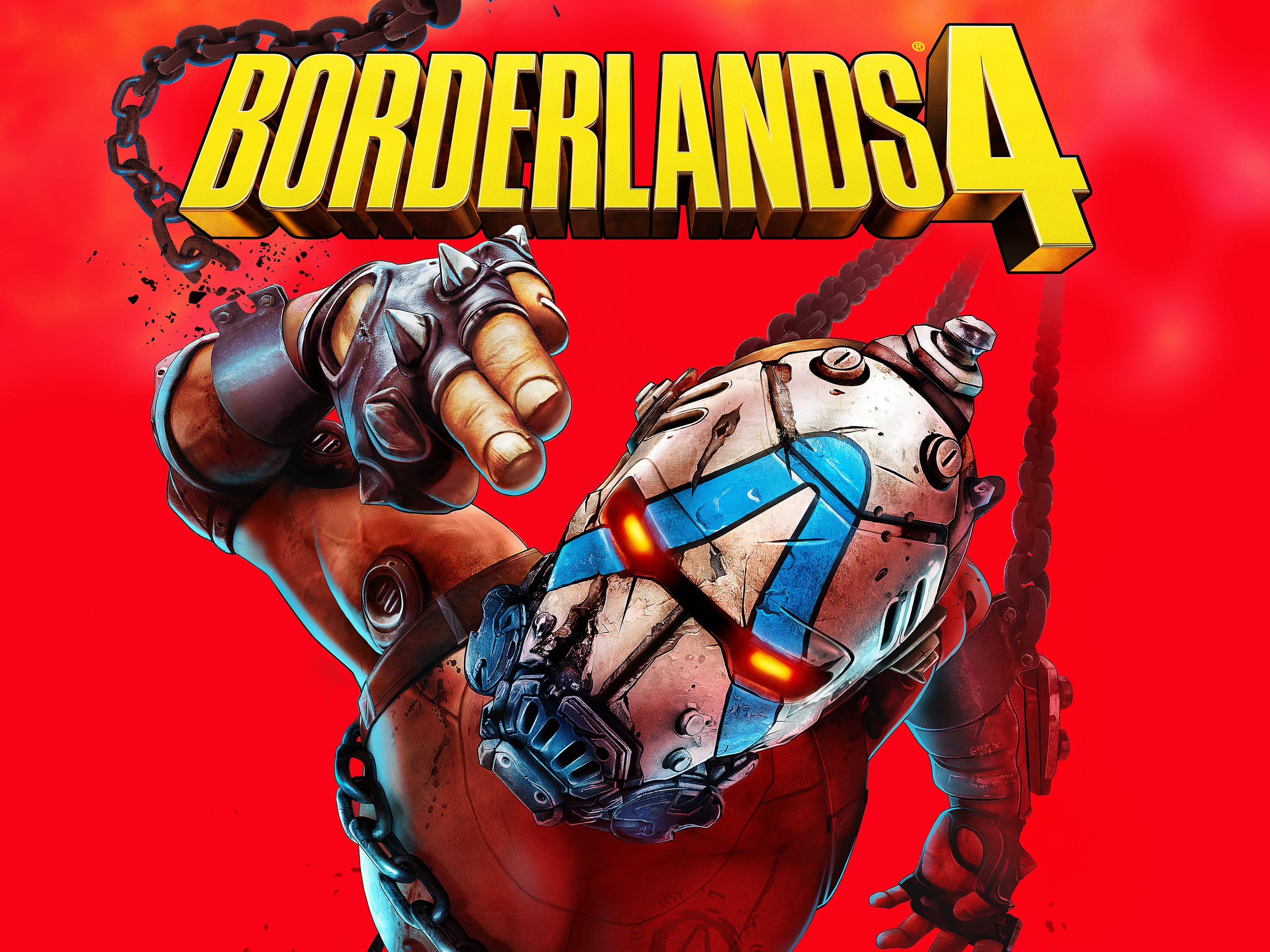
Fans of the Borderlands series have been eagerly waiting for the next installment, and the wait is almost over. Borderlands 4 is officially set to release on September 12, 2025. Nintendo Switch 2 players can expect to jump into the action a few weeks later on October 3, 2025. Mark your calendars and get ready to explore the new adventures, Vault Hunters, and action-packed gameplay that Borderlands 4 promises.
Which Consoles and Platforms Can Play Borderlands 4?
Borderlands 4 will be available on multiple platforms to reach a wide range of gamers. The game launches on PlayStation 5, Xbox Series X|S, and PC 關於 September 12, 2025, while the 任天堂 Switch 2 version releases slightly later on October 3, 2025. Whether you prefer high-end graphics on next-gen consoles or playing on PC, Borderlands 4 ensures a seamless experience across all supported platforms.
Can I Pre-Order Borderlands 4?
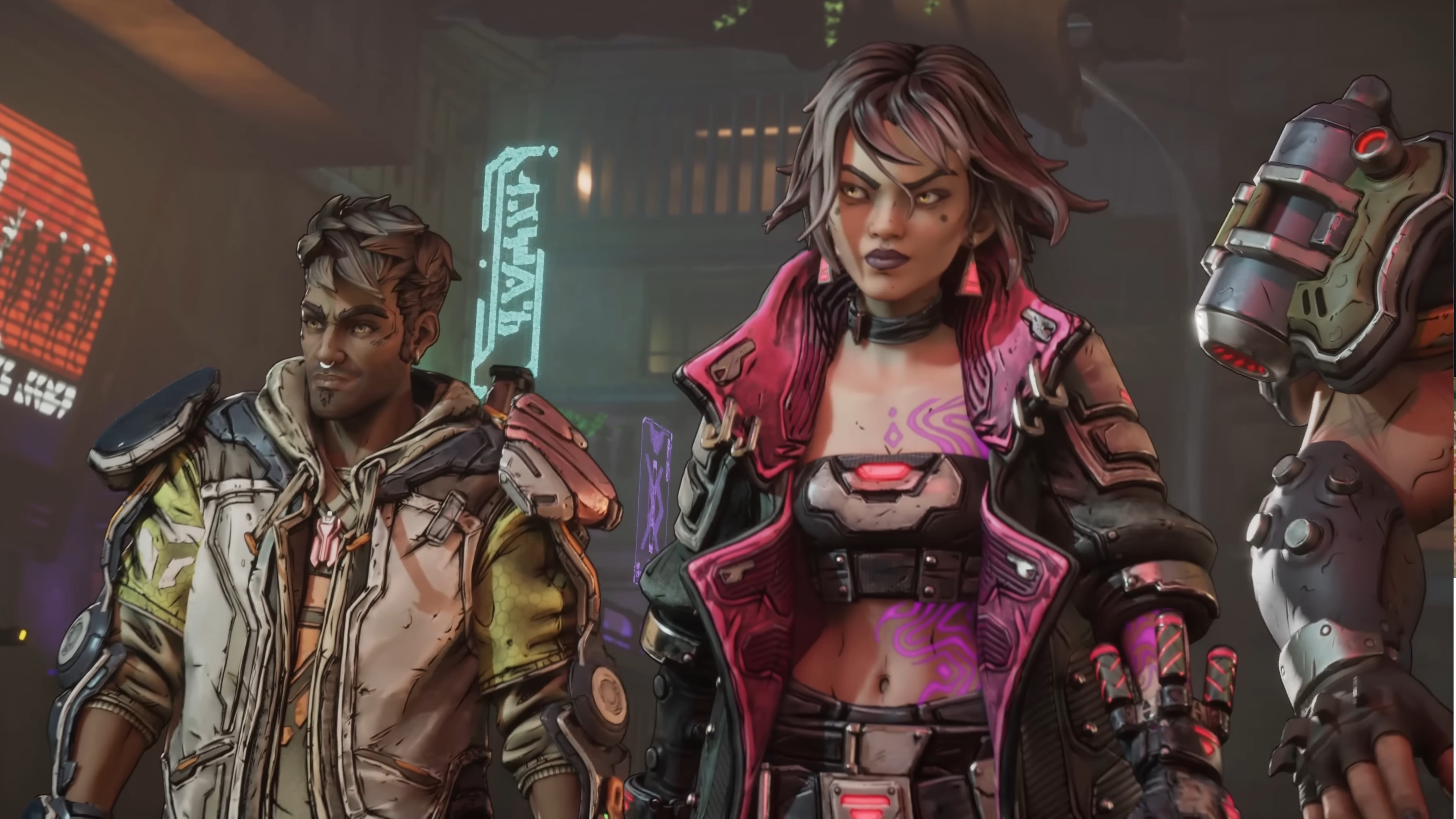
Yes! Borderlands 4 is now available for pre-order across all major platforms, including PlayStation 5, Xbox Series X|S, PC, 以及 任天堂 Switch 2. Pre-ordering gives players early access to exclusive in-game content, special editions, and bonuses that enhance your gameplay experience. Secure your copy today to be among the first to explore the new adventures and Vault Hunters when the game launches.
遊戲的版本和定價
Before diving into gameplay, it’s important to understand the different editions and pricing options for Borderlands 4 to choose the one that best fits your style and budget.
標準版 - $69.99
- Includes: Full base game
- Pre-order Bonus: Gilded Glory Pack
- Vault Hunter Skin
- Weapon Skin
- ECHO-4 Drone Skin
Deluxe Edition - $99.99
- Includes: All content from Standard Edition
- Additional Content:
- Bounty Pack Bundle (4 post-launch DLC packs)
- Firehawk’s Fury Weapon Skin
Super Deluxe Edition – $129.99
- Includes: All content from Deluxe Edition
- Additional Content:
- Ornate Order Pack (4 Vault Hunter Skins & Heads)
- Vault Hunter Pack (2 additional Vault Hunters)
- New story and side missions
- New regions and challenges
Platform Availability
- 蒸氣: All editions available for pre-purchase
- Xbox Series X|S: All editions available for pre-order
- PlayStation 5: All editions available for pre-order
Gameplay About Borderlands 4 So Far
Borderlands 4 continues the series’ signature blend of fast-paced first-person shooting, looter-shooter mechanics, and dark humor. Set on the new planet Kairos, the game introduces seamless open-world exploration, allowing players to complete missions, discover hidden loot, and engage in dynamic combat across diverse environments. Players can choose from multiple Vault Hunters, each with unique abilities, and team up in co-op mode for up to four players online or enjoy split-screen couch co-op with a friend. With improved graphics, new weapons, vehicles, and post-launch content plans, Borderlands 4 promises to expand on the franchise’s addictive gameplay formula.
How to Enhance Borderlands 4 Gaming with XMOD?
XMOD is a powerful tool that can take your Borderlands 4 experience to the next level. It allows players to optimize performance, customize controls, and access mods, trainers, and cheats safely.
- Mods: 增強圖形、更新紋理、調整使用者介面元素,或加入新遊戲功能,以提升沉浸感。.
- 訓練員: 調整健康、耐力、彈藥或技術點數等遊戲內值,讓進程更順暢或嘗試不同的玩法。.
- 騙子 解鎖物品、跳過具挑戰性的部分,或即時產生武器和車輛,讓您專注於探索和故事。.

With XMOD, you can enhance gameplay by unlocking additional features, experimenting with new strategies, or simply making the game smoother and more enjoyable. Whether you’re exploring the open world of Kairos solo or teaming up in co-op, XMOD helps you tailor the game to your playstyle for maximum fun and efficiency.
Quick Guide: Using XMOD
- Install XMOD – Download and run the installer from the official site.
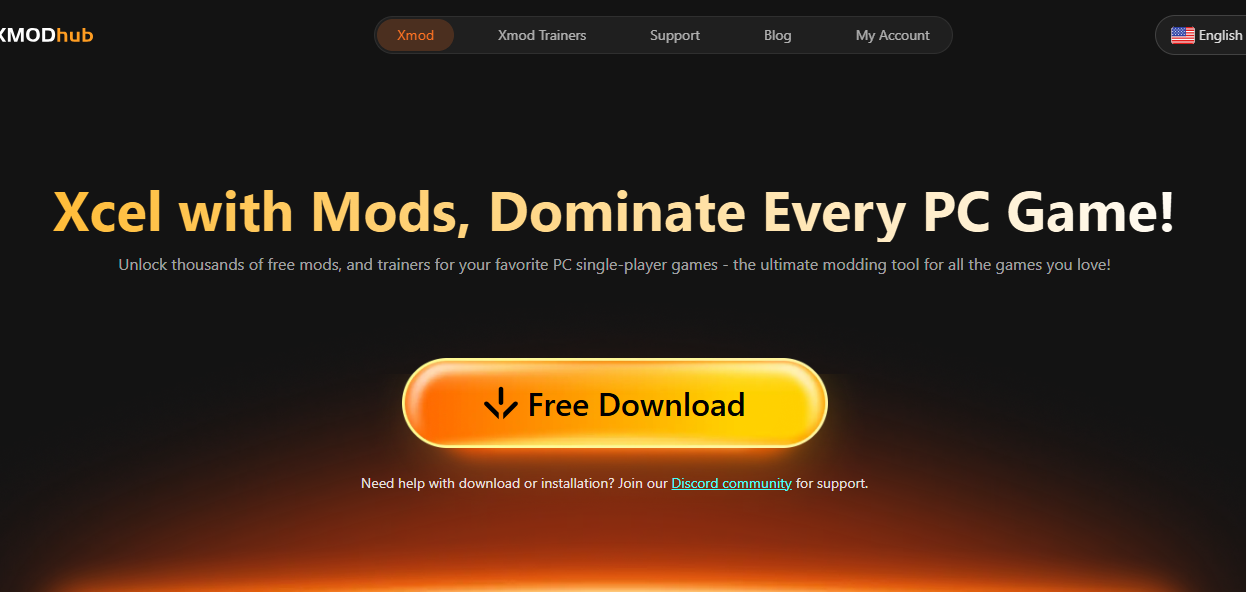
- Launch Your Game – Open XMOD, select Borderlands 4, and click “Launch Game.”
- Enable Features – Use mods, trainers, cheats, or performance boosts via the XMOD overlay.
- Toggle On/Off – Adjust settings anytime while in-game.
- Stay Safe – Keep XMOD updated and avoid using cheats in competitive play.
總結
Borderlands 4 promises to deliver an exciting mix of fast-paced combat, looter-shooter mechanics, and open-world exploration. With multiple editions, pre-order bonuses, and platform availability, players have plenty of options to dive into the game. Tools like XMOD can further enhance your experience by optimizing performance, customizing controls, and adding mods or cheats. Get ready to explore the new world of Kairos and enjoy the next chapter in the iconic Borderlands series.
我是一名熱情的遊戲玩家,也是 XMODhub 的作家,致力於為您帶來最新的遊戲新聞、秘訣和見解。.
與我聯繫:
LinkedIn 個人資料

 胡凱琳
胡凱琳