摘要: This guide covers the minimum and recommended system requirements for Abyssus to help you ensure smooth gameplay on your PC.
If you’re planning to play Abyssus, it’s important to know whether your PC can handle the game smoothly.
Understanding the minimum and recommended system requirements helps you avoid performance issues like lag or crashes.
In this guide, we’ll walk you through the essential hardware and software specs needed to run Abyssus at both basic and optimal levels, so you can enjoy the game without any hiccups.
目錄
- What is Abyssus
- Abyssus system requirements: Minimum& Recommended
- Can My PC Run Abyssus
- How to Enhance the Gameplay of Abyssus-XMOD
- 總結
What is Abyssus
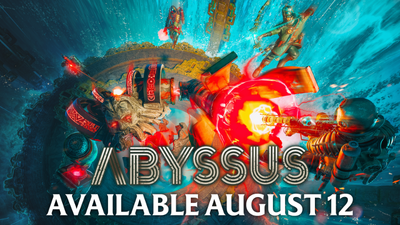
Abyssus is an action-packed RPG (role-playing game) set in a dark, immersive fantasy world. Players explore vast underground caverns, battling fierce monsters and uncovering hidden secrets as they progress through challenging quests. With a mix of intense combat, character progression, and exploration, Abyssus offers a thrilling experience for fans of dungeon crawlers and adventure games.
Abyssus system requirements: Minimum& Recommended
最低系統需求
| 組件 |
最低要求 |
| Operating System |
Windows 7 (64-bit) or later |
| 處理器 |
Intel Core i3-2100 or equivalent |
| Memory (RAM) |
4 GB |
| 圖形 |
NVIDIA GeForce GTX 550 Ti or equivalent |
| DirectX |
Version 11 |
| 儲存 |
10 GB available space |
建議系統需求
| 組件 |
Recommended Requirement |
| Operating System |
Windows 10 (64-bit) or later |
| 處理器 |
Intel Core i5-6600 or equivalent |
| Memory (RAM) |
8 GB |
| 圖形 |
NVIDIA GeForce GTX 970 or equivalent |
| DirectX |
Version 12 |
| 儲存 |
10 GB available space |
Can My PC Run Abyssus
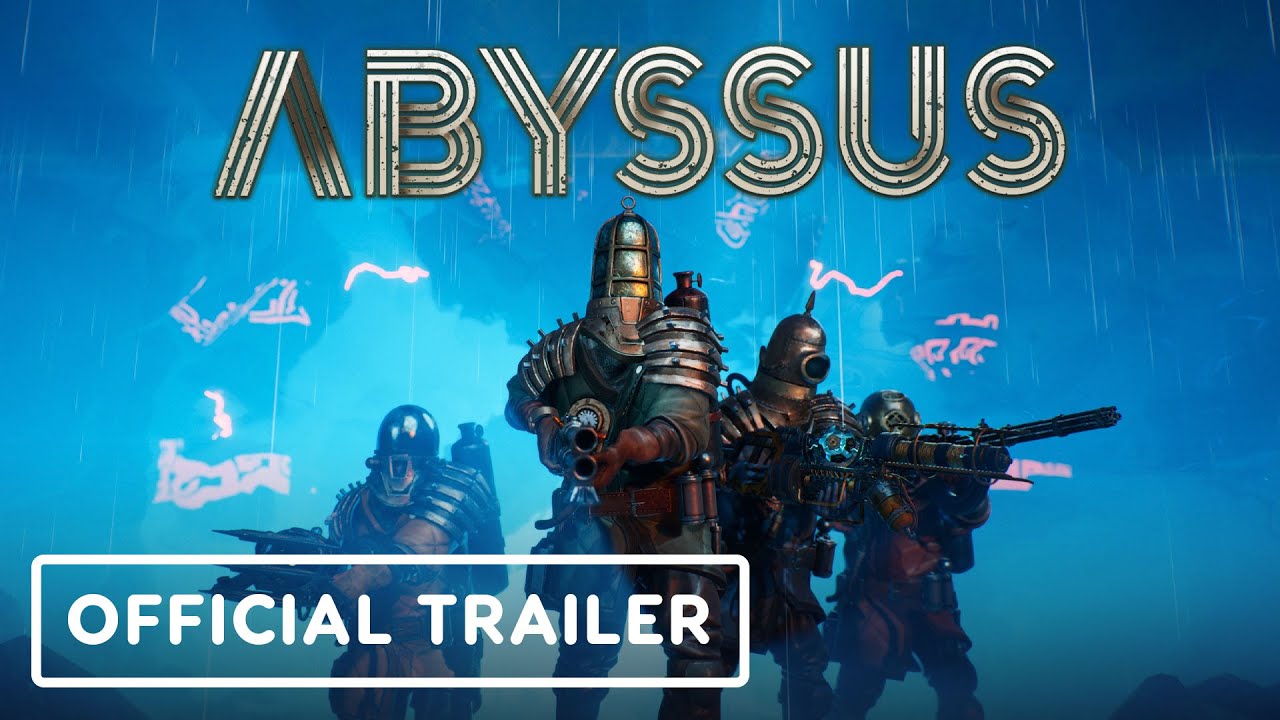
To find out if your PC can run Abyssus, you’ll need to compare your computer’s specifications with the game’s minimum and recommended requirements.
- How to Check Your Specs:
- On Windows, press Win + R, type
dxdiag, and press Enter to open the DirectX Diagnostic Tool. This will show your CPU, RAM, and GPU details.
- Check your available storage space in File Explorer and your OS version in Settings.
- Compare Specs:
- If your hardware meets or exceeds the recommended requirements, you can expect smooth gameplay with high settings.
- If your specs only meet the minimum, the game will run but you might need to lower settings for better performance.
- If your PC falls below minimum specs, the game may not run properly or could experience performance issues.
- Upgrade Tips:
- Consider upgrading your graphics card or adding more RAM for a better experience.
- Adjust in-game settings like resolution and graphics quality to improve performance.
How to Enhance the Gameplay of -XMOD
XMOD is a powerful tool that can help improve your Abyssus gaming experience in several ways:
- Performance Optimization XMOD can boost your PC’s performance by managing system resources, reducing lag, and ensuring smoother gameplay, especially on mid to low-end systems.
- Custom Mods and Enhancements With XMOD, you can easily install mods that improve visuals, tweak controls, or add quality-of-life features to Abyssus.
- Cheats and Trainers If you want to experiment or make the game easier, XMOD offers cheats such as unlimited health, ammo, or resource boosts, letting you explore the game without frustration.
- Simple Mod Management XMOD provides an easy-to-use interface for installing, updating, and removing mods, so you can customize your experience hassle-free.
Getting Started:
- Download and install XMOD from its official site.

- Launch XMOD and select Abyssus from your game list.
- Browse and apply the mods or cheats you want.
- Always back up your game files before applying any modifications.
總結
Ensuring your PC meets the system requirements for Abyssus is crucial for enjoying this immersive action RPG without interruptions. Whether your setup matches the minimum or recommended specs, optimizing performance through settings adjustments and tools like XMOD can significantly enhance your gameplay experience. Prepare your system well, explore the depths of Abyssus, and enjoy a smooth, thrilling adventure!
我是一名熱情的遊戲玩家,也是 XMODhub 的作家,致力於為您帶來最新的遊戲新聞、秘訣和見解。.
與我聯繫:
LinkedIn 個人資料

 胡凱琳
胡凱琳

 南希-米勒
南希-米勒