Summary: Mastering how to upgrade weapons Cyberpunk is essential for boosting your combat effectiveness and surviving the toughest battles in Night City.
Cyberpunk 2077 offers an intense combat experience fueled by deep weapon customization and upgrades. Whether you prefer stealthy sniping or all-out gunfights, upgrading your weapons is essential for progressing through challenging late-game encounters.
In this guide, we’ll cover everything from the basics of weapon upgrades to raising tiers, enhancing iconic guns, and even using tools like Xmod to optimize your gameplay.

目錄
- How to Upgrade Weapons in Cyberpunk 2077
- How to Upgrade Guns in Cyberpunk
- How to Upgrade Weapon Tier in Cyberpunk 2077
- How to Upgrade Iconic Weapons in Cyberpunk 2077
- Tips to Maximize Weapon Upgrades
- Common Mistakes to Avoid When Upgrading Weapons
- How to Enhance Your Cyberpunk 2077 Experience with XMOD
- 總結
How to Upgrade Weapons in Cyberpunk 2077
In Cyberpunk 2077, only Iconic weapons can be upgraded—normal weapons cannot. To upgrade an Iconic weapon, open the menu and go to Inventory, then select Crafting. Within the Crafting menu, go to the Upgrades tab, where you’ll see a list of your Iconic weapons in your Backpack and the available Item Components needed for upgrades. Item Components come in tiers from 1 to 5, and once you reach Tier 5, you can further upgrade your weapon to Tier 5++ by using 200 Tier 5 components.
Here’s a breakdown of the component costs by weapon rarity and tier:
| Weapon Rarity |
Tier 1 |
Tier 1+ |
Tier 2 |
Tier 2+ |
Tier 3 |
Tier 3+ |
Tier 4 |
Tier 4+ |
Tier 5 |
Tier 5+ |
Tier 5++ |
| Item Components Needed |
40 |
75 |
40 |
75 |
40 |
75 |
40 |
75 |
40 |
75 |
200 |
Upgrading weapons increases their damage output but does not affect any other stats, so upgrading isn’t always necessary right away. However, if you obtain an Iconic weapon at Tier 1, upgrading it to Tier 5 is a great way to ensure it performs at its best.
How to Upgrade Guns in Cyberpunk
Cyberpunk 2077 features various gun types: pistols, rifles, shotguns, sniper rifles, and more. Each has a unique upgrade path and benefits:
- Upgrading pistols improves reload speed and damage.
- Assault rifles benefit from accuracy and critical hit boosts.
- Sniper rifles gain enhanced range and stability.
Upgrading ranged weapons makes combat smoother and more efficient. Learning how to upgrade guns in Cyberpunk ensures you tailor your playstyle with optimal firepower.
How to Upgrade Weapon Tier in Cyberpunk 2077
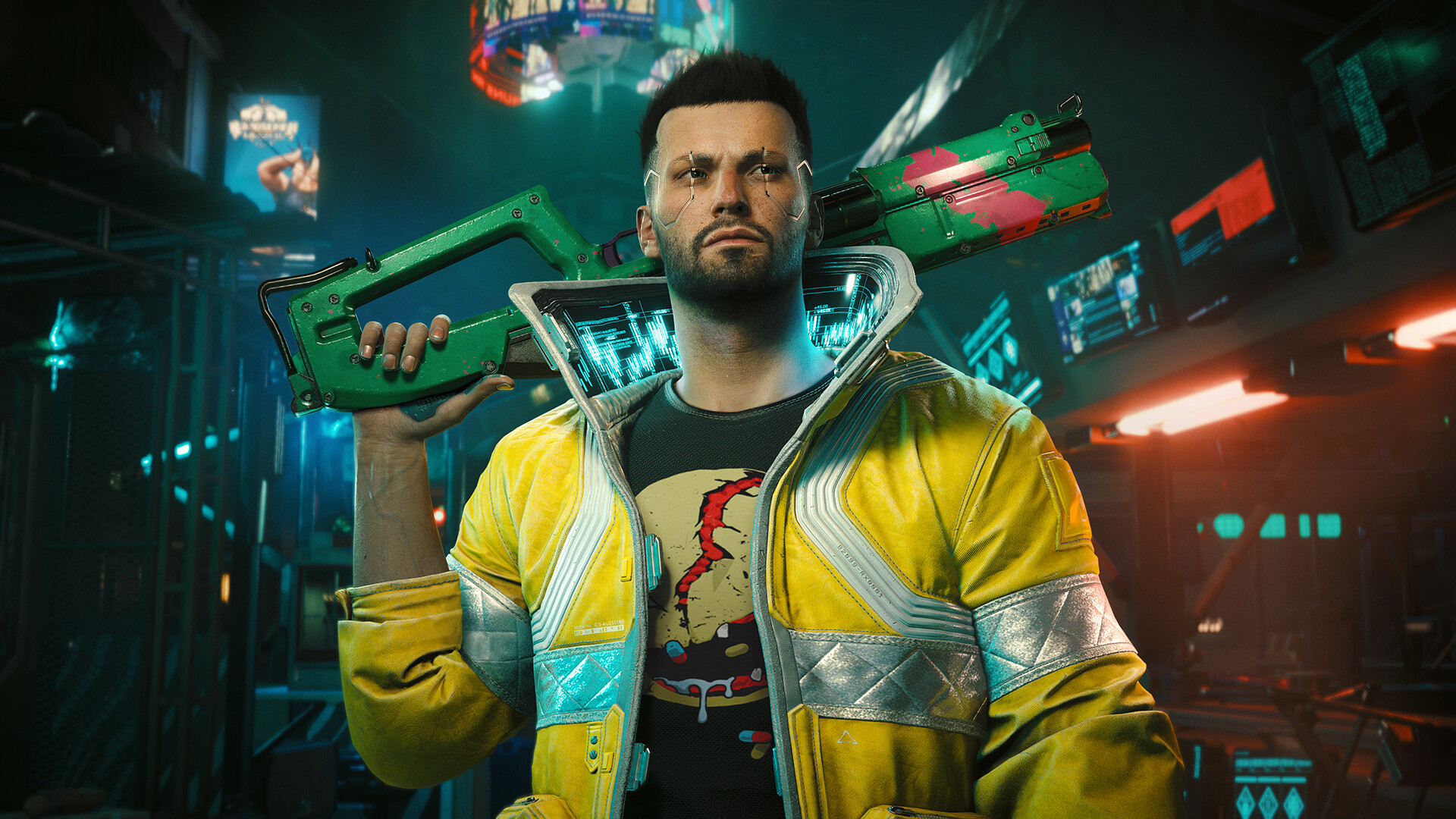
Weapon rarity tiers affect not only the weapon’s base stats but also its mod capacity and long-term viability.
Rarity Tiers:
- Common (Gray)
- Uncommon (Green)
- Rare (Blue)
- Epic (Purple)
- Legendary (Gold)
To upgrade a weapon’s tier:
- Invest in Crafting Perks under the Technical Ability attribute.
- Obtain the Crafting Spec for the higher-tier version of your weapon.
- Gather enough Rare and Epic Crafting Components.
- Disassemble older gear or purchase from vendors for needed parts.
Tier upgrades transform your weapon into a new version with enhanced stats. For example, a Rare-tier weapon upgraded to Epic often gets better damage scaling and additional mod slots.
How to Upgrade Iconic Weapons in Cyberpunk 2077
Iconic weapons are unique, story-driven items that often come with built-in mods, special abilities, or visual flair. They’re among the most powerful and customizable weapons in the game.
How to Upgrade Iconic Weapons:
- Disassemble the iconic weapon to receive its crafting spec (in most cases).
- Use the Crafting menu to locate the weapon under Iconic blueprints.
- Upgrade the weapon by crafting a higher-rarity version (Epic or Legendary).
- Invest in perks like “Iconic Craftsman” to unlock full upgrade potential.
Where to Find Iconic Weapons:
- Story missions and character quests
- Hidden in Night City or given as quest rewards
- Purchased or looted from defeated bosses
Be mindful: some iconic weapons have upgrade caps or require specific attributes to reach Legendary tier.
Tips to Maximize Weapon Upgrades

To get the most out of your upgrades:
- Level up Crafting Skills: Focus on perks like:
- Mechanic (gain more components)
- Grease Monkey (craft Epic items)
- Edgerunner Artisan (craft Legendary items)
- Farm components from:
- NCPD Scanner Hustles
- Enemy hideouts
- Weapon vendors
- Dismantle gear instead of selling it to get more upgrade materials.
- Prioritize favorites: Focus on 2–3 weapons that match your build to avoid spreading resources too thin.
- Balance early-game and late-game upgrades: Save rare materials for Legendary-tier iconic weapons.
Common Mistakes to Avoid When Upgrading Weapons
Avoid these pitfalls:
- Upgrading underpowered weapons that don’t fit your style.
- Neglecting Tech Ability perks which boost crafting and upgrade potential.
- Ignoring mod compatibility—some mods require specific weapon tiers.
Being mindful of these will save you time and resources.
How to Enhance Your Cyberpunk 2077 Experience with XMOD
If you want to take your single-player Cyberpunk 2077 experience to the next level, try using XMOD — a powerful and user-friendly modding tool designed for PC players.
With XMOD, you can access cheats, trainers, and custom mods to boost your gameplay, upgrade weapons instantly, unlock rare resources, and experiment with builds without the usual grind.
Here’s how to use XMOD with Cyberpunk 2077:
- Download the XMOD app from the official website.
- Search for Cyberpunk 2077 within the app’s game library.
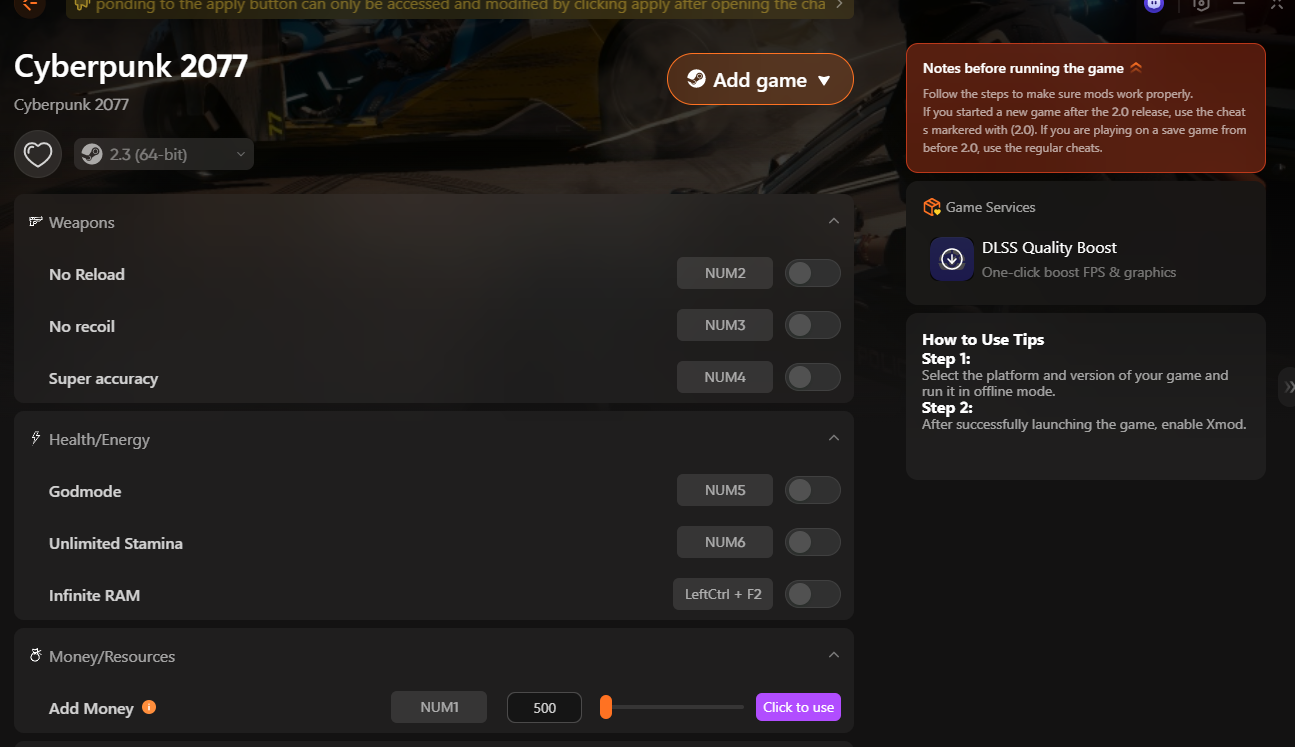
- Launch the game directly through XMOD.
- Activate the mods or cheats you want, including combat enhancers, item spawns, or weapon upgrade shortcuts.
Whether you’re looking to explore Night City without limits or want a more personalized gameplay style, XMOD makes modding Cyberpunk 2077 simple, fast, and safe — no coding required.
總結
Mastering how to upgrade weapons in Cyberpunk 2077 is key to surviving and thriving in Night City’s harsh world. From crafting upgrades to boosting iconic guns and utilizing powerful tools like XMOD, your arsenal can always be improved. Follow this guide to ensure your weapons evolve alongside your skills and challenges, making every fight a victory.
我是一名熱情的遊戲玩家,也是 XMODhub 的作家,致力於為您帶來最新的遊戲新聞、秘訣和見解。.
與我聯繫:
LinkedIn 個人資料

 胡凱琳
胡凱琳

 南希-米勒
南希-米勒



 English
  Spanish
  German
  French
  Italian
  Thai
Thai  Chinese
  Russian