胡凱琳
胡凱琳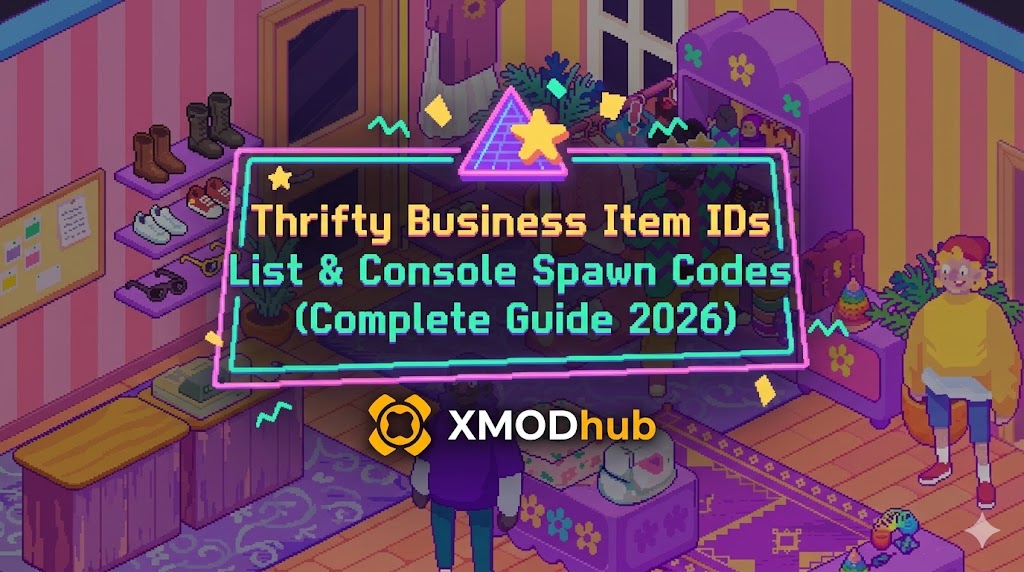
Want to test out the endgame Golden Cash Register early? Are you tired of waiting for the RNG donation boxes to drop a Rare Mint Comic, or perhaps you accidentally trashed a critical store permit and now your retail expansion is soft-locked?
Using developer console commands to spawn items is a beloved staple of PC management sims. When the daily grind gets too repetitive, bending the rules is the best way to keep your store thriving. Below is the most comprehensive, categorized, and up-to-date list of Item IDs, spawn codes, and perk IDs for Thrifty Business, verified for the latest patch.
Quick Reference: Top 10 Most Wanted Thrifty Business IDs
If you don’t want to scroll through thousands of rows of wholesale catalogs, here are the exact spawn codes for the most essential and frequently searched items in the game (including Cash, the best display shelves, and top-tier vintage items).
Command Syntax: spawn_item [Item ID] [Quantity]
| 項目名稱 | Item Description | Thrifty Business Item ID |
|---|---|---|
| Store Cash | Instantly injects money into your bank balance. | item_cash |
| Vintage Camera | A high-demand, high-profit antique item. | vintage_camera_01 |
| Luxury Gold Watch | Attracts wealthy customers to your store. | luxury_watch_gold |
| Mint Condition Comic | Extremely rare collectible with massive markup. | rare_comic_mint |
| Large Glass Display | Holds up to 15 small luxury items securely. | display_glass_large |
| Tier 3 Store Permit | Unlocks the largest floor plan expansion. | permit_store_tier3 |
| Automated Clean-Bot | Keeps your floors spotless during rush hour. | util_cleanbot |
| Antique Ming Vase | The highest value decorative item to sell. | antique_vase_ming |
| Golden Register | Speeds up checkout times by 50%. | register_gold |
| Manager’s Handbook | Instantly levels up an employee’s motivation. | book_employee_motivate |
How to Enable the Console & Use Spawn Commands
Before you can use the ID codes listed below, you must understand the correct syntax for the developer console in Thrifty Business. Because the game is built on the Unity engine, the console is hidden behind a launch parameter.
-devmode in the Launch Options. While in-game, press the Tilde key (~).spawn_item [Item ID] [Quantity]spawn_item item_cash 50000 and press Enter.Expert Warning
“Typing spawn_item vintage_camera_01 5 is fine if you only need to restock a single shelf once. But if you are building a massive two-story thrift empire or experimenting with different store layouts, manually typing case-sensitive Unity string codes becomes incredibly repetitive. One wrong character results in a ‘NullReferenceException’ error or worse, an AI pathfinding crash. While the lists below are meticulously verified, I personally switched to a visual UI injector months ago. Seeing the vintage furniture icon and just clicking ‘Add to Inventory’ is how modern PC modding should feel.”
The Easy Way: XMODhub Visual Spawner (No Typing Required)
Stop Alt-Tabbing to check massive spreadsheets while your virtual customers are waiting in line. Typing long, case-sensitive ID codes breaks your immersion and wastes your time.
The XMODhub PC Client includes a dedicated “Visual Item Spawner” feature specifically built for Thrifty Business.
[Get the XMODhub Visual Spawner for Free]
High-Value Inventory IDs List
Use these codes to instantly stock your shelves with the most profitable items to sell to your customers.
(Command Format: spawn_item [Item ID] [Quantity])
| 項目名稱 | Item ID |
|---|---|
| Retro Game Console | retro_console_sys |
| Designer Handbag | designer_bag_leather |
| Diamond Ring | jewelry_ring_diamond |
| Rare Vinyl Record | record_vinyl_rare |
| Antique Typewriter | antique_typewriter_01 |
| Silver Cutlery Set | silverware_set_full |
Store Displays & Furniture IDs List
Build the ultimate retail environment without waiting for the daily furniture catalog to refresh.
(Command Format: spawn_item [Item ID] 1)
| Furniture Name | Item ID |
|---|---|
| Basic Wooden Shelf | display_wood_small |
| Clothing Rack (Round) | display_clothing_round |
| Mannequin (Male) | display_mannequin_m |
| Mannequin (Female) | display_mannequin_f |
| Security Camera | fixture_security_cam |
| Luxury Cash Desk | counter_checkout_luxury |
Utilities & Consumables IDs List
Never run out of store supplies during a massive weekend sale again. We recommend spawning these in batches of 100+.
(Command Format: spawn_item [Item ID] 100)
| 項目名稱 | Item ID |
|---|---|
| Cardboard Box (Small) | supply_box_small |
| Price Tag Roll | supply_price_tags |
| Cleaning Spray | supply_clean_spray |
| Trash Bag Roll | supply_trash_bags |
| Restock Drone Battery | util_drone_battery |
Skills, Perks & Permits IDs
You don’t just have to spawn physical items. You can use the console to instantly learn management skills, unlock higher-tier licenses, or add permanent character traits to your staff.
(Command Format: unlock_perk [Perk ID] OR grant_permit [Permit ID])
| Skill/Permit Name | ID Code |
|---|---|
| Master Haggler (Negotiation Buff) | perk_haggle_master |
| Fast Hands (Checkout Speed Buff) | perk_fast_checkout |
| Eagle Eye (Spots Shoplifters) | perk_spot_thief |
| Electronics Selling License | permit_sell_electronics |
| High-End Jewelry License | permit_sell_jewelry |
Troubleshooting: Why Are My Commands Failing?
If you are typing the IDs correctly but the game is throwing errors in the bottom-left corner, check these common issues:
-devmode in your Steam Launch Options, or use an external injector like XMODhub to re-enable it.Vintage_Camera_01 will fail; you must type vintage_camera_01.Frequently Asked Questions (FAQ)
A: Yes, absolutely. Native console commands in Unity games are strictly case-sensitive. Underscores and lowercase letters must be typed exactly as shown in our tables.
A: No. These console commands are executed client-side and only function in Single-Player. Attempting to force spawn items in a multiplayer server will cause inventory desyncs and likely result in a permanent anti-cheat ban.
A: Finding dynamic load-order IDs manually is extremely difficult without opening the game’s code. We highly recommend using the XMODhub Item Browser, which automatically scans your active mods, detects the custom items, and lets you spawn them with a single click without knowing the exact string ID.
Conclusion: The Ultimate Sandbox Experience
Having access to the complete Thrifty Business Item IDs list is the fastest way to experiment with different store layouts, test profit margins on luxury goods, or simply recover from a frustrating inventory wipe bug. Bookmark this page so you can quickly reference the codes whenever you need a warehouse resupply.
However, if you want a significantly smoother, crash-free experience where you don’t need to memorize strings of code like display_glass_large, the XMODhub Visual Spawner is the superior modern choice. Browse items visually. Spawn them instantly. Keep your Steam achievements active.
 XMODhub is your ultimate all-in-one toolkit for PC single-player gaming. Whether you need powerful Trainers, real-time Translation Tools, or Interactive Maps, our engine supports over 5,000+ games—including Thrifty Business and similar simulation hits like Supermarket Simulator 和 Gas Station Simulator.


 南希-米勒
南希-米勒