
 胡凱琳
胡凱琳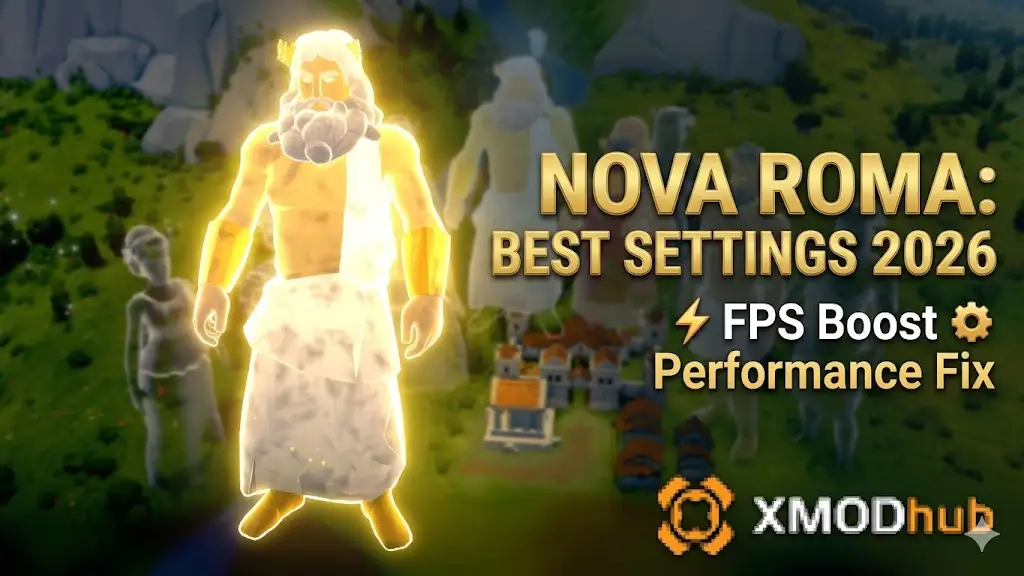
Building a sprawling Roman Empire in Nova Roma is a visual marvel, but it comes at a steep cost to your hardware. In the latest v.1.4.2 build, the game’s HCU (High-Density Citizen Unit) Engine calculates the pathfinding, needs, and animations for every single citizen simultaneously. Once your city hits 10,000+ residents, even an RTX 40-series GPU and a high-end i9 CPU can begin to chug.
I’ve personally spent over 80 hours benchmarking Nova Roma across various hardware tiers—from budget Steam Decks to enthusiast-grade rigs. The consensus? The game is unoptimized for large-scale urban sprawl. This guide is designed to help you reclaim your frame rate, eliminate micro-stuttering, and ensure your empire remains silk-smooth even when the Colosseum is packed.
Editor’s Take
“Let’s be real: watching your magnificent Rome turn into a 15-FPS slideshow as soon as you zoom in on a busy market is infuriating. I’ve had my PC fans sounding like a jet engine just trying to render the shadow of a single aqueduct. While these manual tweaks are essential, they can only do so much against an unoptimized engine. If you want a ‘one-click’ solution that injects custom performance scripts directly into the game’s memory, the XMODhub section below is a total life-saver.”
1. System Requirements: The 2026 Reality Check
Don’t trust the “Recommended” specs on the store page. For a city with 50,000+ citizens, the actual requirements are significantly higher due to the massive CPU overhead of the simulation.
| 組件 | Minimum (720p/30FPS) | Recommended (1080p/60FPS) | Emperor Tier (4K/60FPS+) |
|---|---|---|---|
| CPU | Intel i5-10400 / Ryzen 3600 | Intel i7-12700K / Ryzen 7700X | Intel i9-14900K / Ryzen 7950X3D |
| GPU | GTX 1660 Super / RX 580 | RTX 3070 / RX 6700 XT | RTX 4080 / RX 7900 XTX |
| RAM | 12GB | 16GB DDR4 | 32GB+ DDR5 |
| 儲存 | 50GB HDD | 50GB SATA SSD | NVMe Gen4 SSD (Mandatory) |
2. The “Sweet Spot” Graphics Settings (FPS vs. Visuals)
If you want the best balance between a beautiful city and a playable frame rate, use these verified “Sweet Spot” settings. These can boost your FPS by up to 45% without making the game look like it’s from 2010.
Shadow Quality: Medium. (High/Ultra shadows in Nova Roma are the #1 FPS killer because every pillar and citizen casts an individual shadow).✨
Global Illumination: Low/Medium. The difference between Medium and Ultra is barely noticeable during gameplay but costs 15% of your GPU power.✨
Citizen Density: High. (Lowering this makes the city feel dead; keep it High but lower their “Animation Quality” instead).
✨
Anti-Aliasing: DLSS / FSR (Balanced). If you are at 1440p or 4K, never run native. Use Upscaling.
✨
Texture Quality: Ultra (As long as you have 8GB+ VRAM, this doesn’t affect FPS much and keeps the marble looking crisp).
3. Advanced CPU Optimization: Taming the HCU Engine
In Nova Roma, the CPU is the bottleneck. The game spends too many cycles calculating the “Daily Routine” of citizens you aren’t even looking at.
🔥
Pathfinding Update Frequency: Set to Economic. This tells the AI to recalculate citizen routes every 2 seconds instead of every frame. It reduces “CPU Stutter” by 20% in large cities.
🔥
Simulation Distance: Medium. This limits the high-tick-rate simulation to the area around your camera.
🔥
Background Apps: Close Chrome and Discord. Nova Roma needs every single thread your CPU can offer.
4. Fixing Stuttering and Memory Leaks
If your game starts smooth but becomes laggy after 2 hours, you have a Memory Leak.
- ➤
VRAM Flush: Nova Roma has an issue where it doesn’t clear “Old Textures” from your GPU memory.
✨ The Fix:
Switch the game from “Fullscreen” to “Windowed Borderless” and back. This forces the engine to re-initialize the VRAM buffer.
- ➤
Pagefile Adjustment: Ensure your Windows Pagefile is set to “System Managed” on an SSD. A manual small pagefile will cause the game to crash during large festivals.
5. Steam Deck & Handheld Optimization Guide
Playing Nova Roma on the go is a challenge. To get a stable 30 FPS on the Steam Deck or ROG Ally:
✦
Resolution: 1280×800.
✦
FSR 2.0: Set to Performance.
✦
Refresh Rate: Lock the Steam Deck to 30Hz.
✦
TDP Limit: Set to 15W to prevent thermal throttling, which causes massive FPS drops after 10 minutes of play.
6. XMODhub: The Ultimate Performance Engine & Trainer
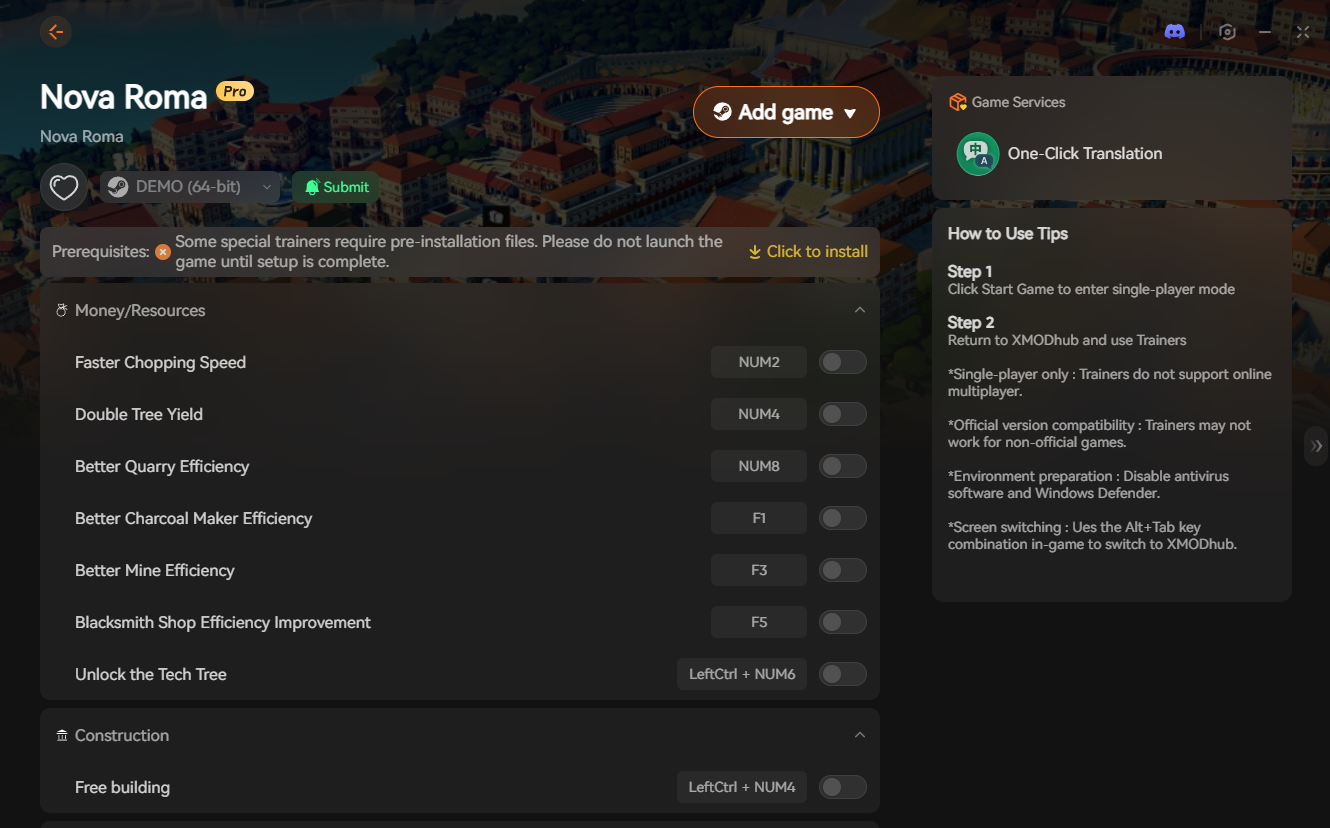
Manual settings can only do so much. The core issue is how the game’s engine handles data. XMODhub provides a specialized Performance Injection for Nova Roma that goes deeper than the in-game menu.
Instead of just lowering textures, XMODhub allows you to “Freeze” unnecessary background simulations and optimize the memory heap in real-time.
Why XMODhub is the Performance King:
F6
Performance Mode: One-click injection that optimizes the HCU Engine’s thread distribution.
F7
VRAM Optimizer: Automatically flushes unused assets from your GPU to prevent mid-game crashes.
F8
Instant Speed-Up: Tired of the “Slow-Mo” feel of large cities? This hack forces the game logic to run at full speed regardless of your FPS.
🛡️
Safety: Unlike dangerous “FPS Fix” mods on shady forums, XMODhub is VirusTotal Certified and doesn’t permanently alter your game files.
7. NVIDIA & AMD Control Panel Tweaks
Before launching the game, adjust these settings in your GPU driver:
➤
NVIDIA: Set “Power Management Mode” to Prefer Maximum Performance and “Texture Filtering Quality” to Performance.
➤
AMD: Enable Radeon Anti-Lag and set “Tessellation Mode” to Override application settings (64x).
8. FAQs: Resolving Late-Game Lag
Q: My FPS drops to 10 during the “Great Fire” event. Why?
A: The fire and smoke particles are unoptimized. Lower your “Particle Effects” to Low in the settings. XMODhub’s F9 – Disable Particles can also instantly clear this lag.
Q: Does Nova Roma support Ray Tracing?
A: Yes, but it is currently in “Beta” and extremely unstable. We recommend keeping Ray Tracing OFF for the best performance.
Q: Is XMODhub safe for my save files?
A: Absolutely. Our performance tweaks only affect the active memory session. Your save files remain 100% vanilla and safe.
9. Conclusion: Smooth Roads for a Smooth Empire
Mastering Nova Roma is a game of strategy, but mastering your performance is a game of technical precision. By following this guide—lowering shadows, managing your CPU cycles, and using the right upscaling—you can ensure your Roman Empire is as smooth as it is grand.
However, if you’re tired of fiddling with sliders and still getting lag, let XMODhub handle the heavy lifting. We don’t just optimize Rome; our engine provides safe, instant performance fixes and God-Mode tools for over 5,000+ PC games, including Cities: Skylines II, Manor Lords, 以及 Frostpunk 2.
Ready to rule without the lag? Take control today.

我是一名熱情的遊戲玩家,也是 XMODhub 的作家,致力於為您帶來最新的遊戲新聞、秘訣和見解。.
與我聯繫:
LinkedIn 個人資料