
 Catherine Hu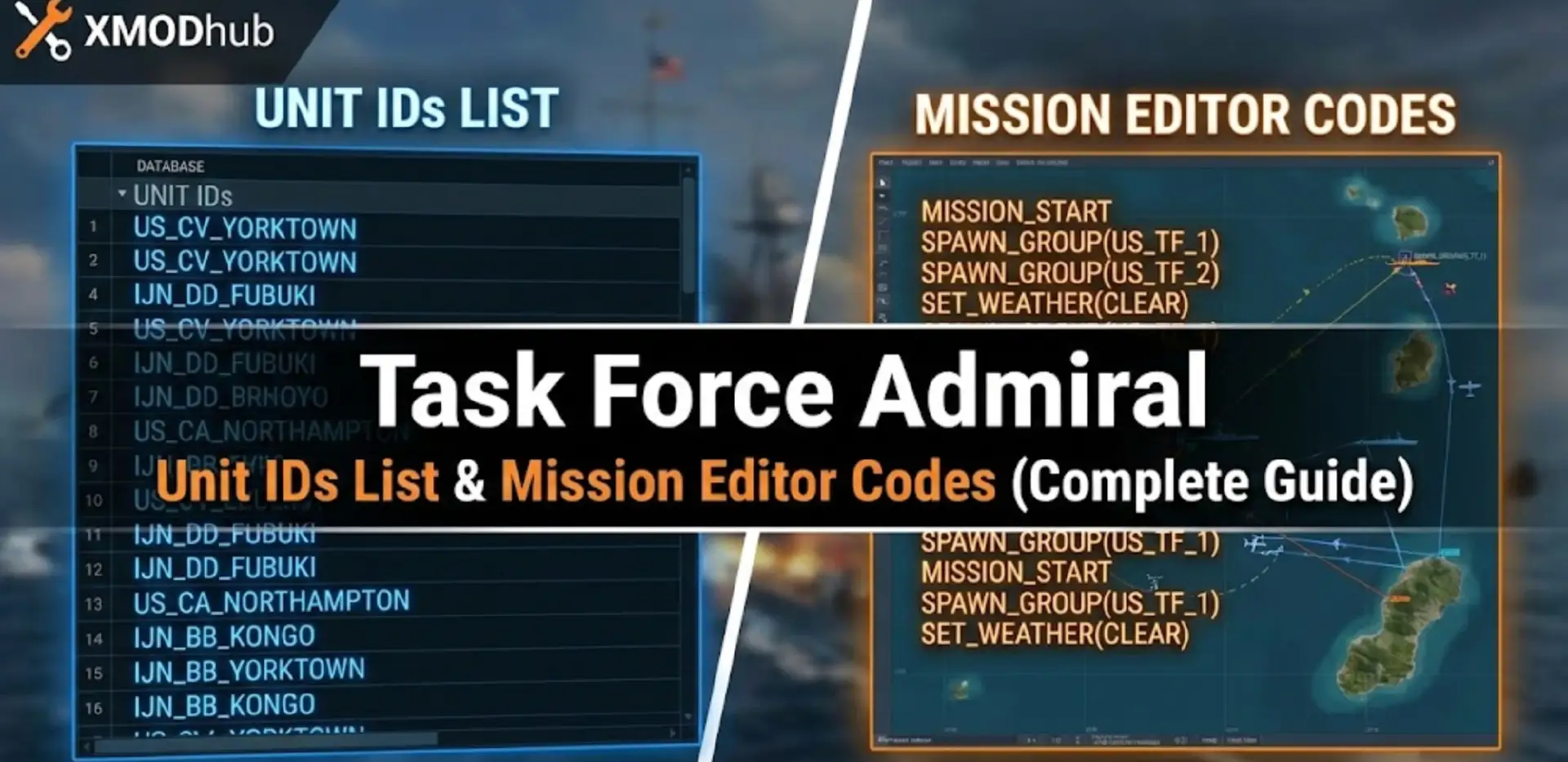
You are building the ultimate “What If” scenario in the Mission Editor—perhaps a showdown where the USS Lexington survives Coral Sea—but you can’t find the internal tag to force a specific aircraft loadout? Or maybe you are editing a save file to replenish your depleted torpedo stocks, but you don’t know the exact asset code?
Unlike standard RPGs with simple “cheat codes,” Task Force Admiral – Vol.1: American Carrier Battles relies on complex Internal Asset Tags within its engine. Whether you are modding a campaign or tweaking a scenario, you need the exact strings.
Below is the most comprehensive, categorized list of Unit IDs and Asset Codes, updated for the 2026 patches.
You may also like:
Task Force Admiral – Vol.1 Console Commands (2026): Cheats, Fog of War & Camera Codes
Editor’s View: The “Syntax” Nightmare
“In a naval simulation, a typo doesn’t just give you an error message; it crashes the entire theater. I remember trying to manually add a flight of ‘Devastators’ to my carrier via XML editing. I typed TBD-1 instead of the internal code US_TBD1_Devastator. The result? My save file corrupted instantly.
While the lists below are verified directly from the game’s data files, manual entry is risky. I personally use the XMODhub Visual Editor because selecting a ‘Zero’ from a dropdown menu is infinitely safer than typing hull codes.”
— Catherine Hu, Strategy Content Lead at XMODhub
Quick Reference: Top 10 Essential Asset IDs
Don’t want to dig through the database? Here are the internal codes for the most requested ships and aircraft for scenario building.
How to Use Unit IDs (Editor vs. Save File)
Task Force Admiral does not have a “tilde key (~)” console command for spawning items during gameplay. These IDs are strictly for:
- The Mission Editor: When scripting custom scenarios, you must use these Internal IDs to define “Reinforcement Groups” or specific enemy compositions.
- Save File Editing (.xml):
- Locate your save in
%localappdata%\TaskForceAdmiral\Saved\SaveGames\. - Open the .xml or .sav (if decrypted) with Notepad++.
- Search for
<UnitType>or<Loadout>tags and replace the text string with the codes below.
- Locate your save in
The Easy Way: XMODhub Mission Injector
Editing XML files or memorizing hull classification codes breaks your immersion as a commander. XMODhub includes a Scenario Injection Tool specifically for Task Force Admiral.
- Visual Asset Browser: See the 3D model of the ship before you spawn it.
- Loadout Manager: Instantly re-arm all planes on a carrier with Torpedoes instead of Bombs with one click (no code typing required).
- Safety Check: The tool prevents you from spawning 1944 aircraft in a 1942 scenario, avoiding engine crashes.
XMODhub: More Than Just a Visual Spawner
XMODhub is your ultimate all-in-one toolkit for PC survival gaming. While our Visual Spawner lets you instantly grab the gear you need, we offer so much more. From Real-time Translation to Interactive Maps that reveal every secret location, XMODhub gives you total control over the wilderness.
Our library supports over 5,000+ games, ensuring that whether you are surviving in The Gold River Project or similar hits like Green Hell and The Forest, you always have the best tools at your fingertips.

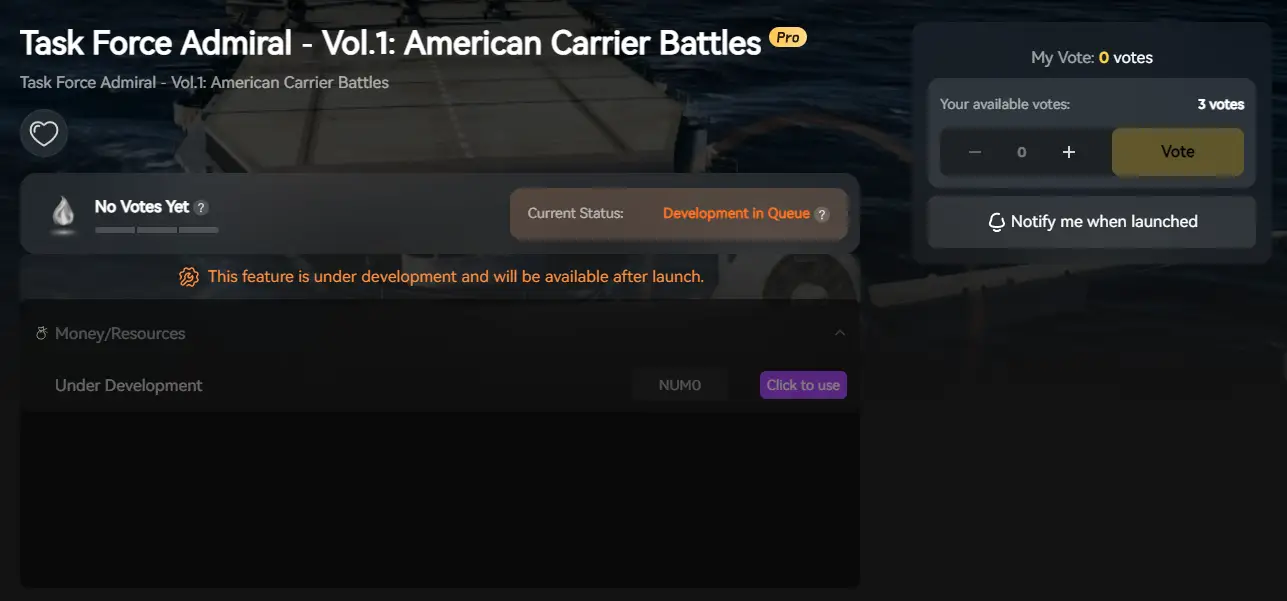
How to Use XMODhub for The Gold River Project: Getting started is easy. Just follow these steps:
- Download and Install the XMODhub client safely.

- Search for The Gold River Project in the client’s search bar.
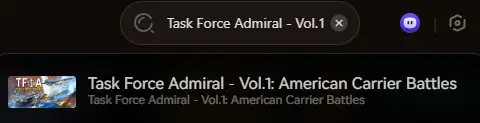
- Launch the game directly from the client and enjoy your enhanced adventure
Ship Class IDs List (USN & IJN)
These codes define the 3D mesh and hitboxes of the vessel.
Aircraft & Air Group IDs List
Use these codes to define which planes are parked on your flight deck or stored in the hangar.
Munitions & Loadout Codes
Crucial for editing logistics in campaign saves. If you run out of torpedoes, edit your save file and add these codes to the Magazine section.
AI Logic & Behavior Tags
You can force specific behaviors on enemy fleets in the Mission Editor using these tags.
Troubleshooting: Why Codes Fail
- Era Mismatch: Spawning a
US_F6F_Hellcat(1943+) into a Battle of Coral Sea (1942) map may cause the game to freeze. Assets are often restricted by the scenario date in the database. - Case Sensitivity: The engine is strict.
us_cv_yorktown(lowercase) will not work; it must beUS_CV_Yorktown. - Coordinate Errors: If you spawn a ship ID via save editing but don’t assign it a coordinate (Pos_X, Pos_Y), it will spawn at (0,0), often colliding with terrain or other ships.
FAQ
Q: Is there a console command to spawn ships instantly in-game?
No. Task Force Admiral pre-loads assets during the loading screen. You cannot spawn a battleship out of thin air while the battle is running. You must use the Mission Editor or XMODhub Injector before the battle starts.
Q: Where can I find the ID for modded ships?
Modded ships use the filename provided by the modder. Open the mod’s folder in your game directory; the ID is usually the name of the .uasset file (e.g., MOD_RN_ArkRoyal).
Q: Do these codes work for the Demo version?
The Demo has a limited asset pool. Using codes for ships not present in the Demo files (like IJN_Yamato) will crash the game immediately.
Conclusion
Using Task Force Admiral Unit IDs allows you to create history-defying scenarios or salvage a doomed campaign save. Bookmark this page to keep the Hull Codes and Aircraft Tags handy when you are in the Mission Editor.
However, if manual XML editing feels too much like paperwork and not enough like commanding, the XMODhub Mission Injector is your best alternative. Browse units visually, drag them onto the map, and let the tool handle the code.
Command the fleet, don’t fight the files.

I am a passionate gamer and writer at XMODhub, dedicated to bringing you the latest gaming news, tips, and insights.
Connect with me:
LinkedIn Profile ↗

 Nancy Miller