
 Catherine Hu
Strategos is a brilliant test of tactical wit, but let’s be honest—losing a forty-hour campaign because of one resource miscalculation is heartbreaking. Whether you’re looking to recover a corrupted save, test end-game unit builds without the grind, or just want to enjoy the story without resource caps, a save game editor is your best friend. In this guide, I’ll walk you through how to safely modify your game state and introduce a much easier method for those who hate hex editing.
Key Takeaways
- Safety First – Always backup your save folder before opening any hex editor.
- Hex vs. Trainers – Manual editing is permanent; trainers allow toggling cheats on/off.
- Resource Values – Learn to identify 4-byte integer values to modify gold and supplies.
- Risk Management – Avoid editing quest flags to prevent soft-locking your campaign.
Let’s break down the details below.
Is Using a Strategos Save Game Editor Safe?
Modifying game files always carries a slight risk, but if you follow the correct protocols, it is generally safe for single-player campaigns. The biggest danger isn’t getting banned (since Strategos is primarily offline), but rather corrupting your save data so the game crashes upon loading. I’ve lost a 60-hour campaign by changing a single byte wrong, so take this seriously.
Backing Up Your Strategos Save Files
Before you even download a hex editor, you must create a manual backup. Strategos often uses cloud saves, which can sometimes overwrite your local edits or, conversely, sync a corrupted file to the cloud. To prevent this, locate your save directory manually.
C:/Users/[Username]/AppData/Local/Strategos/Saved/SaveGames/Copy the entire folder to your desktop or a separate “Backups” folder. If anything goes wrong during the editing process, simply delete the corrupted folder and paste your backup back into the directory. This simple step is the difference between a minor inconvenience and a rage-quit inducing disaster.
The Cloud Sync Trap
One often overlooked risk is the automatic cloud synchronization found in modern launchers like Steam or Epic Games Store. If you edit a local file, the launcher might see a discrepancy with the cloud version and overwrite your hard work with the old file. Worse, it might upload your modified file, and if that file is corrupted, you now have a broken save in the cloud. Always disable cloud saves for Strategos in your launcher settings before beginning your modding session. You can re-enable it once you verify your edits are stable.
Avoiding Data Corruption in Strategos
Save files often contain checksums—small blocks of data that verify the file hasn’t been tampered with. If Strategos detects a mismatch, it will declare the file corrupted. When editing, ensure you do not change the file size. If you replace a value like “100” (3 digits) with “9999” (4 digits) in a text editor, you shift the entire file structure, breaking it instantly. Always use a proper hex editor that maintains the byte structure.
How to Use the Strategos Save Game Editor
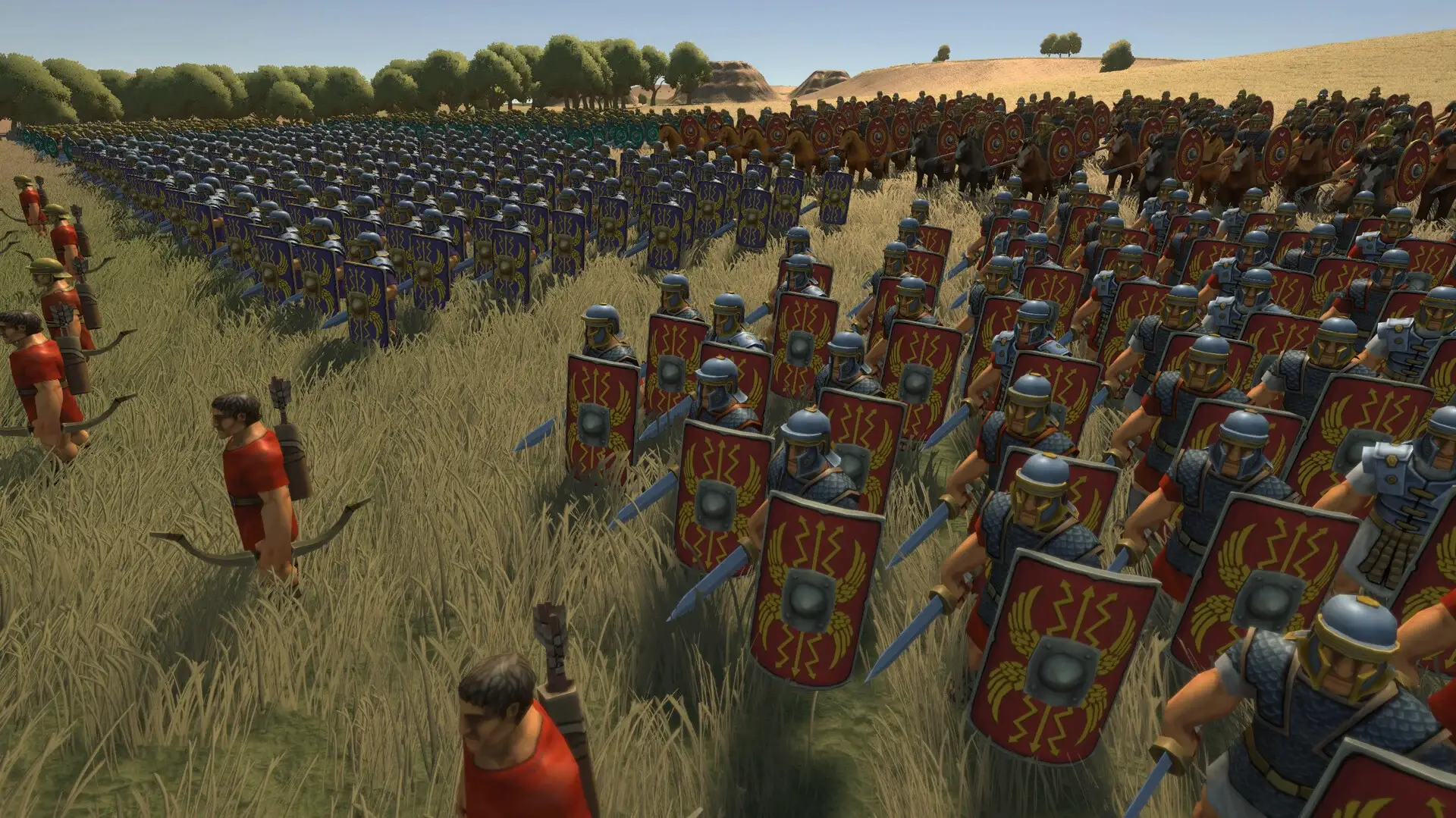
For this method, you will need a generic hex editing tool like HxD or Cheat Engine’s hex viewer. The goal is to find the specific hexadecimal location where your resources are stored and change that value. This requires a bit of patience and some basic math.
Locating the Strategos Save File Directory
Navigate to the path mentioned above. Identify the save file you want to edit by checking the “Date Modified” timestamp. It’s usually named something like Campaign_01.sav or AutoSave.sav. Open this file with your hex editor. Do not use Notepad, as it will corrupt the binary formatting.
Editing Values for Resources and Stats
This is the tricky part. You need to know your current in-game resource value. Let’s say you have 5,432 Gold. You would open the Windows Calculator, switch it to “Programmer” mode, and convert 5432 to Hexadecimal (which is 1538). In your hex editor, search for this hex value.
However, it’s not that simple. Most PC architectures use Little-endian formats, meaning the bytes are stored in reverse order. So, 15 38 becomes 38 15 00 00 (padded to 4 bytes). If you search for the direct value, you likely won’t find it. Always search for the reversed byte sequence.
Understanding Data Types
Another common pitfall is assuming every number is a standard integer. While Gold and Supplies are usually integers, things like Unit Health or Experience Points might be stored as Floats (decimal numbers). If a unit has 100 HP, it might be stored as “100.0”. Searching for the integer “100” will yield zero results. If you are editing stats, try searching for Float values if Integer searches fail.
Testing Your Strategos Infinite Resources Edit
Once you have changed the values and saved the file, it’s time to test. Do not launch the game through a launcher that might force a cloud sync immediately. Instead, launch Strategos directly or in offline mode.
Verifying Changes in Strategos Gameplay
Load your save game. If the game loads successfully, check your resource counters immediately. If you see your new value (e.g., 999,999 Gold), the edit was successful. Immediately save the game into a new slot to finalize the file structure. This creates a fresh, valid file generated by the game engine itself, which is safer than relying on your manually edited file for the long term.
Troubleshooting Value Reversions
If you load the game and your resources are back to the original amount, Strategos likely has a backup value stored elsewhere in the file, or cloud sync overwrote your edit. This is common in modern strategy games. To bypass this, you often need to edit multiple instances of the value or disable your internet connection during the load process. Some games also store a “display value” separate from the “logic value,” meaning you might see 9999 gold but still be unable to buy anything. In that case, you edited the wrong address.
Easier Alternative: Strategos Trainer by XMODhub
If searching for hex values sounds like a headache, there is a much simpler solution. The Strategos Trainer by XMODhub automates this entire process. Instead of editing files on your disk, it modifies the game’s RAM while it runs, which is safer and doesn’t risk corrupting your save data.
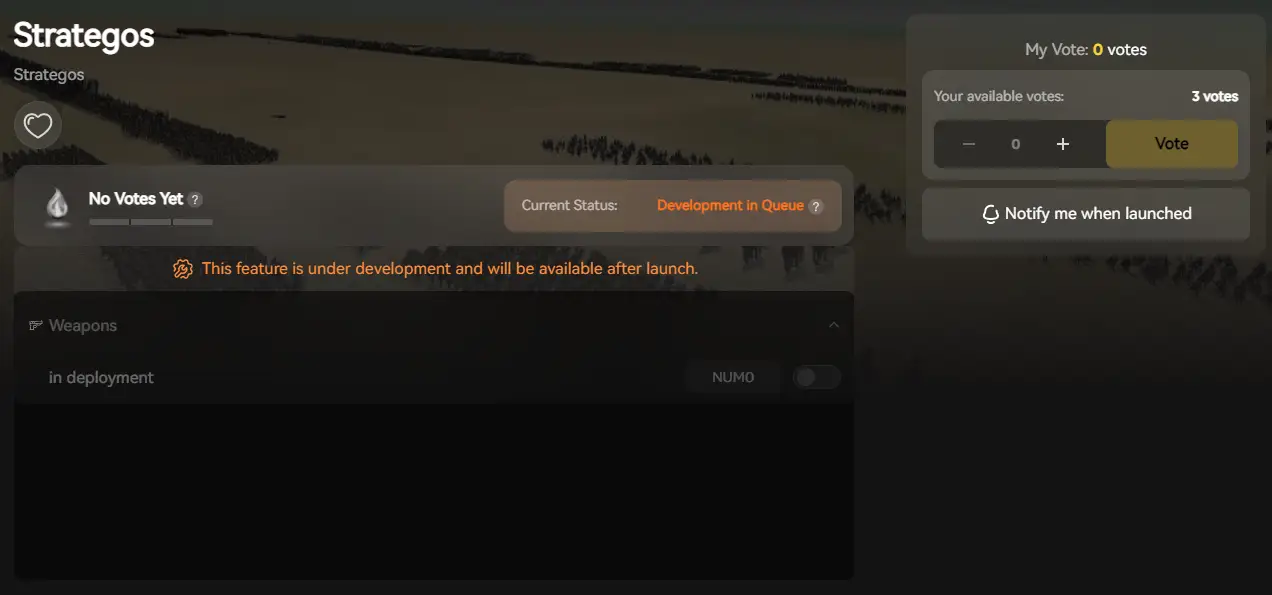
💰 Infinite Resources
Instantly fill your treasury with Gold and Supplies. This allows you to focus on army composition and tactics rather than economic micromanagement.
❤️ God Mode (Units)
Your armies take zero damage in battle. This is perfect for clearing difficult campaign missions or testing how a specific unit performs when it can’t die.
⏱️ Instant Construction
Buildings and unit recruitment finish immediately. No more waiting 10 turns for a fortress to complete; build your empire in a single turn.
⚔️ Unlimited Movement
Move your armies across the entire map in a single turn without action point penalties. Flank enemies or reinforce distant cities instantly.
These featured mods are just the beginning. Whether you’re looking to skip tedious grinding, experiment with different playstyles, or speed up your progression, XMODhub’s comprehensive toolkit offers dozens more options tailored to your playstyle. The trainer also includes options for manipulating AI behavior, freezing mission timers, and unlocking all tech trees instantly.
Installing the Strategos Trainer
Getting started is straightforward. Download the XMODhub client, search for “Strategos” in the library, and click “Play”. The tool automatically detects your game version (Steam, Epic, or GOG) and injects the necessary code when you launch the game. No file copying or hex editing required. The client also manages updates, so if the game patches, the trainer will update itself to match the new memory addresses.
Activating Cheats Safely
Once in-game, you can use customizable hotkeys to toggle effects. For example, press F1 for Infinite Gold or F2 for God Mode. The overlay confirms activation with a sound cue. Since these changes happen in RAM, if you want to revert to normal gameplay, simply restart the game without the trainer. This non-destructive approach makes it the safest way to mod your game.
Why Your Strategos Cheats Might Not Work
Even with the best tools, things can go wrong. If your cheats aren’t applying, it’s usually due to one of two common issues.
Fixing Common Hex Editing Errors
The most common mistake is editing the “display” value rather than the “actual” value. Sometimes games store a value for the UI (what you see) and a separate encrypted value for the logic. If you change only the UI value, the game will correct it back to the real number instantly. Ensure you are searching for the correct data type (usually 4-byte Integer or Float). If you are unsure, try changing the value in-game (e.g., spend some gold) and then search for the new value to narrow down the list of addresses.
Resolving Strategos Version Mismatch Issues
When the game updates, the memory addresses for resources shift. A save editor or cheat table made for version 1.0 will not work on version 1.1 and might crash the game. XMODhub updates its trainers automatically, but if you are using manual tables, you must find one that matches your specific game version exactly. Always check the release notes of the mod to ensure compatibility.
Anti-Virus Interference
Since trainers inject code into active memory—a technique also used by malware—your antivirus might flag the trainer as a false positive. If the trainer fails to attach to the game, check your antivirus quarantine. You may need to create an exception for the XMODhub folder to allow it to function correctly. Rest assured, reputable trainers like XMODhub are safe and do not contain malicious code.
Frequently Asked Questions About Strategos Mods
Ready to enhance your gameplay?

I am a passionate gamer and writer at XMODhub, dedicated to bringing you the latest gaming news, tips, and insights.
Connect with me:
LinkedIn Profile ↗
 Nancy Miller
I appreciate the risk management tips. I’ve always avoided editing quest flags for fear of soft-locking, but it’s good to see a reminder here. Do you think there’s a way to make the editor more beginner-friendly?