Summary: This guide covers all system requirements for My Little Puppy, including minimum and recommended specs, so you can run the game smoothly on any PC.
My Little Puppy is a charming and engaging simulation game where players care for and interact with adorable virtual puppies.
From feeding and grooming to training and exploring, the game offers a relaxing and immersive experience for players of all ages.
In this guide, we’ll cover everything you need to know to enjoy the game on your PC.
You’ll learn the minimum and recommended system requirements, find out if the game can run on low-end PCs, and check whether your own PC is ready for the adventure.
Additionally, we’ll share tips on how to enhance your gameplay experience using tools like XMOD.
By the end, you’ll have all the information needed to fully enjoy My Little Puppy without technical hiccups.
Table of contents
- What is My Little Puppy?
- System Requirements: Minimum and Recommended
- Can You Run My Little Puppy on a Low-End PC?
- Can My PC Run My Little Puppy?
- How to Enhance Gameplay Experience with XMOD?
- Conclusion
What is My Little Puppy?
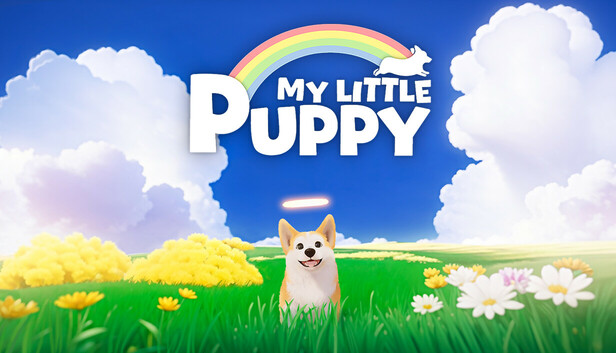
My Little Puppy is a virtual pet simulation game that lets players care for and interact with adorable puppies in a charming, immersive world. Players can feed, groom, train, and play with their puppy, while exploring various activities and environments designed to keep the experience engaging and relaxing.
The game emphasizes nurturing, responsibility, and creativity, offering a fun and stress-free experience for players of all ages. Whether you’re completing challenges, decorating your puppy’s space, or simply bonding with your virtual companion, My Little Puppy provides hours of enjoyable gameplay.
System Requirements: Minimum and Recommended
To run My Little Puppy smoothly, make sure your PC meets the following requirements:
Minimum Requirements
- OS: Windows 10
- Processor: Intel Core i5-6500 | AMD Ryzen 5 1600
- Memory: 8 GB RAM
- Graphics: NVIDIA GeForce GTX 1050 Ti | AMD Radeon RX 570 4GB
- DirectX: Version 11
- Storage: 10 GB available space
Recommended Requirements
- OS: Windows 10
- Processor: Intel Core i5-9400 | AMD Ryzen 5 3500
- Memory: 8 GB RAM
- Graphics: NVIDIA GeForce GTX 1660 Ti | AMD Radeon RX 5600 XT
- DirectX: Version 11
- Storage: 10 GB available space
Meeting the recommended requirements ensures smoother gameplay, higher graphics settings, and a better overall experience.
Can You Run My Little Puppy on a Low-End PC?

While My Little Puppy is designed to run on a range of systems, playing on a low-end PC may present some limitations. If your system only meets or falls slightly below the minimum requirements, you might experience:
- Lower frame rates or occasional stuttering
- Reduced graphics quality and visual effects
- Longer loading times in certain areas
However, the game is fairly optimized, and adjusting settings such as resolution, texture quality, and background effects can help improve performance. Even on modest hardware, it’s possible to enjoy the core gameplay experience with some compromises on visual fidelity.
Can My PC Run My Little Puppy?
To check if your PC can run My Little Puppy, compare your system specs with the game’s minimum and recommended requirements:
- Minimum Specs: Windows 10, Intel Core i5-6500 or AMD Ryzen 5 1600, 8 GB RAM, GTX 1050 Ti or RX 570 4GB.
- Recommended Specs: Windows 10, Intel Core i5-9400 or AMD Ryzen 5 3500, 8 GB RAM, GTX 1660 Ti or RX 5600 XT.
If your PC meets the minimum requirements, you can run the game at basic settings, though performance may improve significantly with recommended specs. Using optimization techniques like lowering graphics settings or closing background apps can also help ensure smoother gameplay.
How to Enhance Gameplay Experience with XMOD?

XMOD allows you to customize and improve your My Little Puppy experience, giving you more control over gameplay, resources, and progression. Here’s how to get started:
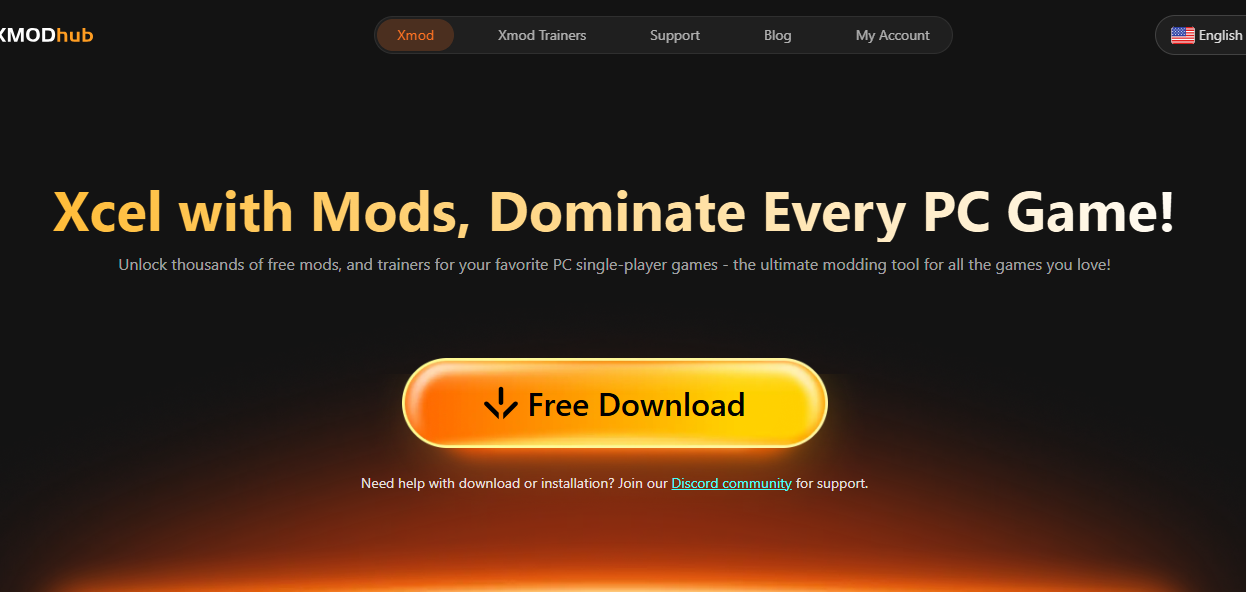
Download and Install XMOD
-
- Get the latest version from the official XMOD platform.
- Launch the app and ensure it’s updated for compatibility.
Run My Little Puppy Through XMOD
-
- Open XMOD and search for My Little Puppy in the game library.
- Click “Start Game” to launch it with XMOD features enabled.
Activate Cheats, Mods, or Enhancements
-
- Unlimited Resources: Never worry about food, coins, or items.
- Unlock Features: Access all puppies, tools, and customization options.
- Gameplay Tweaks: Adjust speed, reduce cooldowns, or simplify tasks.
Enjoy a Personalized Experience
-
- Use XMOD to tailor the game to your playstyle.
- Explore freely, experiment with features, and enhance your overall fun.
With XMOD, My Little Puppy becomes easier to manage, more flexible, and even more enjoyable, especially for players looking to save time or fully explore every aspect of the game.
Conclusion
My Little Puppy is a delightful virtual pet game that combines nurturing, exploration, and fun interactions. By checking your system specs against the minimum and recommended requirements, you can ensure smooth gameplay on your PC, even if it’s low-end with some adjustments.
Enhancing your experience with tools like XMOD allows for unlimited resources, unlocked features, and customizable gameplay, making it easier to enjoy every aspect of the game. Whether you’re a casual player or aiming for full completion, My Little Puppy offers a charming and engaging adventure for all ages.
I am a passionate gamer and writer at XMODhub, dedicated to bringing you the latest gaming news, tips, and insights.
Connect with me:
LinkedIn Profile ↗

 Catherine Hu
 Nancy Miller