
 Catherine Hu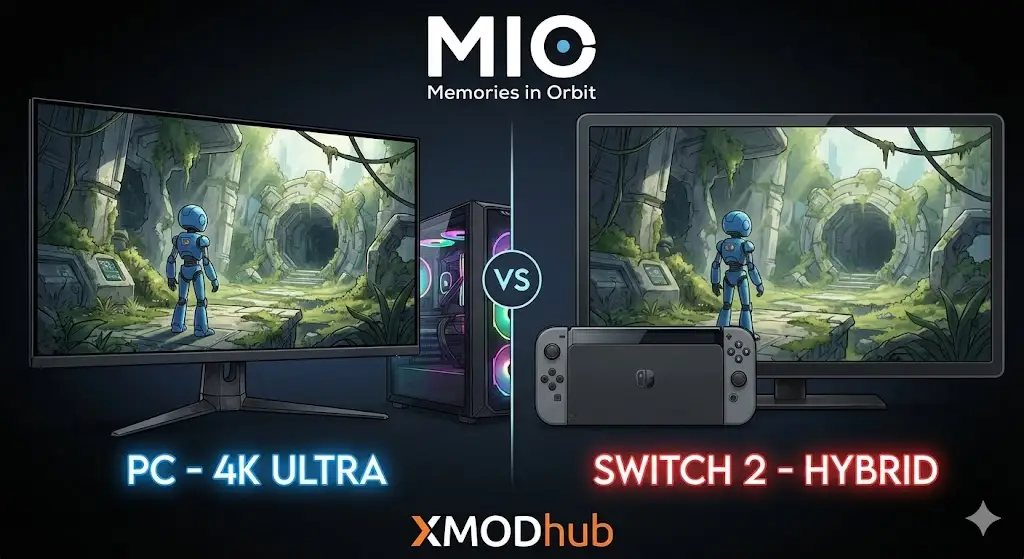
Deciding where to play the latest sci-fi metroidvania hit isn’t as simple as it used to be. With the Switch 2 bridging the power gap and PC hardware pushing visual boundaries, MIO: Memories in Orbit offers two distinct experiences. Whether you prioritize 4K neon visuals or the ability to play on the go, making the right choice now prevents regret later. Honestly, I struggled with this decision myself until I saw the frame rate data.
Key Takeaways
- PC Superiority – Offers unlocked frame rates, 4K native resolution, and exclusive modding capabilities via XMODhub.
- Switch 2 Trade-offs – Provides excellent portability with DLSS upscaling but sacrifices texture fidelity and lighting effects.
- Steam Deck Option – Bridges the gap effectively, offering PC features in a portable form factor.
- Ecosystem Lock – Cross-save limitations mean your initial platform choice might be permanent.
Let’s break down the details below.
MIO: Memories in Orbit Platform Comparison: Switch 2 vs PC
When comparing the Switch 2 and PC versions, we are looking at two very different architectural approaches to the same game. While the Switch 2 punches above its weight class thanks to NVIDIA’s DLSS technology, the PC version relies on raw horsepower to deliver a native experience.
MIO: Memories in Orbit Graphics and Resolution
The visual gap is noticeable primarily in texture quality and particle effects. On PC, the game utilizes high-resolution assets that remain crisp even on large 4K displays. The neon-soaked environments feature complex lighting that takes full advantage of modern GPU ray-tracing capabilities. The Switch 2 version looks surprisingly good on its native screen, but when docked, the reliance on aggressive upscaling becomes apparent. Fine details in the background art often appear softer, and distant objects may exhibit some shimmering that isn’t present on the native PC render.
Frame Rate Test: Switch 2 vs PC
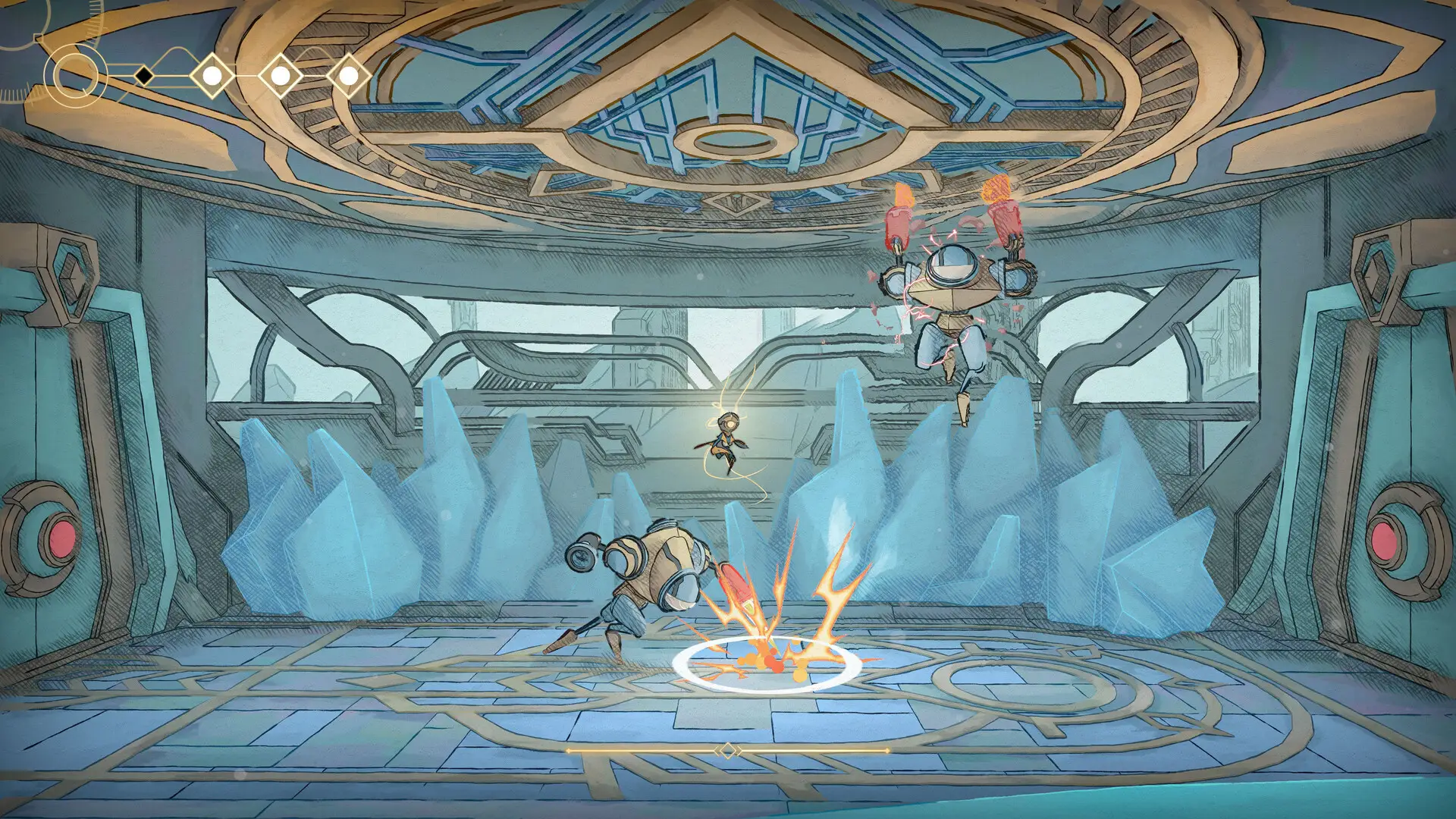
For a precision-based metroidvania, frame rate is king. Our testing shows that a mid-range PC can easily sustain 120 FPS or higher, providing a buttery-smooth response window for parrying and platforming. The Switch 2 targets 60 FPS, which is a significant upgrade from its predecessor, but it isn’t perfectly locked. In areas with heavy particle effects or numerous enemies, we noticed occasional dips into the low 50s. While playable, these fluctuations can throw off your timing in critical boss fights.
Loading Times and Technical Performance
Both platforms utilize solid-state storage, but the speed difference is measurable. PC users with NVMe drives will experience near-instant transitions between zones, often loading in under 2 seconds. The Switch 2 is fast compared to older consoles, but zone transitions can still take 5-8 seconds. In a game that encourages backtracking and exploration, these small delays add up over a 20-hour playthrough.
Why is PC the Best Way to Play MIO: Memories in Orbit?
Beyond raw performance metrics, the PC ecosystem offers flexibility that consoles simply cannot match. From control options to game-breaking customization, the PC version allows you to tailor the experience to your exact preferences.
The PC Advantage: Customization & Mods
One of the strongest arguments for the PC version is the ability to modify the game. While console players are locked into the developer’s intended difficulty curve, PC players can use tools to adjust the experience. XMODhub’s trainer for MIO: Memories in Orbit provides options that can make the game more accessible or simply more fun for those who want to skip the grind. Whether you need infinite health to get past a frustration block or want to speed up movement to explore faster, these options are exclusive to the PC platform.
MIO: Memories in Orbit Steam Deck Performance
If portability is your main concern, the Steam Deck offers a compelling middle ground. It runs the PC version of the game, meaning you get access to cloud saves and mods while retaining the handheld form factor. Performance on the Deck is comparable to the Switch 2 in handheld mode, often hitting a stable 60 FPS with the right settings. Plus, unlike the Switch, you can tweak graphics settings manually to prioritize battery life or visual fidelity depending on your current situation.
Input Latency and Controller Options
Input lag can be the difference between a perfect parry and a “Game Over” screen. PC monitors with high refresh rates significantly reduce the time between your button press and the action on screen. Additionally, PC supports virtually any controller. If you prefer the PlayStation DualSense controller’s haptics or the Xbox Elite’s paddles, you can use them natively. Switch users are largely restricted to the Joy-Cons or the Pro Controller, which, while good, lack the customization options of high-end PC peripherals.
Which Version Fits Your Playstyle?
Ultimately, the “best” version depends on how you actually play games. There is no one-size-fits-all answer, but there are clear winners for specific user segments.
Best for Portability: Switch 2 vs Steam Deck
If you commute or travel frequently, the choice is tougher. The Switch 2 offers better battery life and a lighter, more seamless “pick up and play” experience. It just works. The Steam Deck, however, is for the tinkerer who wants their portable experience to sync with their desktop save files. If you already have a powerful PC at home, the Steam Deck is the logical portable companion. If you want a dedicated portable device without fiddling with settings, the Switch 2 wins.
Best for Visuals: High-End PC Setup
For players who want to be immersed in the game’s atmospheric sci-fi world, there is no contest. A high-end PC setup with an OLED monitor and a powerful GPU delivers an experience that is generationally ahead of the Switch 2. The deep blacks, vibrant neon colors, and fluid motion of 120+ FPS gameplay create a level of immersion that the console version simply cannot replicate. If you have the hardware, the PC version is the definitive visual experience.
Common Mistakes When Choosing a Platform
I’ve seen many players regret their platform choice because they overlooked a few critical details. Avoid these pitfalls before you hit the buy button.
Ignoring MIO: Memories in Orbit System Requirements
Don’t assume your five-year-old laptop can run this game just because it’s a 2D side-scroller. Modern metroidvanias utilize complex 3D engines and lighting effects. Check the minimum requirements carefully. If your PC is on the lower end, you might actually get a more stable experience on the Switch 2, which is optimized specifically for its fixed hardware.
Expecting Mod Support on Consoles
A common misconception is that cheats or mods will eventually come to consoles. This is almost never the case for single-player games like this. If you think you might want to use trainers for infinite health or resources later on, you must buy the PC version. Once you buy on Switch, you are locked into the vanilla experience forever.
Overlooking Cross-Save Limitations
Unlike some live-service games, MIO: Memories in Orbit does not support seamless cross-save between Switch and PC ecosystems at launch. If you start on Switch 2, your progress is stuck there. You cannot transfer your 20-hour save file to PC later if you decide you want better graphics. Choose your primary ecosystem wisely before starting your journey.
MIO: Memories in Orbit FAQ
Ready to enhance your gameplay?

I am a passionate gamer and writer at XMODhub, dedicated to bringing you the latest gaming news, tips, and insights.
Connect with me:
LinkedIn Profile ↗

 Nancy Miller