
 Catherine Hu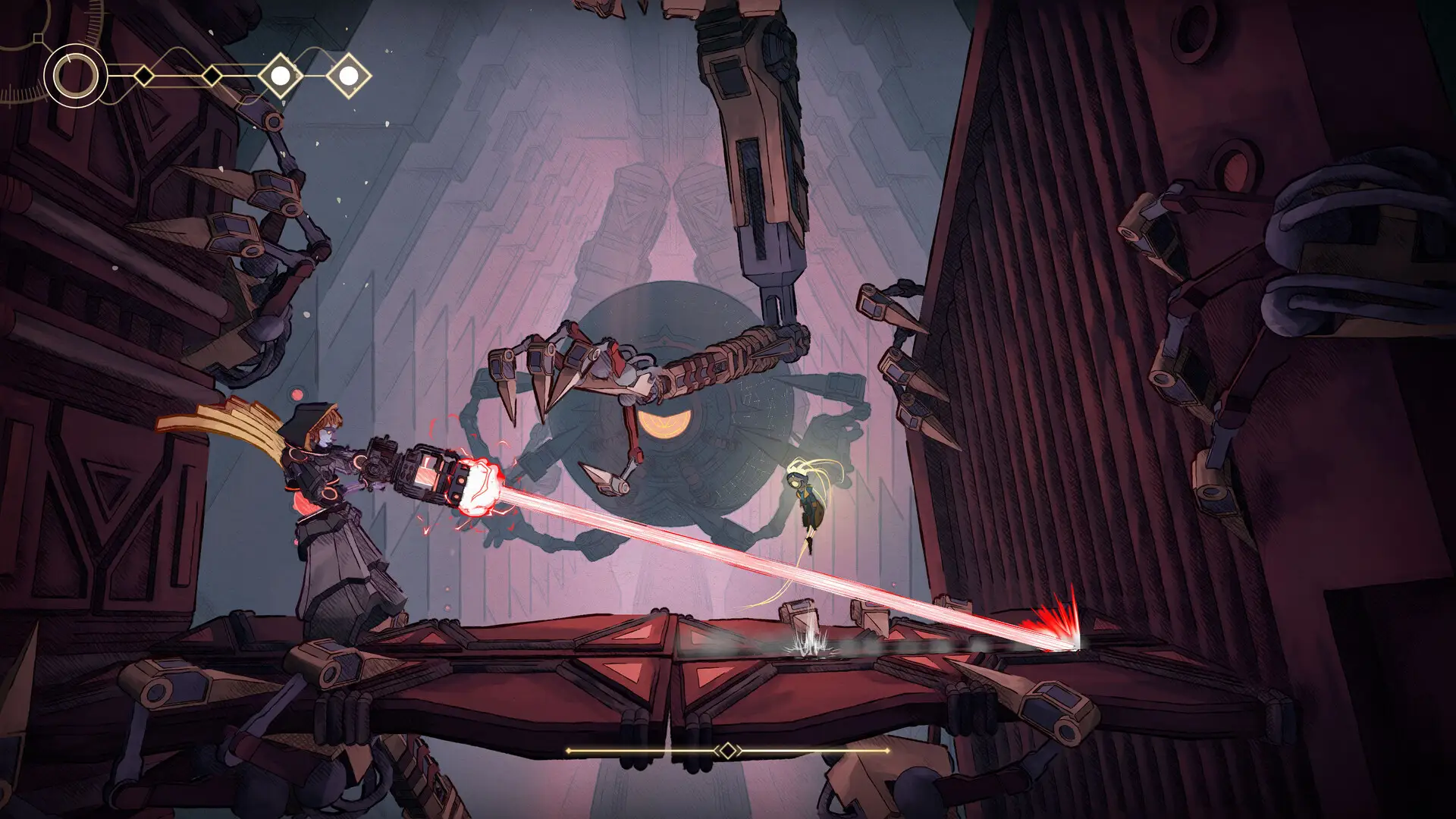
MIO: Memories in Orbit is a stunning Metroidvania, but its punishing difficulty spikes can bring your exploration to a sudden halt. Whether you are stuck on a brutal boss or just want to enjoy the story without the stress of constant backtracking, activating infinite health can transform your experience. This guide covers safe, working methods to enable god mode on PC for the latest 2026 patch.
Key Takeaways
- Safe Usage – The XMODhub trainer is tested for the latest 2026 release version.
- Exploration Freedom – Infinite health allows you to map out dangerous areas without fear.
- Save Protection – Always backup your save files before applying gameplay modifiers.
- No Bans – These cheats are designed strictly for single-player offline use.
Let’s break down the details below.
How to Activate MIO: Memories in Orbit Infinite Health
Enabling cheats in modern PC games is straightforward if you use the right tools. Unlike complex manual file editing, using a dedicated trainer simplifies the process into a few clicks. The process involves injecting code into the running game process, allowing you to modify values like health, energy, and inventory counts in real-time.
Installing the MIO: Memories in Orbit Trainer
The most reliable way to get god mode is through the XMODhub trainer. This all-in-one utility detects your game version and injects the necessary code safely into memory. First, download the installer and run the setup. Once installed, launch the application and let it scan your library for MIO: Memories in Orbit.
Honestly, I got stuck trying to find the right process ID manually the first time, so having a tool that auto-detects the game is a lifesaver. Ensure your game is running before hitting the “Activate” button for the best stability. If you launch the trainer before the game, it might fail to hook into the correct memory addresses, leading to a “Game Not Found” error.
Enabling God Mode Features Safely
Once the trainer is connected, you will see a toggle for “Infinite Health”. Switching this on prevents your character’s HP value from decreasing when taking damage. It is recommended to activate this while in a safe area or the main menu to prevent any physics glitches during active combat animations. When the cheat is active, you can walk through spikes, lava, and enemy attacks without taking a scratch.
❤️ Infinite Health
Lock your HP at maximum to survive any boss attack or environmental hazard without dying.
❤️ Infinite Energy
Use your special abilities and dashes continuously without waiting for cooldowns or recharge.
💰 Unlimited Resources
Gain infinite currency and crafting materials to upgrade your gear instantly.
⚔️ One-Hit Kills
Defeat regular enemies and bosses instantly to speed up backtracking and exploration.
These featured mods are just the beginning. Whether you’re looking to skip tedious grinding, experiment with different playstyles, or speed up your progression, XMODhub’s comprehensive toolkit offers dozens more options tailored to your playstyle.
Using Additional MIO: Memories in Orbit Cheats
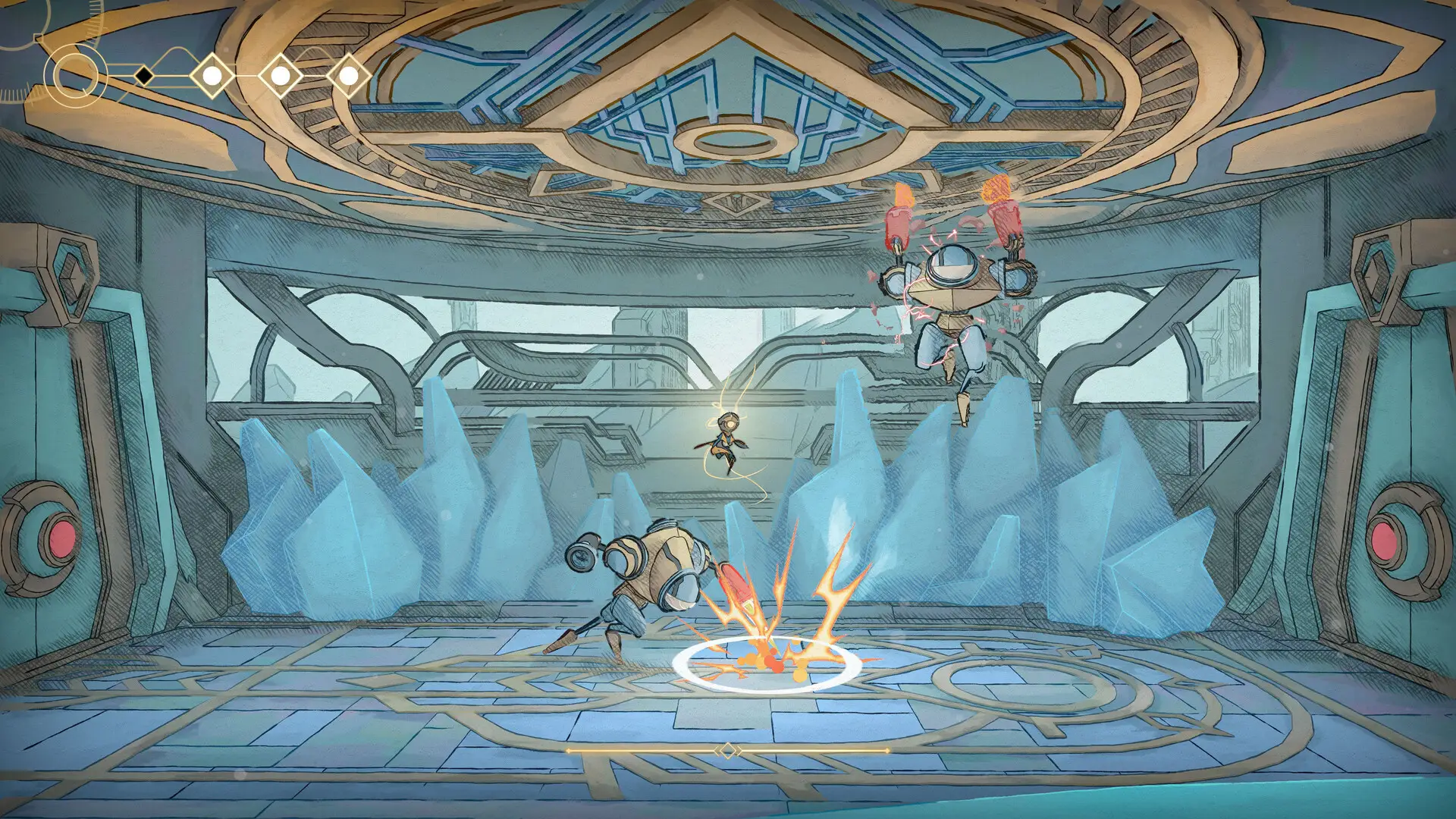
Beyond simple health cheats, you can enhance your gameplay with utility mods. Infinite energy is particularly useful for traversing the map quickly, allowing you to dash or double-jump without limits. Resource modifiers can also save you hours of grinding for upgrade materials, letting you focus entirely on the combat and story. Many players combine infinite health with infinite energy to create a “superhero” playstyle where they can fly through levels aggressively.
Advanced Trainer Configuration
For players who want more control than a simple on/off switch, the XMODhub trainer offers advanced configuration options. You can customize hotkeys to toggle cheats mid-combat without alt-tabbing, which is crucial for maintaining immersion. For example, you might bind “Infinite Health” to F1 and “One-Hit Kill” to F2.
Customizing Hotkeys for Seamless Play
To set up custom binds, open the trainer settings menu. Click on the current hotkey assignment next to the cheat you want to modify, then press your desired key. We recommend using the Function keys (F1-F12) or the Numpad to avoid conflicts with standard game controls like jumping or attacking. This setup allows you to turn god mode on for a difficult boss phase and immediately turn it off once the danger has passed, keeping the game challenging but fair.
Adjusting Value Multipliers
Some cheats allow for granular control. Instead of infinite resources, you might want a “2x Drop Rate” or “10x Experience” multiplier. These options are perfect for players who want to speed up progression without completely breaking the game’s economy. Check the trainer’s “Editor” tab to see if these variable modifiers are available for your version of MIO: Memories in Orbit.
Practical Scenarios: When to Use Infinite Health
Cheats aren’t just about breaking the game; they are tools to customize your experience. Here is how god mode can actually improve your time with MIO.
Overcoming Difficulty Spikes in MIO: Memories in Orbit
Metroidvanias are known for sudden difficulty spikes, often in the form of multi-phase boss fights. If you find yourself stuck on a boss for hours, toggling infinite health can help you learn the attack patterns without the frustration of restarting. Once you understand the mechanics, you can disable the cheat and beat the boss legitimately, or keep it on to progress the story.
Exploring the Map Without Fear of Death
The world of MIO is vast and filled with secrets. However, backtracking through areas filled with respawning enemies can be tedious. With god mode active, you can ignore minor enemies and focus solely on finding hidden collectibles, lore tablets, and upgrade modules. This turns the game into a more relaxed exploration adventure.
Speedrunning and Sequence Breaking
Advanced players often use cheats to practice speedrunning routes. By enabling infinite health and energy, you can practice difficult jumps or “sequence breaks”—accessing areas earlier than intended—without the penalty of death. This practice environment is invaluable for mastering the game’s movement mechanics before attempting a legitimate speedrun record.
Understanding Memory Injection & Safety
To understand why these cheats are safe, it helps to know a bit about how they work. Trainers operate by scanning the RAM (Random Access Memory) of your computer while the game is running. They locate the specific addresses where the game stores variables like “Current Health” or “Player Coordinates.”
How Trainers Interact with the Game Engine
When you activate a cheat code in the trainer, it freezes that memory value. For example, if your health is at 100, the trainer constantly writes “100” to that memory address, instantly overwriting any damage the game engine tries to apply. Because this happens in RAM, it does not modify the game’s installation files on your hard drive. Once you close the game and the trainer, the memory is cleared, and the game returns to its original state.
Why Are My MIO: Memories in Orbit Cheats Not Working?
If your trainer isn’t attaching or the cheats aren’t activating, it is usually due to a few common system conflicts. Here is a quick troubleshooting guide.
Solving MIO: Memories in Orbit Version Conflicts
Game updates often change the memory addresses that trainers rely on. If MIO recently patched, an older trainer might fail to work. Ensure you are using the XMODhub version that matches the current 2026 game build. The trainer interface usually displays the supported game version in the bottom corner.
Correcting Antivirus False Positives
Security software often flags game trainers as generic malware because they modify the memory of another running program. This is a false positive. To fix this, add an exception for the XMODhub installation folder in your antivirus software settings. The file path is typically:
C:/Users/[Username]/AppData/Local/XMODhub/Trainers/MIO: Memories in Orbit Cheats FAQ
Should You Use Mods in MIO: Memories in Orbit?
Ultimately, games are meant to be enjoyed. If the difficulty of MIO: Memories in Orbit is preventing you from experiencing the story or art, using infinite health is a valid way to play. For casual players, these tools bridge the gap between frustration and fun, allowing you to see everything the developers created without hitting a skill wall.
Ready to enhance your gameplay?

I am a passionate gamer and writer at XMODhub, dedicated to bringing you the latest gaming news, tips, and insights.
Connect with me:
LinkedIn Profile ↗

 Nancy Miller