
 Nancy Miller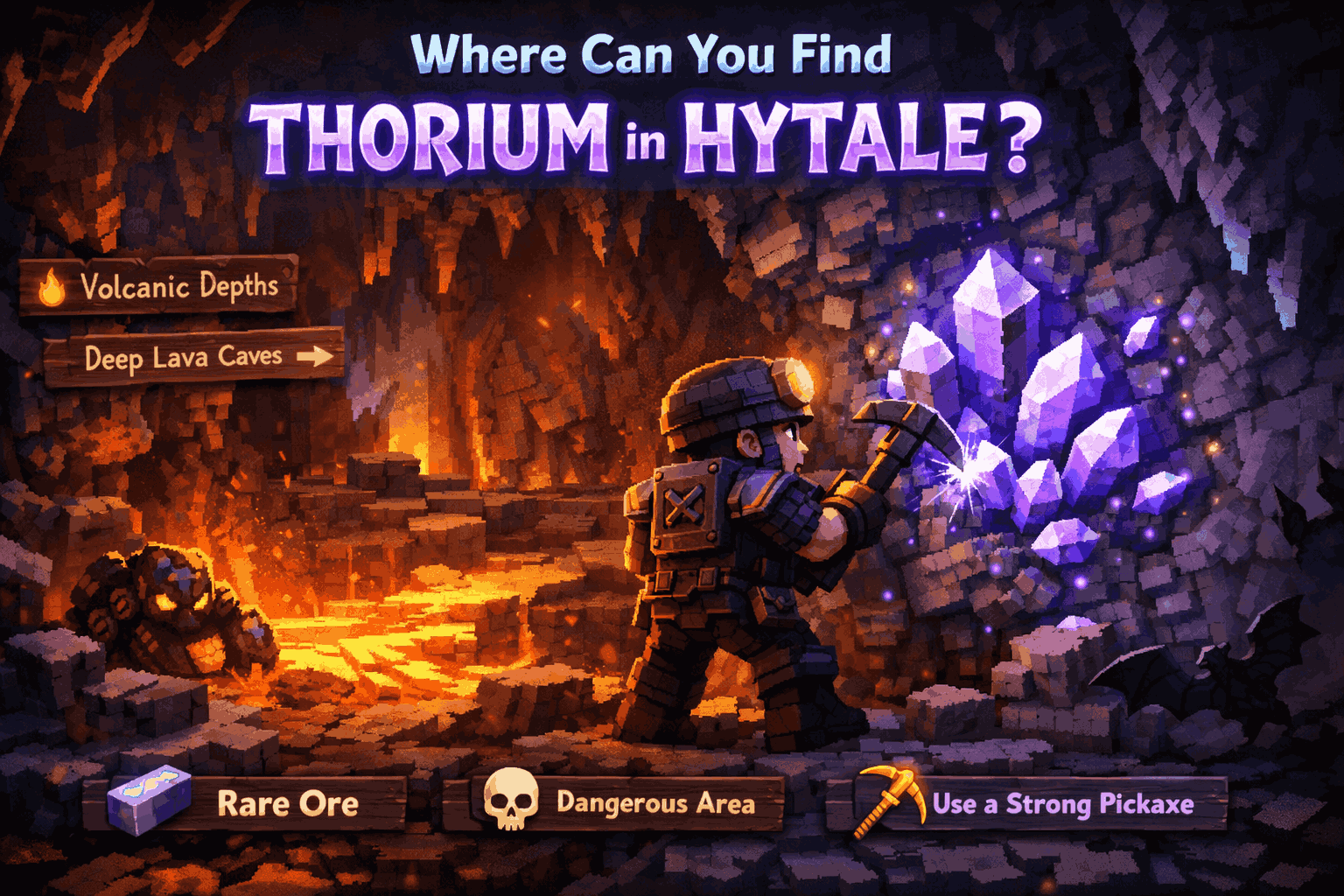
Reaching the end-game in Hytale means one thing: you need Thorium. This elusive purple ore is the gateway to the strongest armor and weapons in the game, but finding it in the treacherous Zone 4 can be a nightmare of lava pools and void creatures. Whether you are struggling to locate the right biome or keep getting disconnected from servers while mining, this guide covers the most efficient coordinates and troubleshooting steps to secure your haul.
Key Takeaways
- Zone 4 Exclusivity – Thorium is primarily found deep underground in the Devastated Lands.
- Gear Check – You absolutely need a Cobalt Pickaxe or better to mine it.
- Connection Fixes – Solves common multiplayer disconnects that ruin mining runs.
- Instant Access – Use XMODHUB to spawn resources if the grind becomes too tedious.
Let’s break down the details below.
Where Can You Find Thorium in Hytale?
Thorium is not just rare; it is dangerous to acquire. Unlike copper or iron, you won’t stumble upon it in the green hills of Zone 1. You must venture into the most hostile environments the game offers. The ore itself represents the corruption of the void, often found embedded in the hardest rock formations deep within the planet’s crust.
Best Biomes for Hytale Thorium Farming
The primary source for Thorium is Zone 4: The Devastated Lands. This biome is characterized by scorched earth, lava rivers, and jagged obsidian peaks. While surface deposits are theoretically possible, they are incredibly rare. Your best strategy is to find a cave entrance that leads deep into the crust.
Locating Thorium Ore in Zone 4
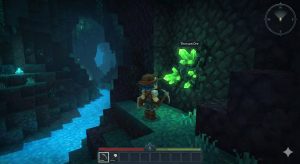
Once you are in the Devastated Lands, look for lava lakes underground. Thorium nodes often spawn near heat sources. The ore itself has a distinct glowing purple texture that stands out against the dark obsidian and ash blocks. If you are struggling to see, check your brightness settings or use a gamma boosting mod, though the in-game lantern is usually sufficient.
Also, keep your ears open. Thorium veins emit a low-frequency hum that can be heard through walls. If you hear a vibrating sound distinct from the usual lava bubbling, start digging. Be wary of Void Eyes, which often nest near these high-value deposits; their screech is usually the last thing a greedy miner hears.
Strip Mining vs. Spelunking
There are two schools of thought when it comes to farming Thorium: strip mining and spelunking. Strip mining involves digging long, straight tunnels at Y-level 15. This method is safer but incredibly slow due to the hardness of the deepslate and obsidian blocks in Zone 4. Spelunking—exploring natural cave systems—is far more efficient because more surface area is exposed. However, natural caves in Zone 4 are often flooded with magma, requiring you to bridge constantly. For maximum yield per hour, spelunking is the superior choice, provided you have the combat gear to survive the inhabitants.
What Gear Do You Need for Thorium?
Going into Zone 4 unprepared is a quick way to lose your inventory. The environmental hazards alone can kill you, let alone the mobs. You need to treat this like a raid, not a casual mining trip.

Best Pickaxe for Thorium Extraction
You cannot mine Thorium with iron or stone tools. You need at least a Cobalt Pickaxe. If you try to mine it with a lower-tier tool, the block will break, but it will drop nothing. I learned this the hard way after spending ten minutes chipping away at a node with an Iron Pickaxe—don’t make my mistake. Cobalt is found abundantly in Zone 3 (Borea), so make sure you have farmed that zone extensively before progressing.
Essential Potions for Survival
In the heat of Zone 4, passive regeneration is often not enough. You should carry at least three stacks of potions. Fire Resistance Potions are non-negotiable; one slip into a lava pool will end your run instantly without them. Regeneration Potions are also critical for countering the “Withering” effect applied by Void creatures. If you can craft them, Night Vision Potions will help you spot the purple glint of Thorium across large caverns without needing to place torches every few steps.
Crafting Hytale High-Tier Gear
Before heading to Zone 4, farm Zone 3 for Cobalt. Craft a full set of Cobalt armor if possible. The enemies in the Devastated Lands hit hard, and lava burns through health bars quickly. Bring plenty of potions and building blocks to bridge over magma. Eventually, you will combine Thorium with other metals to create a powerful alloy capable of withstanding the game’s final bosses.
Pro Tip: Don’t just rely on blocks. Bring a Grappling Hook or plenty of Scaffolding. Zone 4 is vertical hell, and one missed jump means a fiery death. Unlike Minecraft, Hytale’s physics can be unforgiving, and bridging with dirt over lava is a recipe for disaster if a fireball hits your bridge.
Why is Hytale Multiplayer Not Working?
Nothing is worse than finding a vein of Thorium and seeing the “Connection Lost” screen. If you are experiencing issues, here is how to fix them. Multiplayer stability in Hytale can be finicky, especially with the influx of players in 2026.
Fixing Hytale Failed to Connect to Server Errors
If you see the “hytale failed to connect to server” message, first check your firewall. Hytale requires specific ports to be open for multiplayer. Often, Windows Defender blocks the game executable (Hytale.exe) after an update. Since Hytale runs on a custom C++ engine now, old Java exceptions won’t help you. Allow the game through your firewall and restart your router. If the issue persists, verify the server status on the official forums.
Advanced Network Fixes (DNS & Ports)
If basic troubleshooting fails, high latency or packet loss might be the culprit. Try flushing your DNS cache. Open your command prompt as an administrator and type ipconfig /flushdns. This clears out any outdated server addresses your computer might be holding onto. Additionally, ensure that port 25565 (or the specific port used by your server host) is forwarded in your router settings. This is a common issue for players hosting their own private adventure servers.
Troubleshooting Hytale Mod Conflicts
Using an outdated Hytale mod is the most common cause of connection drops. If the server is running a different version of a mod than your client, you will be kicked instantly. Disable all client-side mods and re-enable them one by one to identify the culprit.
Common Hytale Mining Mistakes to Avoid
Efficiency is key when farming end-game resources. Avoid these common pitfalls to maximize your yield.
Mining Without Proper Light Sources
Zone 4 caves are pitch black. Mobs spawn in unlit areas constantly. Always bring stacks of torches or a lantern mod. Relying on the dim glow of lava is dangerous because it creates shadows where creepers or void eyes can spawn right behind you.
Poor Inventory Management
Thorium runs produce a lot of waste blocks like deepslate, ash, and basalt. If your inventory fills up with junk, you might not notice when you stop picking up the valuable ore. Bring Shulker-like backpacks or use a mod that automatically deletes common blocks. In a voxel game like Hytale, inventory space is your most valuable currency during a mining trip.
Ignoring Hytale Durability Mechanics
Cobalt tools have decent durability, but obsidian and Thorium ore consume it faster than stone. Always carry a backup pickaxe or a repair station if you are using mods like Backpacks. Running all the way back to base because your pickaxe broke is a massive waste of time.
Skip the Grind: Instant Resources
Sometimes you just want to build and explore without spending hours hitting rocks. XMODHUB’s Hytale trainer offers a safe way to bypass the grind in single-player mode.
❤️ Infinite Health
Explore Zone 4 without fear of lava or void creatures. Perfect for scouting ore locations safely.
💰 Infinite Items
Spawn Thorium, Cobalt, or any building block instantly. Build your dream castle without the mining trip.
⏱️ Super Mining Speed
Break blocks instantly regardless of tool tier. Clear out entire caves in seconds to find rare ores.
⚔️ Fly Mode
Navigate vertical caves and lava lakes effortlessly. Reach high ceilings where ores often hide.
These featured mods are just the beginning. Whether you’re looking to skip tedious grinding, experiment with different playstyles, or speed up your progression, XMODHUB’s comprehensive toolkit offers dozens more options tailored to your playstyle.
Player Stats
- Infinite Health – Never die to lava or mobs
- Infinite Stamina – Sprint and jump forever
- No Hunger – Remove survival mechanics
Inventory/World
- Infinite Items – Unlimited building materials
- Set Time of Day – Keep it always day for visibility
- Super Jump – Scale mountains easily
Using Safe Cheats in Single-Player
Always use these tools in offline or single-player adventure modes. Using resource hacks on public servers like Hypixel can trigger Watchdog bans. XMODHUB is designed to be safe for your local save files, allowing you to experiment with builds without risk.
Hytale Thorium Farming FAQ
Ready to enhance your gameplay?

I create content for Xmodhub, where I curate and share game mods, tools, and other resources. My goal is to help players discover great add-ons, enjoy a smoother experience, and have more fun.

 Catherine Hu
I really appreciate how you emphasized that Thorium isn’t just rare but also hidden in the most dangerous zones of the game. The Devastated Lands are a real challenge, and it’s helpful to know exactly where to go to find it, especially when you’re up against those lava pools!