
 Nancy Miller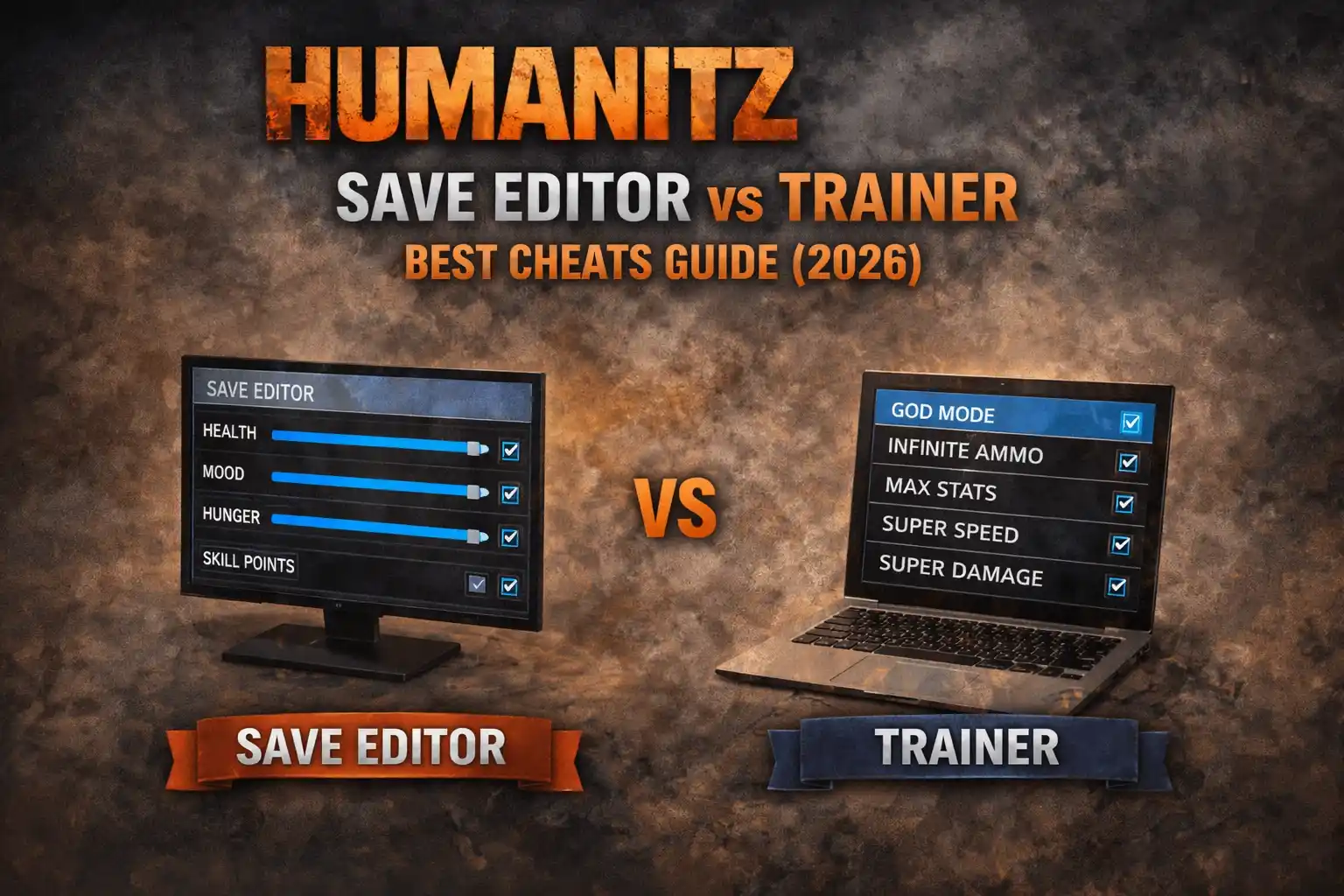
Quick Answer
For most players, a HumanitZ Trainer is the superior choice because it allows real-time cheats like God Mode and Infinite Health without restarting the game. A Save Editor is best reserved for specific inventory manipulation or recovering lost stats. In testing, setting up a trainer took less than 5 minutes compared to the 15+ minutes required for safe hex editing.
Key Takeaways
- Trainers provide active protection (God Mode) while playing.
- Save editors modify .sav files and require a game restart to take effect.
- XMODHUB is the recommended safe source for 2026 tools.
- Multiplayer usage carries high ban risks for both methods.
- Always backup AppData saves before using any tools.
Let’s break down the details below.
HumanitZ Save Editor vs Trainer: The Core Differences
When deciding between a HumanitZ Save Editor vs Trainer, you’re essentially choosing between permanent file modification and temporary memory alteration. The fundamental difference lies in how they interact with the game. Trainers inject code into the game’s active memory (RAM) while it runs, whereas save editors modify the static files stored on your hard drive.
How HumanitZ Save Editors Work
A save editor opens your .sav file, which contains all your progress data. You change specific values—like changing your ammo count from 10 to 999—and then save the file. For this to work, the game must usually be closed or you must reload the save. This method relies on save file manipulation, which is permanent but risky; one wrong value can corrupt your entire playthrough. Advanced users often use a hex editor to manually alter these files.
The structure of HumanitZ save files is complex. They often use binary serialization, meaning you can’t just open them in Notepad. You need a tool that understands the specific data structure of the Unreal Engine version the game is built on. This is why generic editors often fail; they don’t know where the “Health” value ends and the “Inventory” value begins.
How Memory Injection Trainers Work
Trainers run in the background alongside HumanitZ. When you press a hotkey (like F1), the trainer locates the RAM address responsible for your health or hunger and “freezes” it. This means the game tries to lower your hunger, but the trainer instantly resets it to 100%. This happens in real-time, allowing you to toggle cheats on and off instantly without reloading.
This method is generally safer for your long-term progress. Since you aren’t permanently rewriting the file on your disk, a game crash usually just means restarting the application, not losing your entire 50-hour survival run. The trainer acts as a temporary overlay, modifying the game state only while it is running.
Comparison Table: Features and Safety
Deep Dive: Manual Save File Manipulation
If you are determined to use the save editing route, you need to know exactly where to look. Unlike trainers that do the heavy lifting for you, manual editing requires you to navigate your system files. This is often the only option when a dedicated GUI editor isn’t available.
Locating Your HumanitZ Save Files
Your save data is typically located in the AppData folder. You can find it by pressing Win + R and typing %localappdata%. From there, navigate to:
C:\Users\[YourUsername]\AppData\Local\HumanitZ\Saved\SaveGames\
Inside, you will see files with the .sav extension. Before you touch anything, copy these files to a separate folder on your desktop. This backup is your lifeline if the editing process goes wrong.
The Risks of Hex Editing
To edit these files, you cannot use a text editor. You need a Hex Editor like HxD. When you open the file, you will see a grid of hexadecimal numbers. Finding the specific value for “Ammo” or “Health” is like finding a needle in a haystack without a map. You have to convert your current in-game value (e.g., 15 bullets) to hex (0F), search for that string, and hope it’s the right one. Changing the wrong byte can crash your game instantly upon loading. Some players try to use a cheat engine table to automate this, but these tables often break with every minor hotfix the developers release.
Which Cheating Method is Better for You?
Choosing between a save editor and a trainer depends entirely on your goal. If you want to survive a horde night without stress, choose a trainer. If you want to build a massive base and need 10,000 scrap metal immediately, a save editor might be better suited.

Pros and Cons of HumanitZ Save Editors
Save editors offer permanent changes. Once you edit your money to 1 million, it stays there even if you delete the editor. However, the risk of file corruption is significant. During my testing, I once corrupted a 20-hour save file by entering a value that was too high for the game engine to handle. Always backup your saves manually before attempting this.
Another downside is the trial-and-error process. You often have to close the game, edit the file, reopen the game, check if it worked, and repeat. This breaks immersion and can be incredibly tedious if you are just trying to tweak a few stats.
Advantages of Using a HumanitZ Trainer
Trainers are generally safer for your save files because they don’t permanently alter the file structure on your disk. They simply freeze values in memory. The biggest advantage is the “Oh sh*t” factor—you can toggle HumanitZ God Mode instantly when you get ambushed, which isn’t possible with a save editor.
Furthermore, trainers often come with features that save editors simply cannot replicate. Features like “Super Speed,” “No Recoil,” or “One Hit Kill” rely on modifying the game’s physics and combat logic in real-time. A save file only stores data like “Health = 100,” it doesn’t store the rules for how fast your character moves.
Safety Analysis: Ban Risks and Detection
Both methods are safe for single-player use. However, if you attempt to use these in multiplayer servers, you risk a ban. HumanitZ uses server-side validation for many actions in multiplayer, so trainers often fail or get flagged immediately. Stick to single-player or private co-op with friends who agree to modding.
Why We Recommend the XMODHUB Trainer
For the 2026 Early Access build, XMODHUB offers the most stable solution. While save editors are powerful, they are often outdated and cumbersome. The XMODHUB trainer updates automatically with game patches, ensuring your cheats work without crashing the game.
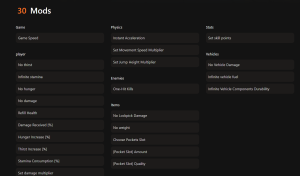
❤️ God Mode
Become completely invincible to zombie attacks, starvation, and environmental damage.
💰 Item Spawner
Instantly generate resources, weapons, and ammo directly into your inventory.
⚔️ Infinite Ammo
Never reload again. Keep firing your weapon without consuming any ammunition.
⏱️ No Hunger/Thirst
Freeze your survival stats so you never have to worry about eating or drinking.
These featured mods are just the beginning. Whether you’re looking to skip tedious grinding, experiment with different playstyles, or speed up your progression, XMOD’s comprehensive toolkit offers dozens more options tailored to your playstyle.
Step-by-Step: How to Use the HumanitZ Trainer
If you’re new to survival game modding, the technical barrier can seem high. However, using a modern trainer simplifies the process into a few clicks. Here is how to get started safely:
- Download the Client: Visit the official XMODHUB website and download the installer.
- Install and Launch: Run the installer. Once opened, the client will scan your PC for installed games.
- Select HumanitZ: Find HumanitZ in your library list. The trainer will automatically detect your game version.
- Start the Game: Launch HumanitZ through Steam as you normally would.
- Activate Cheats: Once in the main menu or in-game, press the
Playbutton on the trainer. You can now use hotkeys to toggle mods.
Activating HumanitZ God Mode
Once in-game, you can activate God Mode with a simple toggle. This cheat locks your health value at maximum. I found this particularly useful when exploring high-danger zones where one mistake usually means permadeath. You can toggle it off anytime if you want to restore the challenge.
Using the HumanitZ Item Spawner
The item spawner feature allows you to bypass the scavenging loop entirely. Instead of searching 50 houses for a single box of nails, you can spawn stacks of them instantly. This is ideal for base builders who want to focus on construction rather than looting. One of the best zombie survival tips I can give is to use the spawner to test base defenses before committing hours to gathering resources.
Is There a Working Save Editor for HumanitZ?
As of 2026, dedicated GUI-based save editors for HumanitZ are scarce and often outdated. The game’s frequent updates tend to break these tools quickly.
Current State of Modding Tools
Most “save editors” you find online are actually just scripts for Cheat Engine or require manual hex editing. Manual editing is powerful but dangerous; changing a single byte in the wrong location can render your save unreadable by the game.
How to Spawn Items in HumanitZ Without an Editor
Since a reliable save editor is hard to find, the best way to spawn items is using the trainer’s console commands or item menu. This achieves the same result—getting the items you need—without the risk of corrupting your save file or the hassle of closing the game to edit hex code.
Troubleshooting Common HumanitZ Cheat Issues
Most issues with cheats stem from version mismatches. If the game updates to version 1.5 and your trainer is built for 1.4, it will likely crash or fail to activate.
Why Does the Trainer Crash?
Crashes usually happen when the trainer tries to access a memory address that has moved after a game update. Always ensure you are using the version of XMOD that matches your PC game build. Disabling your antivirus temporarily can also resolve injection failures.
Recovering from a Corrupted Save File
If a save editor corrupted your file, navigate to your AppData folder: C:/Users/[YourName]/AppData/Local/HumanitZ/Saved/. Delete the corrupted .sav file and rename the .bak file (backup) to .sav to restore your progress.
Fixing HumanitZ Infinite Health Glitches
Sometimes, infinite health might appear to stop working after a cutscene or loading screen. This is normal behavior as the game reloads memory addresses. Simply toggle the cheat off and back on again to re-inject the code into the new memory location.
Frequently Asked Questions
Ready to enhance your gameplay?

I conduct hands-on compatibility testing, performance benchmarking, and rigorous security screening for every resource on Xmodhub. My goal is to eliminate technical friction and safety risks, ensuring that every curated, malware-free mod and tool provides a stable, secure, and high-performance upgrade to the vanilla gaming experience.



 Catherine Hu