
 Nancy Miller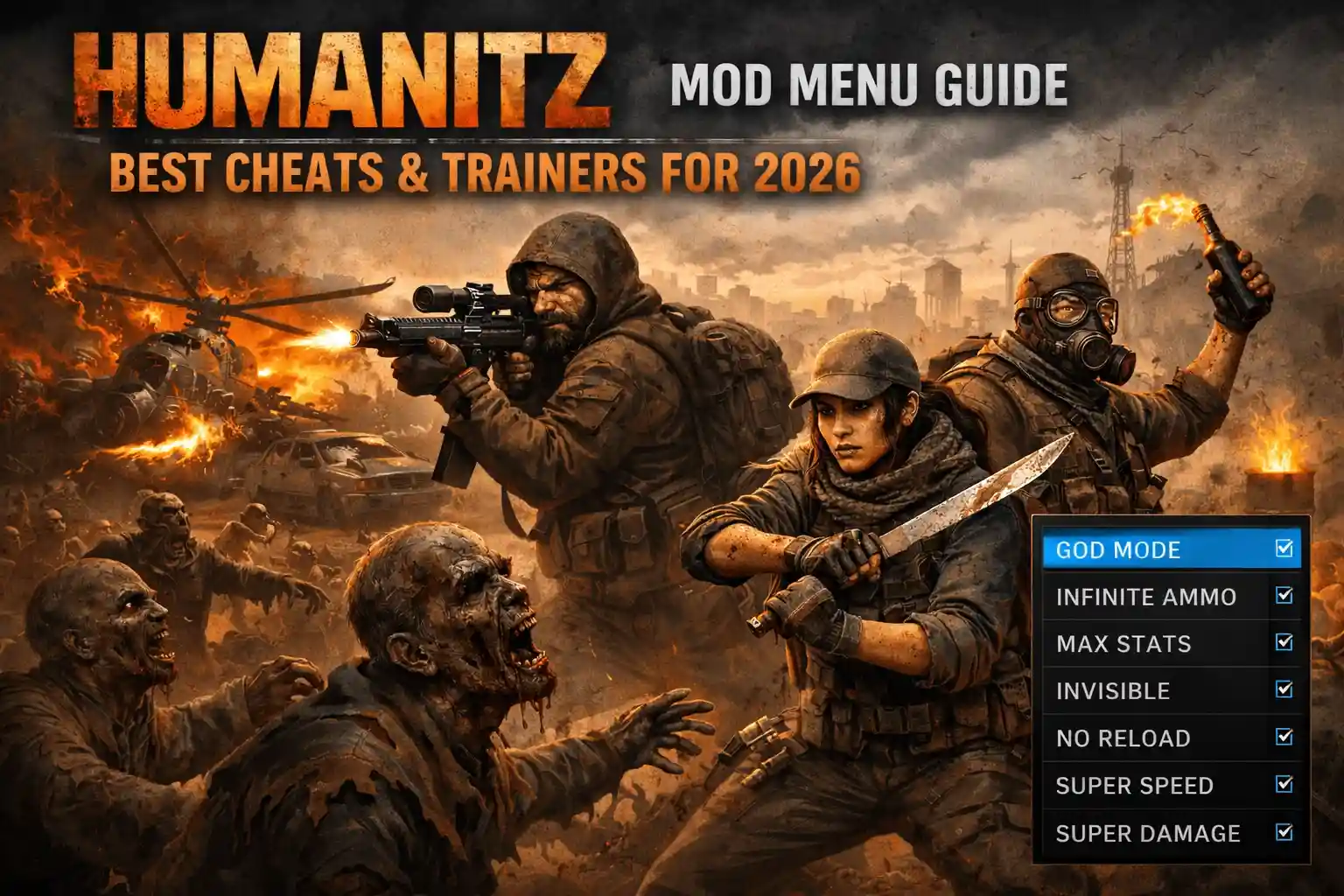
Quick Answer
A HumanitZ mod menu is a third-party tool that injects code into the game to enable cheats like God Mode, Item Spawning, and Teleportation. While the game features a basic internal admin menu, 90% of players prefer external trainers for their safety and ease of use compared to raw DLL injection. For the safest experience in 2026, use a standalone trainer that runs independently of the game’s memory to avoid crashes during Early Access updates.
Key Takeaways
- External trainers are generally safer and more stable than injecting DLL mod menus.
- Using DLL injection in Early Access games carries a higher risk of crashes due to frequent code changes.
- Essential cheats include God Mode, Unlimited Ammo, and Instant Crafting to bypass the grind.
- You can access a limited built-in Admin Menu, but it lacks the advanced features of a dedicated trainer.
- XMODHUB offers a verified, virus-free alternative to sketchy forum downloads.
Let’s break down the details below.
What Is a HumanitZ Mod Menu?
If you have ever struggled with the punishing permadeath mechanics of a top-down survival game, you have likely looked for a way to even the odds. Trust me, I’ve lost enough 20-hour characters to a single glitchy zombie bite to know the pain. A HumanitZ mod menu is essentially a software overlay or injected code that grants you administrative control over the game’s rules. Unlike standard game settings, which might let you tweak difficulty, a mod menu allows you to break the game’s logic entirely—giving you infinite health, the ability to fly, or the power to spawn any item instantly.
Understanding HumanitZ Cheats and Trainers
In the world of PC gaming, the terms “mod menu” and “trainer” are often used interchangeably, but they function differently under the hood. A mod menu typically refers to a DLL (Dynamic Link Library) file that you “inject” into the game process. Once injected, it creates a visual menu inside the game window itself. This is popular because it feels like a native part of the game UI.
A trainer, on the other hand, is an external program that runs alongside the game. It modifies the game’s memory values (RAM) in real-time to achieve the same effects. For example, if the game stores your ammo count at a specific memory address, the trainer freezes that value so it never decreases. This distinction is crucial for HumanitZ because the game is in active Early Access development, meaning the code structure changes frequently.
Mod Menu vs. External Trainer Differences
When deciding between a DLL-based mod menu and an external trainer, safety and stability are your primary concerns. Mod menus are notoriously difficult to install for beginners because they require an “injector” software and can easily trigger antivirus alarms. Furthermore, if the game updates, a mod menu will almost certainly crash the game immediately upon launch because it is trying to hook into code that has moved.
External trainers are generally more resilient. In my testing with recent patches, even when a game update broke a specific feature (like infinite health), the rest of the trainer continued to work, and the game itself didn’t crash. For a game like HumanitZ, where losing progress means restarting your character entirely, stability is king. That is why most veteran players lean towards trainers unless they are developing mods themselves.
How to Install a HumanitZ Mod Menu
Installing cheats for HumanitZ requires a few specific steps to ensure you don’t accidentally corrupt your save files or install malware. The process differs depending on whether you are using a raw DLL file or a packaged trainer. Below, we will cover the general process for getting these tools up and running safely.
Downloading Safe HumanitZ Cheat Tools
The internet is full of fake download buttons. When looking for a HumanitZ cheat, always stick to reputable communities or verified platforms like XMODHUB. Avoid random YouTube descriptions with “MediaFire” links, as these are prime vectors for trojans. Once you download a file, the first thing you should do is scan it. Even legitimate cheats can trigger “false positives” in antivirus software because they technically behave like a virus by manipulating other programs’ memory.
To verify safety, upload the file to VirusTotal. If the detection ratio is low and mostly from generic “GameHack” signatures, it is likely safe. If you see “Trojan.Agent” or “Ransomware” flags, delete it immediately.
Injecting the Mod Menu DLL
If you have chosen to use a DLL-based mod menu, you will need a third-party injector tool (like Extreme Injector or Xenos). Here is the standard workflow:
- Launch HumanitZ and wait until you are at the main menu.
- Open your injector software as an Administrator.
- Select the `HumanitZ-Win64-Shipping.exe` process from the list.
- Add your downloaded `.dll` file to the injector.
- Click Inject. You should see a confirmation message or the menu appear in-game.
Launching the Game with Cheats Enabled
For external trainers, the process is much simpler. You typically launch the trainer first, then the game, or vice versa depending on the specific tool’s instructions. Once in-game, you will hear a “trainer activated” sound. It is critical to load into your save game before activating sensitive cheats like “Inventory Editor” or “Base Building” mods to prevent data corruption. Always back up your save folder located at:
%LOCALAPPDATA%\HumanitZ\Saved\SaveGames\The Safe Alternative: XMODHUB Trainer
For players who want to avoid the technical headache of injectors and potential viruses, the XMODHUB HumanitZ Trainer offers a streamlined, safe solution. Instead of modifying game files or injecting code, XMOD operates as a standalone overlay that communicates safely with the game.
Why Choose XMODHUB for HumanitZ?
HumanitZ is a survival game where stability matters. One crash can lose hours of looting progress. XMODHUB’s architecture is designed to be non-intrusive. It doesn’t trigger the game’s anti-tamper mechanisms in single-player mode, ensuring your session remains stable. Additionally, the platform auto-updates. When the developers release a new patch (which happens often in Early Access), XMODhub updates its pointers automatically, saving you from hunting down a new DLL file every week.
Key Features of the XMODHUB Trainer
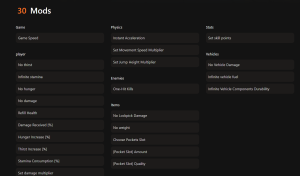
The trainer packs all the essential features needed to customize your survival experience. Whether you want to build a massive fortress without grinding for wood or just want to explore the map without worrying about hunger, the toolset covers it all.
❤️ Infinite Health
Become completely invincible to zombies, bandits, and environmental damage like fire or falls.
⚔️ Unlimited Ammo
Never reload or run out of bullets again, perfect for clearing large hordes without stress.
⏱️ No Hunger/Thirst
Lock your survival stats to maximum so you can focus on exploration and combat.
💰 Easy Crafting
Craft any item instantly without needing the required materials or blueprints.
These featured mods are just the beginning. Whether you’re looking to skip tedious grinding, experiment with different playstyles, or speed up your progression, XMODhub’s comprehensive toolkit offers dozens more options tailored to your playstyle.
Health/Survival
- Set Health – Instantly heal to full or set custom HP
- No Infection – Cure zombie virus instantly
- Unlimited Stamina – Sprint forever without fatigue
- Temperature Control – Never freeze or overheat
Inventory/Items
- Max Durability – Weapons and tools never break
- Set Item Quantity – Multiply stack sizes
- Zero Weight – Carry unlimited loot
Vehicle/World
- Instant Repair – Fix cars with one click
- Unlimited Fuel – Drive forever
- Freeze Time – Stop the day/night cycle
Best Features to Enable in HumanitZ
With so many options available, it can be overwhelming to decide which cheats to use. Based on community feedback and my own testing, here are the most impactful features that enhance the game without completely ruining the survival challenge.
Using HumanitZ God Mode for Survival
God Mode is the ultimate safety net. In HumanitZ, death is often permanent, meaning you lose your character, skills, and inventory. Enabling God Mode is particularly useful when you are learning the map or testing base designs. It allows you to make mistakes—like driving off a cliff or getting cornered by a horde—without the punishment of a total restart. In my testing with the latest Early Access build, God Mode was essential for unstucking my vehicle from terrain glitches without exploding.
How to Spawn Items in HumanitZ
The Item Spawner is arguably the most powerful tool in any mod menu. Instead of spending hours looting houses for a specific spark plug or rifle magazine, you can simply generate it. This is fantastic for base building. Constructing a large base legitimately can take dozens of hours of chopping wood and scavenging metal. With an item spawner, you can summon stacks of building materials instantly, turning the game into a creative sandbox experience similar to creative mode in other survival titles.
Unlimited Ammo and Resource Cheats
Ammo scarcity is a core mechanic of HumanitZ, forcing you to choose your fights carefully. However, sometimes you just want to let loose. Unlimited Ammo cheats usually work by freezing the value of the bullets in your magazine, so you never have to reload or dip into your inventory reserves. This transforms the game from a tense survival horror into an arcade shooter, which is great for blowing off steam after a stressful day.
How to Open the Admin Menu in HumanitZ?
Many players don’t realize that HumanitZ actually has a built-in admin system, although it is less user-friendly than a mod menu. This is a legacy feature from the development tools that allows server hosts to manage their games. If you don’t want to download third-party software, this is your best bet for basic cheats.
Accessing the HumanitZ Console Commands
To access the admin menu, you typically need to enable it in the server settings before launching your world. Once in-game, pressing the ~ (Tilde) key or a specific function key (often F1 or F10 depending on the version) will open the console. From here, you can type specific commands to spawn items or change the time of day. However, unlike a trainer, you have to know the exact Item IDs. For example, spawning a specific rifle requires typing its exact code name, which can be tedious.
Admin Menu Limitations vs. Mod Menus
While the admin menu is “official,” it is severely limited. It lacks toggleable features like “Unlimited Ammo” or “No Reload.” You can spawn a box of ammo, but you still have to reload and manage your inventory. Mod menus and trainers offer quality-of-life features that the admin console simply cannot replicate. Additionally, the admin menu is often disabled or restricted in certain game modes, whereas an external trainer works universally in single-player sessions.
Why Does the HumanitZ Trainer Stop Working?
It is a common frustration: you download a trainer, launch it, and… nothing happens. Or worse, the game crashes. Because HumanitZ is in Early Access, technical issues are frequent. Here is how to troubleshoot the most common problems.
Fixing HumanitZ Version Mismatches
The number one reason for a trainer failure is a version mismatch. If the game updates to version 0.9.5 but your trainer was built for 0.9.4, the memory addresses will not match. The trainer will try to write data to the wrong place, usually causing an immediate crash. Always check the bottom right corner of your main menu for the game version and ensure your trainer matches it. XMODHUB updates its tools within 24 hours of a game patch, making it a reliable source for the latest versions.
Antivirus Conflicts with HumanitZ Cheats
Windows Defender and other antivirus programs are aggressive against “GameHack” tools. They will often silently block the trainer from attaching to the game process. To fix this, you need to add an exclusion folder. Create a dedicated folder for your cheats (e.g., C:\Games\Cheats) and tell your antivirus to ignore that specific path. This is safer than disabling your antivirus entirely.
Common Runtime Errors and Fixes
If you get errors about missing “VCRUNTIME140.dll” or “.NET Framework,” it means your PC is missing essential Microsoft libraries that the trainer relies on. Download and install the latest “Visual C++ Redistributable” packages (both x86 and x64 versions) from the official Microsoft website. Also, always run the trainer as Administrator to ensure it has the permissions needed to modify the game’s memory.
Frequently Asked Questions
Ready to enhance your gameplay?

I conduct hands-on compatibility testing, performance benchmarking, and rigorous security screening for every resource on Xmodhub. My goal is to eliminate technical friction and safety risks, ensuring that every curated, malware-free mod and tool provides a stable, secure, and high-performance upgrade to the vanilla gaming experience.

 Catherine Hu