
 Catherine Hu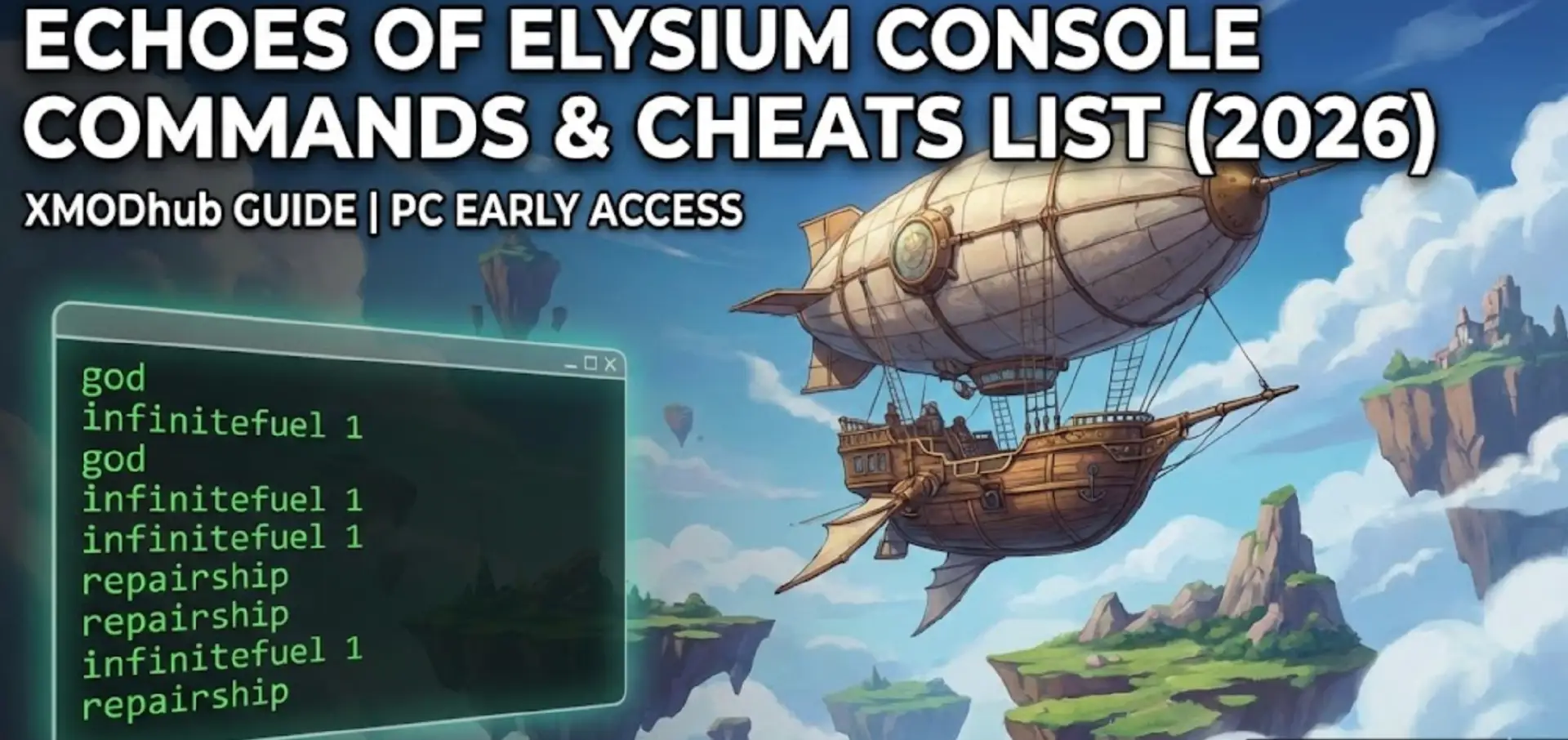
Stuck on a floating island with a blown engine and zero Aether Fuel? Or maybe your massive dreadnought is lagging your game to single-digit FPS?
In Echoes of Elysium, the skies are unforgiving. While the game is designed to be a hardcore survival experience, sometimes you need the Developer Debug Console to fix bugs, recover from physics glitches, or simply build without limits.
The Reality Check: The console is hidden by default in the Early Access build. Below is the verified guide to unlock it, along with the complete list of cheats for Gameplay, Airships, and Performance.
You may also like:
Where to Find Echoes of Elysium Save Files & Blueprints (PC/Steam) | 2026 Launch Guide
Quick Reference: Top 10 Essential Cheats
Here are the commands you need to survive the void.
How to Force Enable the Console (2 Methods)
Method 1: Steam Launch Options (Easiest)
- Right-click Echoes of Elysium in Steam > Properties.
- In Launch Options, type:
-console -debug. - Launch game -> Press ~ (Tilde) or F1.
Method 2: Config File Edit (If Method 1 Fails)
If the overlay doesn’t appear, you must edit the initialization file:
- Go to:
%localappdata%\Loric Games\Echoes of Elysium\Saved\Config. - Open
Input.iniwith Notepad. - Add this line:
ConsoleKey=Tilde. - Save and launch.
Airship Cheats (Repair, Fuel, Weight)
These commands are unique to Echoes of Elysium builders.
- repairship: Instantly fixes all hull and engine damage. Lifesaver when you crash into an island.
- infinitefuel [1/0]: Disables fuel drain on all engines.
Usage:infinitefuel 1(On) /infinitefuel 0(Off). - ignoreweight: Disables the physics weight calculation.
Why use this? It allows you to build massive “Sky Castles” with small engines without sinking. - unstuck: Teleports your ship 5 meters up. Use this if you clip into terrain.
Performance & FPS Boost Commands
Early Access games often struggle with optimization. Use these to get smooth gameplay:
- stat fps: Shows your current Frame Rate.
- r.ViewDistanceScale 0.5: Reduces render distance to boost FPS on low-end PCs.
- r.VolumetricClouds 0: Disables the heavy cloud rendering (huge FPS boost).
- r.ShadowQuality 0: Disables complex shadows.
The Safer Way: XMODhub Visual Trainer
Typing r.VolumetricClouds 0 every time you launch the game is annoying. Plus, using the console often disables Steam Achievements.
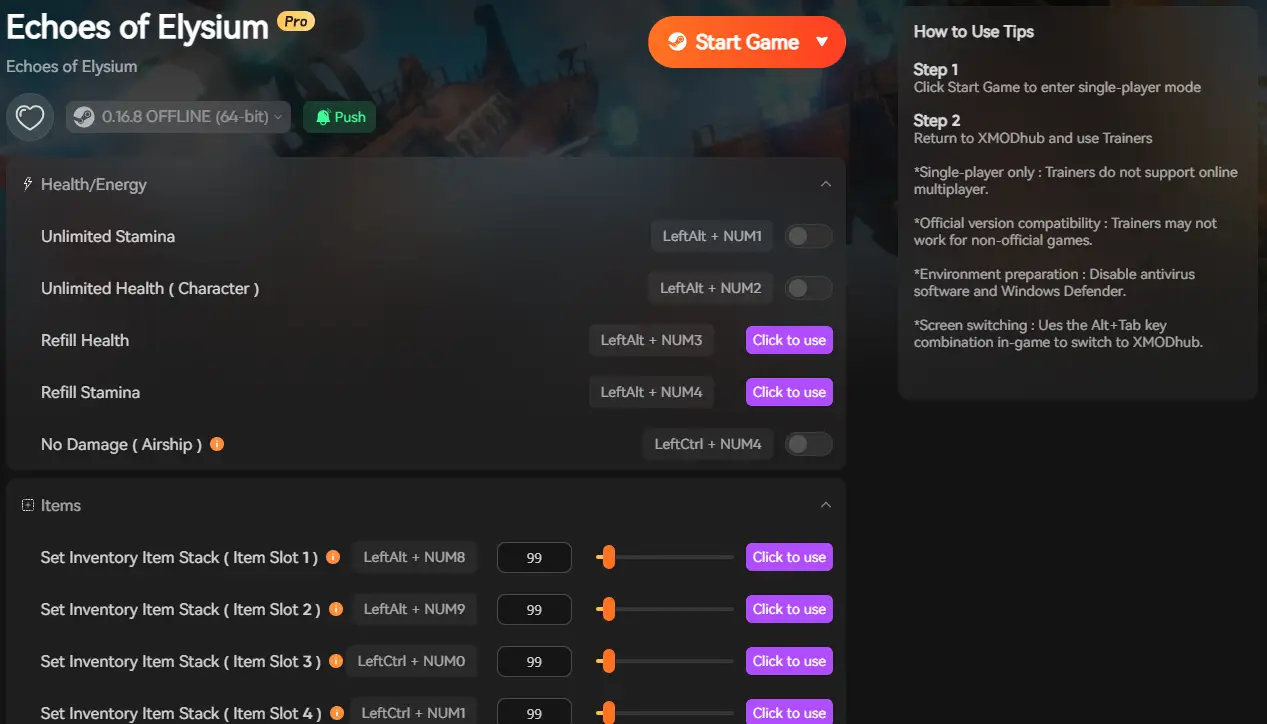
XMODhub is the superior alternative:
- One-Click Optimization: Boost FPS instantly without typing codes.
- Visual Spawner: See the airship part icon before you spawn it.
- Achievement Safe: Our cheats act as an overlay, keeping your achievements intact.
FAQ
Q: Can I use cheats in Multiplayer?
A: No. Console commands are server-side only. You must be the Host/Admin to use them.
Q: What is the item ID for Aether Fuel?
A: The ID is Fuel_Aether_Canister. However, IDs change with patches. Use the XMODhub Item Browser to find current IDs automatically.
Q: How do I take clean screenshots?
A: Type togglehud to remove all UI elements. Type it again to bring them back.
Conclusion
Using Echoes of Elysium console commands is the best way to bypass the grind or fix Alpha-version bugs. Whether you need to repair your ship instantly or boost your FPS, these codes are essential tools.

Echoes of Elysium is just one of many adventures. XMODhub supports more than 5,000+ games, ensuring you have the best tools for similar survival hits like Forever Skies, Voidtrain, and Valheim.
Whether you are exploring the clouds or the ocean, XMODhub covers your entire library with a single subscription.

I am a passionate gamer and writer at XMODhub, dedicated to bringing you the latest gaming news, tips, and insights.
Connect with me:
LinkedIn Profile ↗

 Nancy Miller

